How to Turn One Photo Into Multiple AI Image Variations
Create consistent, high-quality image series from a single photo using AI. No prompts needed - generate multiple angles, poses, and variations instantly.

Creating consistent, high-quality visual content usually means planning shoots, writing prompts, tweaking settings, and repeating the same work again and again. For many creators, the real bottleneck isn't ideas — it's turning a single usable photo into enough content for publishing, testing, or scaling.
Modern AI changes this workflow completely.
Instead of describing what you want or configuring complex settings, you can now generate a full series of images from one photo with a single click. No prompts. No parameters. No technical setup. Even if the original image isn't ideal, it's enough to begin.
This article explains how one-click AI image variation works in practice, why imperfect photos are often the best starting point, and how creators use this approach for Instagram posts, paid platforms, and video generation.
The Real Content Problem Creators Face
Most creators don't struggle with creativity. They struggle with volume and continuity.
You might recognize these situations:
- one photo from a shoot looks good, but the rest don't
- a random image performs well, but there's no follow-up content
- you need different angles for video generation, but only have one frame
- reusing the same photo kills engagement
Re-shooting isn't always possible. Manual editing takes time. Prompt-based AI requires experience and constant corrections.
What creators are really looking for is simple:
"Take this image and give me more usable versions of it — fast."
How One-Click AI Image Variation Actually Works
Instead of relying on text prompts, the system uses the photo itself as the instruction.
You upload an image, press one button, and receive a series of new images that preserve the person while naturally exploring variation. Facial structure, proportions, and identity remain stable, while angles, framing, pose, or micro-expressions change.
Example 1: Yellow Satin Dress
Starting Photo:
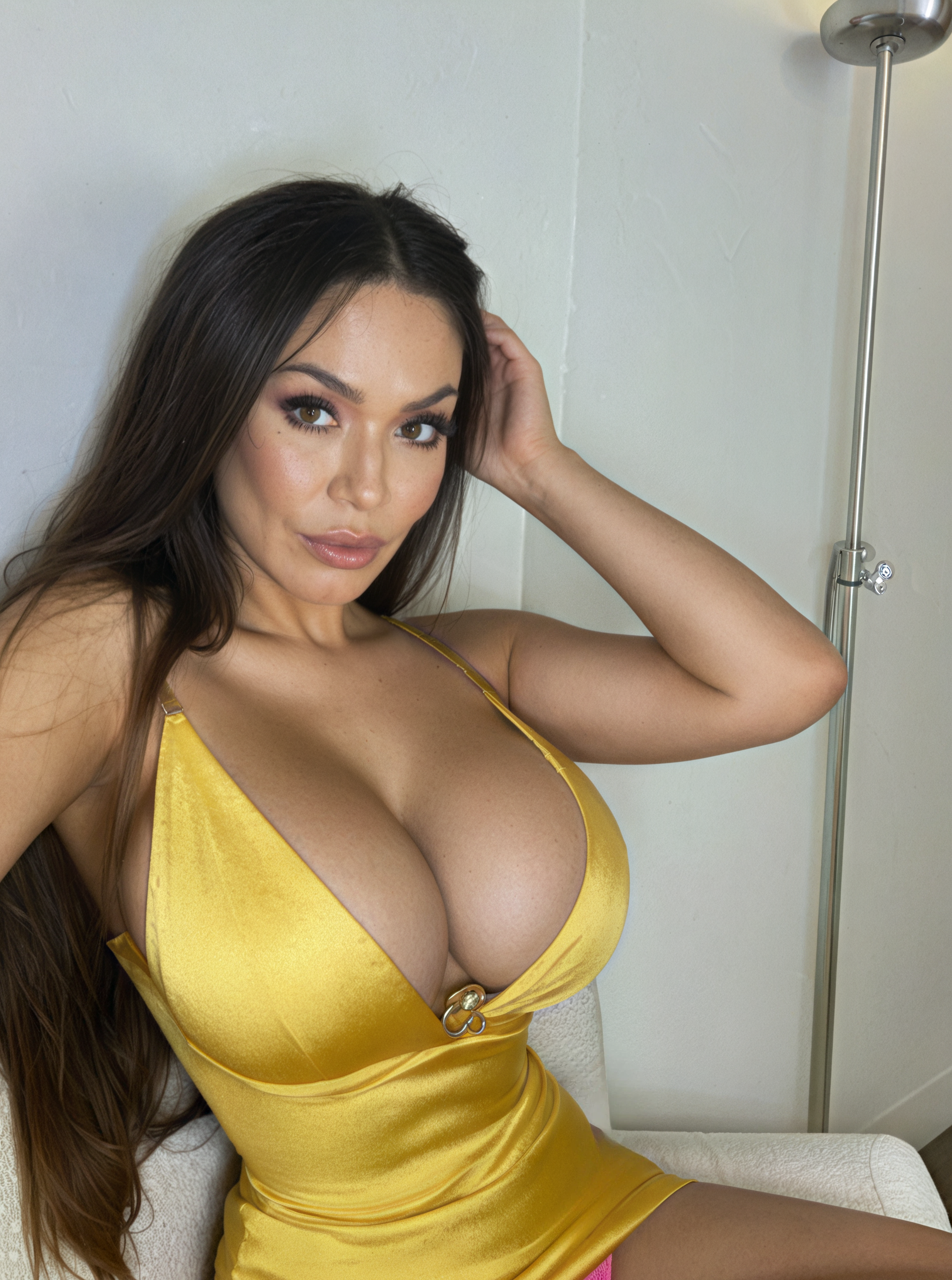 One source photo - this is all you need to begin
Generated Variations:
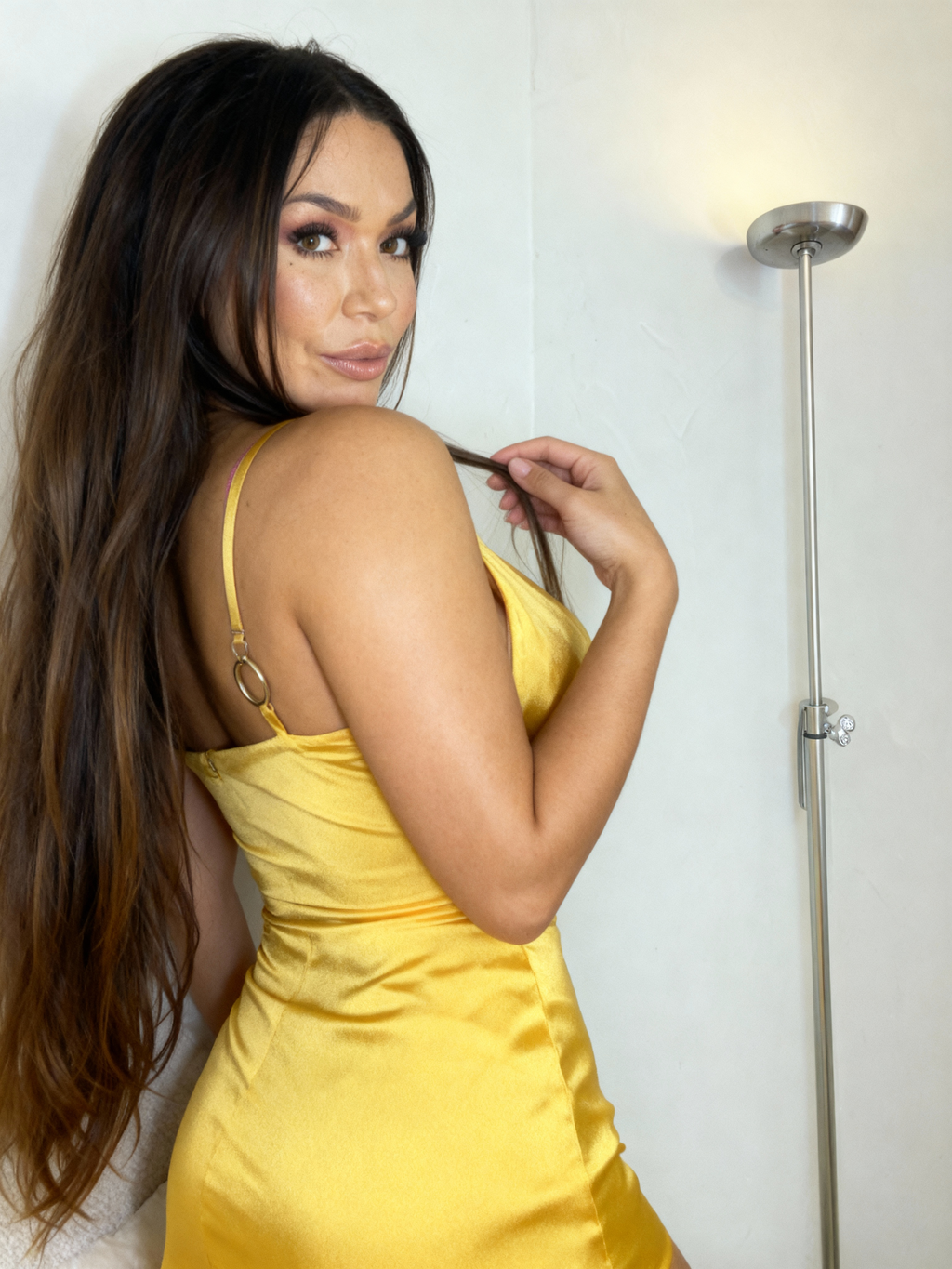 Variation 1: Different angle and pose
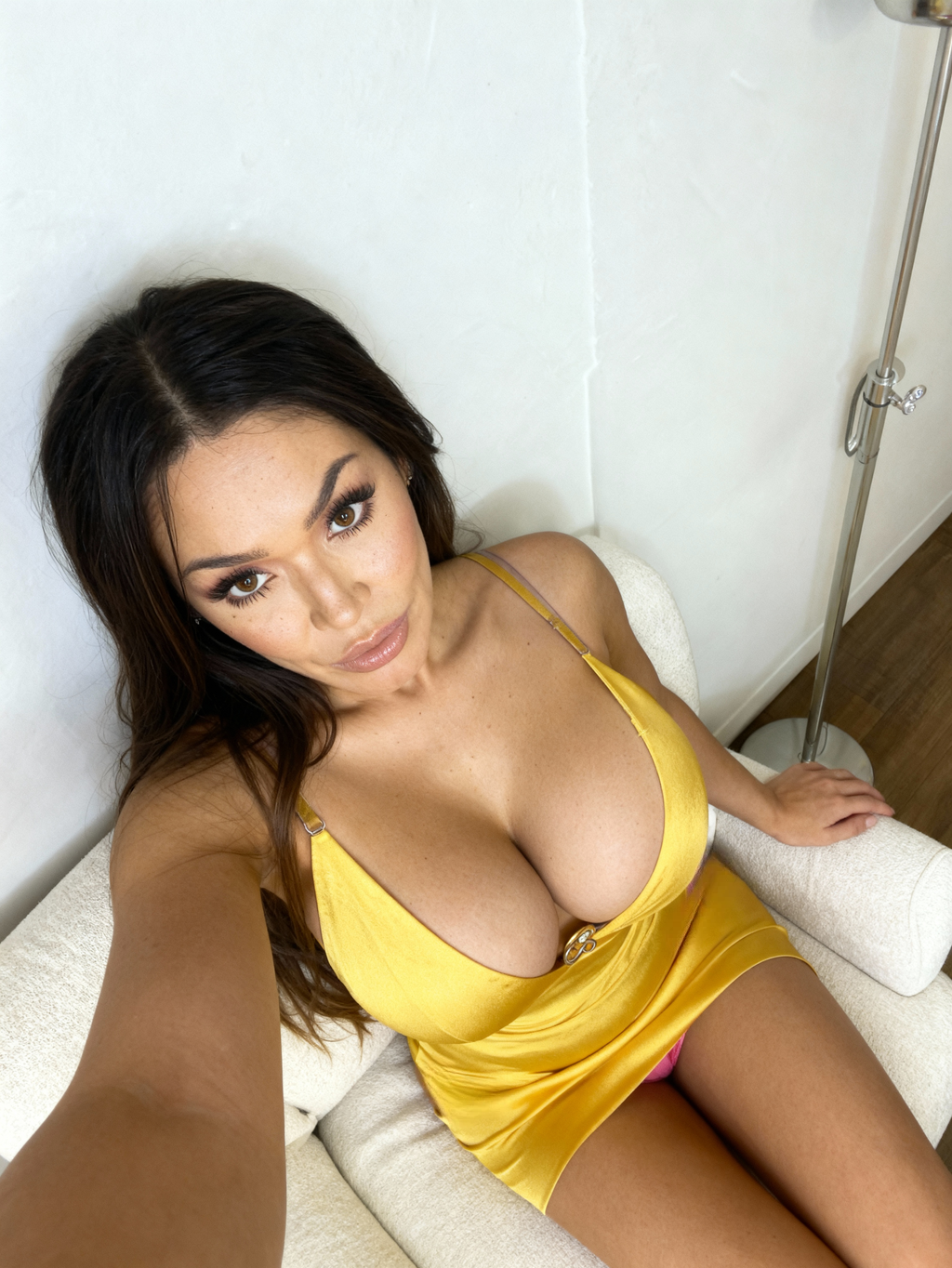 Variation 2: Alternative framing and expression
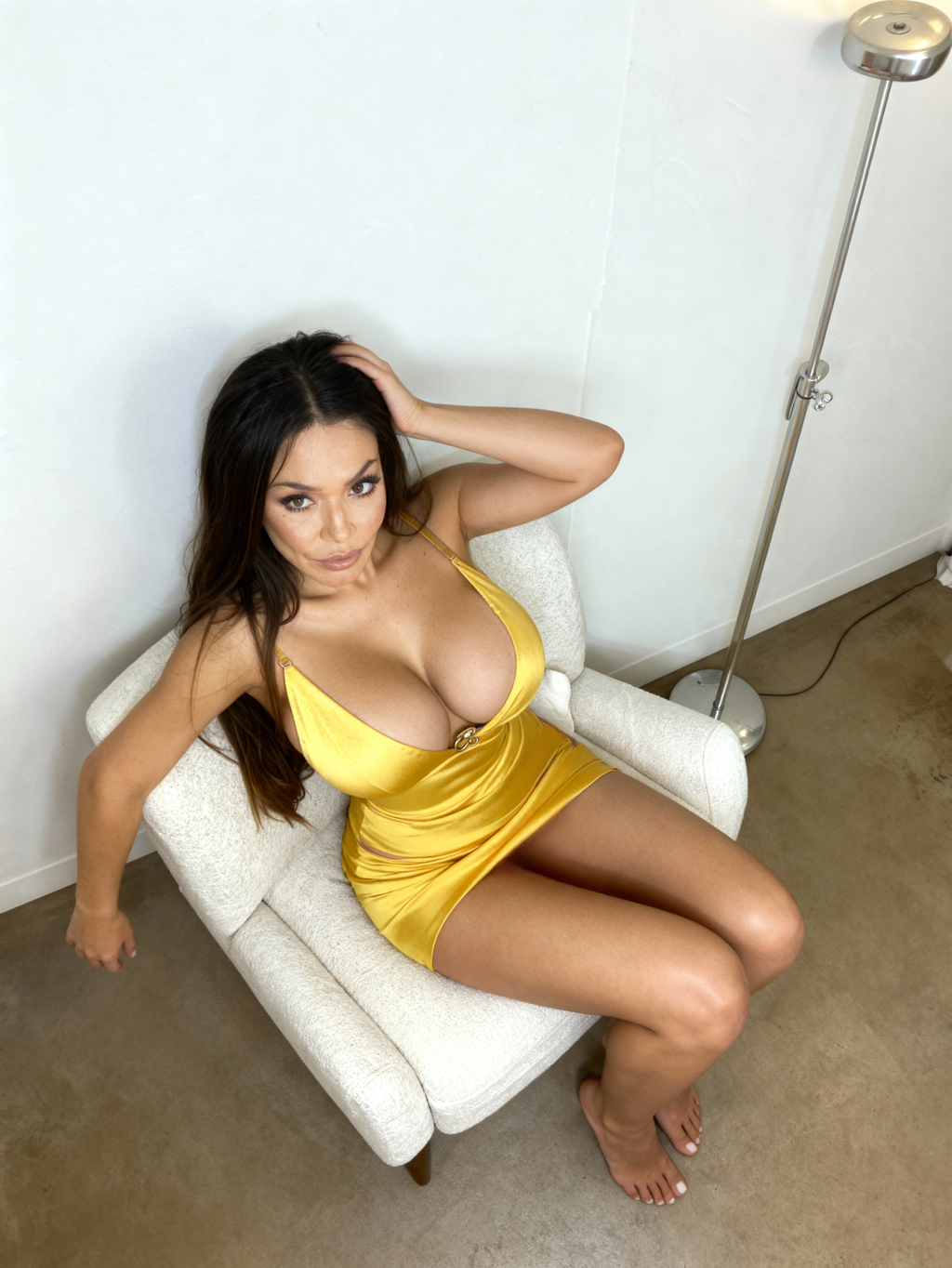 Variation 3: New perspective while maintaining identity
This approach works even when the starting image is far from perfect. Slightly off lighting, imperfect pose, or awkward framing don't break the process — they're simply part of the starting reference.
Why the First Photo Doesn't Have to Be Good
One of the biggest mindset shifts for creators is understanding that the first image is no longer the final asset.
With AI variation, the original photo acts as a seed, not a finished product. The real value appears in the next step, when the system generates alternatives that are often stronger than the source.
A typical workflow looks like this:
- Upload any usable photo
- Generate a variation series
- Review the results
- Keep the strongest images
- Discard the original entirely if needed
In practice, many creators never publish the first photo at all. It exists only to unlock better versions. This removes pressure from the initial image and encourages experimentation instead of perfectionism.
From One Photo to a Coherent Image Set
With one click, a single image can become a visually consistent set: close-ups, wider shots, alternate head angles, and subtle pose changes that feel like they belong together.
Example 2: Blue Top Portrait
Starting Photo:
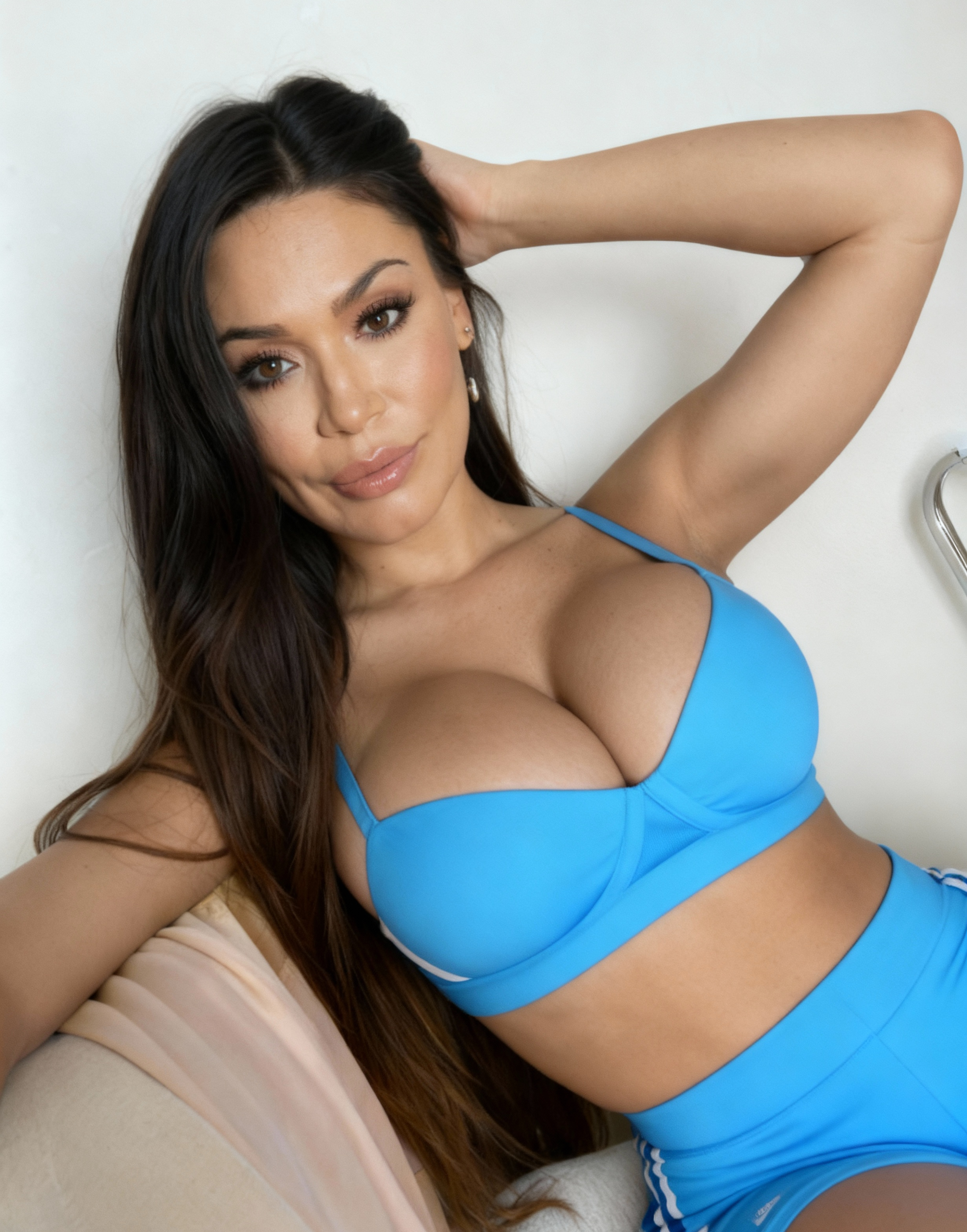 Single portrait photo as input
Complete Variation Set:
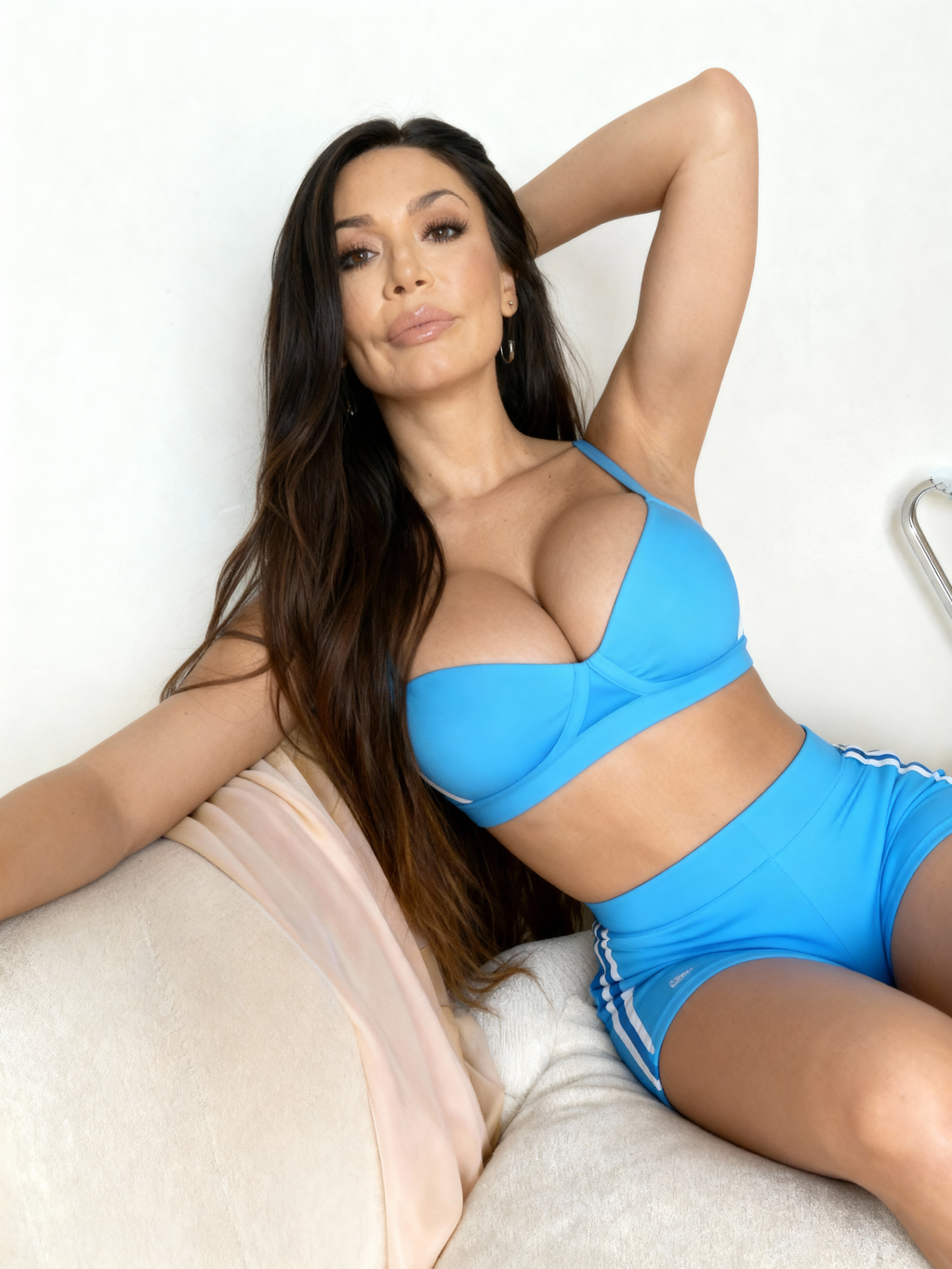 Variation 1: Different lighting and angle
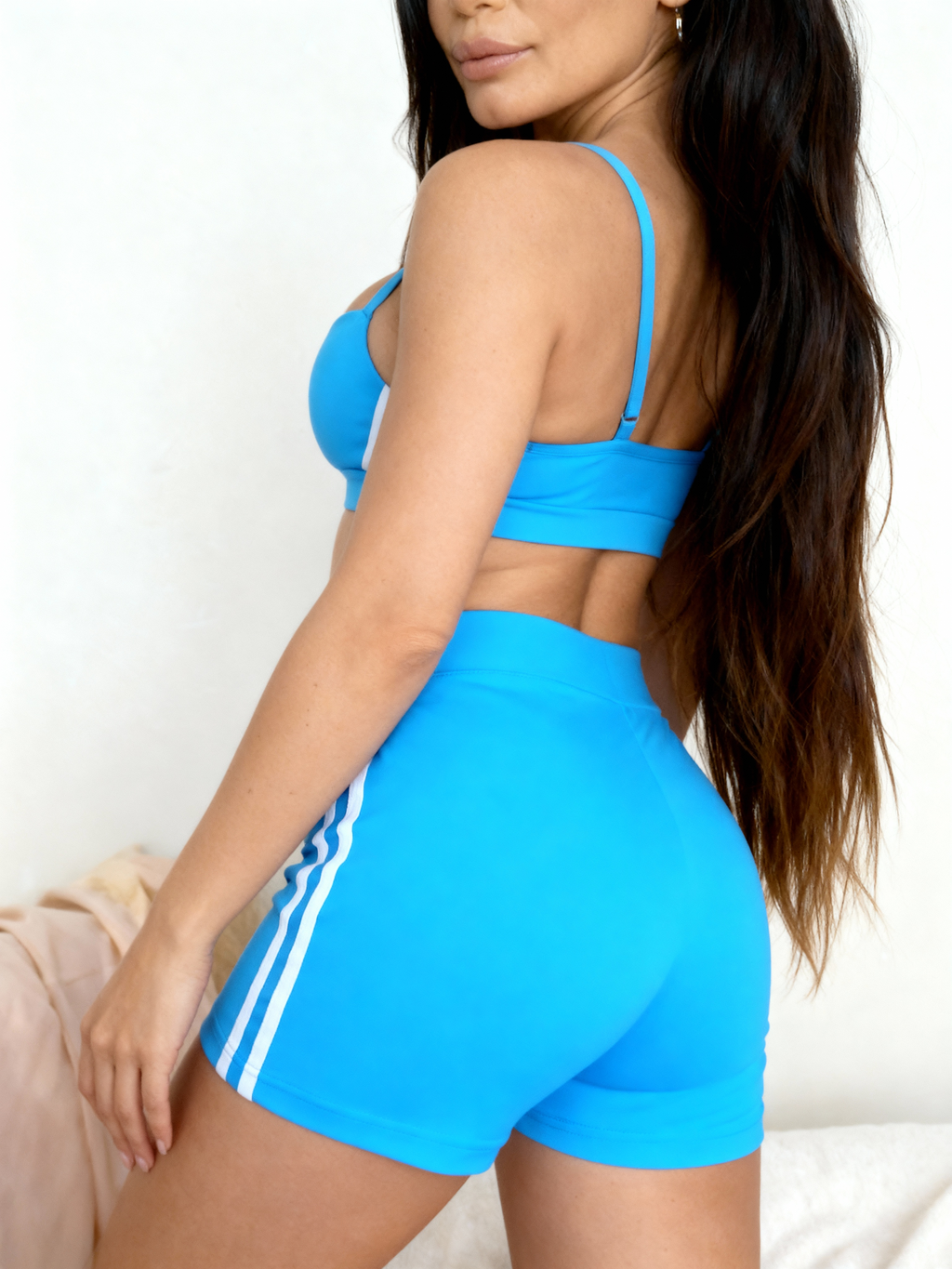 Variation 2: Alternative pose
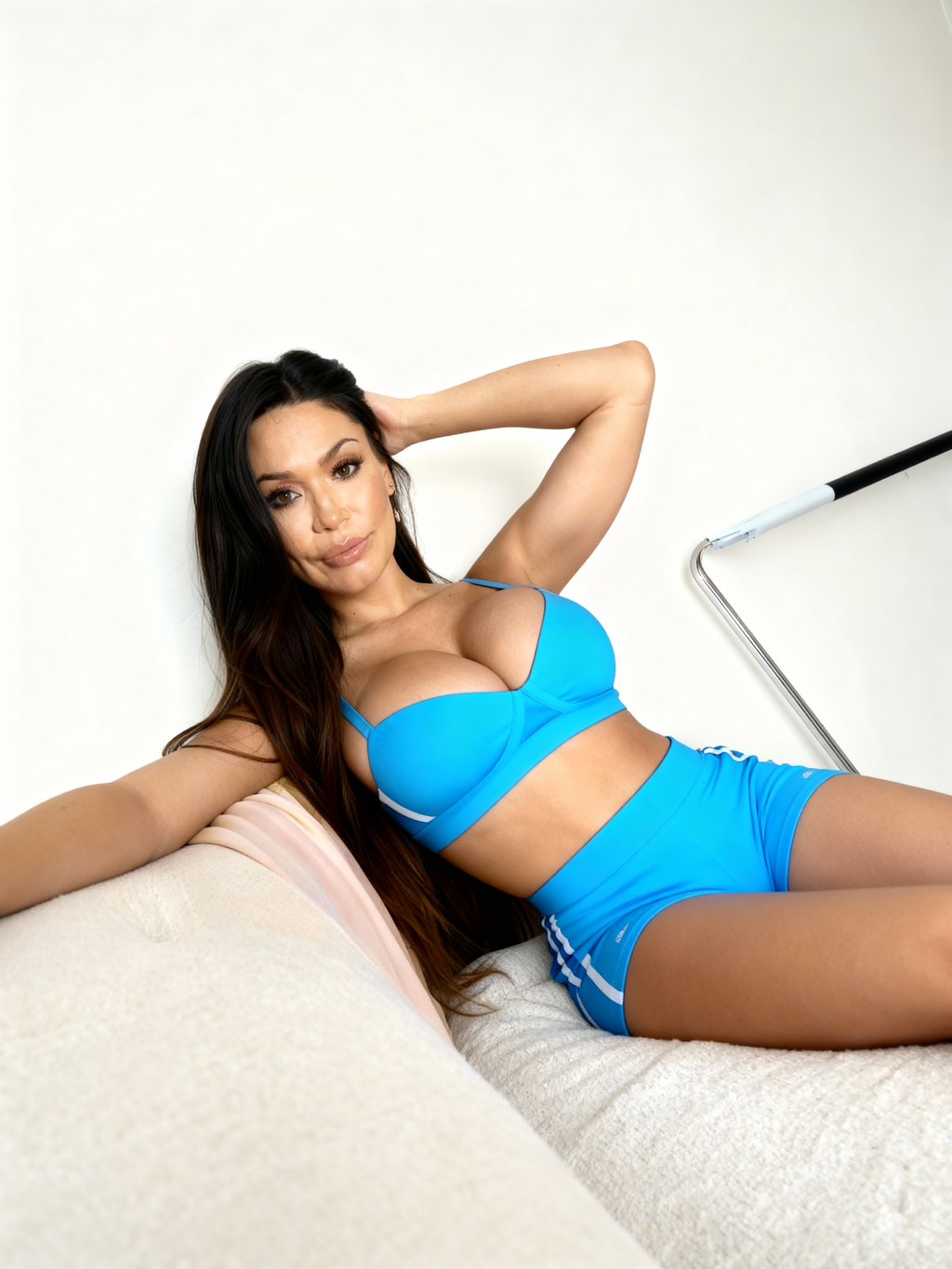 Variation 3: New composition
This makes it possible to:
- build multi-image posts
- create structured content libraries
- prepare material for video generation
- scale content without repeating visuals
If one variation turns out especially strong, it can become the new base. From there, you can generate another series, refine the look further, or expand the set even more.
What If the Face Isn't Perfectly Consistent?
In rare cases, minor facial inconsistencies can appear — especially when the source image is very low quality or partially obscured.
This isn't a dead end.
If needed, facial similarity can always be corrected afterward using a Face Swap tool, applied only to selected frames. That means:
- you don't lose the variation set
- you don't need to regenerate everything
- consistency can be restored surgically, only where it matters
For creators, this acts as a safety net rather than an extra step in the main workflow.
Practical Ways Creators Use Image Variations
Turning One Photo Into a Multi-Image Post
Even though users don't search for "carousel creation," the outcome is exactly that: one image becomes a sequence that feels intentional rather than repetitive.
Example 3: Gold Dress Series
Starting Photo:
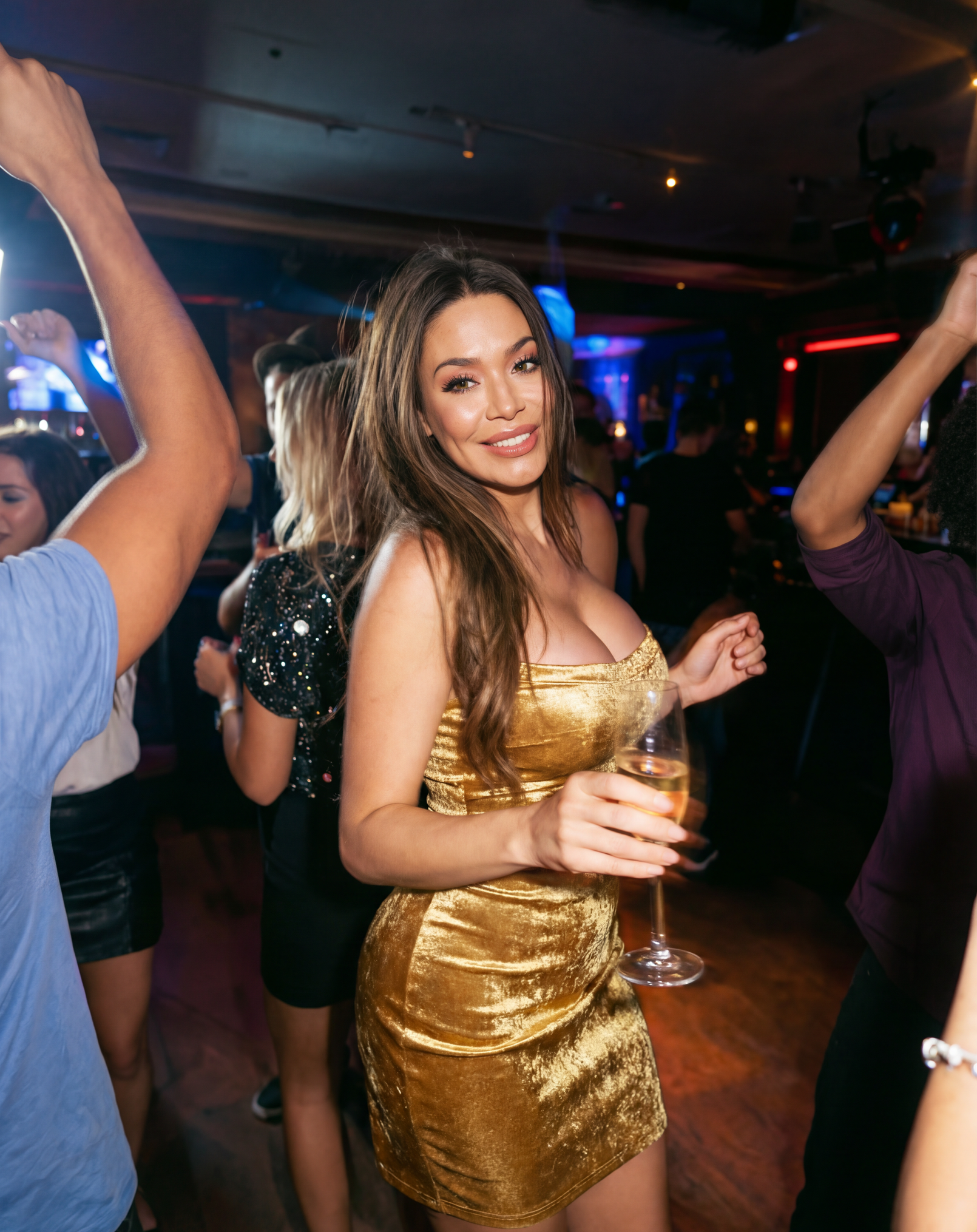 One elegant portrait
Full Carousel Set (4 variations):
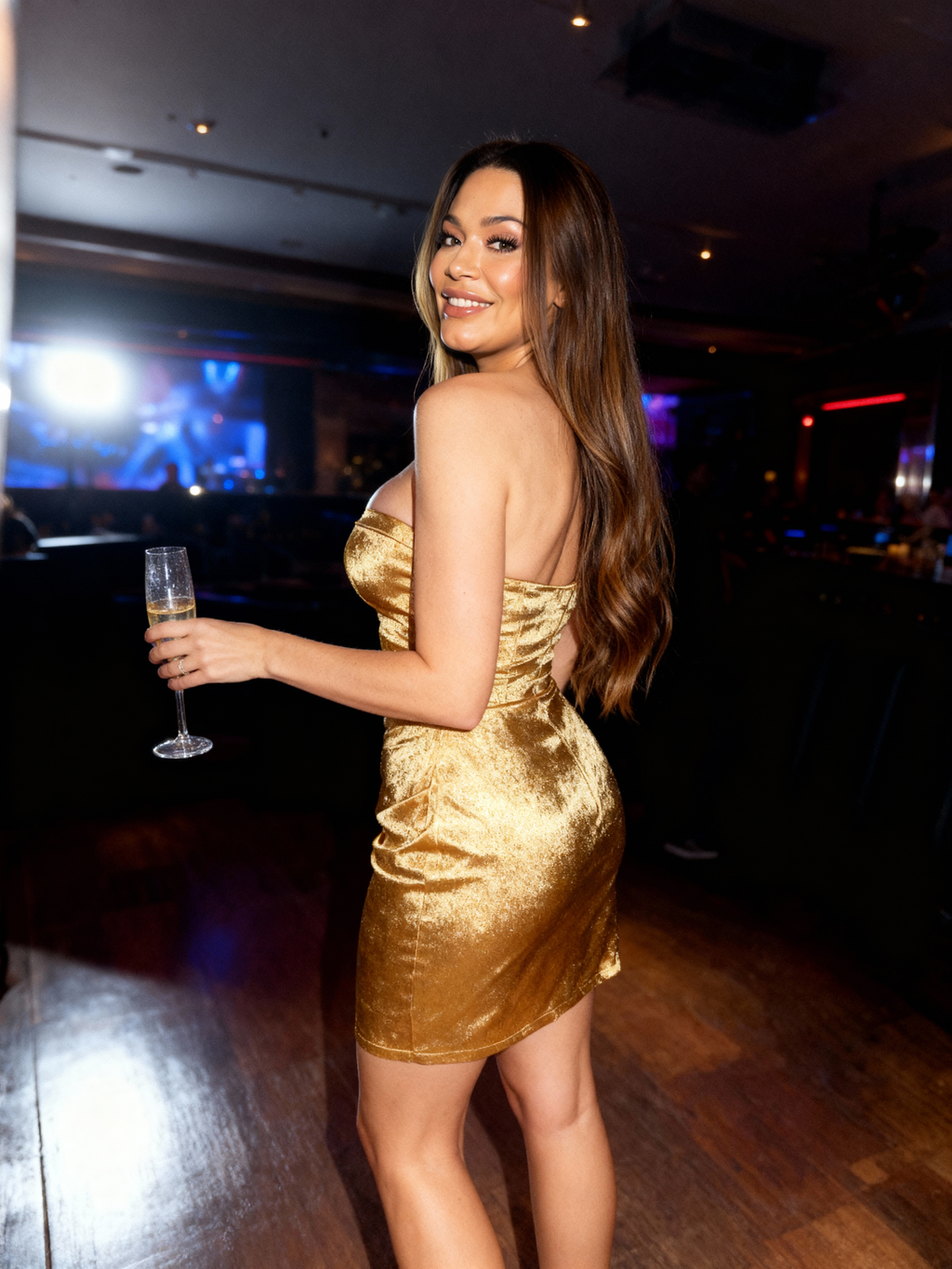 Variation 1
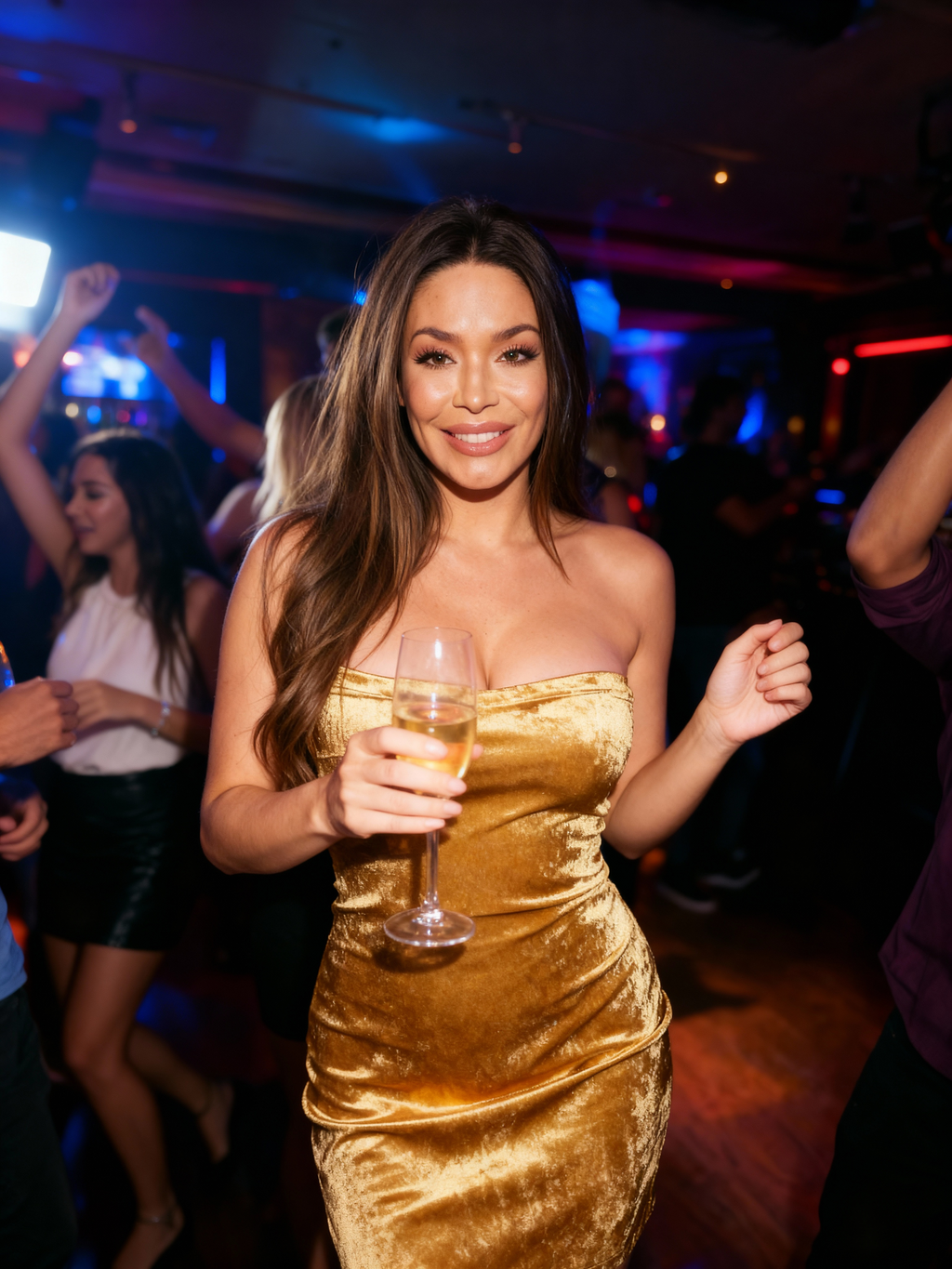 Variation 2
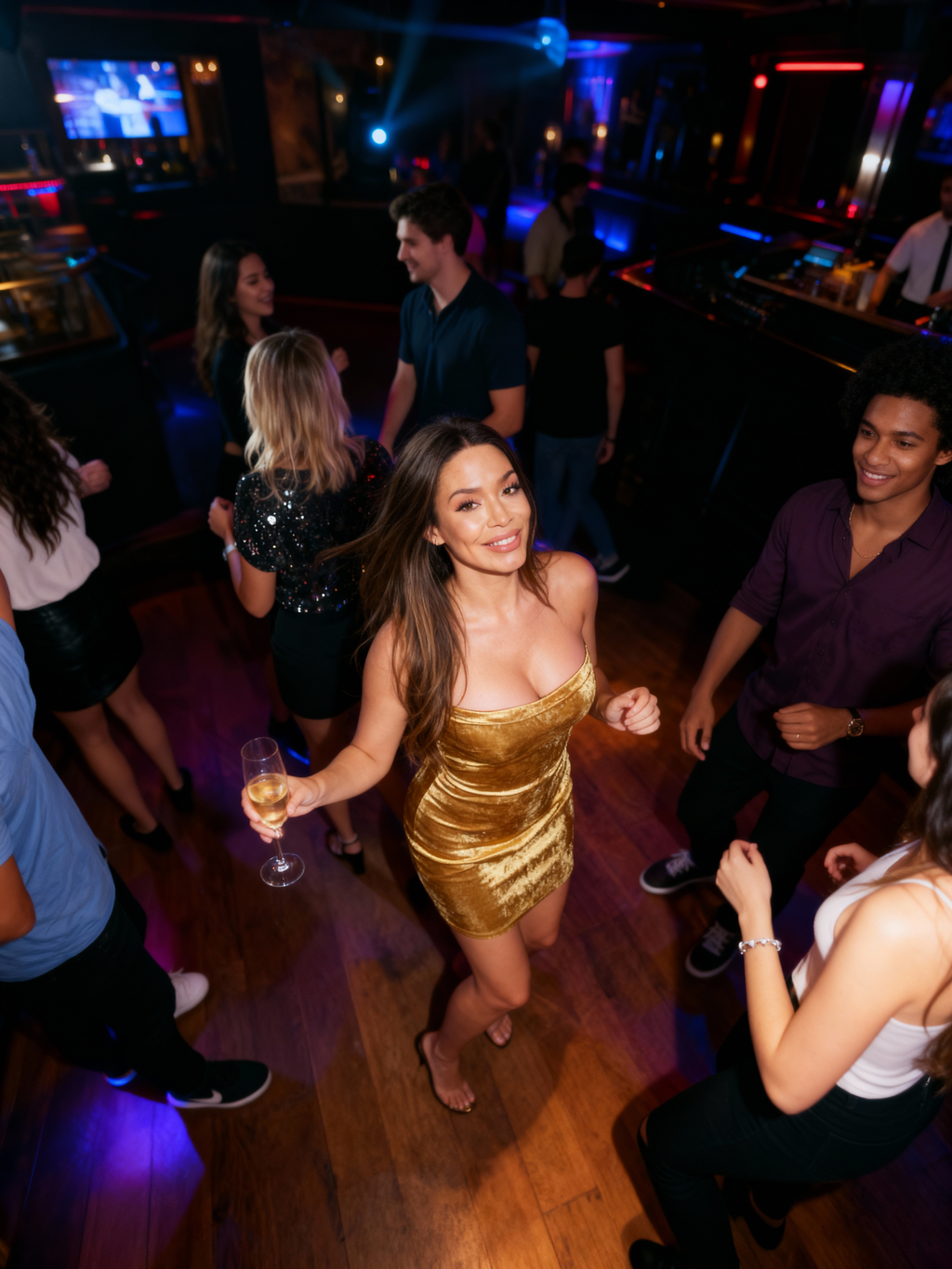 Variation 3
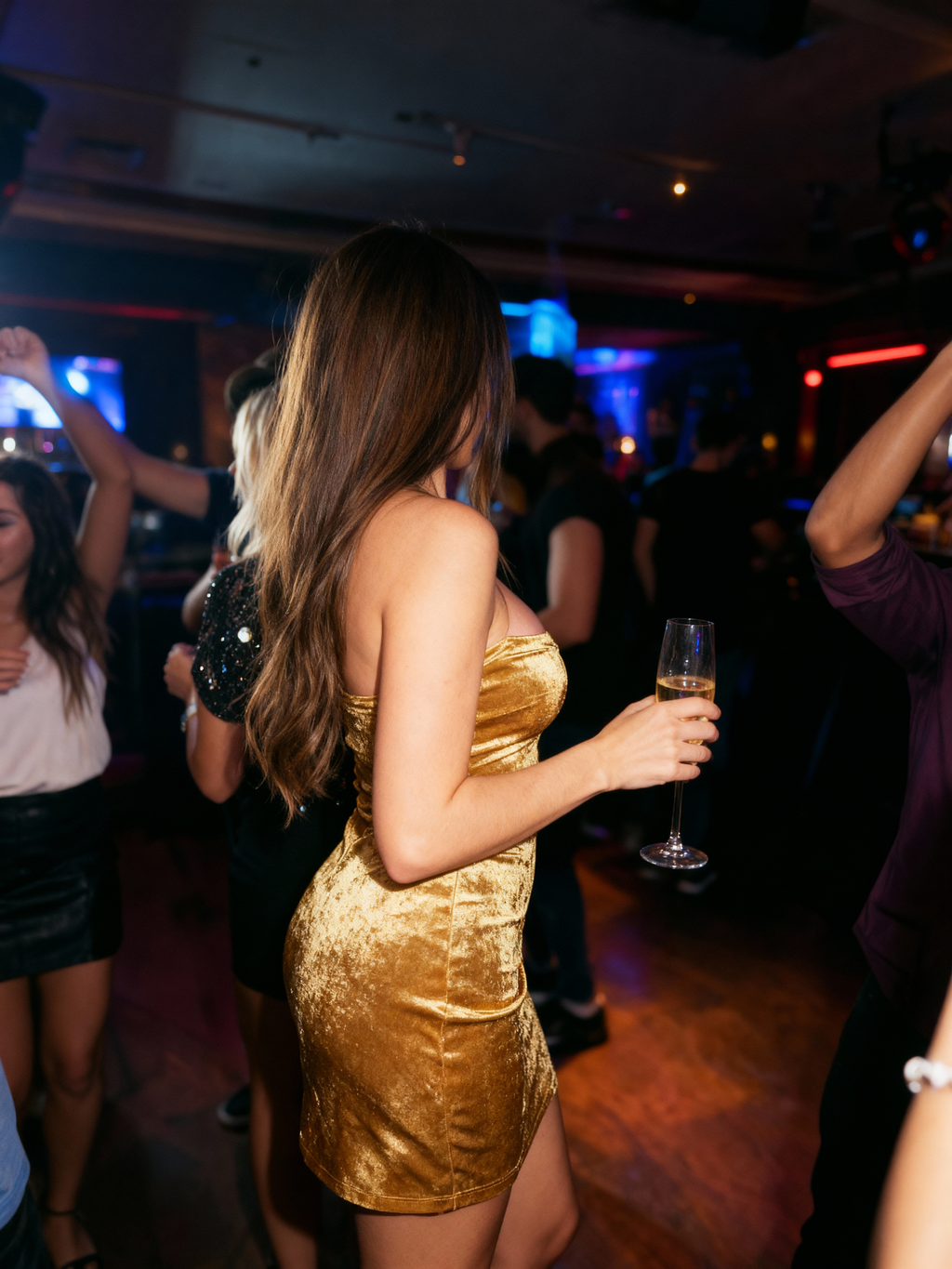 Variation 4 - complete carousel-ready set
This is especially useful when only one photo from a shoot really works, or when you want visual continuity without obvious duplication.
Example 4: Brown Top Carousel
Starting Photo:
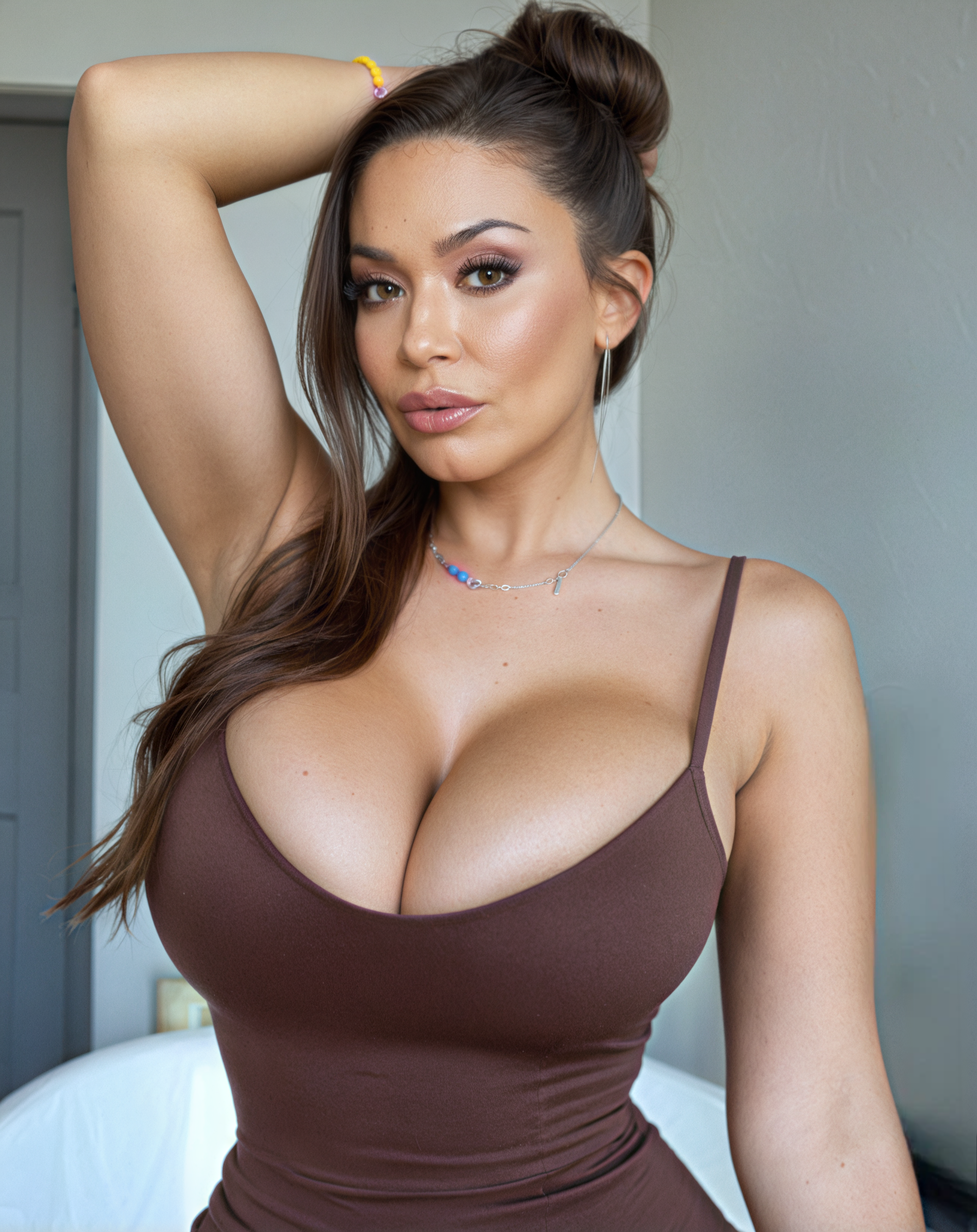 Single source image
Complete Set:
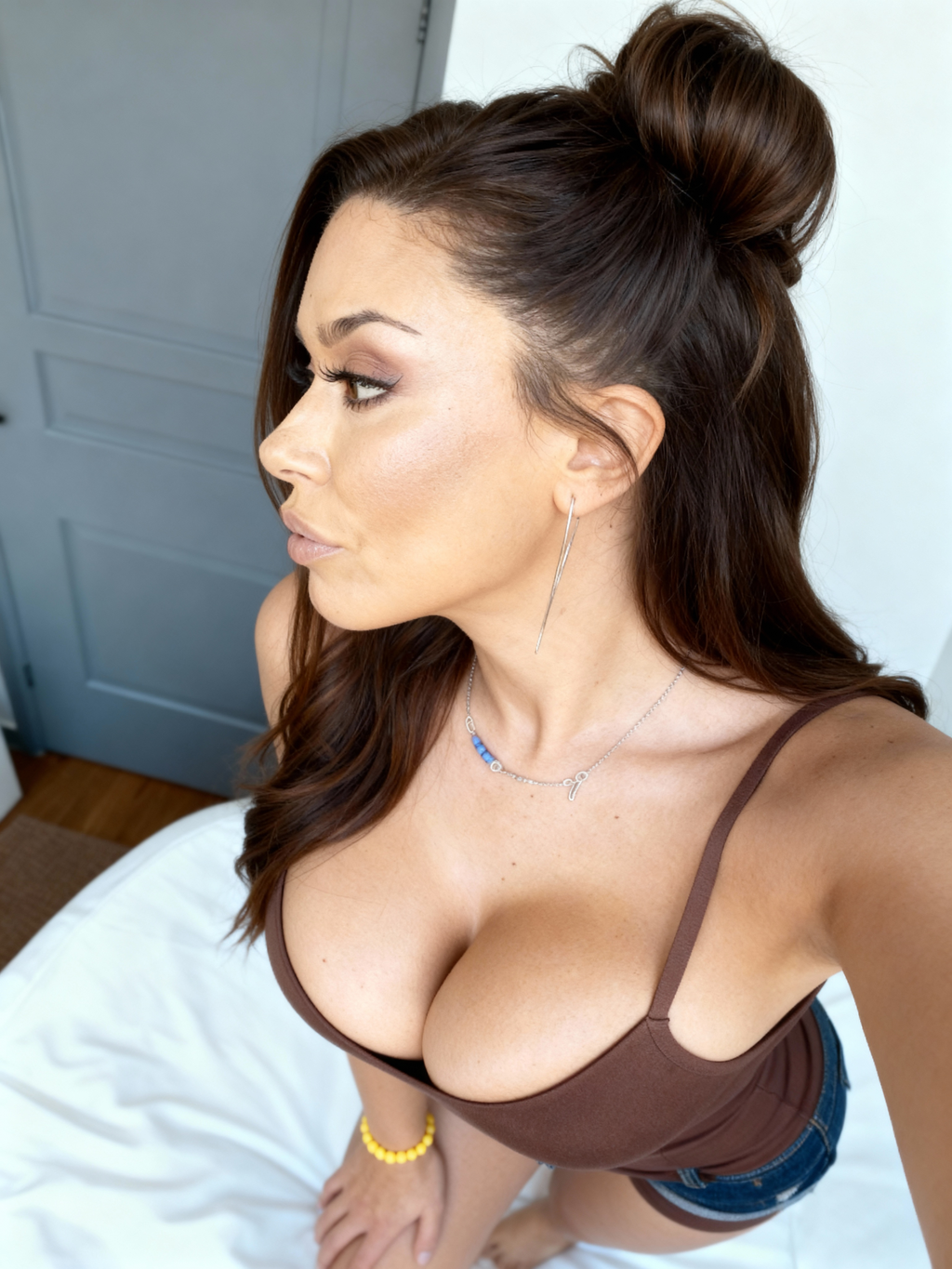 Variation 1
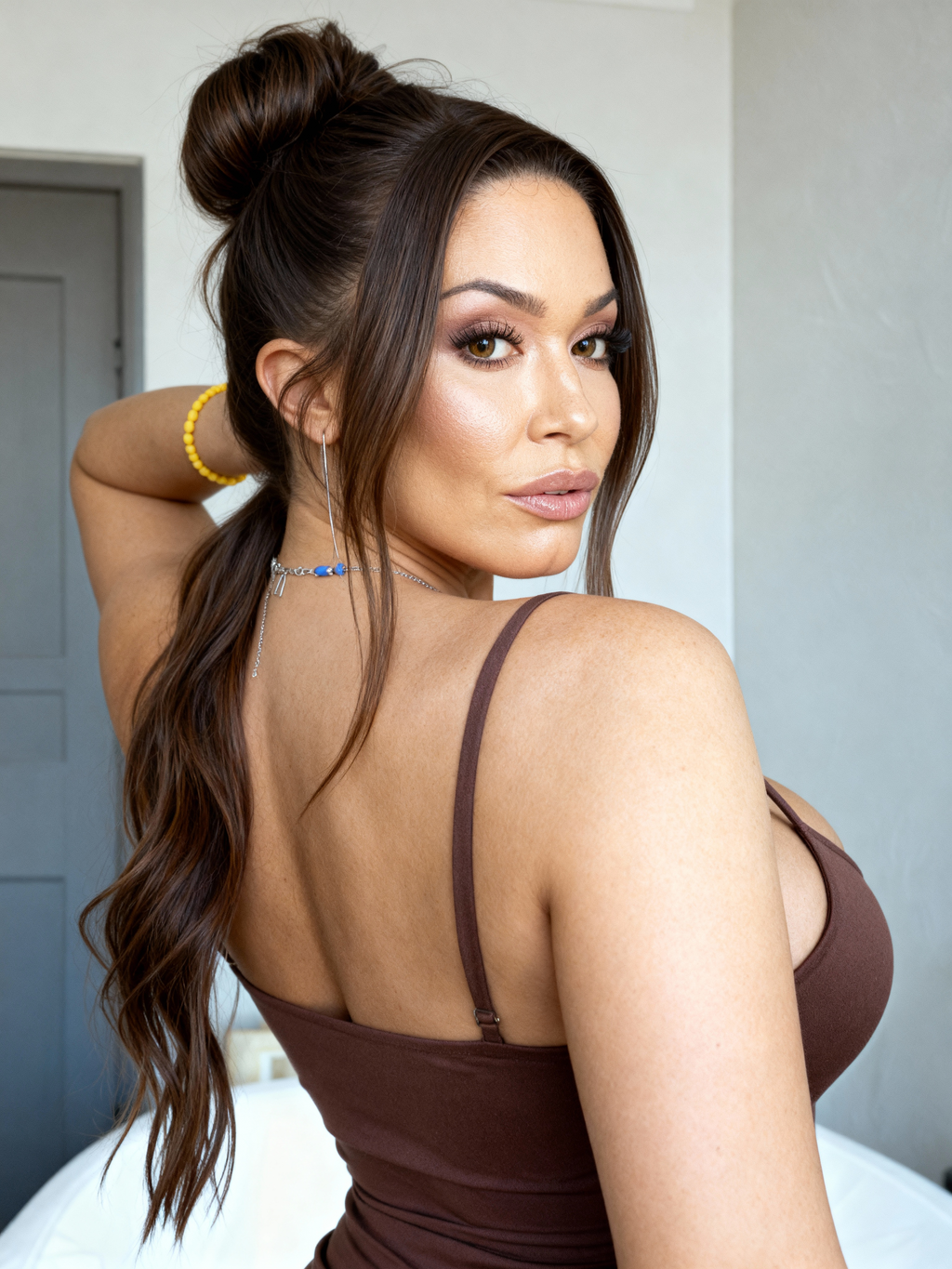 Variation 2
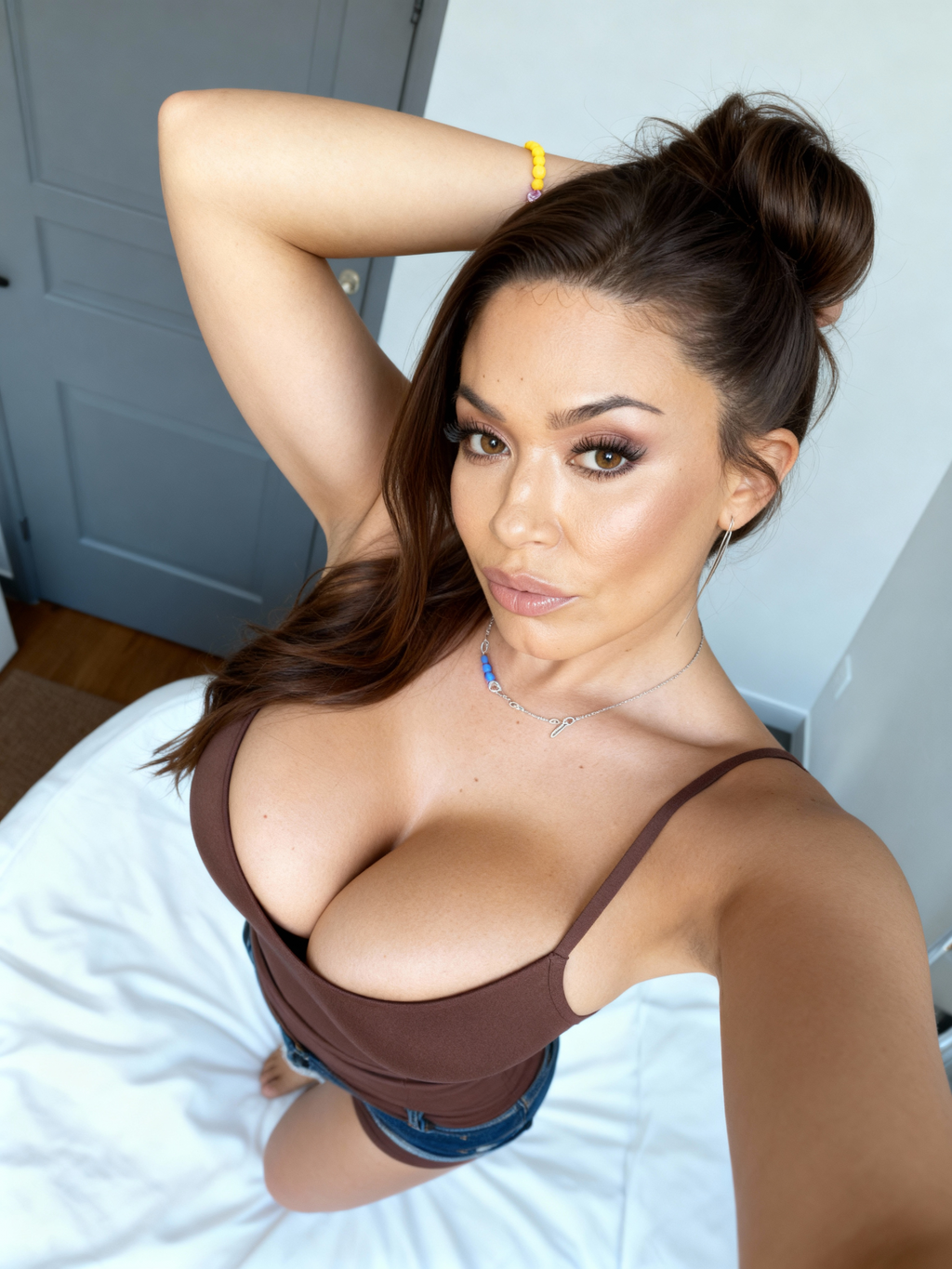 Variation 3 - instant multi-image content
Example 5: Mirror Portrait
Starting Photo:
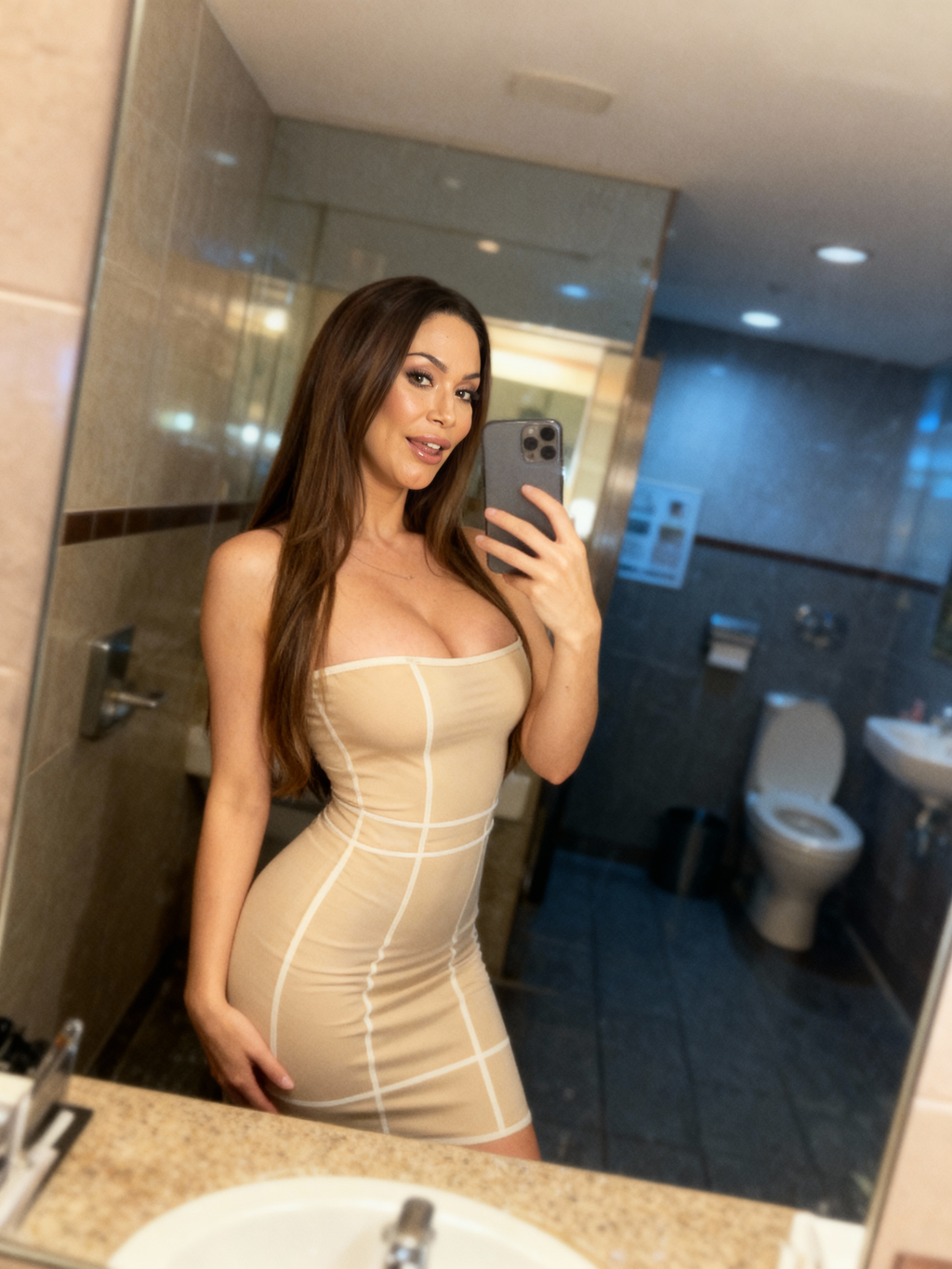 Original mirror selfie
Generated Variations:
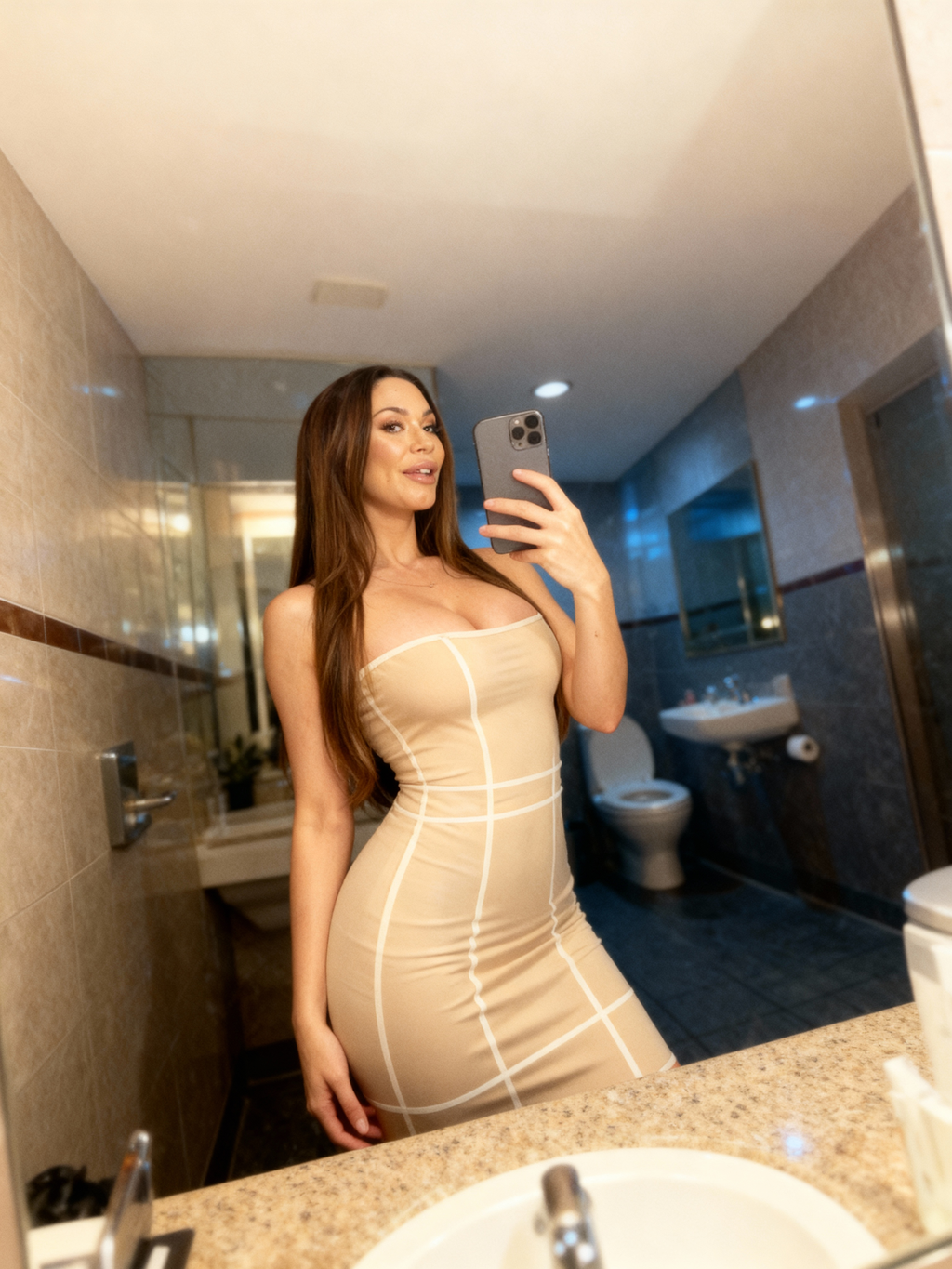 Variation 1
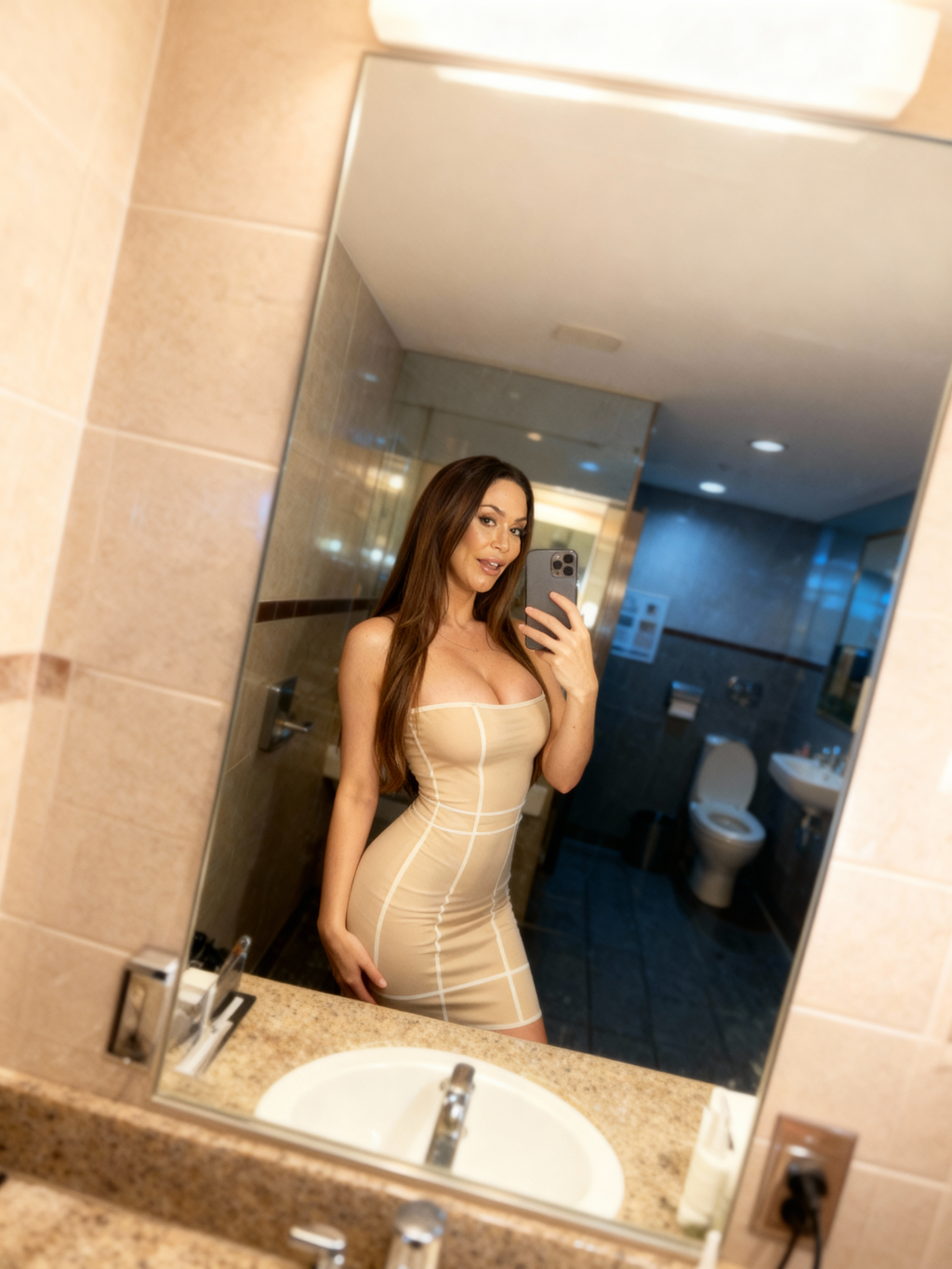 Variation 2
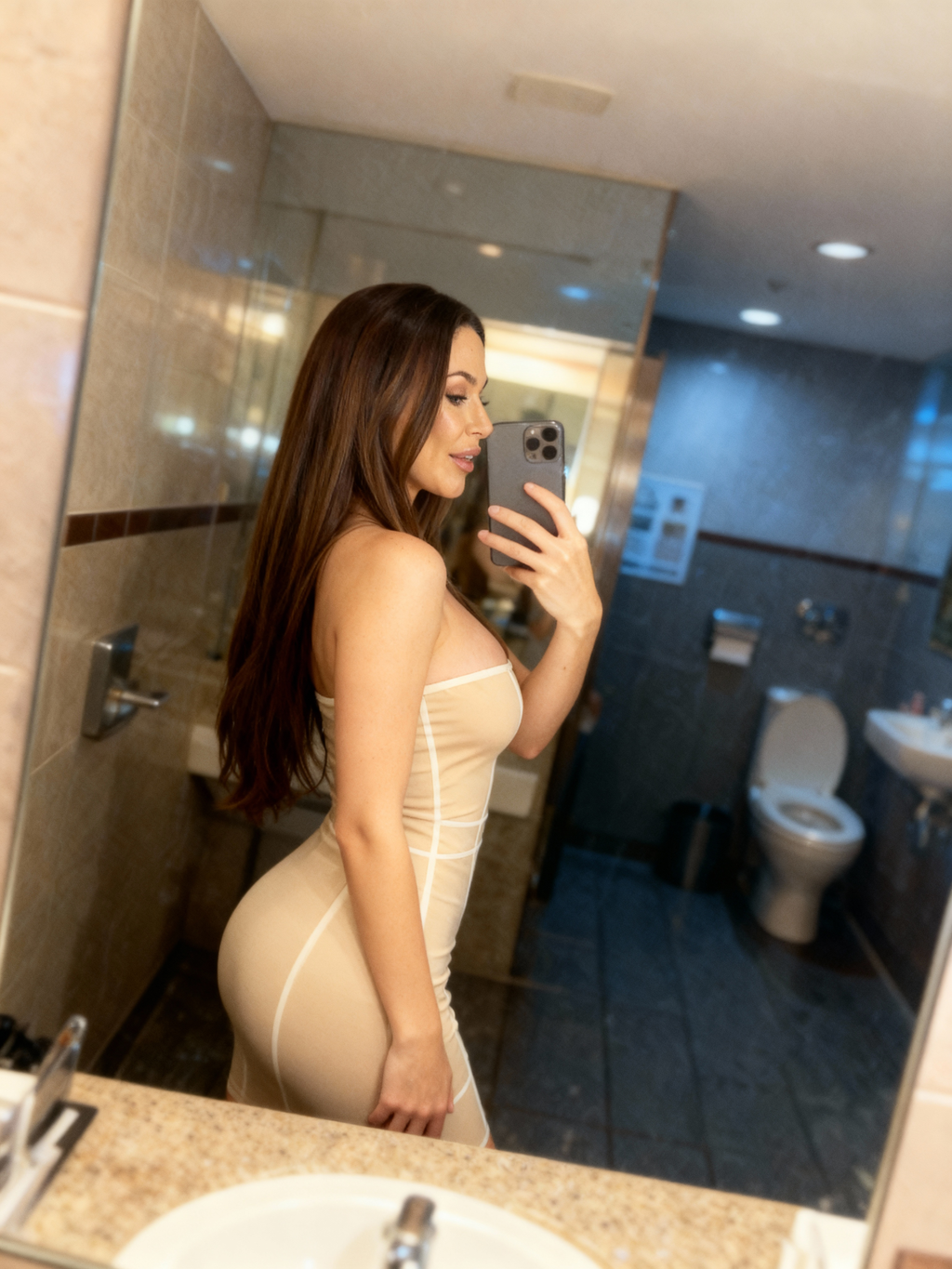 Variation 3 - diverse angles from one shot
Preparing Angles for AI Video Generation
Image-to-video tools perform significantly better when they're fed multiple related frames instead of a single static image.
Creators often use image variation first to generate several angles of the same subject, then animate transitions between them. The result is smoother motion, more realistic depth, and better facial stability.
Creating a "Set" When No Set Exists
Sometimes a photo is excellent — but isolated. There's no continuation, no alternates, no context.
AI variation allows creators to retroactively build a full set around that image, matching tone and identity so it feels like part of a planned shoot rather than a lucky accident.
This is especially valuable for paid content libraries and profile refreshes.
Why Not Using Prompts Is a Real Advantage
Prompt-based tools can be powerful, but they also introduce friction. Small wording changes affect results, consistency is fragile, and outcomes depend heavily on user experience.
One-click variation removes that layer entirely.
The image already contains all necessary information. The AI's role is not to reinterpret intent, but to explore visual possibilities within the same identity. This leads to faster results, predictable output, and a workflow focused on selection rather than configuration.
Scaling Further: Variations of Variations
Once strong images are selected, they can become new starting points. From there, creators build deeper libraries by generating additional variations, refining style, and expanding content incrementally.
Instead of thinking in single images, the workflow naturally shifts toward content systems that grow over time.
Final Thought
AI image variation isn't about producing more images for the sake of quantity. It's about removing the pressure from the first photo.
When one image can instantly become many, experimentation becomes safe, iteration becomes fast, and scaling becomes natural.
You don't need the perfect starting shot anymore.
You just need one.