Pykaso vs ZenCreator 2026: AI Influencer Tools Compared
Pykaso uses Gem credits ($0.12 each) while ZenCreator offers a free tier. Compare LoRa training, video generation, face swap, and pricing to find the best fit.

Looking to create AI influencers or realistic AI-generated content? Pykaso and ZenCreator are two popular platforms in 2026, but they take fundamentally different approaches to pricing, face consistency, and video generation.
This comparison breaks down exactly what each platform offers so you can make an informed choice.
Quick Summary: Pykaso vs ZenCreator
| Feature | ZenCreator | Pykaso |
|---|---|---|
| Free Tier | Yes (no credit card) | 5 Gems (~$0.60) |
| Pricing Model | Subscription + Free | Per-use Gems ($0.12 each) |
| AI Video Generation | Multiple models included | 4.6-8 Gems per video |
| Face Consistency | Instant face swap | Requires LoRa training ($4.80) |
| Bulk Processing | Batch generation | 100-image face swap |
| Watermark-Free | All tiers | Premium only |
| Starting Cost | $0/month | $0.12 minimum |
What is Pykaso?
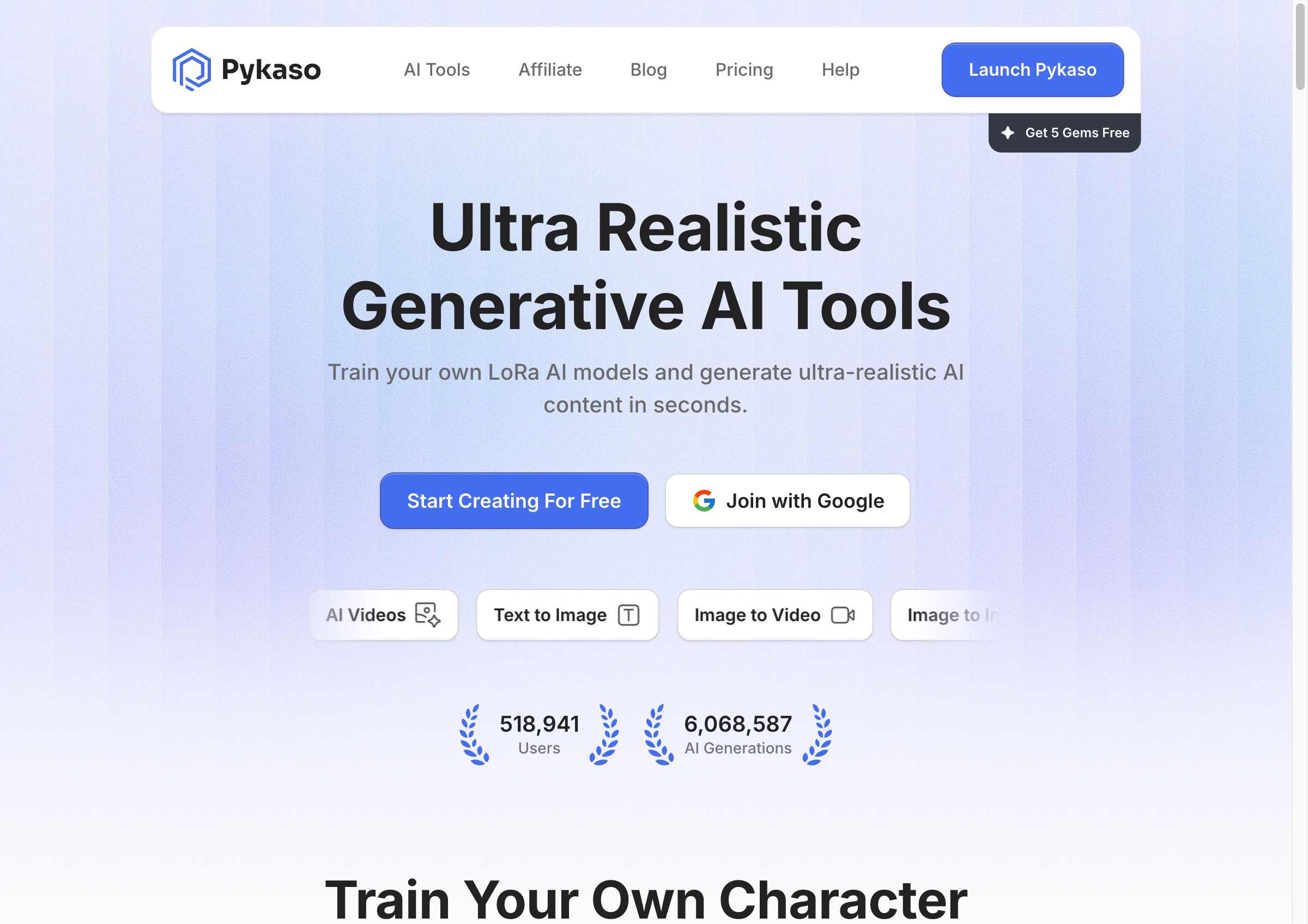
Pykaso (pykaso.ai) is a credit-based AI content creation platform that has grown rapidly to over 518,000 users with more than 6 million AI generations. The platform specializes in AI image generation with a unique LoRa training feature for character consistency.
Key Pykaso Features:
- LoRa Model Training — Train custom AI models on your character's face for consistent results (40 Gems / $4.80)
- Bulk Face Swap — Swap faces across up to 100 images at once (Premium feature)
- AI Video Generation — Powered by Kling (4.6 Gems) and WAN (8 Gems) models
- Flux.1 Kontext Editor — Advanced image editing with AI
- Skin Enhancer — Retouch and enhance skin in AI images (3 Gems)
Pykaso's Gem Pricing System:
Pykaso uses "Gems" as credits:
- 1 Gem = $0.12 USD
- Text-to-Image: 0.5 Gems ($0.06)
- Image-to-Image: 3 Gems ($0.36)
- Video (Kling): 4.6 Gems ($0.55)
- Video (WAN): 8 Gems ($0.96)
- LoRa Training: 40 Gems ($4.80)
New users receive 5 free Gems (~$0.60 worth) to test the platform.
Pykaso Limitations:
- No genuine free tier — Free Gems run out quickly (10 basic images max)
- LoRa training required — For consistent faces, you must train a model ($4.80 + wait time)
- Watermarks on free tier — Premium required for watermark-free exports
- Per-use costs add up — Heavy users may find subscription models more economical
What is ZenCreator?
ZenCreator is an all-in-one AI content creation platform designed for creators, marketers, and businesses who need professional AI-generated content with consistent character faces.
Key ZenCreator Features:
- Instant Face Swap — Maintain face consistency without training custom models
- AI Video Generation — Multiple models including image-to-video and video-to-video
- AI Lip Sync — Sync video with custom audio
- Dance Video Generation — Create AI dance videos
- Social Media Optimization — Export presets for Instagram, TikTok, YouTube
- Batch Generation — Create multiple images efficiently
- Commercial Licensing — Clear terms for business use
Feature-by-Feature Comparison
1. Face Consistency
Pykaso:
- Requires LoRa model training ($4.80 / 40 Gems)
- Training takes time (typically 15-30 minutes)
- Good results once model is trained
- One model per character face
ZenCreator:
- Instant face swap technology
- No training required — works immediately
- Consistent results across images and videos
- Reference face library for quick access
Winner: ZenCreator — No waiting for model training, instant results.
2. AI Video Generation
Pykaso:
- Kling model: 4.6 Gems ($0.55) per video
- WAN model: 8 Gems ($0.96) per video
- Good quality output
- Pay-per-video pricing
ZenCreator:
- Multiple video models available
- Image-to-Video conversion
- Video-to-Video motion transfer
- AI lip sync included
- Included in subscription plans
Winner: ZenCreator — More video options and better value for regular users.
3. Pricing & Free Tier
Pykaso:
- 5 free Gems on signup (~$0.60)
- Pay-as-you-go Gem system
- 1 Gem = $0.12
- Premium unlocks with any purchase
- Costs can vary based on usage
ZenCreator:
- Genuine free tier (no credit card)
- Free credits to test all features
- Predictable subscription pricing
- Scales for business needs
Winner: ZenCreator — True free tier and predictable costs.
4. Bulk Processing
Pykaso:
- Bulk face swap up to 100 images (Premium)
- Standard generation is one at a time
- Good for batch face swapping
ZenCreator:
- Batch generation built-in
- Multiple images per session
- Consistent across batches
- No Premium requirement
Winner: Tie — Both offer batch capabilities, different approaches.
5. Image Quality & Options
Pykaso:
- Flux.1 Kontext editor
- Skin enhancement tools
- Multiple style options
- LoRa-trained consistency
ZenCreator:
- Multiple generation modes
- Fine-grained customization
- Reference-based generation
- Style library
Winner: Tie — Both produce high-quality images with different strengths.
6. Commercial Use
Pykaso:
- Terms allow commercial use
- Watermark-free requires Premium
- Licensing details less prominent
ZenCreator:
- Clear commercial licensing
- Documented usage rights
- Business-ready content
- Transparent terms
Winner: ZenCreator — Clearer commercial licensing documentation.
Pricing Comparison
Pykaso Gem Costs for Common Workflows:
| Task | Gems | Cost |
|---|---|---|
| 10 AI images | 5 | $0.60 |
| Train LoRa model | 40 | $4.80 |
| 5 videos (Kling) | 23 | $2.76 |
| 100-image face swap | ~20 | $2.40 |
| Monthly heavy use | ~200+ | $24+ |
ZenCreator Pricing:
- Free Tier: $0/month — Test all features
- Paid Plans: Predictable monthly subscription
- Enterprise: Custom pricing for businesses
For users generating 50+ images or 10+ videos monthly, ZenCreator's subscription model typically offers better value than Pykaso's per-use pricing.
When to Choose Pykaso
Pykaso may be the right choice if you:
- Want to pay only for what you use — Occasional users benefit from per-generation pricing
- Need LoRa training — Pykaso's model training creates highly consistent custom characters
- Do bulk face swapping — 100-image batch processing is a strong feature
- Have variable usage — Some months heavy, others light
- Want Flux.1 Kontext — Specific AI editing tools
When to Choose ZenCreator
ZenCreator is the better choice if you:
- Want to try before paying — Genuine free tier, no credit card
- Need instant face consistency — No waiting for model training
- Create video content — More video models and options included
- Post to social media — Built-in export optimization
- Prefer predictable pricing — Monthly subscription vs. variable costs
- Need commercial licensing clarity — Documented business usage terms
- Generate content regularly — Subscription beats per-use at scale
Real User Feedback
What Users Say About Pykaso:
"The LoRa training is powerful once you figure it out. My AI character looks exactly the same across all images now."
"Gem costs add up faster than I expected. Started with 5 free, bought 50 more, gone in a week."
What Users Say About ZenCreator:
"Not having to train a model is huge. Face swap just works instantly."
"The video generation being included in the subscription makes it way more economical for me."
Migration Guide: Switching from Pykaso to ZenCreator
If you're considering switching from Pykaso to ZenCreator:
Step 1: Sign Up for ZenCreator Free
Visit app.zencreator.pro and create your free account. No credit card required.
Step 2: Upload Your Reference Face
Instead of training a LoRa model, simply upload a clear reference image of your AI character's face. ZenCreator's face swap uses this instantly.
Step 3: Generate Consistent Content
Use the same reference face across all generations. No waiting for model training — results are immediate.
Step 4: Create Videos
Use ZenCreator's video generation tools to create content from your AI images. Multiple models available.
Step 5: Export for Social Media
Use built-in presets for Instagram (1:1, 4:5, 9:16), TikTok (9:16), and YouTube (16:9).
Frequently Asked Questions
Is Pykaso really free?
Pykaso gives new users 5 free Gems (~$0.60 worth), enough for about 10 basic images. After that, you must purchase Gems. ZenCreator offers a more substantial free tier.
What is LoRa training?
LoRa (Low-Rank Adaptation) is a technique to fine-tune AI models on specific faces. Pykaso charges 40 Gems ($4.80) per model. ZenCreator achieves similar consistency through instant face swap technology without training.
Which is better for video content?
ZenCreator offers more video generation options included in subscription plans. Pykaso charges per video (4.6-8 Gems each), which adds up for regular video creators.
Can I use Pykaso content commercially?
Yes, Pykaso allows commercial use. However, watermark-free exports require Premium status (any Gem purchase). ZenCreator provides clearer commercial licensing documentation.
Which platform has better face consistency?
Both can achieve good face consistency. Pykaso requires training a LoRa model first ($4.80, 15-30 min wait). ZenCreator's face swap works instantly with no training needed.
How do the costs compare for heavy users?
For users generating 100+ images monthly, ZenCreator's subscription typically costs less than Pykaso's per-generation model. Calculate your expected usage to compare.
Conclusion: Which Should You Choose?
Choose Pykaso if you're an occasional user who prefers pay-as-you-go pricing, or if you specifically want LoRa model training for your AI characters.
Choose ZenCreator if you want to start free, need instant face consistency without training, create video content regularly, or prefer predictable subscription pricing.
For most creators building an AI influencer presence in 2026, ZenCreator offers better value with its genuine free tier, instant face swap technology, comprehensive video tools, and predictable pricing.
Ready to try ZenCreator? Start free today — no credit card required.
Related Reading
- Free AI Influencer Generator — Create AI influencers for Instagram and TikTok
- AI Influencer Video Generator — Turn AI images into videos
- Best AI Influencer Generators 2025 — Compare all top platforms