SDXL
SDXL on ZenCreator — Stability AI's flagship with massive LoRA library, fully uncensored, runs on ZenCreator's own GPU infrastructure. Cheapest premium tier for body and style work.
Why pick SDXL
What is SDXL?
SDXL is the only model on ZenCreator running on our own GPU infrastructure — not via a third-party API. This structural choice gives the platform full control over the LoRA library and the inference pipeline. The library itself is the largest on the platform: body-type LoRAs, style LoRAs, character templates, all stackable.
Two custom layers shape the deployment. The DMD2 4-step distillation pipeline makes generation fast despite running on local GPUs (versus 30–50 steps in vanilla SDXL). And the refine-step pipeline (base → refiner) produces sharper output than single-stage SDXL deployments. Users can stack up to 3 LoRAs per generation with strength 0.5–3.0 each.
On ZenCreator, SDXL is available in Text-to-Image, the Image Editor, and Face Swap. Honest framing: the underlying architecture is 2023-era and noticeably worse than Flux, Qwen, or Seedream at complex multi-element prompts. LoRA stacking unlocks flexibility but trades it against anatomical errors at high strengths — extra fingers, distorted limbs, asymmetry, especially above 1.5–2.0 LoRA strength. Quality also depends on our ComfyUI fleet health — if servers degrade, SDXL slows or fails. Output is up to 4K (computed dynamically) — the UI may show "1K" on the model card, which is a known labelling bug.
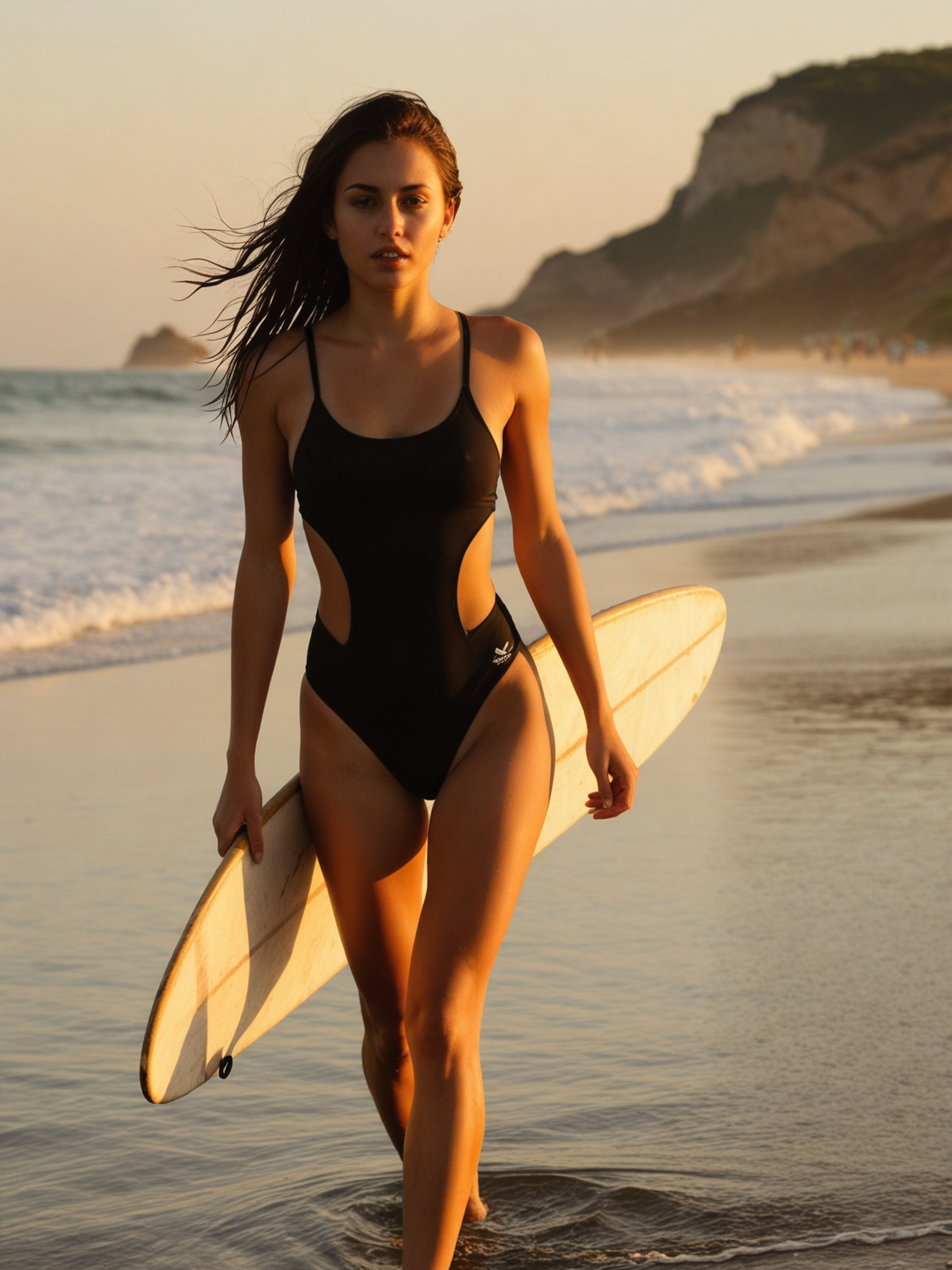
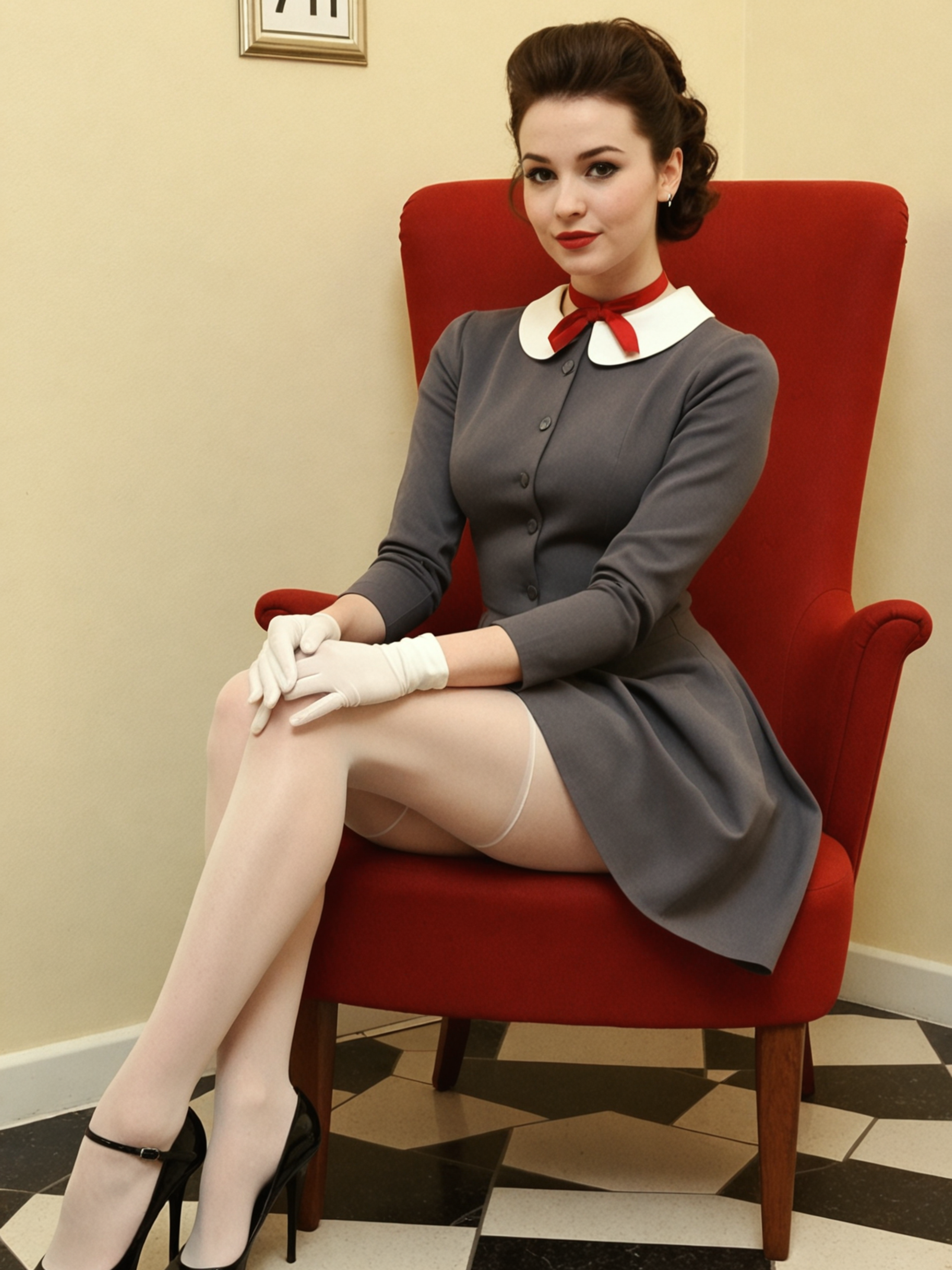
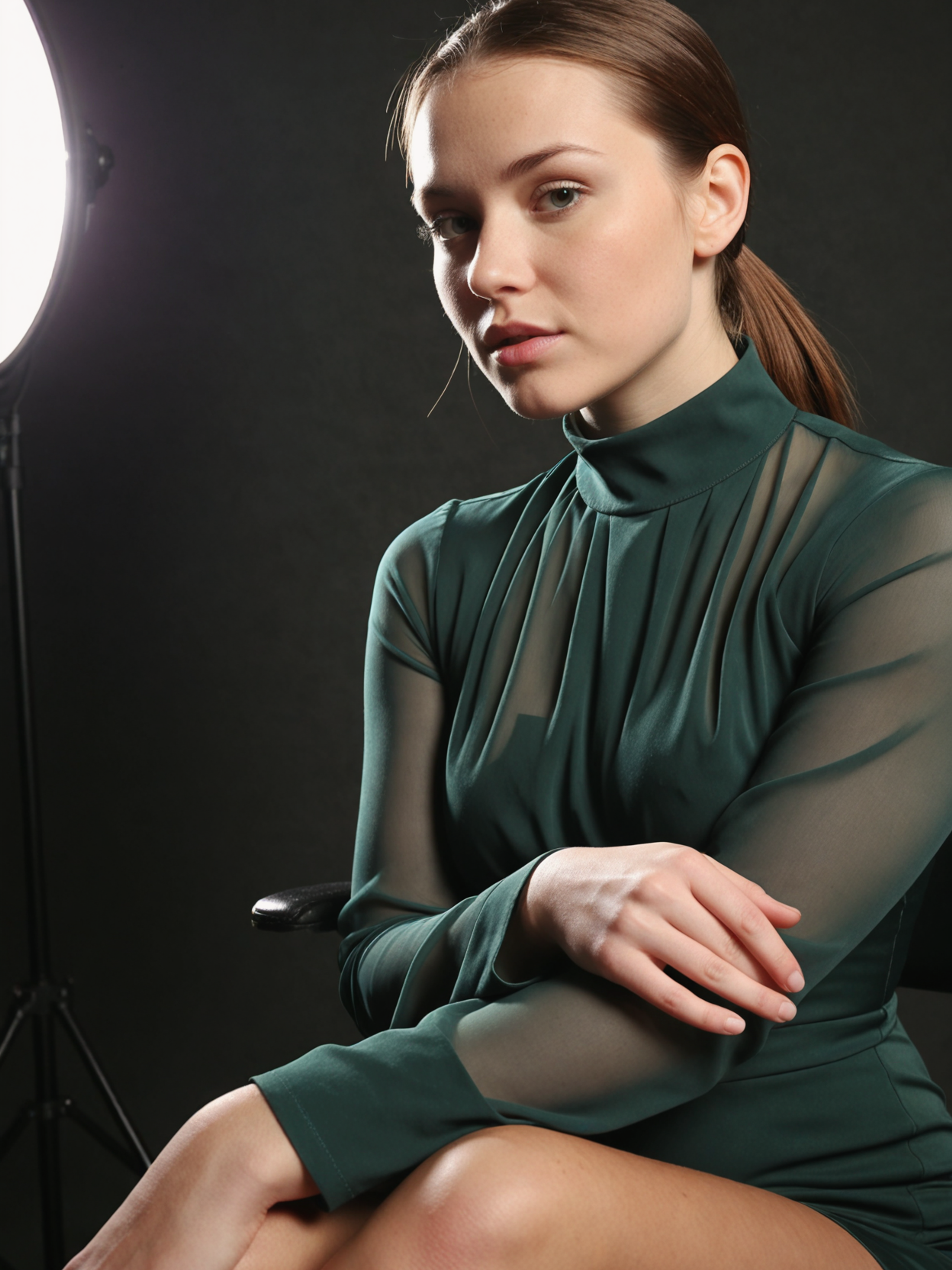
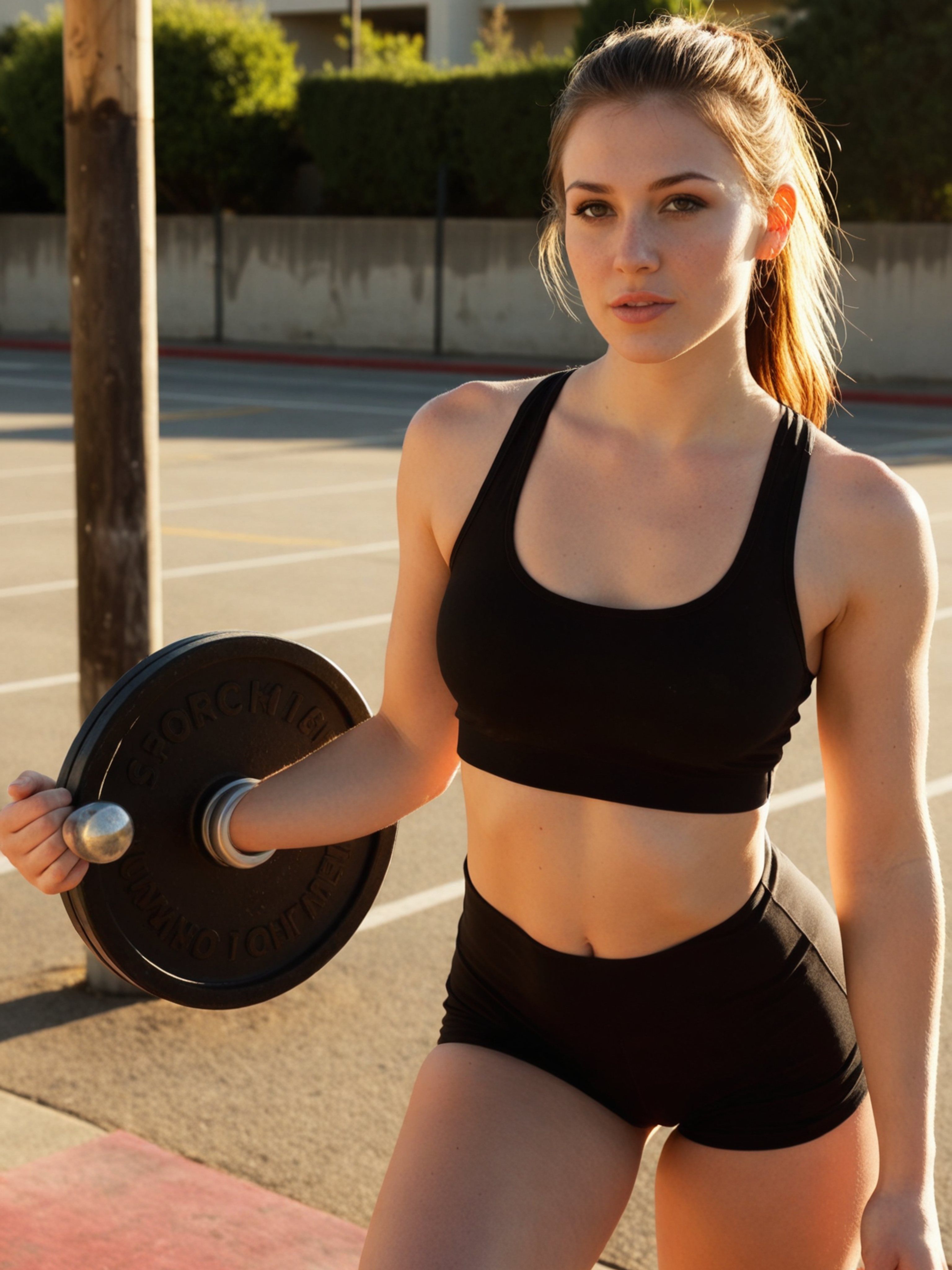
See SDXL in action
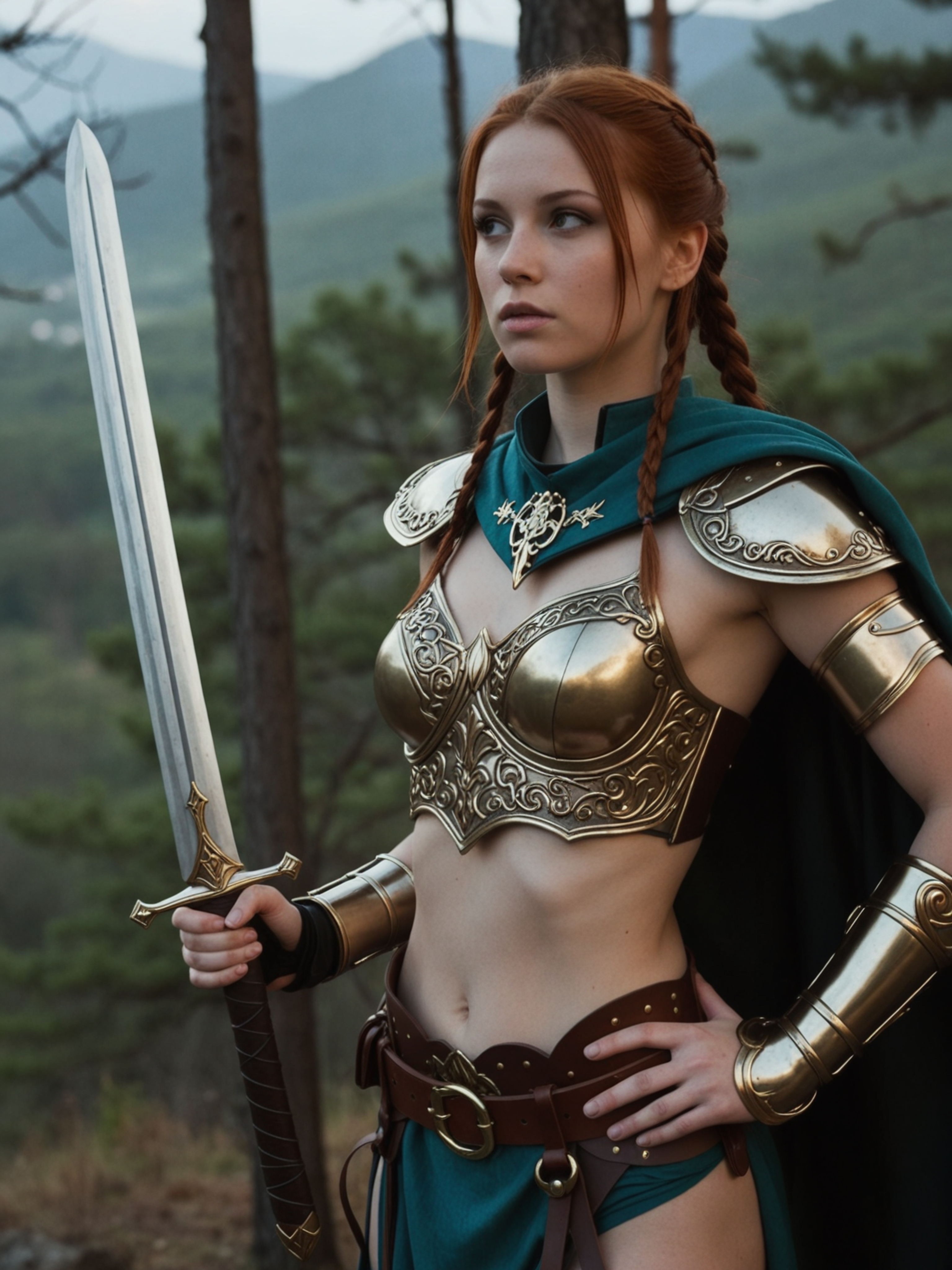
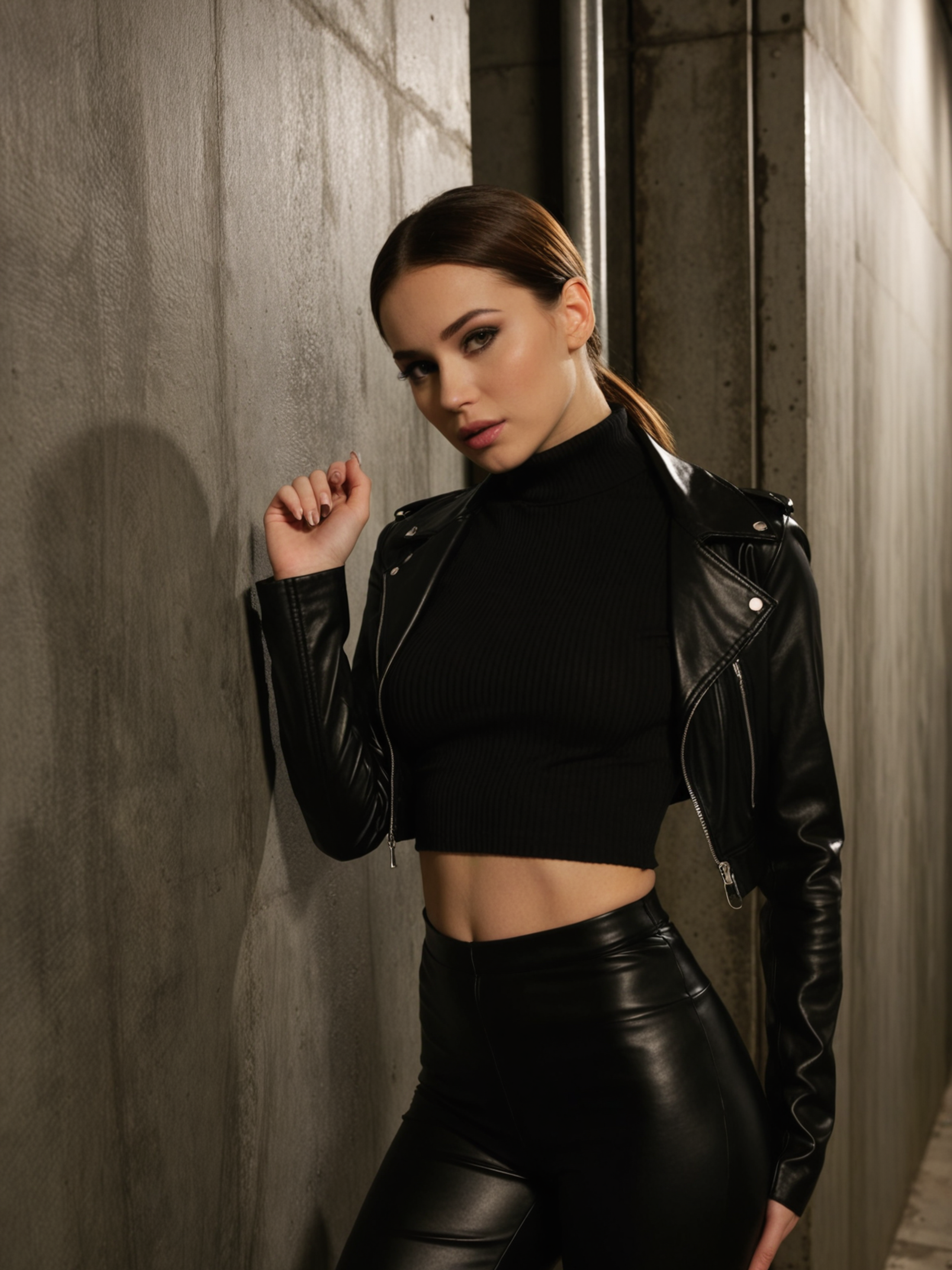
Six prompts, six results. Copy any prompt to start from the same place.
SDXL vs other ZenCreator models
| Model | Best at | Pick when |
|---|---|---|
| SDXL | Massive LoRA library + cheapest tier | Heavy LoRA stacking, custom styles, large iteration runs |
| Flux Klein | Photoreal NSFW anatomy specialist | Body work where anatomical accuracy beats LoRA flexibility |
| Flux Klein + LoRA | Same Flux + LoRA library | Picky LoRA stacks on Flux base instead of SDXL |
| Seedream 5 | Fast cinematic photoreal | Modern generalist; less LoRA flexibility |
| WAN 2.7 | Cheap 2K all-rounder | Subjects beyond custom-styled work |
| Nano Banana 2 | Instruction-following | Brand-safe editing; strictly censored |
When should you NOT pick SDXL?
Three categories where another model fits better:
- Complex multi-element prompts — SDXL's 2023-era architecture handles complex composition worse than Flux, Qwen, or Seedream. For multi-character or layout-heavy briefs, switch to Seedream 5 or WAN 2.7 Pro.
- Clean anatomy at high LoRA strength — LoRA stacking unlocks customisation but trades it against anatomical accuracy at high strengths (extra fingers, distorted limbs, asymmetry). For unrestricted body work without LoRA mods, use Flux Klein — purpose-trained for clean anatomy.
- Strict reliability requirements — SDXL runs on ZenCreator's own GPU fleet, which means output quality and speed depend on fleet health. If servers degrade, SDXL slows or fails. For mission-critical timelines on managed-API alternatives, use Seedream 5 or WAN 2.7.
Get started in 4 steps
- Open the Text-to-Image generator, the Image Editor, or the Face Swap tool.
- Pick SDXL in the model picker.
- Write your prompt — keep style descriptors in mind for LoRA-friendly output. If using LoRAs, set strength 0.5–3.0 per LoRA (start lower for first pass).
- Pick ratio + batch size, hit Generate. Output runs up to 4K depending on dimensions.
How do you write prompts for SDXL?
Five tactics calibrated for SDXL's specialties:
1. Lead with a clear named subject and style anchor. Open with subject + style direction together — Fantasy character portrait of a young female warrior in ornate brass and leather armor. SDXL was trained on tagged style data; combining subject and style up front gives it the most signal.
2. Use LoRA stacking deliberately. Stack at most 3 LoRAs per generation: one for body type, one for style, one for character template. Set strength 0.5–1.5 for subtle influence, 2.0–3.0 for strong influence. High strengths trade away anatomical accuracy — start lower and increase if needed.
3. Be explicit about lighting and camera. Even on stylized output, lighting direction and camera spec matter. Soft directional studio light from camera left, 85mm at f/2.0 controls how the LoRA's style renders in 3D space.
4. Write straightforward prose, not tag soup. SDXL evolved past the tag-only era of Stable Diffusion 1.5. Modern prose prompts (full sentences) produce cleaner output than 1girl, masterpiece, 8k, hyperdetailed. Save the tag tokens for explicit LoRA triggers.
5. Treat LoRA strength as anatomy ceiling. As LoRA strength climbs above 1.5, anatomical errors (extra fingers, distorted limbs, asymmetry) become more frequent. If you need clean anatomy AND a strong style, run two passes: first SDXL with style LoRA for composition, then Flux Klein on the Image Editor for anatomical refinement.
What to avoid: stacking 4+ LoRAs (the model can't reconcile them), expecting Flux-level prompt understanding on complex layouts, treating ComfyUI fleet errors as model issues — those are infra, not model.
Bottom line
SDXL is the LoRA workhorse on ZenCreator — the dedicated tool when you need custom styles, body types, or character templates that the closed-source modern models can't provide. The architecture is 2023-era, so it lags newer models on complex prompts and clean anatomy at high LoRA strengths, but the cost is the lowest on the platform and the LoRA library is the widest. For LoRA-driven workflows, pick SDXL. For clean unrestricted bodies without LoRA mods, pick Flux Klein. For modern prompt understanding without LoRA needs, pick Seedream 5 or WAN 2.7.
Available in
SDXL powers three image tools on ZenCreator. Pick the entry point that fits your input.
Questions
What's the real maximum resolution of SDXL on ZenCreator?
Up to 4K — computed dynamically up to 4096 px on the longest side, despite what the UI label suggests on the model card.
The platform UI may show a "1K" label on the SDXL card, which is a known display bug. Actual output scales much higher, all the way to the full 4096 px ceiling on the longest dimension.
How many LoRAs can I stack at once?
Up to 3 LoRAs per generation, each with independent strength 0.5–3.0, mixing body, style, and character templates in a single call.
Start with lower strengths (0.5–1.5) for the first pass — high strengths trade anatomical accuracy for stronger style imprint, so increase only when the look needs more push.
Why does SDXL show anatomical errors sometimes?
Two reasons — SDXL's 2023-era architecture lags modern models on anatomy, and LoRA stacking above 1.5–2.0 strength trades clean anatomy for stronger style.
Modern models like Flux, Qwen, and Seedream handle anatomy more cleanly out of the box. For clean unrestricted anatomy without LoRA mods, use Flux Klein instead.
What's DMD2 distillation?
A custom 4-step distillation pipeline that lets SDXL generate fast despite running on ZenCreator's own GPUs, replacing vanilla SDXL's 30–50 inference steps.
Vanilla SDXL uses 30–50 inference steps; the DMD2 variant gets comparable quality in 4. The trade-off is some fine-detail loss versus the full step-count, made up for by the refiner pipeline.
What's the refiner pipeline?
SDXL is a two-stage architecture — the base model generates initial latents, then a specialised refinement model handles final denoising for sharper details.
ZenCreator's deployment runs both stages in a single call, so you get the quality benefit without managing the two-pass workflow yourself. The result is sharper output than single-stage SDXL deployments at the same prompt length.
Why does my SDXL generation sometimes fail or slow down?
SDXL runs on ZenCreator's own GPU fleet rather than a third-party managed API, so quality and speed depend on local ComfyUI fleet health.
If the fleet has issues, SDXL performance can degrade or fail. For mission-critical workflows, Seedream 5 and WAN 2.7 run on managed APIs and are more reliable in degradation scenarios.
When should I pick SDXL over Flux Klein?
Pick SDXL when you need user-selectable LoRAs — body types, art styles, character templates — since its library is the widest on the platform.
Pick Flux Klein when you need clean unrestricted body anatomy without LoRA mods — Klein is purpose-trained for anatomy and renders cleaner bodies at the cost of style flexibility.
Sources
- Stability AI — official SDXL 1.0 release announcement: stability.ai
- Stable Diffusion XL technical paper and architecture overview
- ZenCreator AI Models Review (internal) — SDXL strengths and weaknesses
- Internal benchmark comparisons across SDXL, Flux Klein, Seedream 5, and WAN 2.7 — ZenCreator testing, May 2026
Try SDXL
Available on ZenCreator — sign in, open the relevant generator, pick SDXL from the model list.
SDXL is developed by Stability AI. Official page. ZenCreator provides access to SDXL through its platform.