How to Use Seedance 2.0: Complete AI Video Guide (2026)
Learn how to use Seedance 2.0 — ByteDance's multimodal AI video generator with native audio and reference control — live now on ZenCreator with no content filters.

Seedance AI is the breakout AI video generator of 2026. It was built by ByteDance's Seed research team — the same company behind TikTok — and Seedance 2.0 launched on February 10, 2026. Within a week, searches for "seedance ai" spiked sharply, and the model now draws roughly 74,000 US searches a month[1].
This guide shows you what the model does and, more importantly, how to use Seedance 2.0 end-to-end — from your first prompt to a finished clip with sound. Seedance 2.0 is live right now on ZenCreator's Video Generator, so every step below is something you can do today.
What makes it stand out? Seedance 2.0 generates video with native synchronized audio — dialogue, sound effects, ambient noise, and music — in a single pass. No stitching, no separate audio step. It accepts text, images, video, and audio as inputs at the same time, which makes it a true multimodal video generator.
TL;DR: Seedance 2.0 is ByteDance's multimodal video model — native audio, multi-shot storytelling, and up to 9 images, 3 videos, and 3 audio references per generation. On ZenCreator it runs at 480p and 720p with 5–15 second clips and minimal content filters. Open the Video Generator, pick Seedance 2.0, add your references, write a prompt, and generate.
What is Seedance 2.0?
Seedance 2.0 is ByteDance's multimodal AI video model that generates video and synchronized audio together from text, image, video, and audio inputs.
It is the latest step in ByteDance's Seedance line. Seedance 1.0 produced silent 5-second clips, Seedance 1.5 Pro added native audio in December 2025, and version 2.0 unified all four input types into one generation pass.
The model runs on a unified multimodal audio-video architecture — it produces the picture and the soundtrack at the same time, so lip-synced dialogue, matched sound effects, and ambient audio are baked into the output rather than layered on afterward. The result is more coherent than models that treat audio as a separate step.
Seedance 2.0 is available through ByteDance's own Dreamina platform (formerly Jimeng AI) and through third-party integrations, including ZenCreator, where it runs with minimal content filters.
What are the key features of Seedance 2.0?
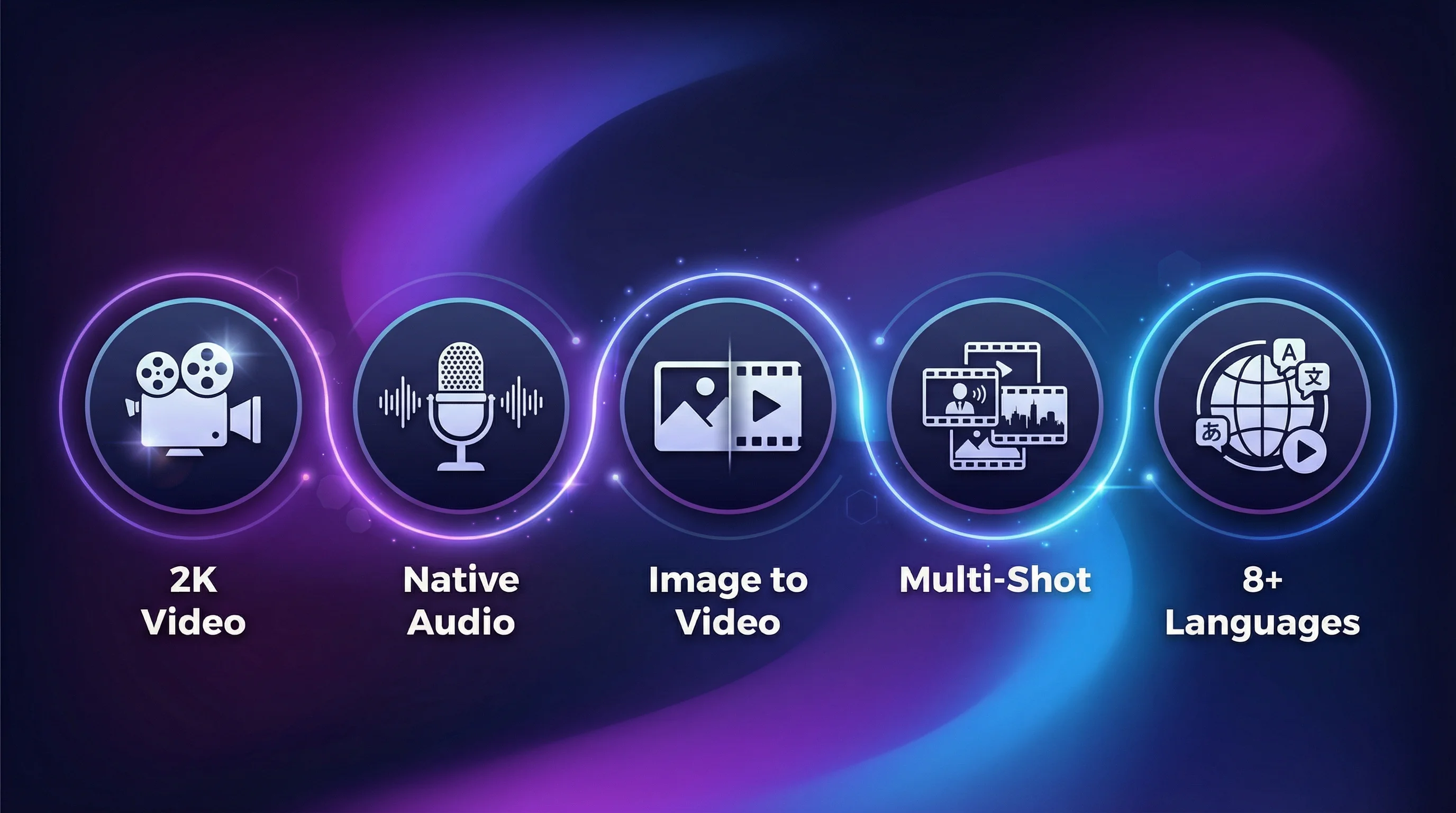
The key Seedance 2.0 features are native audio, multimodal reference control (up to 9 images, 3 videos, 3 audio), multi-shot storytelling, and both text-to-video and image-to-video input.
Text-to-video generation
Write a prompt, get a video. Seedance 2.0 handles complex scenes with multiple characters, camera movement, lighting changes, and emotional performance. On ZenCreator, clips run 5–15 seconds at 480p or 720p across standard aspect ratios (16:9, 9:16, 1:1, 4:3, 3:4, 21:9).
Image-to-video (animation)
Upload a still image and Seedance 2.0 animates it. This works with photos, illustrations, AI-generated images, and manga panels. The model keeps the visual style and character details of the source while adding natural motion, camera movement, and audio.
The multimodal reference system
This is the headline feature. Seedance 2.0 lets you attach up to 9 reference images, 3 reference videos, and 3 reference audio clips. Each file gets a label like [Image 1], [Video 1], or [Audio 1], and you address it directly in your prompt.
This unlocks director-level control:
- Character consistency: "
[Image 1]for the main character's face,[Image 2]for the villain" - Camera motion transfer: "follow the camera movement from
[Video 1]" - Scene / environment: "
[Image 3]as the background setting" - Motion choreography: "copy the dance from
[Video 2]onto[Image 1]" - Audio sync: "
[Audio 1]as background music, sync movement to the beat" - Style transfer: "apply the visual style of
[Video 1]to[Image 1]"
Multi-shot storytelling
Earlier video models were strong on single clips but weak on sequences. Seedance 2.0 generates multi-shot narratives where characters stay visually consistent, camera angles shift naturally, and story beats flow in order. Add the keyword "lens switch" in your prompt to signal a cut, creating different shots inside one generation while keeping continuity.
Native audio generation
The unified architecture produces audio alongside the video. This includes:
- Dialogue with lip-sync in multiple languages
- Sound effects matched to on-screen action
- Ambient audio appropriate to the scene
- Music that matches the mood and pacing
Technical specifications
These are the specs for the Seedance 2.0 integration on ZenCreator. ByteDance.s own Dreamina app runs the model at up to 1080p[2]; the ZenCreator integration currently outputs 480p and 720p.
| Spec | Value (on ZenCreator) |
|---|---|
| Resolution | 480p, 720p (up to 1080p on ByteDance Dreamina) |
| Duration | 5–15 seconds |
| Native Audio | Yes (dialogue, SFX, ambient, music) |
| Reference Images | Up to 9 |
| Reference Videos | Up to 3 |
| Reference Audio | Up to 3 |
| Total Reference Files | 9 img + 3 vid + 3 audio |
| Frame Control | Start frame + end frame |
| Camera | Fixed-camera option (standard variant) |
| Aspect Ratios | 16:9, 9:16, 1:1, 4:3, 3:4, 21:9 |
| Content Filters | Minimal (uncensored) |
How do you use Seedance 2.0 on ZenCreator?
Open the Video Generator, select the Seedance 2.0 model, choose text-to-video or image-to-video, add any references, write your prompt, and generate. A clip is ready in minutes.
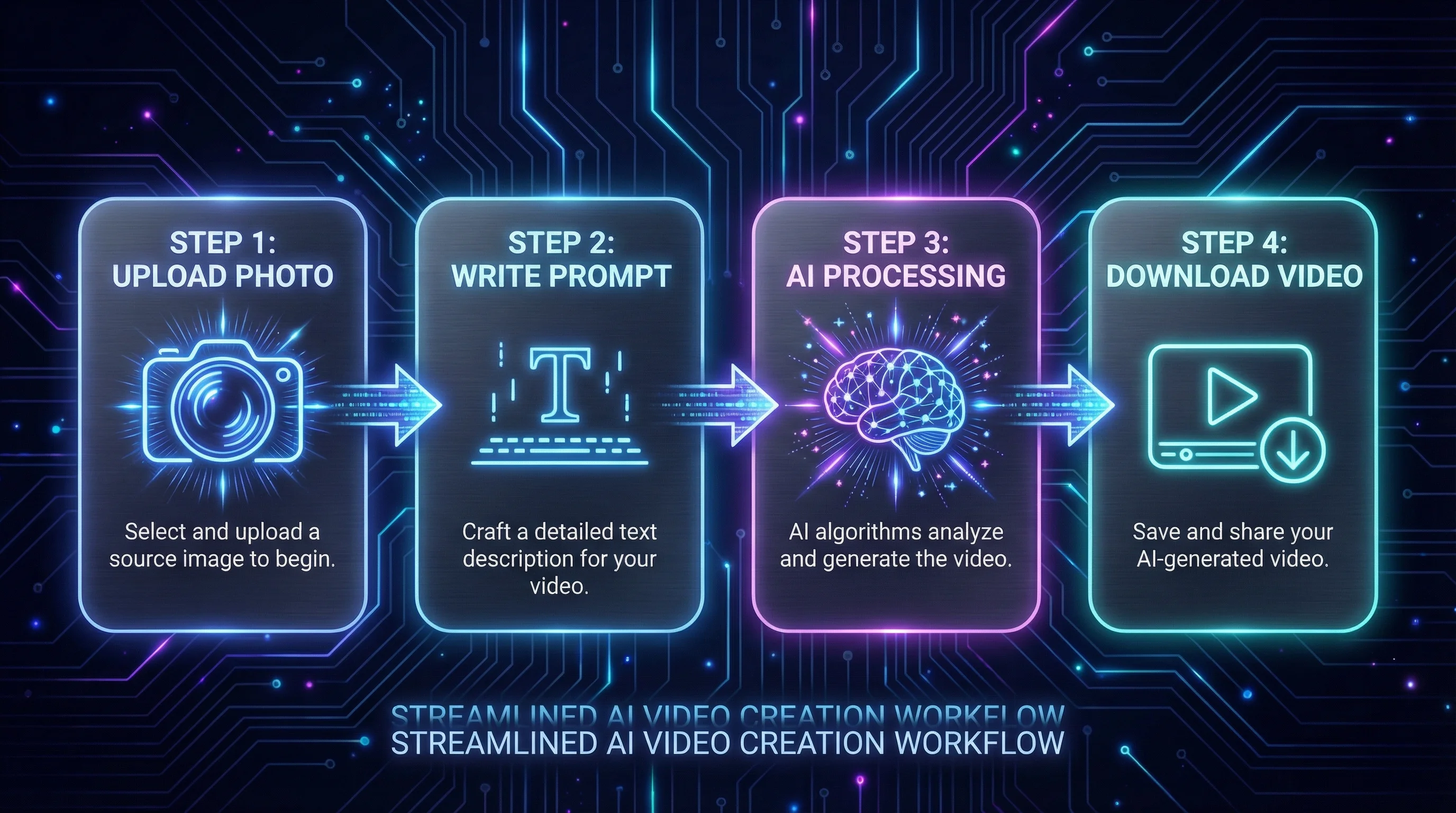
Step 1: Open the Video Generator
Go to the Video Generator on ZenCreator. This is where Seedance 2.0 lives alongside WAN 2.2, Seedance Pro, and other engines — one account, no API keys, no separate platform to manage.
Step 2: Select Seedance 2.0 and your input mode
Pick Seedance 2.0 from the model dropdown, then choose how you want to generate:
- Text-to-Video: describe the scene in words
- Image-to-Video: upload a start frame to animate
- Multimodal reference: combine images, videos, and audio using the
[Image N]/[Video N]/[Audio N]system
Step 3: Add references and set the format
Attach up to 9 images, 3 videos, and 3 audio clips if you are using reference control, then set:
- Aspect ratio — 9:16 for TikTok and Reels, 16:9 for YouTube, 1:1 for Instagram
- Duration — 5 to 15 seconds
- Resolution — 480p for quick drafts, 720p for the final render
Step 4: Write your prompt and generate
Write a detailed prompt (see the examples below), reference each file by its [Image N] label, and generate. Preview the result and download it — clips are watermark-free on ZenCreator.
Because Seedance 2.0 runs with minimal content filters here, you can create fashion, artistic, and boundary-pushing content that gets blocked on ByteDance's own platform. For the full model page, see the uncensored Seedance 2.0 on ZenCreator.
What are the best Seedance 2.0 prompts?
The best Seedance 2.0 prompts describe subject, action, setting, camera, lighting, and audio in that order, and reference each attached file by its [Image N] label.
For a full copy-paste library, see our dedicated guide to Seedance 2.0 prompts. Here are the core principles and a few working examples.
Prompt structure
The most effective prompts follow this pattern:
- Subject — who or what is in the scene
- Action — what is happening
- Setting — where it takes place
- Camera — angle, movement, lens type
- Lighting / mood — atmosphere and color palette
- Audio cues — dialogue, sounds, music style
Example prompts
Cinematic portrait:
A woman with dark curly hair wearing a red silk dress stands on a rooftop
at golden hour. She turns slowly toward the camera with a slight smile.
Shallow depth of field, 85mm lens. Warm amber light catches her hair.
Ambient city sounds below, gentle wind.
Action sequence:
A parkour runner in a black hoodie sprints across a rain-soaked rooftop
at night. He leaps across a gap between buildings, lands in a roll, and
keeps running. Handheld camera follows from behind, then lens switch to
a low-angle shot as he jumps. Neon reflections on wet surfaces. Sound of
footsteps on concrete, rain, and heavy breathing.
Character animation (with reference):
[Image 1] walks through a snowy forest at twilight. She reaches out to catch
a snowflake, then looks up at the sky with wonder. Slow tracking shot from
the side. Blue-purple ambient light with warm breath visible in cold air.
Crunching snow footsteps, distant wind through pine trees.
Multi-shot narrative:
A detective in a trench coat approaches an abandoned warehouse. Close-up of
his hand pushing the door open. Lens switch to wide shot of the dark interior
with a single light hanging from the ceiling. Lens switch to over-shoulder
shot as he sees a mysterious figure in the shadows. Tense orchestral music
builds throughout, creaking door sound, echoing footsteps.
Prompt tips
- Be specific about motion — "turns slowly to the left" beats "moves"
- Include camera language — "tracking shot," "dolly zoom," "handheld" all work
- Use "lens switch" for multi-shot sequences within one generation
- Reference audio explicitly — the model generates better sound when you describe it
- Address references by label —
[Image 1],[Video 2],[Audio 1]
How does Seedance 2.0 compare to Kling?
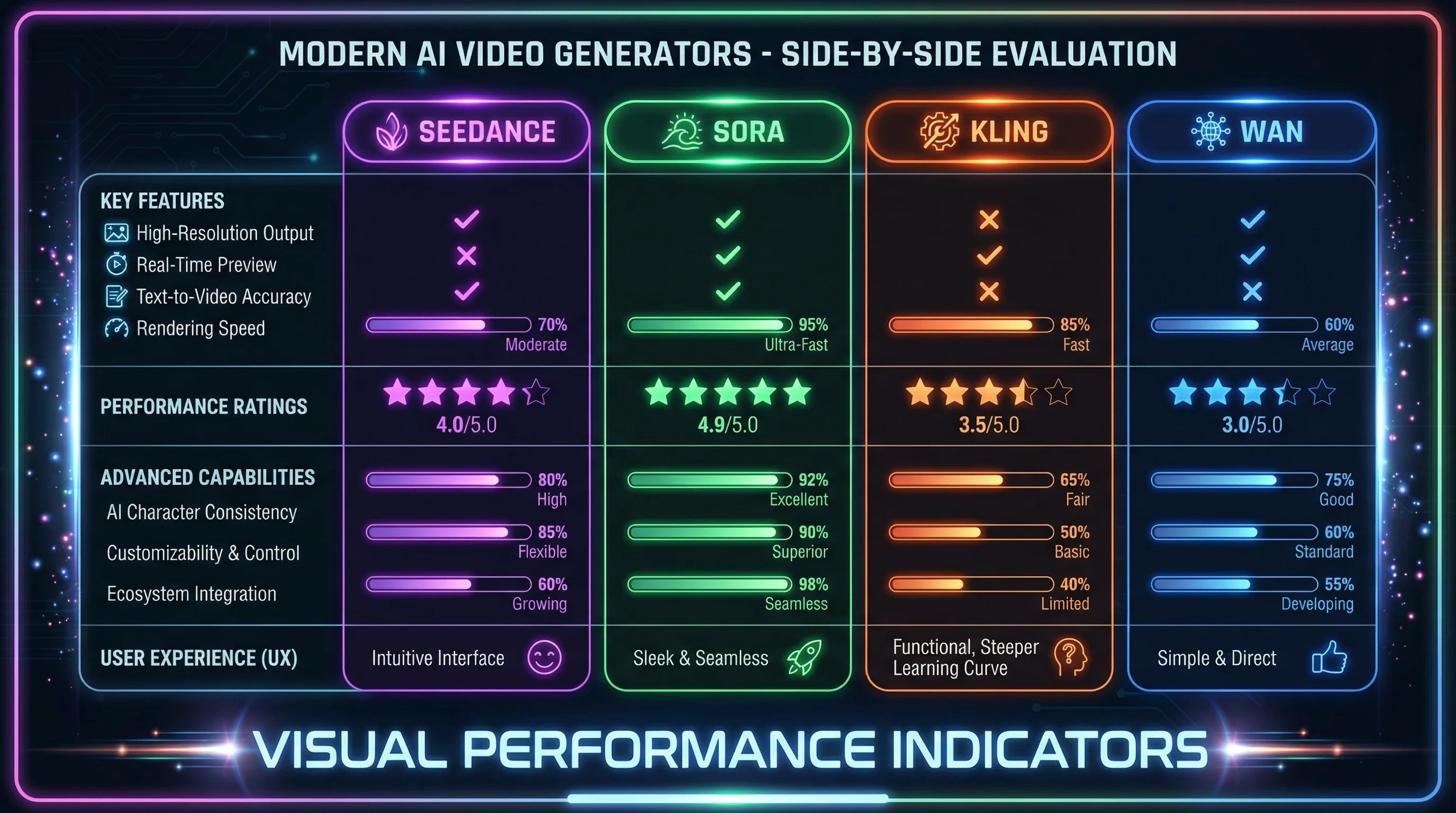
Seedance 2.0 leads on native audio and multimodal reference control, and Kling is capable but applies strict content filters. On ZenCreator you also get uncensored WAN 2.2 with custom LoRA support in the same place.
| Feature | Seedance 2.0 (ZenCreator) | Kling 3.0 (Kuaishou) | WAN 2.2 (ZenCreator) |
|---|---|---|---|
| Resolution | 480p / 720p | Native 4K | 480p / 720p |
| Native Audio | ✅ Full | ✅ (5 languages) | ❌ (add via Lipsync) |
| Max Duration | 15s | Up to 15s | 5s |
| Reference Files | Up to 9 img + 3 vid + 3 audio | Up to 4 | Start + end frame |
| Multi-Shot | ✅ ("lens switch") | ✅ (up to 6 cuts) | ❌ |
| Content Filters | Minimal (uncensored) | Strict | Minimal (uncensored) |
| Availability | Live now | Live | Live now |
| Custom LoRA Support | ❌ | ❌ | ✅ |
Seedance 2.0 leads in multimodal capability — the reference system and native audio are best-in-class. Kling 3.0 pushes higher resolution but applies strict content filters. On ZenCreator, Seedance 2.0 sits next to WAN 2.2 with custom LoRA support and uncensored output, so you can switch engines per project without leaving the platform.
For a full head-to-head, read Seedance 2.0 vs Kling.
What are Seedance 2.0's limitations?
The main limits are short clip length (up to 15 seconds), no custom-model training, and content moderation on ByteDance's own platforms — though the ZenCreator integration runs with minimal filters.
Duration limits
At 5–15 seconds per generation, you are working in short clips. Longer content means generating several clips and editing them together. The multi-shot feature helps continuity, but you cannot generate a 60-second video in one pass.
Content moderation depends on where you run it
On ByteDance's Dreamina, Seedance 2.0 enforces moderation policies, so explicit material and some sensitive subjects are blocked or filtered. For creators in fashion, swimwear, or artistic categories, that is a real obstacle. Running the same model on ZenCreator removes most of that friction — it applies minimal content filters.
No custom model training
You cannot fine-tune Seedance 2.0 on your own data. There is no LoRA support and no way to train it on specific characters, styles, or brand aesthetics. If you need custom-trained models for consistent characters, ZenCreator's WAN 2.2 with LoRA support is the alternative.
Where can you use Seedance 2.0 unrestricted?
Seedance 2.0 is live on ZenCreator's Video Generator with minimal content filters, alongside WAN 2.2 and custom LoRA support.
Seedance 2.0 is available now on ZenCreator's Video Generator — ByteDance's multimodal video model, paired with ZenCreator's existing engines and unrestricted generation.
All engines in one place. ZenCreator brings together the best AI video models — Seedance 2.0, Seedance Pro, WAN 2.2, and more — so you pick the right tool per project without switching platforms.
Minimal content filters. Unlike Dreamina, ZenCreator does not apply heavy content moderation. Full creative freedom for fashion, art, experimental, and professional content.
Custom LoRA support (via WAN). ZenCreator's differentiator. Apply custom LoRA models to your WAN video generations for consistent characters, specialized styles, and brand-specific aesthetics — something Seedance does not offer natively.
Video templates to start from
These are popular pre-built video templates on ZenCreator — general Video Generator templates, not Seedance-specific ones. They are a fast way to see the workflow: click any one to load it with the prompt and settings pre-filled, then switch the engine to Seedance 2.0 and swap in your own character or references.
Frequently Asked Questions
What is Seedance AI?
Seedance AI is a family of AI video models from ByteDance, the parent company of TikTok. The latest version, Seedance 2.0, launched in February 2026 and generates video with native audio from text, image, video, and audio inputs. It is one of the most capable AI video generators available.
How do you use Seedance 2.0?
Open a platform that hosts it, pick the Seedance 2.0 model, choose text-to-video or image-to-video, add any reference files, write a prompt, and generate. On ZenCreator, the whole flow runs in the Video Generator at 480p or 720p with clips from 5 to 15 seconds.
What resolution does Seedance 2.0 output?
On ZenCreator, Seedance 2.0 generates at 480p or 720p. ByteDance.s own Dreamina app runs the model at up to 1080p[2], but the ZenCreator integration currently runs at 480p/720p.
How many reference files does Seedance 2.0 accept?
Up to 9 images, 3 videos, and 3 audio. You address each one in the prompt as [Image N], [Video N], or [Audio N], and the model uses them together in a single generation.
How does Seedance 2.0 compare to Kling?
Seedance 2.0 offers native audio and a richer reference system (9 images, 3 videos, and 3 audio), and it runs with minimal content filters on ZenCreator. Its main live rival is Kling 3.0, which leads on resolution but applies a strict filter. See our full Seedance 2.0 vs Kling comparison.
Is there an unrestricted AI video generator?
Yes — ZenCreator runs Seedance 2.0 and WAN 2.2 with minimal content filters, and WAN supports custom LoRA models for specialized styles and characters. It is one platform for both Seedance and uncensored WAN generation.
Does Seedance 2.0 support custom models or LoRAs?
No. Seedance 2.0 does not support custom model training or LoRA fine-tuning beyond its reference-file system. For custom-trained models and consistent characters, use ZenCreator's WAN 2.2 with LoRA support.
References
[1] "seedance 2.0" search volume — DataForSEO, 2026 · [2] Seedance 2.0 — ByteDance Seed · [3] Seedance 2.0 — ByteDance Seed
Related guides
- Seedance 2.0 prompts — copy-paste prompt library for reference-driven clips
- Seedance 2.0 vs Kling — head-to-head on the models people compare most
- Uncensored Seedance 2.0 — the main landing: what it is, why unrestricted, and how to start
- Uncensored Seedance 2.0 on ZenCreator — the model page, real gallery, and start
- Seedance Pro, Pro Fast and 1.5 Pro — the other Seedance engines on the platform
- All ZenCreator Video Engines — side-by-side of every video model