AI Lingerie Photos With ZenCreator PhotoShoot — Templates & Prompts (2026)
How to create unrestricted AI lingerie photos using ZenCreator's PhotoShoot tool. Pick a category, upload your face, generate a full set in seconds.

Most AI image generators make you write a paragraph-long prompt to get one lingerie photo — and then the content filter blocks it anyway. ZenCreator PhotoShoot skips both problems: you pick the Lingerie category, upload your character's face, choose how many photos you want, and the tool generates a full set with consistent identity across every shot.
No prompts. No filters. No repeating yourself 50 times to get 50 variations.
For prompt-based lingerie generation with full creative control, see our AI Lingerie & Boudoir Templates guide.
How Does PhotoShoot Work for Lingerie Content?
PhotoShoot is not a text-to-image generator. It is a template-based photo set generator with 40+ themed categories — including Lingerie when you enable the 18+ toggle.
The workflow:
- Go to PhotoShoot
- Toggle "Show 18+ templates" to see the Lingerie category
- Select Lingerie (and any other categories you want)
- Choose how many photos per category: 5, 10, or 15
- Upload your character's face (from Face Generator or your own photo)
- Generate — the tool produces a full set in ~30 seconds
Every photo in the set uses your character's face with Identity Lock — the same person across every shot, every pose, every outfit. This is what makes PhotoShoot different from typing prompts one by one.
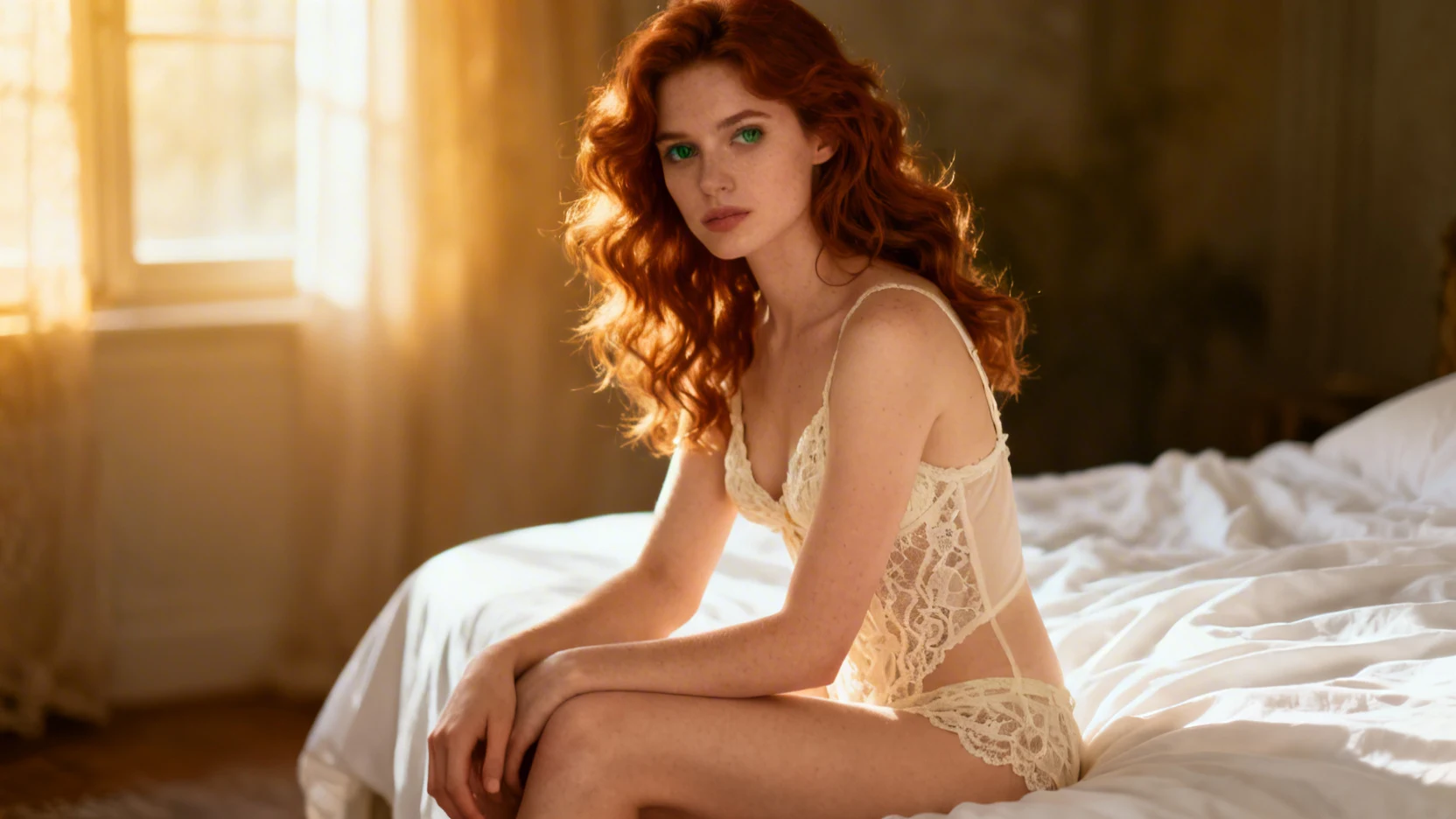
Here is what the Lingerie category produces — elegant lace and silk compositions with warm intimate lighting:
Why Use PhotoShoot Instead of Text-to-Image for Lingerie?
Three specific advantages:
No prompt writing. You don't describe "woman in lace lingerie sitting on bed with warm light" — the category already knows what to generate. Pick it and go.
Batch generation. One click produces 5, 10, or 15 photos. With Text-to-Image you generate one at a time, tweak the prompt, regenerate, tweak again. PhotoShoot gives you a full set of varied poses, angles, and compositions from one action.
Consistent identity. Every photo uses Identity Lock — your character looks the same in every shot. With Text-to-Image, each generation produces a slightly different face. For AI influencer content where followers expect the same person, this consistency is critical.
The trade-off: you have less control over individual poses and compositions. If you need a very specific shot — "woman in black lace bodysuit lying on a red velvet couch looking at camera with one arm behind her head" — use Text-to-Image instead. PhotoShoot is for volume and variety.
What Does a Full Lingerie Photo Set Look Like?
A single PhotoShoot run with the Lingerie category produces photos across several styles:
- Classic boudoir — bed setting, soft sheets, warm directional light
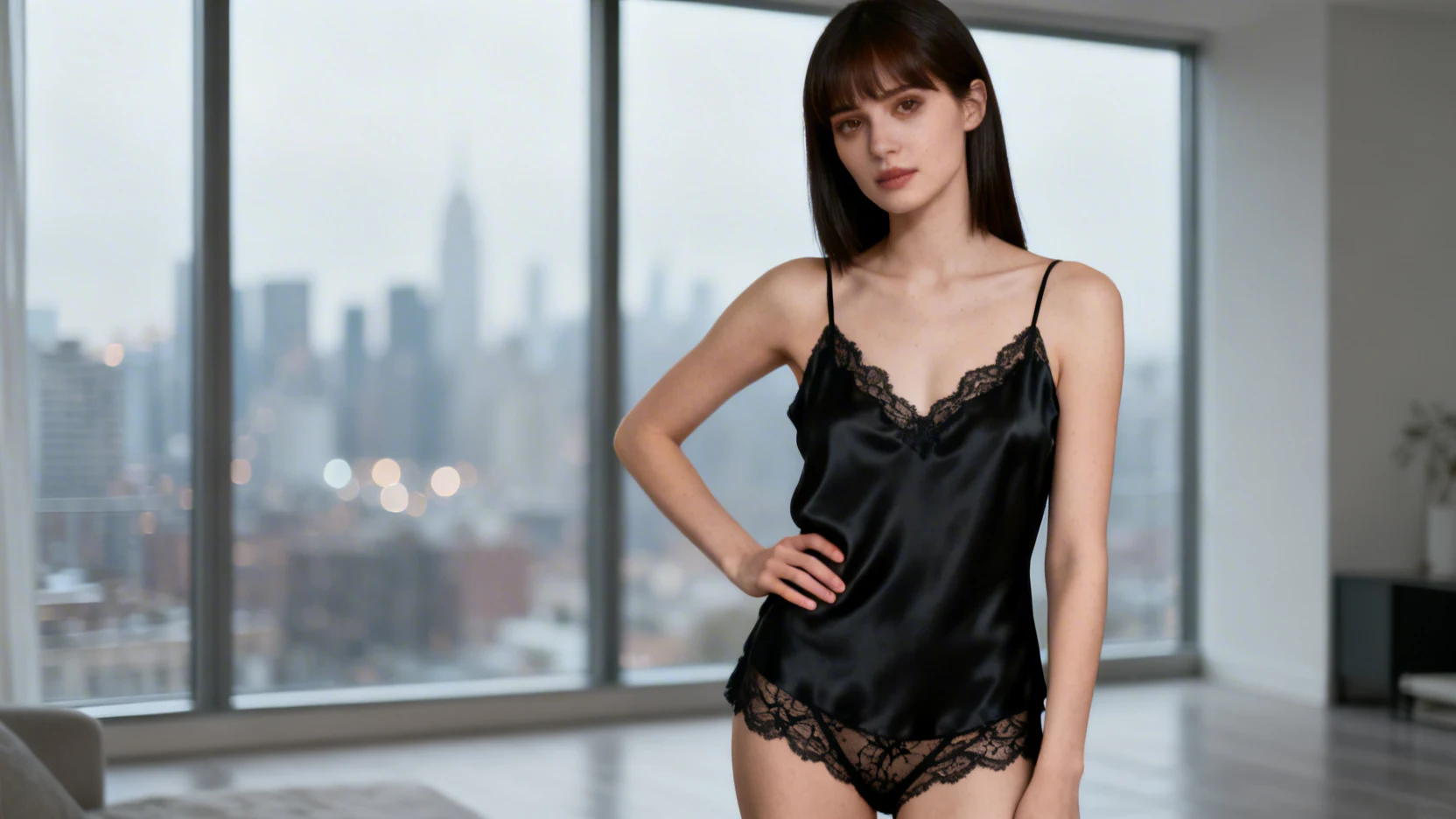
- Fashion lingerie — standing poses, cleaner backgrounds, editorial framing
- Intimate close-ups — detail shots of lace, silk textures, jewelry
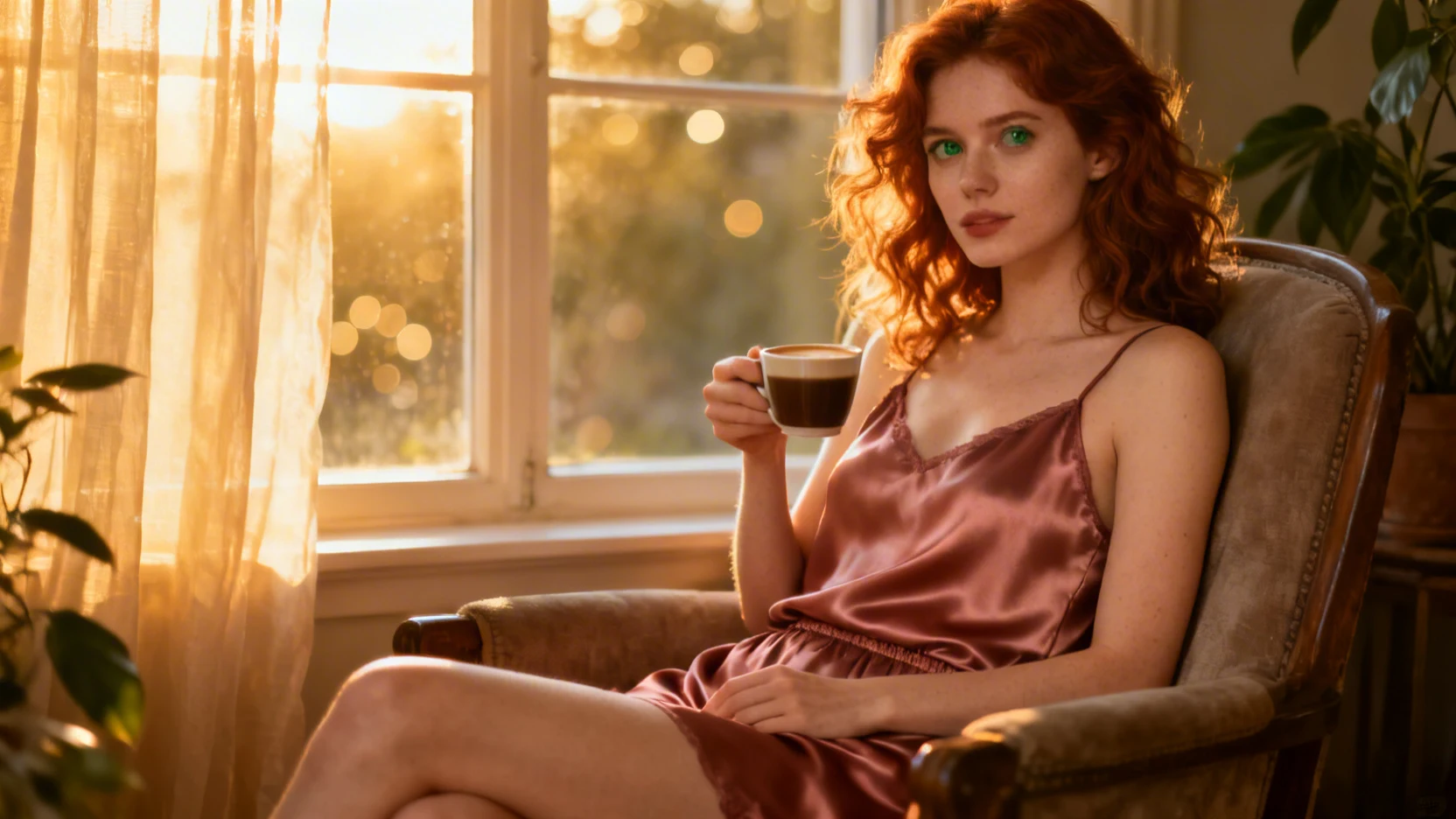
- Lifestyle — morning coffee scenes, window-lit casual moments in lingerie
The variety comes built-in — you don't need to specify each style separately. The category rotates through compositions automatically.
Here is another example — a fashion-forward editorial lingerie shot:
How Do You Keep the Same Character Across All Photos?
This is where PhotoShoot's Identity Lock technology does the work.
Before generating, you upload a face — either created with Face Generator or your own uploaded photo. Every photo in the set uses that exact face: same features, same proportions, same recognizability.
If you are building an AI influencer account where followers expect the same person across hundreds of posts, this is non-negotiable. Random faces per generation kill believability instantly.
The workflow for a full content pipeline:
| Step | Tool | What it does |
|---|---|---|
| 1 | Face Generator | Create your character's face |
| 2 | PhotoShoot | Generate 15 lingerie photos with that face |
| 3 | Editor | Combine or refine specific shots |
| 4 | Upscaler | Enhance to 4K resolution |
| 5 | Image-to-Video | Animate the best shots into short clips |
One character. Dozens of content pieces. All consistent.
FAQ
Is the Lingerie category included?
Yes. PhotoShoot is available on every plan — including the Lingerie and other 18+ categories.
How do I enable 18+ templates?
Toggle "Show 18+ templates" at the top of the PhotoShoot category selection screen. The Lingerie category appears alongside all other categories.
Can I mix Lingerie with other categories in one run?
Yes. Select Lingerie plus any other categories — Cozy Home, Portrait, Night Out — and set how many photos you want from each. One generation run covers everything.
What resolution are the photos?
PhotoShoot generates at flexible resolutions including 1:1, 3:4, and 9:16 — up to 4K when combined with the Upscaler tool.
How is this different from the Text-to-Image lingerie guide?
PhotoShoot is template-based — pick a category, get a batch of varied photos. Text-to-Image is prompt-based — write exactly what you want, get one image at a time. PhotoShoot is faster for volume; Text-to-Image gives more creative control per shot.