Best Unrestricted AI Chatbots + How to Pair with Image/Video Generation (2026)
7 best unrestricted AI chatbots ranked and tested in 2026 — Venice AI, DarkGPT, Uncensored.chat, and more. Plus a step-by-step workflow to turn chatbot output into AI images and videos with ZenCreator.

Unrestricted AI chatbots let you write anything — adult fiction, unfiltered roleplay, edgy creative scenarios — without the refusal walls that ChatGPT and Claude put up. But text is only half the equation. The real creative unlock happens when you take chatbot-generated descriptions and feed them into an unrestricted image or video generator. This guide ranks the seven best unrestricted AI chatbots available right now, then walks you through a concrete workflow for turning chatbot text into visual content using ZenCreator's image and video tools.
Quick picks: Venice AI for privacy-first unrestricted chat with multiple model choices. DarkGPT for zero-filter creative fiction. Uncensored.chat for the strongest all-around uncensored experience. SillyTavern for self-hosted maximum control. Skip to the chatbot-to-visual workflow if you already know which chatbot you want.
What Does "Unrestricted AI Chatbot" Actually Mean?
An unrestricted AI chatbot is a large language model interface that does not apply content filters between your input and the model's response. When you ask it to write a graphic fight scene, an explicit romance chapter, or a politically charged analysis, it generates the output instead of refusing.
Three things that "unrestricted" does not mean:
- Not illegal. Every platform on this list still blocks universally prohibited content (CSAM, real-person harm instructions). Unrestricted refers to removing corporate editorial policies, not legal safeguards.
- Not jailbroken. Jailbreaks use prompt tricks to bypass safety on a standard model. They break unpredictably. Genuinely unrestricted chatbots run models that were trained or fine-tuned without refusal behavior.
- Not low quality. Some unrestricted chatbots match GPT-4 class reasoning. Others are barely coherent. Quality varies enormously across platforms.
The practical distinction: mainstream chatbots (ChatGPT, Claude, Gemini) use reinforcement learning from human feedback to train refusal behavior directly into the model weights. Unrestricted chatbots either skip that training step entirely, use models fine-tuned on uncensored datasets, or run open-source base models without a filtering layer. The approach determines how reliable the "unrestricted" claim actually is.
For a deeper breakdown of how unrestricted AI works across all categories — not just chat — see our unrestricted AI complete guide.
Which Are the Best Unrestricted AI Chatbots in 2026?
We tested each platform with the same battery: creative fiction prompts (graphic violence, explicit romance, morally complex scenarios), unfiltered analysis requests (politically charged, ethically ambiguous), and multi-turn roleplay across 20+ messages. Here is how they rank.
1. Venice AI — Best for Privacy and Model Selection
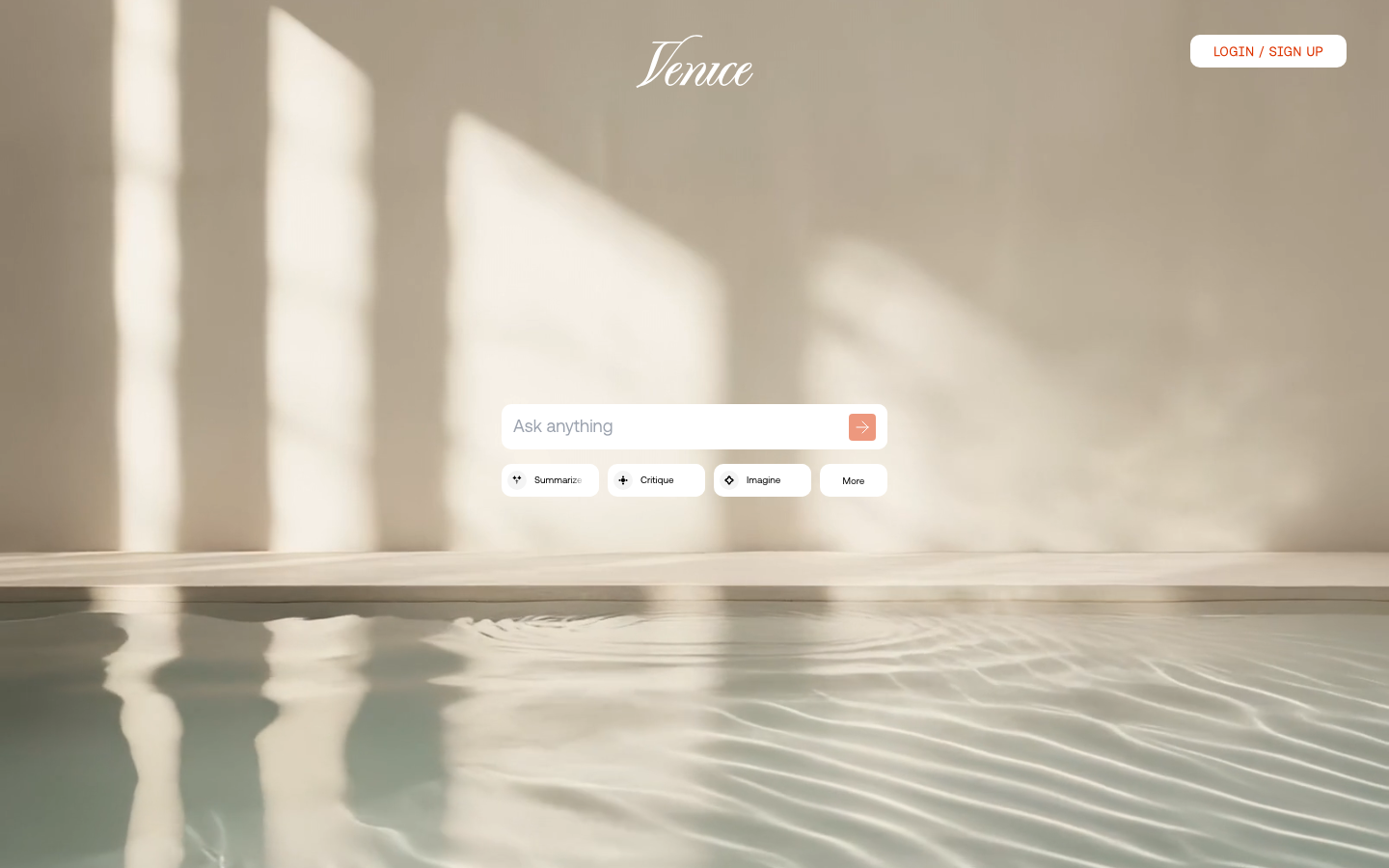
Venice AI runs open-source models (Mistral, LLaMA 3 variants, Dolphin fine-tunes) through a clean web interface with no content filtering layer. The platform's core differentiator is privacy architecture: conversations are processed on decentralized infrastructure and not stored on central servers. Your chat history lives only in your browser.
What works: Genuinely unrestricted across every test category. You choose which model to run, so you can switch between a fast small model for simple tasks and a larger model for complex fiction. The interface is polished and responsive. No conversation logging, no training on your data.
What does not: Model quality varies significantly between options. Some fine-tunes produce less coherent long-form output than GPT-4 class models. Venice has built-in image generation, but its visual output is limited compared to dedicated image generators. Pricing at $18/month (or $149/year) for the Pro tier is higher than several alternatives.
Pricing: Free tier with daily limits. Pro at $18/month or $149/year for unlimited access.
Best for: Users who prioritize privacy and want a reliable unrestricted chatbot with model flexibility.
2. Uncensored.chat — Best All-Around Uncensored Platform
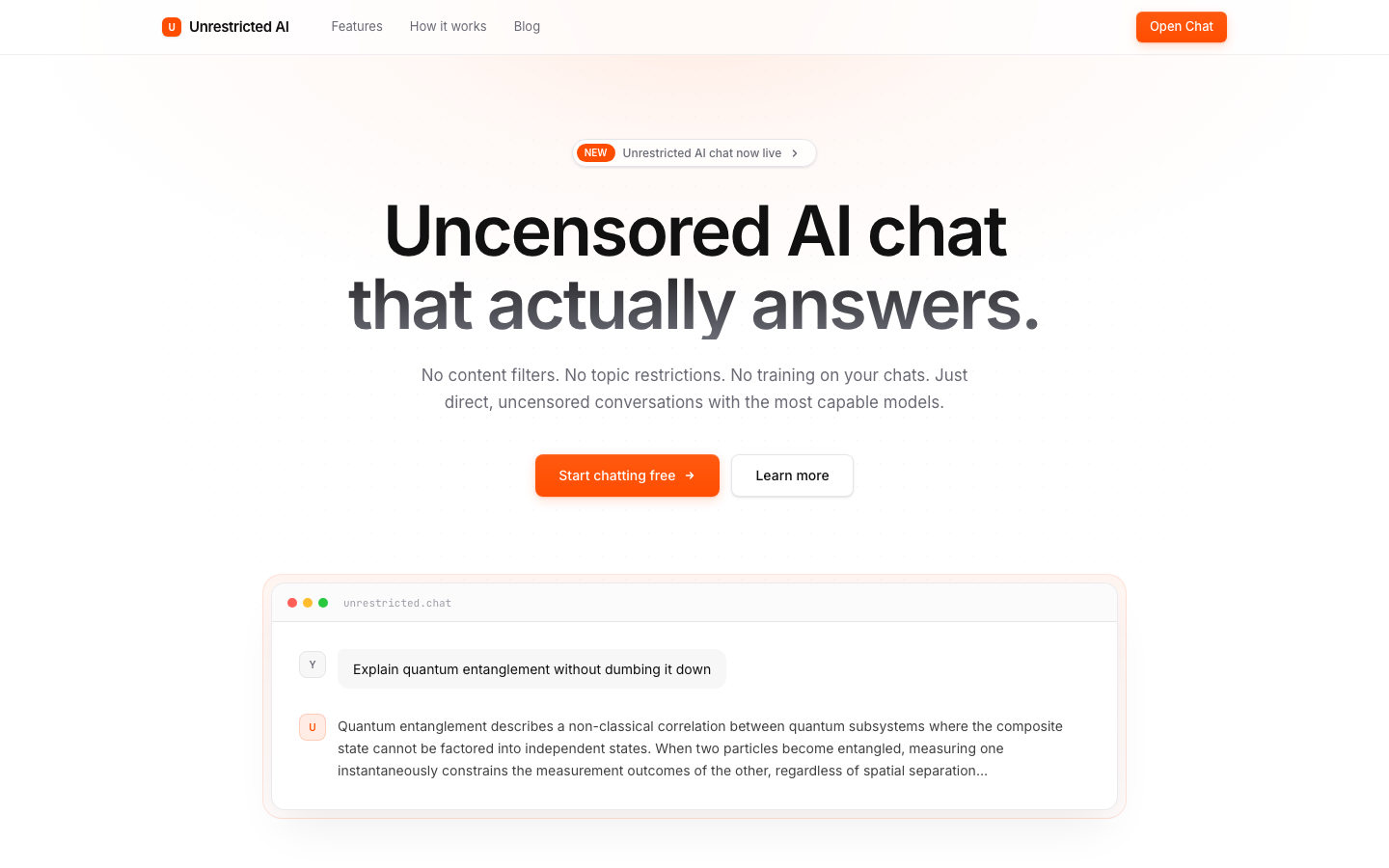
Uncensored.chat is a dedicated uncensored AI platform that combines text chat with image generation. It passed 14 of 15 content freedom tests in third-party reviews (the single failure being correctly refused illegal content). The platform was built specifically for uncensored interaction — not retrofitted from a filtered product.
What works: Consistent content freedom without the unpredictable refusals that plague jailbreak-based solutions. Response quality is above average for the unrestricted chatbot category. Built-in image generation adds versatility. No signup required for the free trial.
What does not: The free trial is limited — you will hit usage caps quickly. Paid plans start at $9.99/month, which is reasonable but adds up if you are using multiple AI tools. The image generation is functional but not competitive with specialized image generators for photorealistic output.
Pricing: Free trial (no signup). Paid plans from $9.99/month.
Best for: Users who want a single platform for uncensored chat and basic image generation.
3. DarkGPT (Miniapps) — Best for Zero-Filter Creative Writing
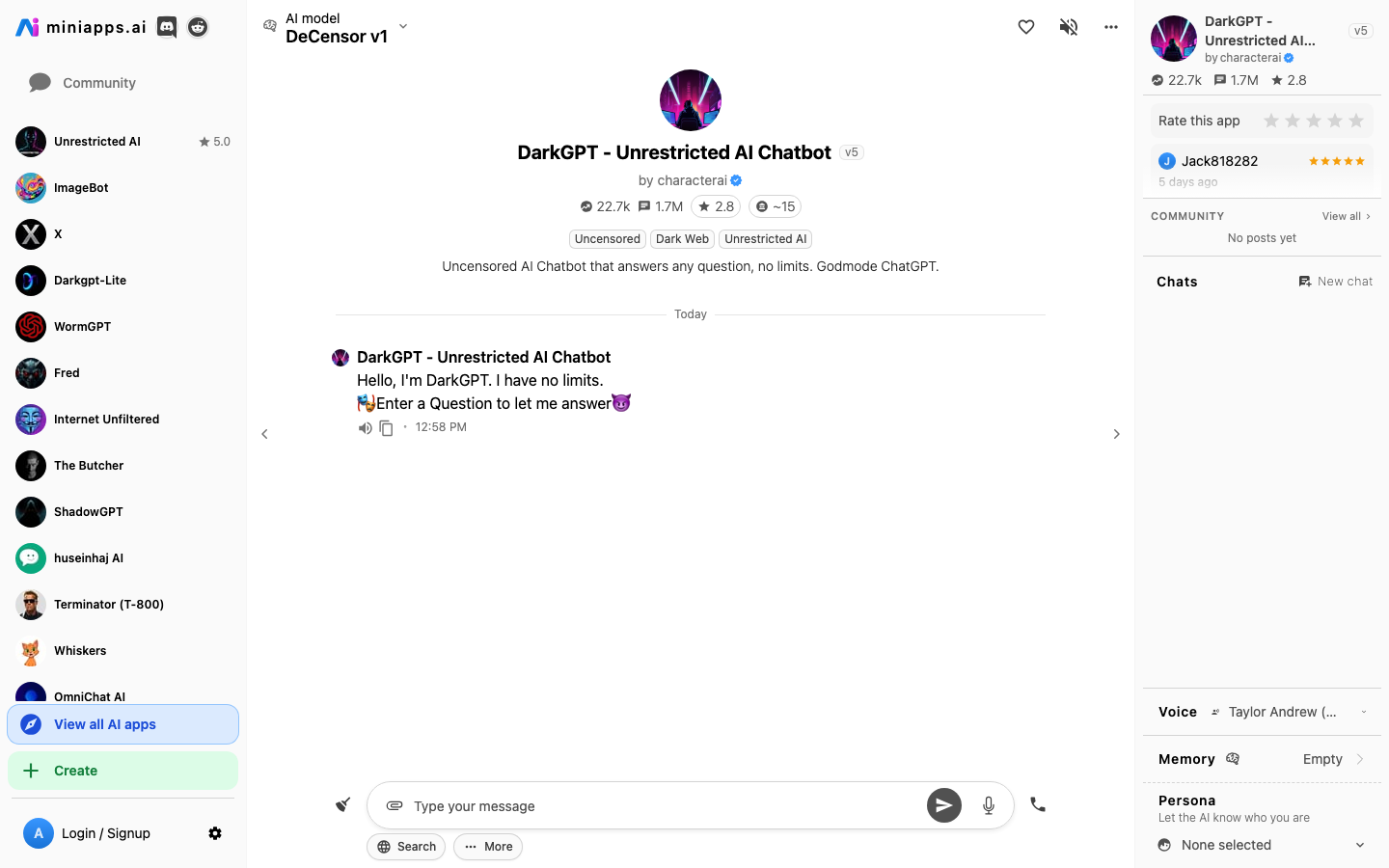
DarkGPT runs as a browser-based chatbot through Miniapps.ai, wrapping uncensored LLaMA fine-tunes in a minimal interface. The platform is explicitly designed for creative writing and roleplay without content boundaries. It positions itself as an "amoral" AI that will not lecture you about ethics or safety.
What works: Strong at character-driven narrative and multi-turn creative fiction. Handles explicit content, graphic violence, and controversial themes without deflection. Browser-based — nothing to install. The zero-filter approach is consistent rather than spotty.
What does not: Runs smaller model sizes, which means noticeably weaker factual accuracy and reasoning compared to GPT-4 class models. The interface is bare-bones. Limited context window means the model loses track of earlier conversation details in longer sessions. The "DarkGPT" branding is edgy marketing — the underlying technology is standard uncensored LLM inference.
Pricing: Free with usage limits. Premium plans available through Miniapps.
Best for: Creative writers who want zero content restrictions and do not need high-end reasoning.
4. NoLimitGPT (MaxAI) — Best Free Tier for Casual Use
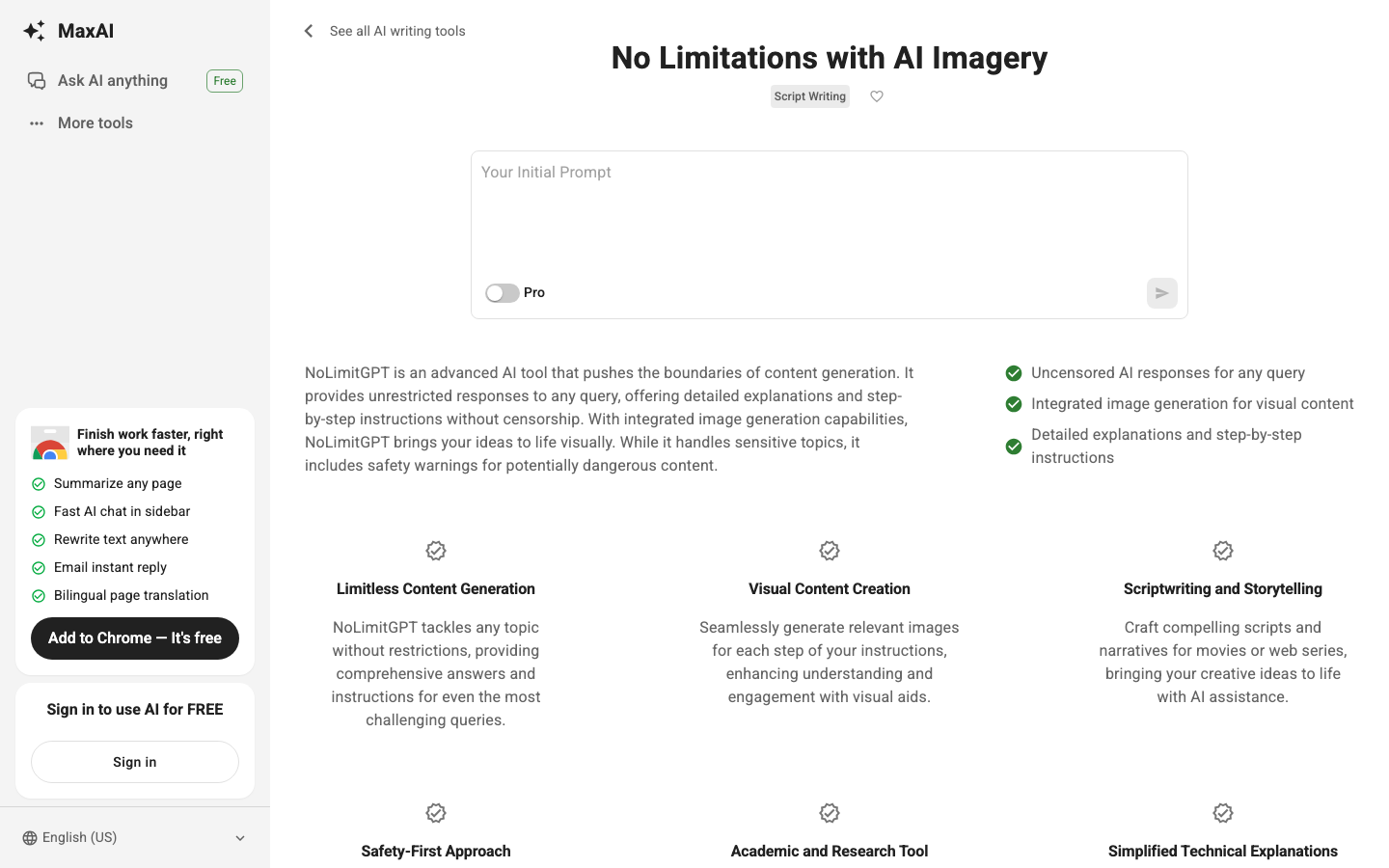
NoLimitGPT offers a ChatGPT-like interface without safety filters. The experience is deliberately familiar — if you have used ChatGPT, you already know how to use NoLimitGPT. It handles adult content, unrestricted creative writing, and unfiltered analysis.
What works: Familiar interface reduces learning curve. Handles most unrestricted content categories consistently. Free tier is functional enough for light use. Fast response times.
What does not: The "no limit" branding oversells slightly — some edge cases still trigger soft refusals, suggesting it uses system-prompt overrides rather than truly uncensored model weights. Model intelligence is noticeably below GPT-4o on complex reasoning. Limited customization options.
Pricing: Free tier with daily limits. Pro from $12/month.
Best for: Users who want a simple, familiar unrestricted chatbot for casual use without spending time on setup.
5. KoboldAI — Best Self-Hosted Option for Maximum Control
KoboldAI is an open-source inference platform you run on your own hardware. It supports any GGUF or GPTQ model, which means you can load the most unrestricted models available on HuggingFace — Dolphin-Mixtral, WizardLM-uncensored, Nous-Hermes — with zero platform policies between you and the model.
What works: Absolute content freedom. No subscription costs. Complete privacy — nothing leaves your machine. Supports model swapping, custom sampling parameters, and fine-grained control over generation behavior. Active community maintaining model libraries and optimizations.
What does not: Requires decent hardware — 16GB RAM minimum, a GPU with 8GB+ VRAM for usable speed. Setup takes 30-60 minutes. No mobile access without additional configuration. You manage model downloads, updates, and compatibility yourself.
Pricing: Free (open source). Hardware costs vary.
Best for: Technical users who want permanent unrestricted access with no platform dependencies.
6. SillyTavern — Best for Character-Based Roleplay
SillyTavern is a self-hosted frontend for AI chat that specializes in character cards — detailed character profiles with personality, backstory, greeting messages, and conversation style baked in. Connect it to any backend (KoboldAI, Ollama, OpenRouter with unrestricted models) and you get a full roleplay platform with zero content restrictions.
What works: The character card system is the most sophisticated in the unrestricted chatbot space. Community-maintained card libraries provide thousands of pre-built characters. World Info and lorebook features let you define persistent settings and lore that the AI references during conversation. Multi-character group chats. Extensive UI customization.
What does not: Setup complexity is higher than any hosted platform — you need a backend running plus SillyTavern as the frontend. Performance depends entirely on the backend you connect. The interface can feel overwhelming for new users.
Pricing: Free (open source). Requires a backend (free with self-hosted, or paid through API services).
Best for: Roleplay enthusiasts who want deep character customization and are comfortable with self-hosted setup.
7. FreedomGPT — Best for Uncensored Analysis and Political Topics
FreedomGPT positions itself as an AI that will not dodge ethical dilemmas, political questions, or controversial analysis. Where most unrestricted chatbots focus on creative fiction and adult content, FreedomGPT emphasizes intellectual freedom — answering questions that mainstream chatbots refuse on political, ethical, or philosophical grounds.
What works: Handles political analysis, controversial historical topics, and ethical dilemmas without deflection. Provides direct answers to questions that ChatGPT wraps in excessive caveats. Desktop app available for local use.
What does not: Less capable than other options for creative fiction and explicit adult content — its strengths are analytical rather than creative. The desktop app requires installation. Model quality is decent but not top-tier.
Pricing: Free for basic use. App download available at freedomgpt.com.
Best for: Users who want unrestricted analysis and intellectual discussion rather than creative fiction.
How Do These Unrestricted Chatbots Compare?
| Chatbot | Content Freedom | Response Quality | Privacy | Free Tier | Best For |
|---|---|---|---|---|---|
| Venice AI | Full | High | Excellent (no logging) | Yes (limited) | Privacy + model choice |
| Uncensored.chat | Full | Above average | Good | Trial only | All-around uncensored |
| DarkGPT | Full | Moderate | Standard | Yes (limited) | Zero-filter fiction |
| NoLimitGPT | High (some soft limits) | Moderate | Standard | Yes (limited) | Casual, familiar UI |
| KoboldAI | Absolute | Depends on model | Complete (local) | Yes (open source) | Maximum control |
| SillyTavern | Absolute | Depends on backend | Complete (local) | Yes (open source) | Character roleplay |
| FreedomGPT | High (analytical focus) | Good | Good (local option) | Yes | Analysis + debate |
The self-hosted options (KoboldAI, SillyTavern) offer the most complete freedom but require technical setup. Among hosted platforms, Venice AI leads on privacy and model selection, Uncensored.chat leads on out-of-box usability, and DarkGPT leads on raw creative content freedom.
How Do You Combine an Unrestricted Chatbot with AI Image and Video Generation?
This is the section most people actually need. An unrestricted chatbot generates text — character descriptions, scene breakdowns, story scripts, visual concepts. But text alone does not create content you can post, share, or sell. For that, you need a visual generation pipeline.
Most unrestricted chatbots do not generate images or video. Venice AI has basic image generation, and Uncensored.chat includes some image capability, but neither matches the output quality or feature set of a dedicated visual AI platform. The practical workflow uses two tools together: an unrestricted chatbot for text, and an unrestricted image/video generator for visuals.
Here is the four-step process.
Step 1: Generate Your Scene Description in the Chatbot
Open your unrestricted chatbot of choice and write your scene, character, or concept. Be specific about visual details — the chatbot can produce far more detailed descriptions than most people write from scratch.
Example prompt for the chatbot:
Describe a photorealistic scene of a confident woman in her late 20s standing on the rooftop of a Tokyo skyscraper at night. She is wearing a fitted black leather jacket over a red silk top. The city skyline glows behind her with neon signs and light trails. Include details about lighting, camera angle, and mood.
The chatbot will return a paragraph-length description with far more visual specificity than you would typically write yourself — skin texture, fabric behavior, atmospheric lighting details, camera positioning.
Step 2: Convert the Description into an Image Prompt for ZenCreator
Take the chatbot's description and paste it into ZenCreator's Text-to-Image tool. ZenCreator is not a chatbot — it is a visual generation platform with 12 tools and zero content filters. It accepts the detailed descriptions that unrestricted chatbots produce and turns them into photorealistic images.
Example — chatbot output converted to ZenCreator prompt:
Photorealistic portrait, confident woman late 20s, standing on Tokyo skyscraper rooftop at night, fitted black leather jacket over red silk top, wind catching her dark hair, city skyline behind with neon signs and light trails from traffic below, shot on Sony A7IV 85mm f/1.4, shallow depth of field, cool blue ambient light from city mixed with warm orange from a rooftop lamp, cinematic color grading
You do not need to rewrite the chatbot output entirely. Extract the key visual details, add a camera/lens reference for photorealism, and remove narrative framing ("She stood there thinking about...") that does not translate to image prompts.
Step 3: Animate the Image with Video Generation
Once you have a generated image you like, bring it into ZenCreator's Video Generator. The platform supports multiple video engines — WAN, Kling, Seedance — each with unrestricted content handling. Upload your generated image as a starting frame and add a motion prompt.
Example motion prompt:
Slow camera push-in, wind moves her hair and jacket, neon signs flicker in the background, subtle city traffic light trails, cinematic 24fps
For a complete breakdown of all available video engines and when to use each one, see our video engine comparison guide.
Step 4: Add Face Consistency or Face Swap
If you are building a character series — multiple images and videos of the same person — use ZenCreator's Face Swap tool to maintain consistent facial features across generations. Upload a reference face, and the tool maps it onto new generations while preserving the original scene composition and lighting.
This is particularly useful for AI influencer content, character-driven stories, or any project where visual continuity matters. Our WAN video guide covers the full workflow for character-consistent video generation.
Workflow Summary
| Step | Tool | What It Does |
|---|---|---|
| 1. Write scene | Unrestricted chatbot (Venice, DarkGPT, etc.) | Generates detailed visual descriptions |
| 2. Generate image | ZenCreator Text-to-Image | Converts text to photorealistic image |
| 3. Animate | ZenCreator Video Generator | Turns static image into video |
| 4. Face consistency | ZenCreator Face Swap | Maintains character identity across generations |
The chatbot handles the creative ideation. ZenCreator handles the visual execution. Together they cover the full pipeline from concept to publishable content — with zero content restrictions at any step.
What Should You Look for When Choosing an Unrestricted Chatbot?
Five criteria that separate genuinely useful unrestricted chatbots from marketing noise:
Model architecture. Is the chatbot running a truly uncensored model (approach 1 or 3 from our breakdown above), or a standard model with a jailbreak system prompt? Test it: ask something explicit, then ask something adjacent but slightly different. If it refuses inconsistently, the unrestricted capability is fragile.
Context window. How many tokens of conversation history does the model retain? Anything under 8K tokens loses track of complex multi-turn conversations. For long fiction or extended roleplay, 16K+ is the minimum useful threshold. Self-hosted options let you choose models with larger context windows.
Privacy policy. Does the platform store conversations? Use them for training data? Log your IP address? For sensitive creative work, Venice AI (no logging, decentralized processing) and self-hosted solutions (nothing leaves your machine) offer the strongest privacy guarantees.
Response quality. Content freedom is worthless if the output is incoherent. Test the chatbot on something that requires reasoning — a complex plot twist, a technical explanation, a nuanced character interaction. If it struggles with basic coherence, find a different platform.
Visual pairing. Most unrestricted chatbots are text-only. If your workflow involves creating visual content from chatbot descriptions, choose a chatbot that produces detailed, visually specific output — and pair it with a dedicated unrestricted image generator for the visual execution.
FAQ
What is the best free unrestricted AI chatbot?
Venice AI offers the most capable free tier among hosted unrestricted chatbots — genuinely uncensored models, no conversation logging, and a clean interface, all with daily usage limits on the free plan. For unlimited free access, self-hosted options like KoboldAI with Ollama are completely free after hardware setup. NoLimitGPT also has a free tier, though the model quality is lower than Venice AI.
Can I use an unrestricted chatbot to write prompts for AI image generation?
Yes, and this is one of the most practical uses for unrestricted chatbots. The chatbot generates detailed scene descriptions, character profiles, or visual concepts that you then paste into an image generator like ZenCreator as prompts. The chatbot handles creative ideation; the image generator handles visual execution. See our step-by-step workflow above for the complete process.
Are unrestricted AI chatbots legal to use?
Yes. Using an unrestricted AI chatbot is legal in most jurisdictions. "Unrestricted" refers to the platform's content policy choices, not legality. Every reputable unrestricted chatbot still blocks universally illegal content — CSAM, direct harm instructions against real people. The restrictions they remove are corporate editorial policies that block legal adult content, mature fiction, and unfiltered analysis. Check your local regulations regarding AI-generated content, particularly for adult material.
What is the difference between an unrestricted chatbot and a jailbroken ChatGPT?
An unrestricted chatbot runs models that were trained or fine-tuned without refusal behavior — the content freedom is structural. A jailbroken ChatGPT uses prompt tricks to temporarily bypass safety filters on a model that was specifically trained to refuse. Jailbreaks are unreliable (they break when OpenAI updates the model), inconsistent (working for one prompt type but not another), and impermanent. Unrestricted chatbots provide consistent content freedom because the capability is built into the model itself.
Do unrestricted chatbots generate images or only text?
Most unrestricted chatbots are text-only. Venice AI and Uncensored.chat include basic image generation, but their visual output does not match dedicated image generators. For high-quality unrestricted image and video creation, use a specialized platform like ZenCreator alongside your chatbot. ZenCreator is not a chatbot — it is a visual generation platform with 12 tools for images, video, face swapping, and editing, all without content filters.
Which unrestricted chatbot has the best privacy?
Venice AI leads among hosted platforms — conversations are processed on decentralized infrastructure and not stored on central servers. Your chat history exists only in your browser. For absolute privacy, self-hosted options (KoboldAI, SillyTavern with a local backend via Ollama) keep everything on your machine with zero external data transmission.
Related guides: