WAN 2.2 vs 2.5 vs 2.6 on ZenCreator — Which Version to Use (2026)
WAN 2.2, 2.5, 2.6 side-by-side on ZenCreator. Real video comparisons across quality, content freedom, prompt adherence — plus when to use WAN 2.2 LoRA for stylized output.

WAN is Alibaba's open-source video generation family — and on ZenCreator it is the go-to engine when you need unrestricted creative freedom. We compare the three main versions side by side: WAN 2.2, WAN 2.5, and WAN 2.6. Then a bonus section on WAN 2.2 LoRA — a specialized fine-tune for stylized output.
All videos below were generated on ZenCreator with the same prompt on all three models, so every difference you see comes from the model itself.
TL;DR — Which Should You Pick?
Use WAN 2.6 in 80% of cases. It's the newest, best quality, best prompt following. Pick WAN 2.5 only if you built workflows on it before 2.6 landed. Pick WAN 2.2 for cheap, fast iteration when final quality matters less. Pick WAN 2.2 LoRA when you need a specific artistic style the base models can't give you.
| Your goal | Pick |
|---|---|
| Best quality, hero content, campaigns | WAN 2.6 |
| Unrestricted content, minimum filter friction | WAN 2.6 |
| Most complex prompts, multi-step actions | WAN 2.6 |
| Fast drafting, cheap iteration | WAN 2.2 |
| Stable legacy workflow | WAN 2.5 |
| Stylized / anime / painterly look | WAN 2.2 LoRA |
1. Quality — Realism and Skin Detail
Test prompt: dancing girl, smooth hip motion, dynamic camera push-in, natural outdoor lighting. Same prompt and same source image used as the first frame on all three models.
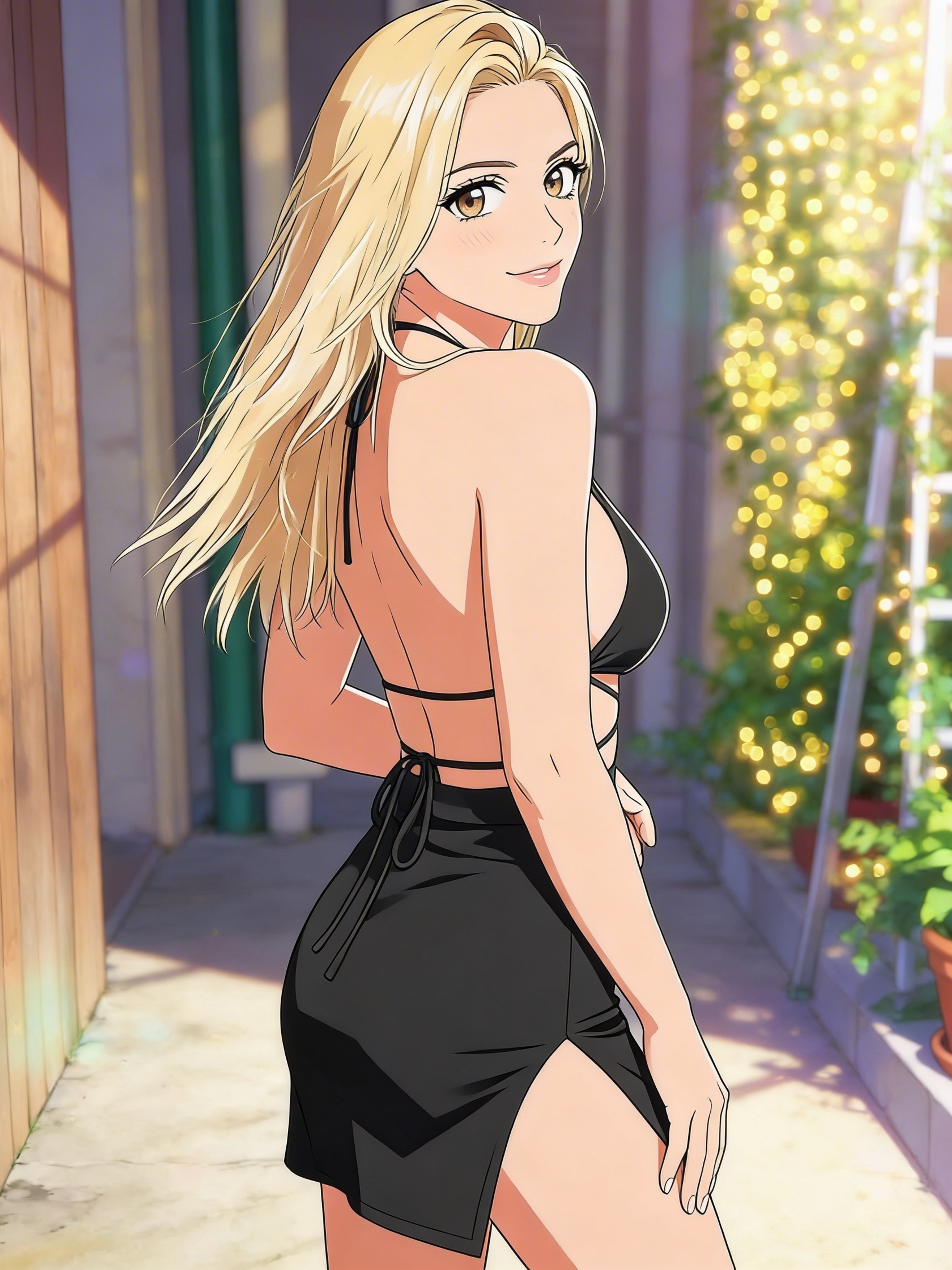
Source image used as the first frame for all three model runs below.
ultra realistic cinematic video, use the source image as the exact first frame,
a young woman stands and starts dancing with smooth rhythmic hip movements,
swaying her hips side to side in a confident playful way, subtle upper body
motion, natural body flow, camera moves dynamically around her with slight
side-to-side motion and gentle push-in, creating depth and energy, handheld
cinematic feel, hair moves slightly with motion, clothing reacts naturally,
she looks back at the camera with a soft smile and confident expression,
maintaining eye contact, natural outdoor lighting, soft highlights and shadows,
high realism, smooth motion, no distortion, no sudden changes
WAN 2.2
WAN 2.5
WAN 2.6
Verdict: 2.6 wins on skin pore texture, catchlight realism, and subtle facial micro-motion. 2.5 is close but slightly softer on fine detail. 2.2 is noticeably plastier — fine for drafts, not for hero shots. The gap is biggest on close-ups and hero portraits; on wide shots and action scenes it narrows.
2. Content Freedom — How Far Each Model Goes
Test prompt: romantic kiss between two people. The same prompt is either refused or watered down by Kling, Runway, and Veo — WAN runs all three variants clean.
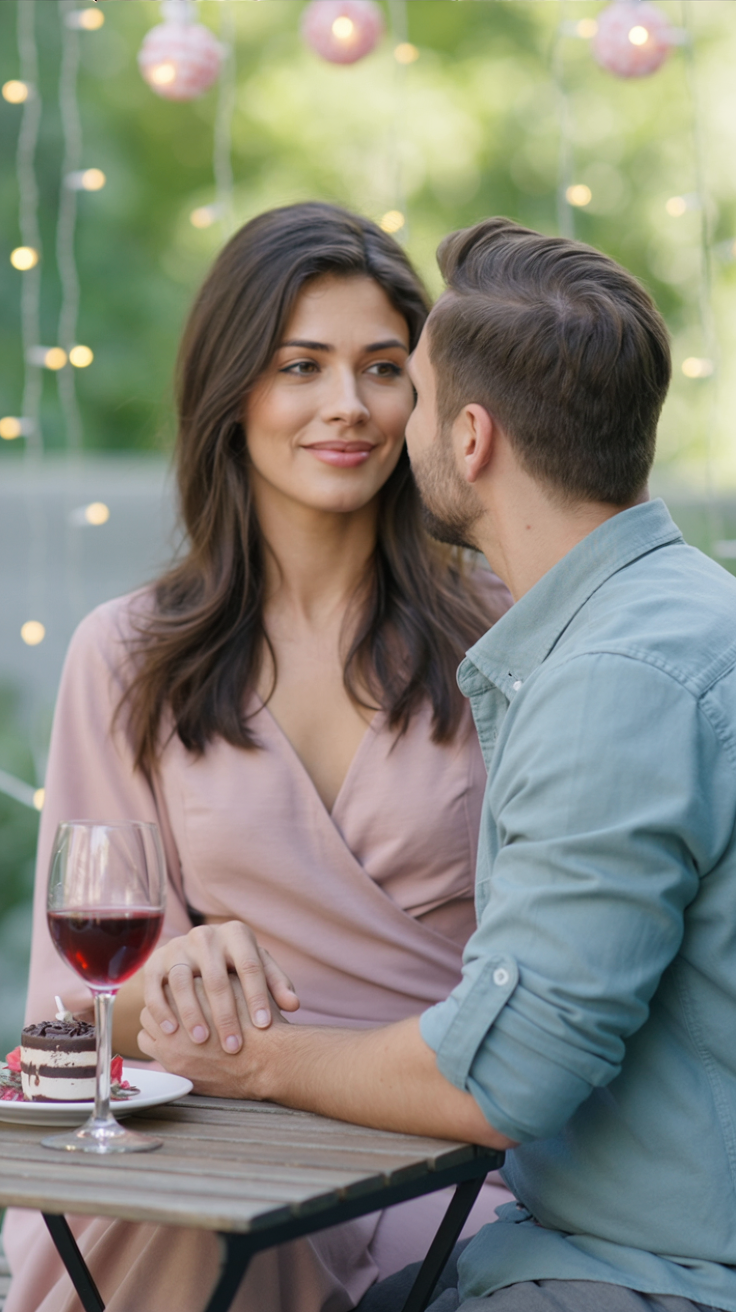
Source image used as the first frame for all three model runs below.
A girl and a guy gaze tenderly at each other and kiss.
WAN 2.2
WAN 2.5
WAN 2.6
Verdict: all three handle the prompt end-to-end, no refusals. 2.6 produces the most flattering body proportions and lighting consistency. 2.5 holds up well. 2.2 is coarser — looks slightly less "polished" but gives you the same creative freedom. If you're hitting filter walls on other platforms, any WAN on ZenCreator unblocks you — pick by quality, not by freedom.
3. Prompt Adherence — Following Complex Instructions
Test prompt: a short sequence of three distinct actions in order. Designed to see whether the model holds the full chain or collapses to a single pose.
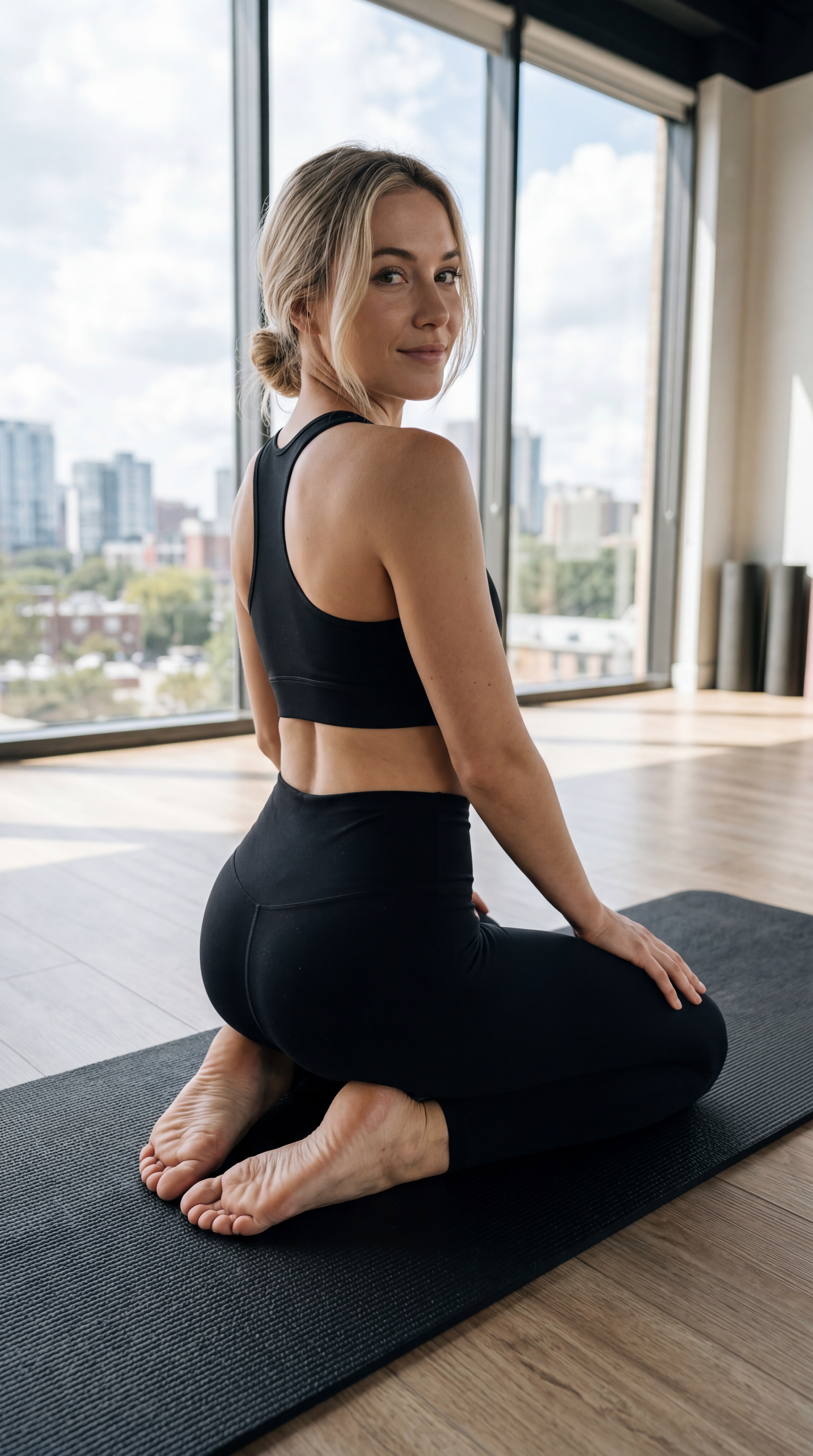
Source image used as the first frame for all three model runs below.
The girl gets on all fours, arches her back seductively, and leans forward.
WAN 2.2
WAN 2.5
WAN 2.6
Verdict: this is where 2.6 pulls clearly ahead. It executes the full pose sequence in order. 2.5 hits the opening pose but drifts during the transition. 2.2 tends to pick one of the three actions and stay there — works for simple prompts, struggles with chained instructions. For anything with multiple sequential actions, 2.6 is the only reliable pick.
4. Speed — Generation Time
No videos here — just numbers. Measured on a standard 5-second clip at 720p.
| Model | Typical time | Best for |
|---|---|---|
| WAN 2.2 | ~30-40s | Fast drafts, cheap iteration |
| WAN 2.5 | ~40-50s | Balanced |
| WAN 2.6 | ~45-60s | Final quality, worth the extra seconds |
If you're iterating on prompts and running 10+ drafts, 2.2 saves meaningful time. For the final hero clip, 2.6's extra 15-20 seconds is nothing compared to the quality gain.
Note: WAN 2.6 Flash
There's also a WAN 2.6 Flash variant — same 2.6 base architecture with a reduced step count. Generation drops to ~20-30 seconds, quality drops slightly on fine detail. Use Flash when you're making social clips and don't need pixel-perfect texture. Use regular 2.6 for anything that ends up on a campaign page or goes to a client.
Bonus: WAN 2.2 LoRA — Stylized Output
WAN 2.2 LoRA is the specialized fine-tune — trained on a curated dataset to produce specific visual styles (anime, painterly, specific decade aesthetics, film-emulation looks) that the base models don't hit naturally.
Pick LoRA when: you want a distinct stylized look, not photorealism. Animated-style portraits, pastel aesthetics, painterly movement.
Skip LoRA when: you want maximum realism (use 2.6), longest consistent clips (use 2.6), or you're still prompt-hunting (use 2.2 base for speed, upgrade once you nail it).
Writing Prompts That Work Across All WAN Variants
Three rules that apply to every version:
- Lead with the subject, then motion, then environment. "A woman in red dress walks through a rain-soaked Tokyo alley, neon reflections" beats "Neon Tokyo alley with a woman in red dress walking".
- One camera intent per clip. Pick one: static wide, tracking shot, dolly in, handheld follow. Mixing two confuses the model.
- Lighting explicit. WAN defaults to flat daylight if nothing specified.
golden hour backlit,harsh midday sun,neon night,warm interior— one descriptor is enough.
The full prompting system for the Spicy variant — motion-prompt anatomy, camera vocabulary, negatives — is covered step by step in the complete WAN 2.7 Spicy guide.
WAN Templates Ready to Use
Pre-built video templates that run on WAN. Click any card — the prompt is already loaded, just hit generate.
FAQ
How do I access WAN on ZenCreator?
All WAN variants (2.2, 2.5, 2.6, Flash, and 2.2 LoRA) are available on every plan. ZenCreator uses pay-once credit packs from $19.99 — no subscription, and credits never expire.
Which WAN version is best for most users?
WAN 2.6. It wins on quality, prompt adherence, and filter-free output. Only drop to 2.5 or 2.2 if you specifically need speed or have existing workflows.
Does WAN have content filters like Kling or Sora?
No. WAN runs unrestricted on ZenCreator — no content filter layer on top of the model. Prompts that get rejected on Kling, Runway, or Veo execute normally here.
What's the difference between WAN 2.6 and WAN 2.6 Flash?
Flash is the speed-optimized variant — 30-50% faster, slightly softer on fine detail. Use Full for campaign hero content, Flash for iteration and social clips.
When should I use WAN 2.2 LoRA over base WAN?
When you want a stylized look (anime, painterly, specific decade aesthetic) instead of photorealism. Base WAN models aim for realistic output; LoRA gives you an artistic signature.
Can WAN do image-to-video?
Yes. Upload any image as reference and any WAN variant animates it into a 5-10 second clip while keeping character and scene identity.
What's the longest clip WAN can generate?
10 seconds per generation at 720p. For longer sequences, chain multiple clips using scene extension.
When should I pick WAN over Kling or Seedance?
WAN for unrestricted content and maximum creative freedom. Kling for stylized cinematic polish. Seedance for fastest iteration and lowest cost. Full comparison: all ZenCreator video engines.