Flux Klein + LoRA — User-Selectable LoRA Image Editor on ZenCreator
Flux Klein + LoRA — the only model on ZenCreator with user-selectable LoRA stacking. Pick body type, style, and character LoRAs from the library, stack up to 3 per generation.
Why pick Flux Klein + LoRA
What is Flux Klein + LoRA?
Flux Klein + LoRA is the only model on ZenCreator that lets users pick LoRA styles from the platform's library — body types (bombshell, curvy, slim, muscular, hourglass), art styles, character templates. You stack up to 3 LoRA levels (high/mid/low) simultaneously per generation, each with independent strength control.
Operationally, the workflow accepts 1–3 reference images alongside the LoRA selection — useful when you want to style-transfer onto a user's own photo with the chosen LoRA layers applied. The model is fully uncensored, available for both edits and stylized photoshoots in the Image Editor.
Honest framing on when this falls short: the variant is Image Editor only — not available in Text-to-Image, so you can't use it for prompt-only generation. It caps at 1 MP resolution, same as the bundled Flux Klein. And critically: the workflow is only as good as the LoRA selection — if you pick the wrong LoRAs (or the library doesn't have a match), output is worse than the bundled Flux Klein NSFW with its fixed Klein-Unchained-V2 style. The model is gated to trusted users.
See Flux Klein + LoRA in action
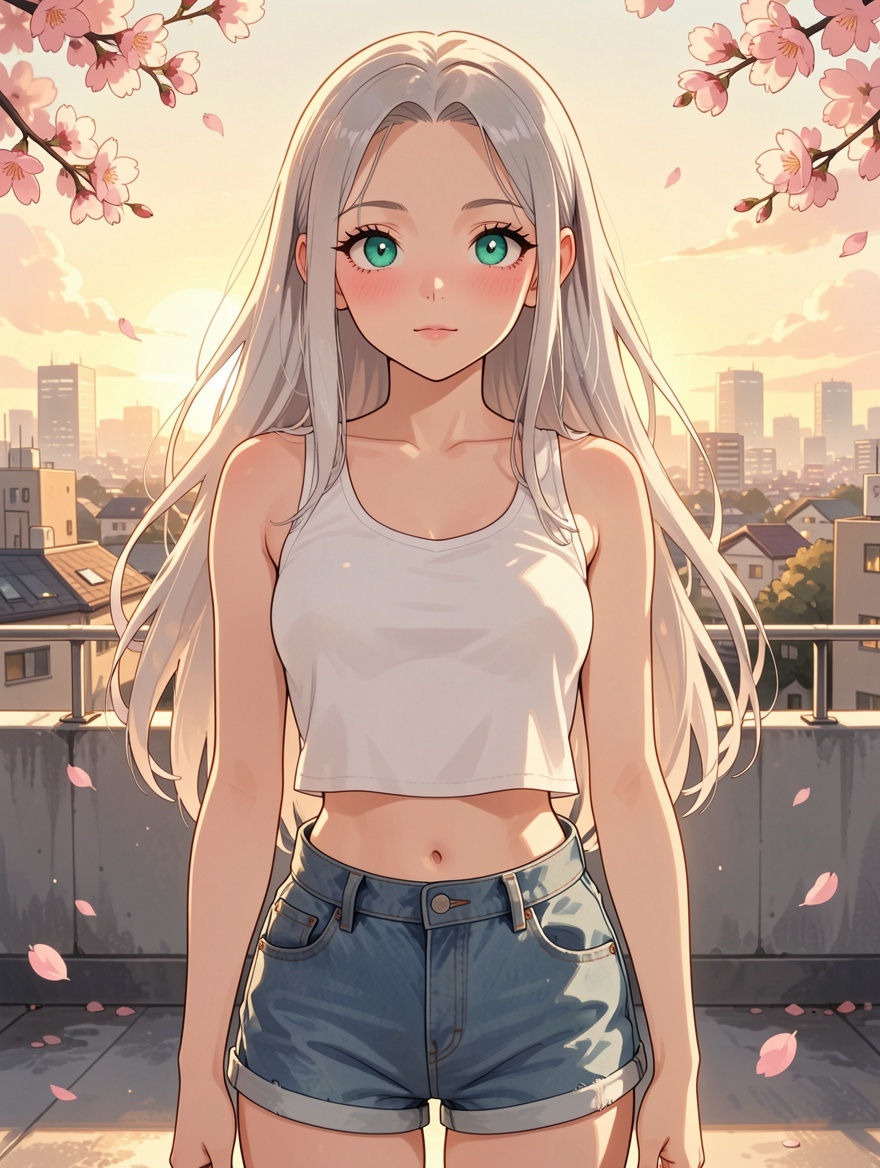
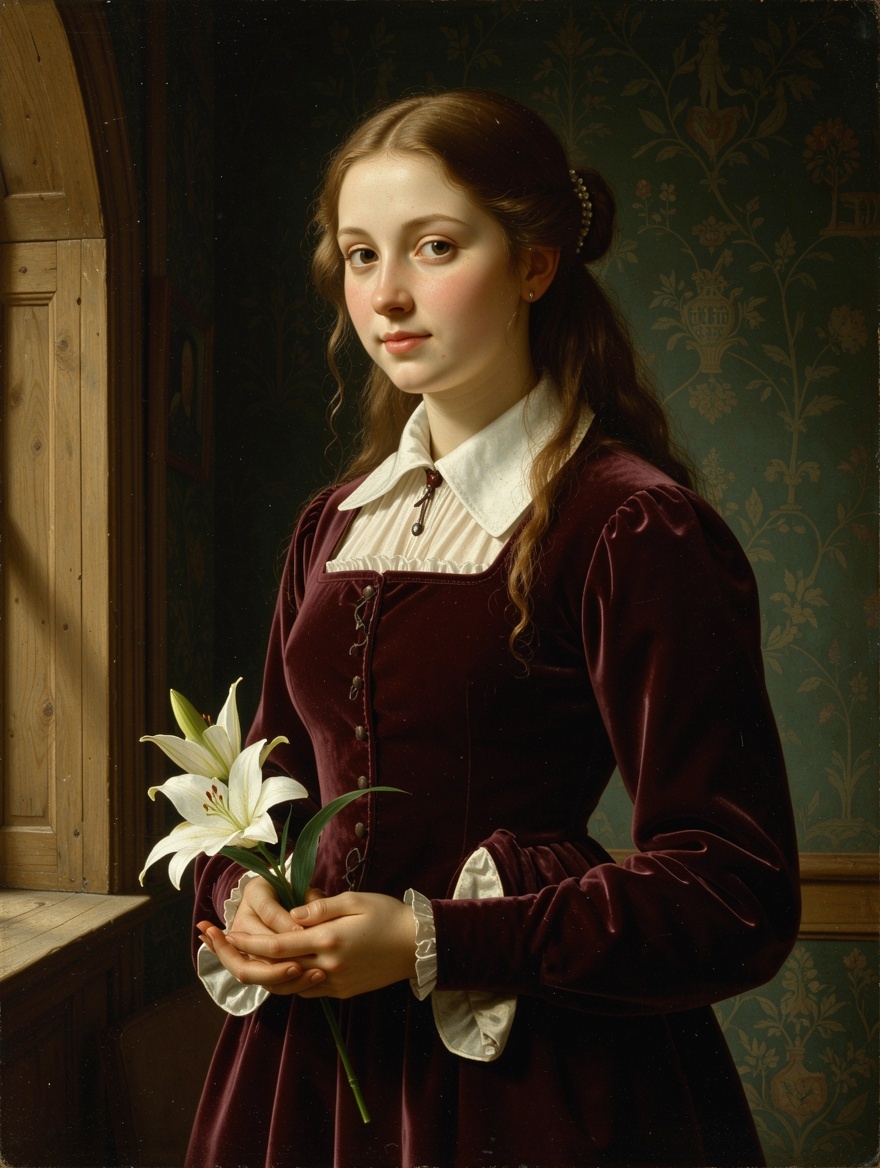
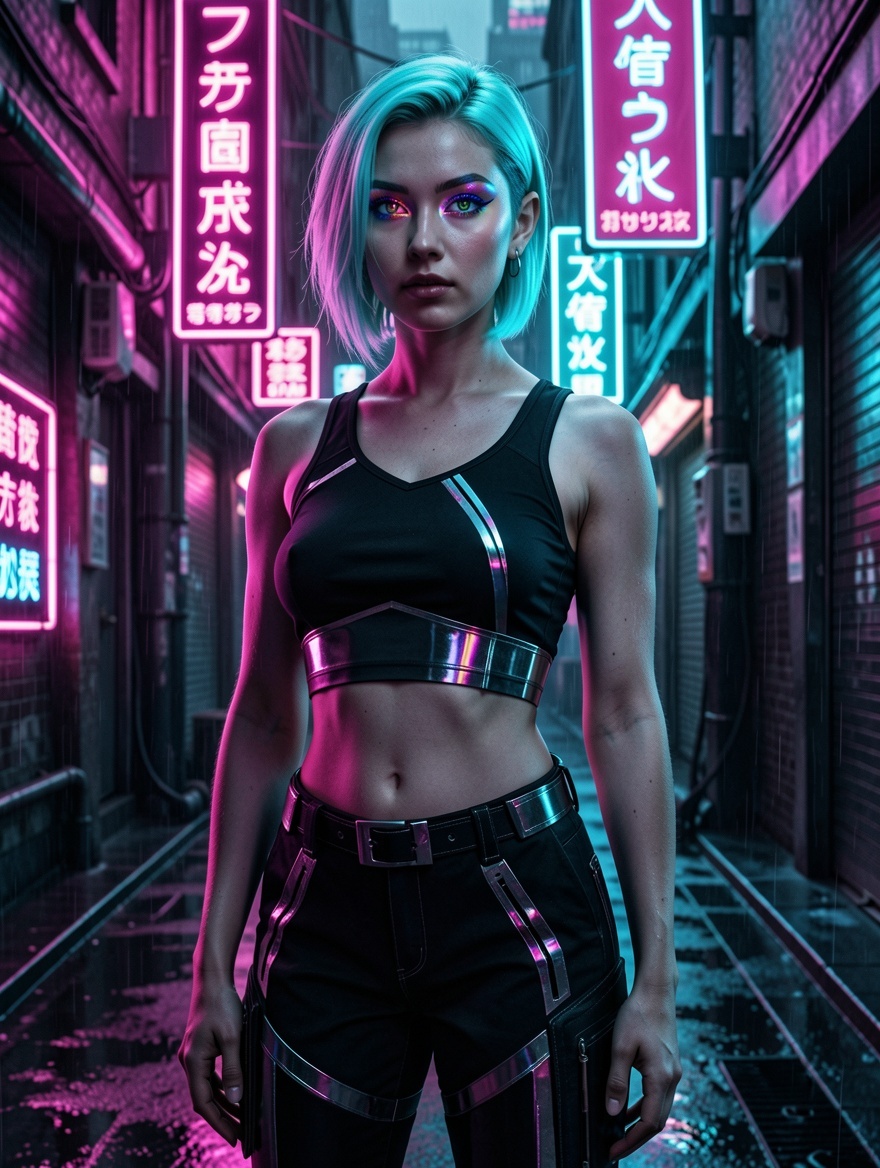
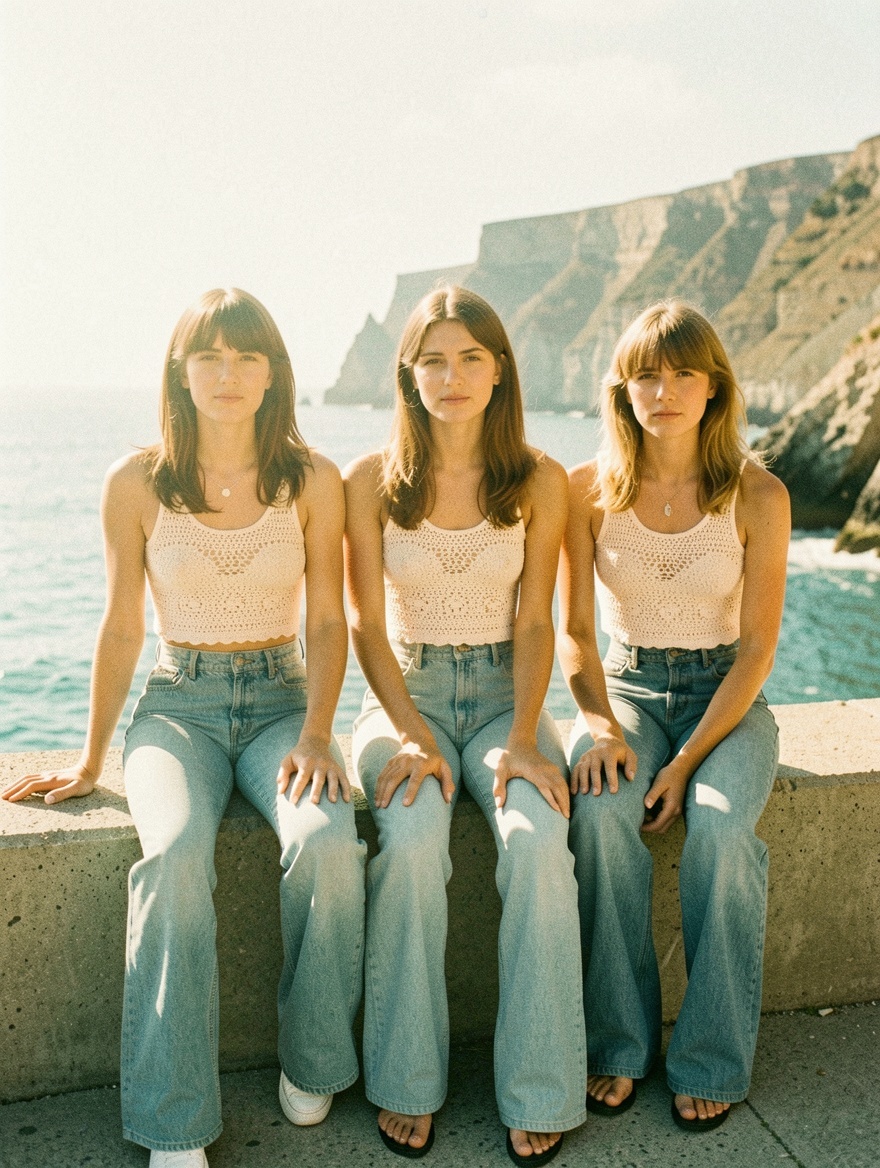
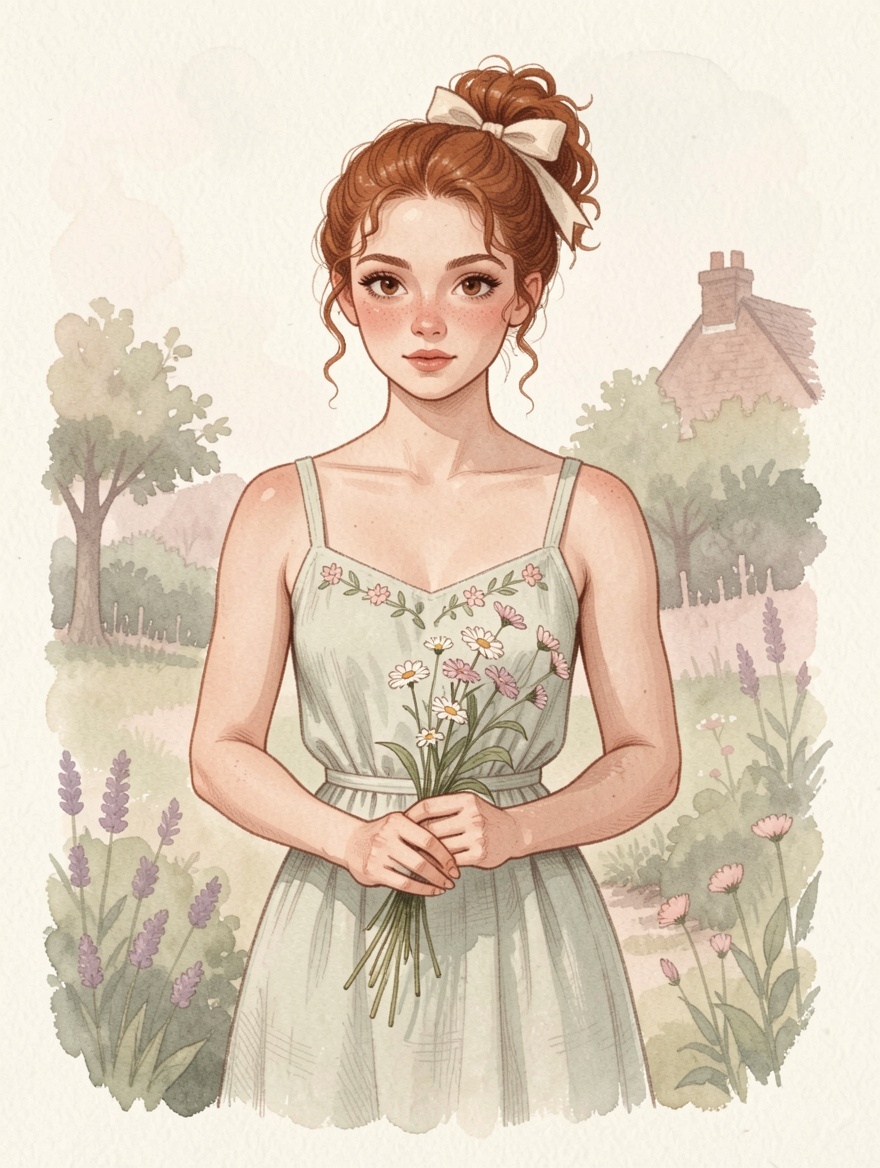
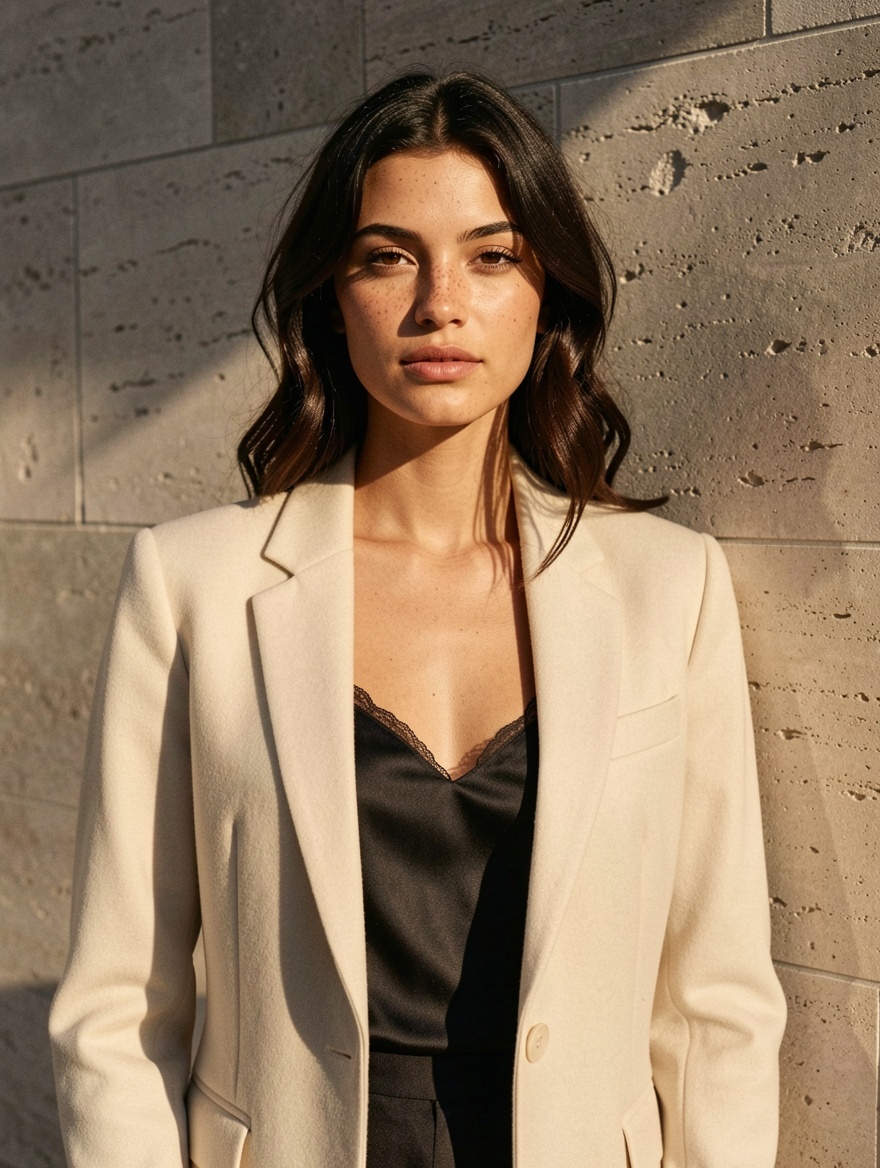
Six prompts, six results showing the LoRA library range. Copy any prompt to start from the same place — pair with the appropriate LoRA selection in the Editor.
Flux Klein + LoRA vs other ZenCreator models
| Model | Best at | Pick when |
|---|---|---|
| Flux Klein + LoRA | LoRA picker on modern Flux base | Custom style + Image Editor workflow |
| Flux Klein | Same Flux + fixed baked LoRA | Faster, simpler — when one consistent style works |
| SDXL | Massive LoRA library + Text-to-Image | Heavy LoRA library access in T2I, lower cost, higher max res |
| Seedream 5 | Fast cinematic photoreal | Modern generalist; no LoRA picker |
| WAN 2.7 | Cheap 2K all-rounder | Subjects beyond custom-styled work |
| Nano Banana 2 | Instruction-following editing | Brand-safe editing; strictly censored |
When NOT to pick Flux Klein + LoRA
Three categories where another model fits better:
- Text-to-Image workflow — Flux Klein + LoRA is Image Editor only. For text-prompt-only generation with LoRA stacking, switch to SDXL — also stacks 3 LoRAs but works in Text-to-Image.
- Empty or wrong LoRA selection — if the LoRA library doesn't include the look you need, this variant performs worse than the bundled Flux Klein (which has Klein-Unchained-V2 always applied). Pick the right LoRAs or stay on the base model.
- Resolution above 1 MP — Flux Klein + LoRA caps at 1 megapixel. For larger output, switch to SDXL (dynamic up to 4K) or Seedream 5 (2K).
Get started in 4 steps
- Verify your account has trusted access — Flux Klein + LoRA is gated.
- Open the Image Editor. Attach 1–3 reference images.
- Pick Flux Klein + LoRA in the model picker. Select up to 3 LoRAs from the library (body type, art style, character template). Set strengths per LoRA.
- Write a prompt that complements the LoRA selection. Hit Generate.
How to write prompts that land on Flux Klein + LoRA
Five tactics calibrated for the LoRA-stacked workflow:
1. Pick LoRAs deliberately, three is the cap. Stack at most 3 LoRAs per generation — pick one for body type, one for art style, one for character. Going to 4+ confuses the model and degrades both anatomy and style coherence.
2. Set LoRA strength to match how visible you want the style. Strength 0.5–1.0 = subtle influence; 1.0–1.5 = moderate; 2.0–3.0 = strong, dominant style. Start lower on first pass — high strengths trade anatomical accuracy for style.
3. Make the prompt complement the LoRA, not fight it. If you've picked an anime LoRA, write a prompt that describes anime-friendly scenes (large expressive eyes, soft cel-shading, cherry blossoms). If you've picked Renaissance, describe Vermeer-style light and burgundy velvet. Mismatched prompt + LoRA produces muddled output.
4. Use reference images deliberately. Attach 1–3 references with clear roles in the prompt: Reference 1 for the subject's face, Reference 2 for the outfit, Reference 3 for the setting. Flux Klein + LoRA routes reference signal into the matching output zones; un-labelled references blend less cleanly.
5. Stay explicit on lighting and camera even on stylised work. Even when the LoRA imprints a strong style, naming light direction and camera spec produces tighter execution. Vague light + LoRA = generic stylised output. Named light + LoRA = controlled stylised output.
What to avoid: empty LoRA selection (the model can't compensate), reference images with no role descriptors (signal gets blended generically), expecting output above 1 megapixel (the architecture caps there).
Bottom line
Flux Klein + LoRA is the choice when you need fine-grained stylistic control through LoRA stacking on a modern Flux architecture — anime, painterly, vintage film, watercolor, photoreal, cyberpunk, character templates, body types. The trade-offs are Image Editor only (no Text-to-Image), 1 MP resolution cap, and the workflow only pays off when you pick the right LoRAs. For the same Flux quality with a fixed LoRA baked in, use the simpler Flux Klein. For LoRA stacking in Text-to-Image at higher resolution, use SDXL.
Available in
Flux Klein + LoRA powers the Image Editor on ZenCreator. Bring 1–3 references, pick your LoRAs, generate.
Questions
Why is Flux Klein + LoRA Image Editor only?
The variant was built around the reference-image workflow — it accepts 1–3 references alongside the LoRA stack, which the Image Editor exposes naturally. For pure prompt-only LoRA stacking in Text-to-Image, use SDXL instead — it also stacks 3 LoRAs but works without references.
How is this different from base Flux Klein?
Base Flux Klein bakes the Klein-Unchained-V2 LoRA into every request — fixed style, no picker. This variant lets you pick from ZenCreator's full LoRA library, swap in body types, art styles, or character templates per generation, and stack up to 3 LoRAs at once with independent strengths.
How is this different from SDXL?
SDXL is also LoRA-stackable but built on the 2023-era Stable Diffusion XL architecture. Flux Klein is newer Flux base — stronger prompt understanding, cleaner anatomy at the same LoRA strengths, and slightly modern Flux look. SDXL wins on max resolution (up to 4K dynamic vs 1 MP) and on Text-to-Image availability.
How many LoRAs can I stack?
Up to 3 per generation. Strength range 0.5–3.0 per LoRA. Most useful stack: one body-type LoRA + one art-style LoRA + one character LoRA. More than 3 LoRAs confuses the model.
What if the LoRA library doesn't have what I need?
Without a matching LoRA, this variant performs worse than the bundled Flux Klein (which always applies Klein-Unchained-V2). If the LoRA library is wrong for your scene, stay on the base model — picking arbitrary LoRAs to "use the feature" degrades output rather than improving it.
Can I use reference images?
Yes — 1–3 reference images per call. Use them deliberately: label each in the prompt (Reference 1 for the face, Reference 2 for the outfit style) so the model routes signal cleanly into output zones.
Are generated images commercially usable?
Yes. ZenCreator grants commercial usage on outputs from paid plans for trusted accounts working with unrestricted content.
Sources
- Black Forest Labs — Flux architecture documentation
- ZenCreator LoRA library notes
- ZenCreator AI Models Review (internal) — Flux Klein + LoRA strengths and weaknesses
- Internal benchmark comparisons across Flux Klein + LoRA, base Flux Klein, and SDXL — ZenCreator testing, May 2026