Seedream 5
Seedream 5 by ByteDance — fastest of the family, sharp 4K output, best at complex multi-element prompts. Generate in 3–5 seconds on ZenCreator.
Why pick Seedream 5
What is Seedream 5?
Seedream 5 is the fifth-generation text-to-image diffusion model from ByteDance's Seed research lab, the team behind TikTok, Doubao, and the broader Seedream/Seedance family of generative models. It succeeds Seedream 4.5 (released earlier in 2026) and represents the largest single-version jump the family has seen — particularly in inference speed and complex-prompt fidelity.
Architecturally, Seedream 5 uses a refined diffusion transformer backbone with an upgraded text encoder tuned for multi-element parsing. Where Seedream 4.5 would occasionally drop one of four named subjects in a prompt, Seedream 5 holds all of them in scene memory through the full denoising trajectory. The model was trained on a curated dataset of high-resolution photography, editorial work, and stylised illustration, with explicit reinforcement for spatial accuracy ("left", "behind", "above") and named-light setups ("rim light", "soft window light", "harsh midday sun").
On ZenCreator, Seedream 5 is available in the Text-to-Image generator. Outputs run at native 4K resolution, with optional aspect ratios from 1:1 up to 16:9 and 9:16 for social-ready vertical content. Generation time on production hardware lands in the 3–5 second window — fast enough to run a dozen iterations of a single concept inside a single working session without losing focus.
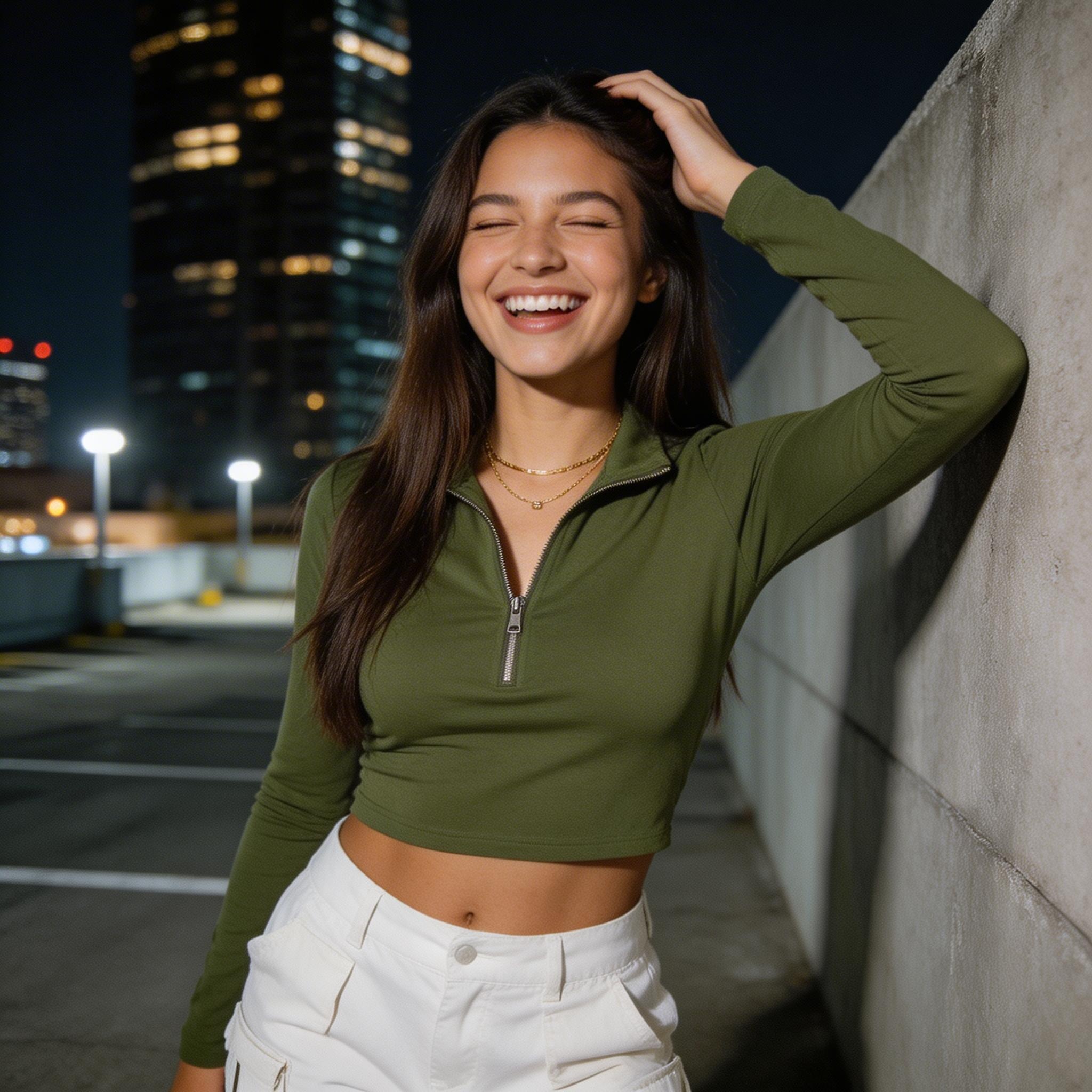
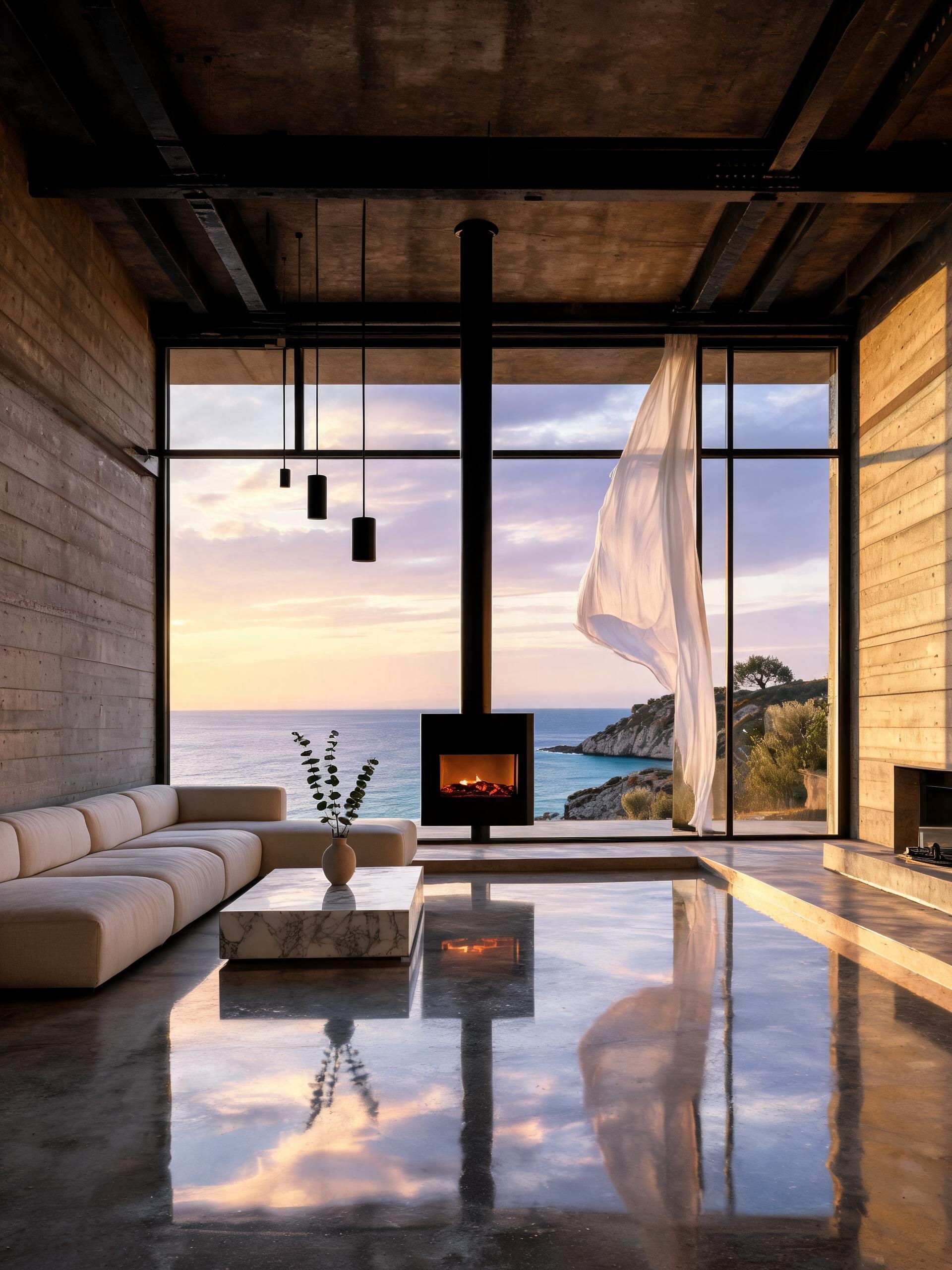
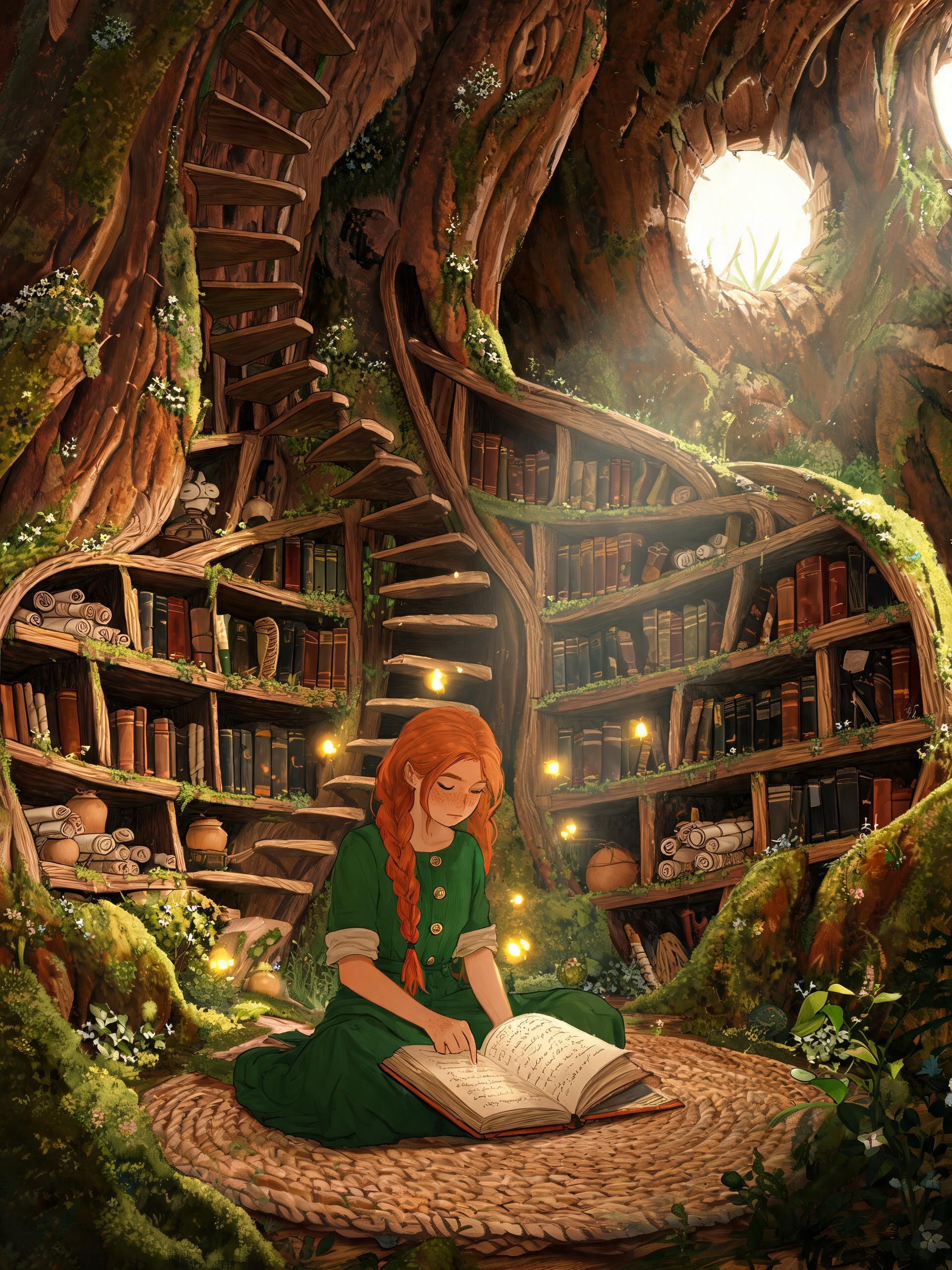
See Seedream 5 in action
Six prompts, six results. Copy any prompt to start from the same place.



Seedream 5 vs other ZenCreator models
| Model | Best at | Pick when |
|---|---|---|
| Seedream 5 | Speed + complex prompts + sharp detail | Iterating fast, 4+ specific elements |
| Seedream 4.5 | Photoreal portrait skin, soft lighting | Hero portrait, brand shot |
| Nano Banana 2 | In-image text, signage, posters | Letters or numbers inside the image |
| WAN 2.7 Image Pro | Stylised illustrations, anime, painterly | Non-photoreal directions |
| SDXL NSFW | Photoreal unrestricted output | Mature creative work, filter off |
When should you NOT pick Seedream 5?
Seedream 5 is the best generalist on ZenCreator for fast photoreal work, but three categories beat it on their home turf:
- Heavy in-image text or typography — posters, signage, packaging, anything where the letters carry the design. Switch to Nano Banana 2, trained specifically for in-image text fidelity.
- Stylised illustration as the primary look — full-frame anime, oil painting, watercolour, ukiyo-e, classical illustration. WAN 2.7 Image Pro handles these more cohesively than a photoreal model dialled toward illustration.
- Unrestricted creative work — mature themes, adult composition, content outside Seedream's safety filter. SDXL NSFW and the Flux Klein NSFW variant are the unfiltered options on the platform.
For everything else photoreal — portraits, fashion, product, architecture, cinematic scenes, lifestyle photography — Seedream 5 should be your first stop.
Get started in 4 steps
- Open the Text-to-Image generator.
- Pick Seedream 5 in the model picker.
- Write your prompt — subject, setting, light, camera, style. Don't strip detail; Seedream 5 uses it.
- Pick ratio + batch size, hit Generate. Image arrives in 3–5 seconds.
How do you write prompts for Seedream 5?
The Seedream family rewards prompts that read like a brief, not a tag list. Five tactics consistently lift output quality:
1. Lead with a single, named subject. Open with one specific noun phrase — "a woman in her early thirties", "a vintage Leica M3 camera", "a modernist concrete villa". Vague openings ("beautiful scene with a person") force the model to invent the subject, and Seedream 5 leans toward generic when it has nothing to anchor on.
2. Layer the scene with three concrete adjuncts. After the subject, add three specific descriptors — setting, light, secondary objects. Example: "a woman reading a hardcover novel by the window, late-afternoon sun raking across the page, a cold cup of espresso on the sill". Three is the sweet spot; one feels thin, four-plus risks dropping the weakest one.
3. Name the light explicitly. Photoreal output lives or dies on lighting. Use named setups the model was trained on: rim light, soft window light, harsh midday sun, golden hour, blue hour, neon spillage, candle light, single-source overhead, three-quarter key light. "Cinematic lighting" alone is too vague — Seedream 5 picks something generic.
4. Add a camera and lens descriptor. "Shot on a 50mm f/1.4 at f/2.0, shallow depth of field" tells the model to render a specific bokeh and field compression. Other useful directives: "wide-angle 24mm", "telephoto compression", "macro at 1:1", "low-angle perspective", "Dutch tilt".
5. Close with a style anchor. End with one short style note — "editorial fashion photography", "Vogue cover style", "1970s film stock", "Wes Anderson colour palette", "industrial product still". Style anchors are most effective when they reference a known visual tradition rather than a vibe word.
What to avoid: long prompts with conflicting style notes (Seedream 5 picks the strongest signal and drops the rest), tag-soup syntax ("masterpiece, best quality, 8k, ultra-detailed"), and over-specifying tiny details that Seedream 5 will draw anyway from general world knowledge.
Bottom line
Seedream 5 is the best default model for fast, sharp, photoreal text-to-image work on ZenCreator. The 3–5 second render time changes how the work flows — you stop thinking of generations as expensive one-shots and start treating them as drafts. Pair that with the strongest multi-element prompt parsing in the Seedream family and native 4K output, and you have a model that handles 80 % of photoreal briefs without a second tool in the loop. For the remaining 20 % — heavy typography, full illustration, unrestricted content — the vs comparison table above points to the right alternative.
Available in
Seedream 5 powers two text-driven tools on ZenCreator. Pick the entry point that fits your input.
Questions
How fast is Seedream 5?
Seedream 5 renders one image in 3–5 seconds on ZenCreator — roughly 2–4× faster than Seedream 4.5 at the same prompt complexity.
The speed advantage compounds when iterating. A 12-image working session that took 2 minutes on Seedream 4.5 (~8–14 seconds per image) now takes about 45 seconds on Seedream 5. The model also runs faster than Flux Pro and Nano Banana 2 on multi-element prompts of the same length.
What's the maximum resolution?
Up to 4K (3840 × 2160 at 16:9) directly from the model — no separate upscale pass needed for hero shots.
For ultra-high-res print work above 4K, run a Seedream 5 generation, then push the saved file through the Upscaler tool, which supports up to 8K output with detail preservation.
Can Seedream 5 render text inside the image?
Short labels render acceptably — a single word on a sign, a number on a jersey, a logo on a coffee cup. For typography-heavy work, switch models.
Posters, packaging, signage as the focal point, and multi-line text are cleaner on Nano Banana 2, which was specifically tuned for in-image text fidelity. Seedream 5 treats text as a secondary element.
Can I animate a Seedream 5 image?
Yes — save the Seedream 5 output and feed it into any image-to-video model on ZenCreator to animate the frame.
WAN 2.7 handles short image-to-video animation cleanly, and Kling 2.6 is the pick for longer-form video. For prompt-only video (no image input), use Text-to-Video directly.
Are generated images commercially usable?
Yes — ZenCreator grants commercial usage on outputs from paid plans. Use Seedream 5 generations in client work, ads, products, or packaging.
The platform does not claim ownership of generations — outputs are yours.
How does Seedream 5 compare to SDXL?
Seedream 5 wins on photoreal speed, sharpness, spatial reasoning, and 4K native output. SDXL stays relevant for unrestricted work via its NSFW variant.
If you're working within mainstream photoreal territory, pick Seedream 5. If you need the content safety filter off, pick SDXL NSFW — Seedream 5 enforces a content safety filter on every generation.
How does Seedream 5 compare to Flux?
Flux Pro matches Seedream 5 on output quality and prompt adherence but runs slower and weaker on multi-element prompts.
Flux excels at painterly and editorial styles when those are the primary look. Seedream 5 holds the lead on speed, multi-subject scenes, and photoreal sharpness at 4K.
Sources
- ByteDance Seed lab — official Seedream 5 announcement: seed.bytedance.com/research/seedream
- ByteDance Seedream model card and technical overview: github.com/bytedance/Seedream
- ZenCreator platform documentation — Text-to-Image generator and Seedream 5 integration: /ai-university/guides
- Independent benchmark comparisons across Seedream 4.5, Seedream 5, Flux Pro, and Nano Banana 2 — internal ZenCreator testing, May 2026
Try Seedream 5
Available on ZenCreator — sign in, open the relevant generator, pick Seedream 5 from the model list.
Seedream 5 is developed by ByteDance. Official page. ZenCreator provides access to Seedream 5 through its platform.