The unrestricted AI ecosystem
AI solutions for every creative workflow.
Find the right ZenCreator workflow for unrestricted image generation, prompt-based editing, and AI video — without switching between tools.
4K
Image output
HD
AI video
12+
Creative tools
∞
Credits never expire
Explore the platform
Choose your creative workflow
Start with the outcome you need. Every card leads to a focused solution page with the right tools, features, and next steps.

Video Generator
Create AI videos with full creative control.

Photo Generator
Generate photos from a text prompt or from a reference photo you already have.

Photo Editor
Describe the edit, get a new image — upload a photo and say what should change.
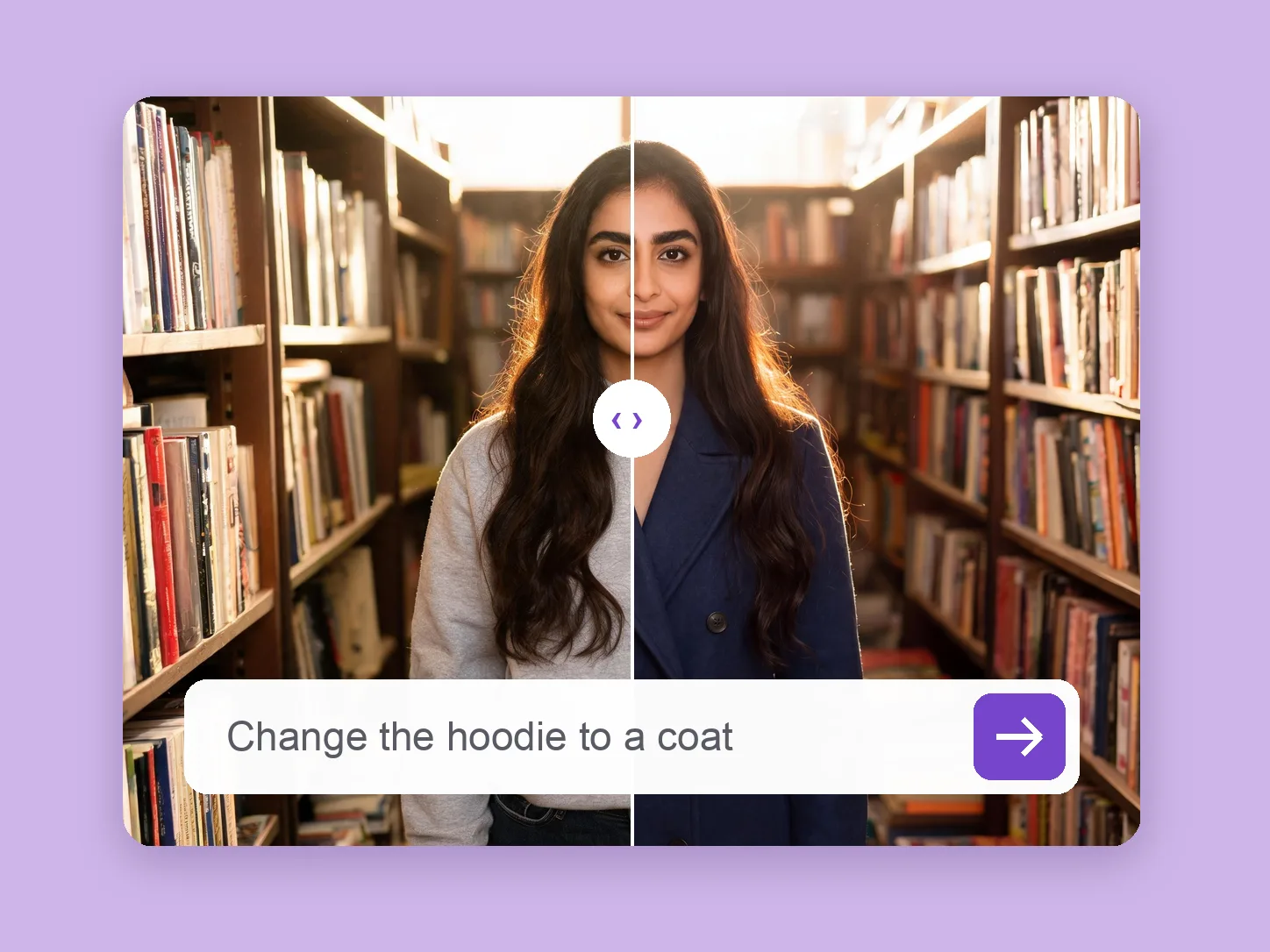
Clothes Changer
Change the outfit in your photo — describe it or upload the garment, keep face and pose.
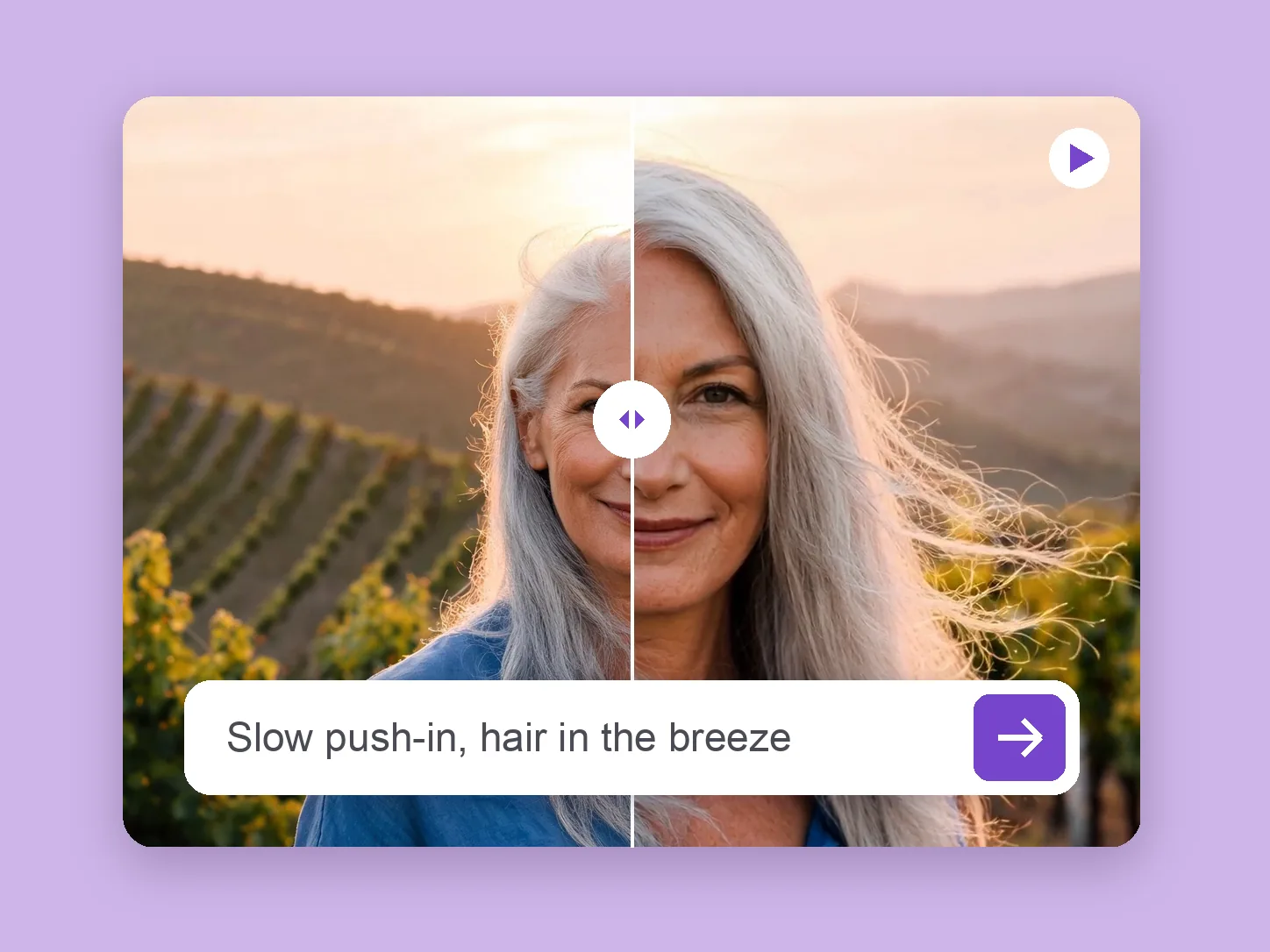
Image to Video
Turn a photo into a short video clip — describe the motion and pick the model for the shot.
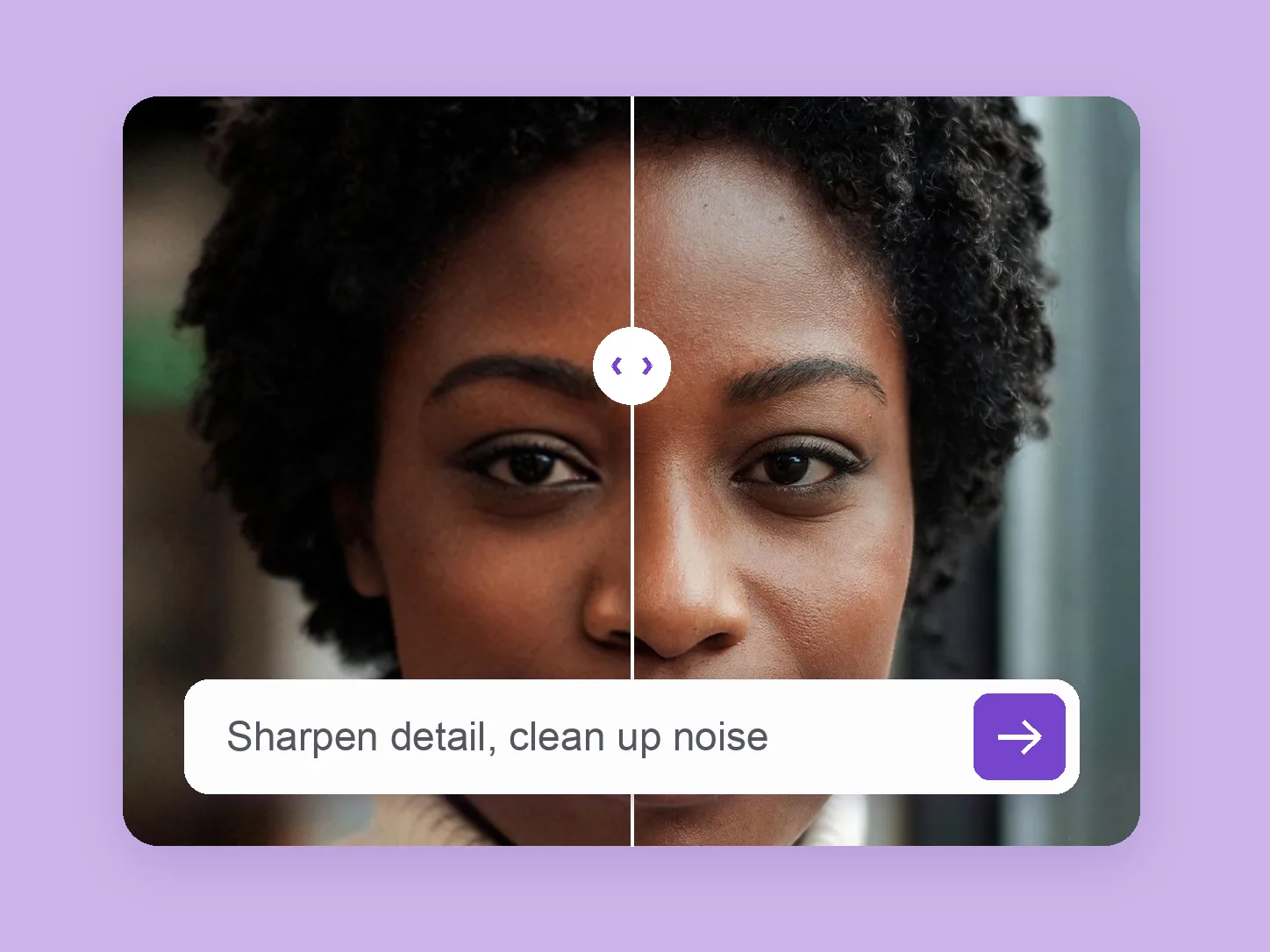
Image Enhancer
Make a soft or noisy photo look better — sharper detail, less noise, a larger file.
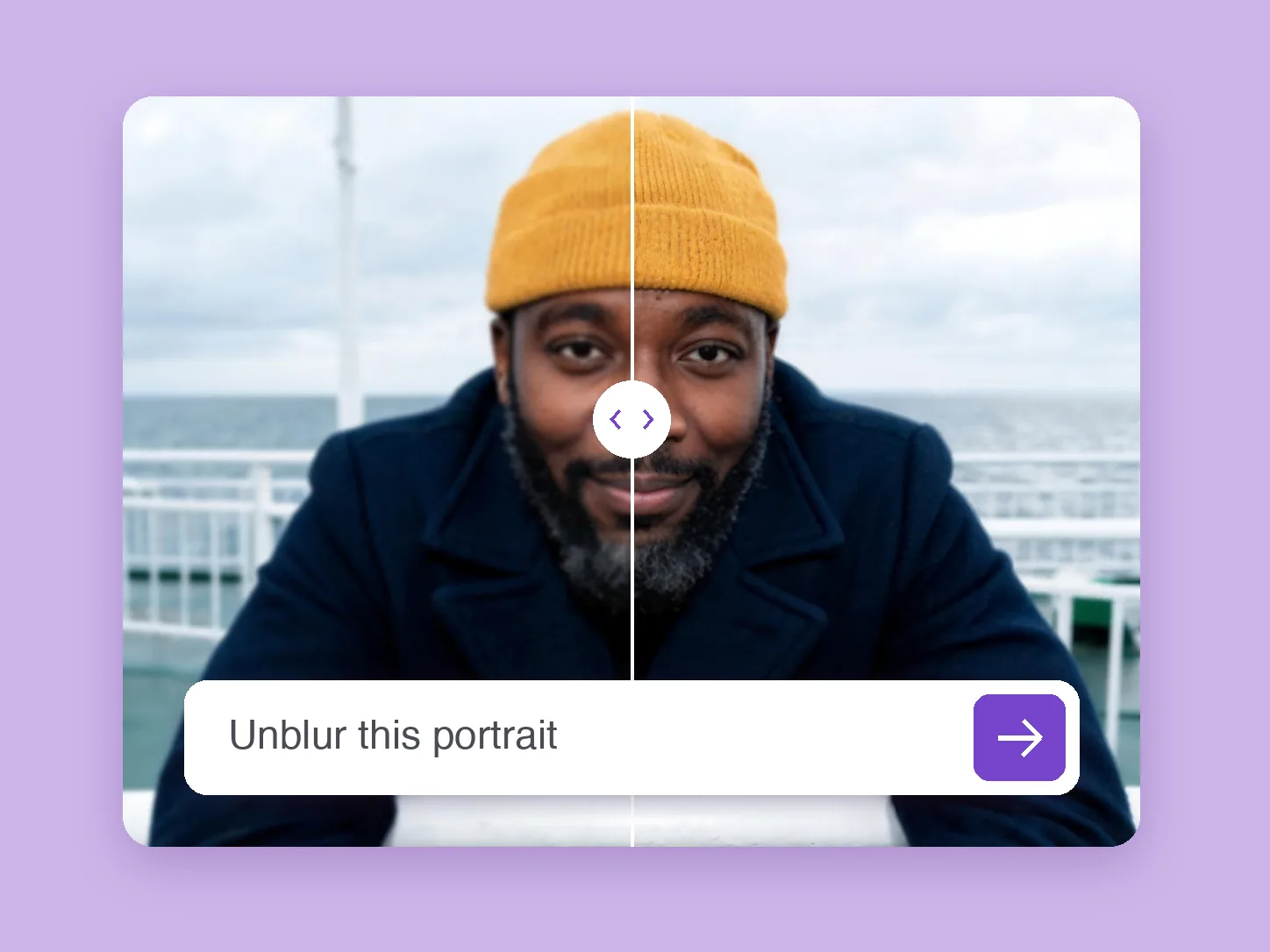
Unblur Image
Sharpen soft or slightly blurry photos and enlarge them in one AI pass.
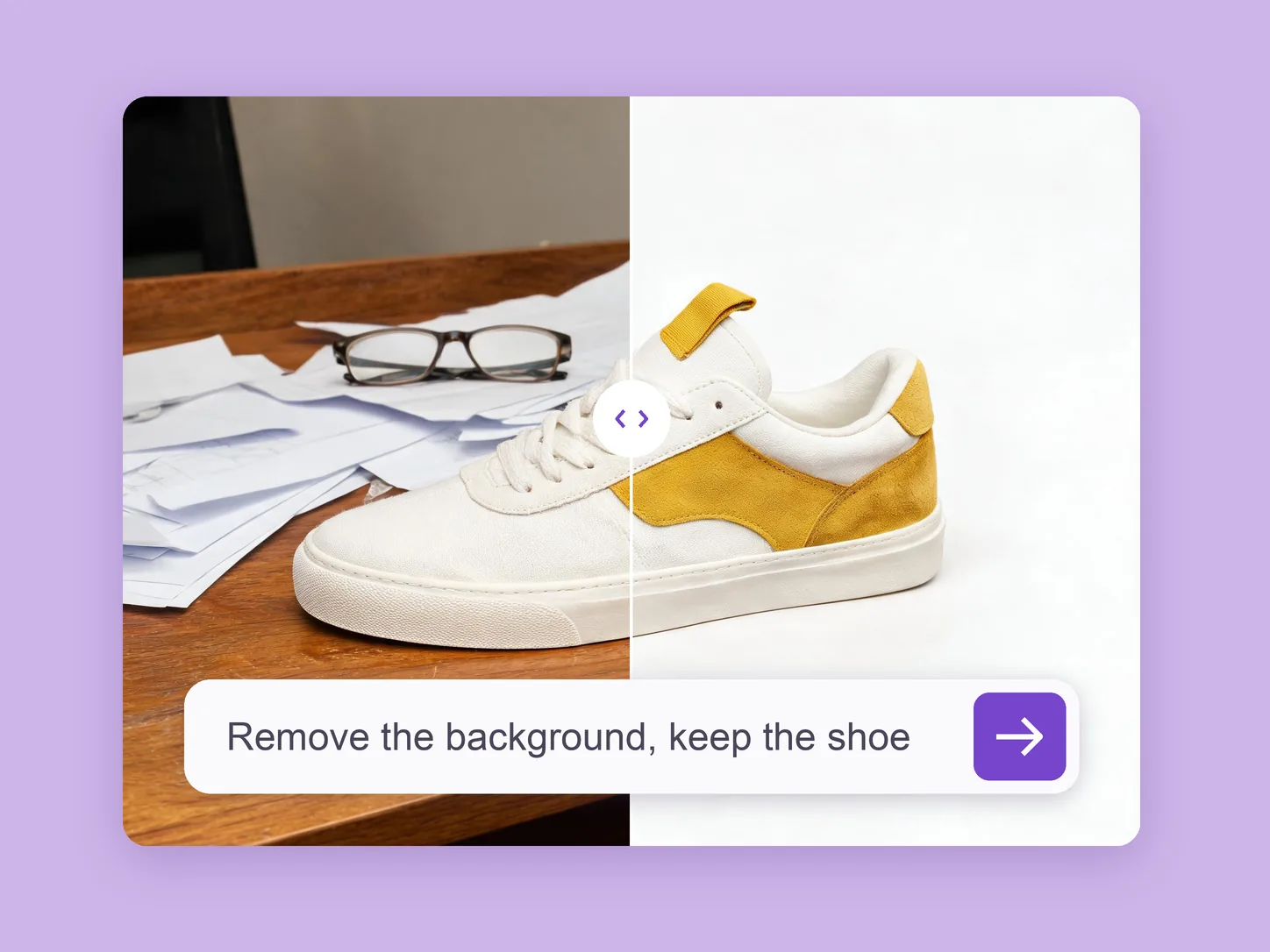
Background Remover
Remove or replace a photo background with a prompt — plain white, a solid colour or a new scene.
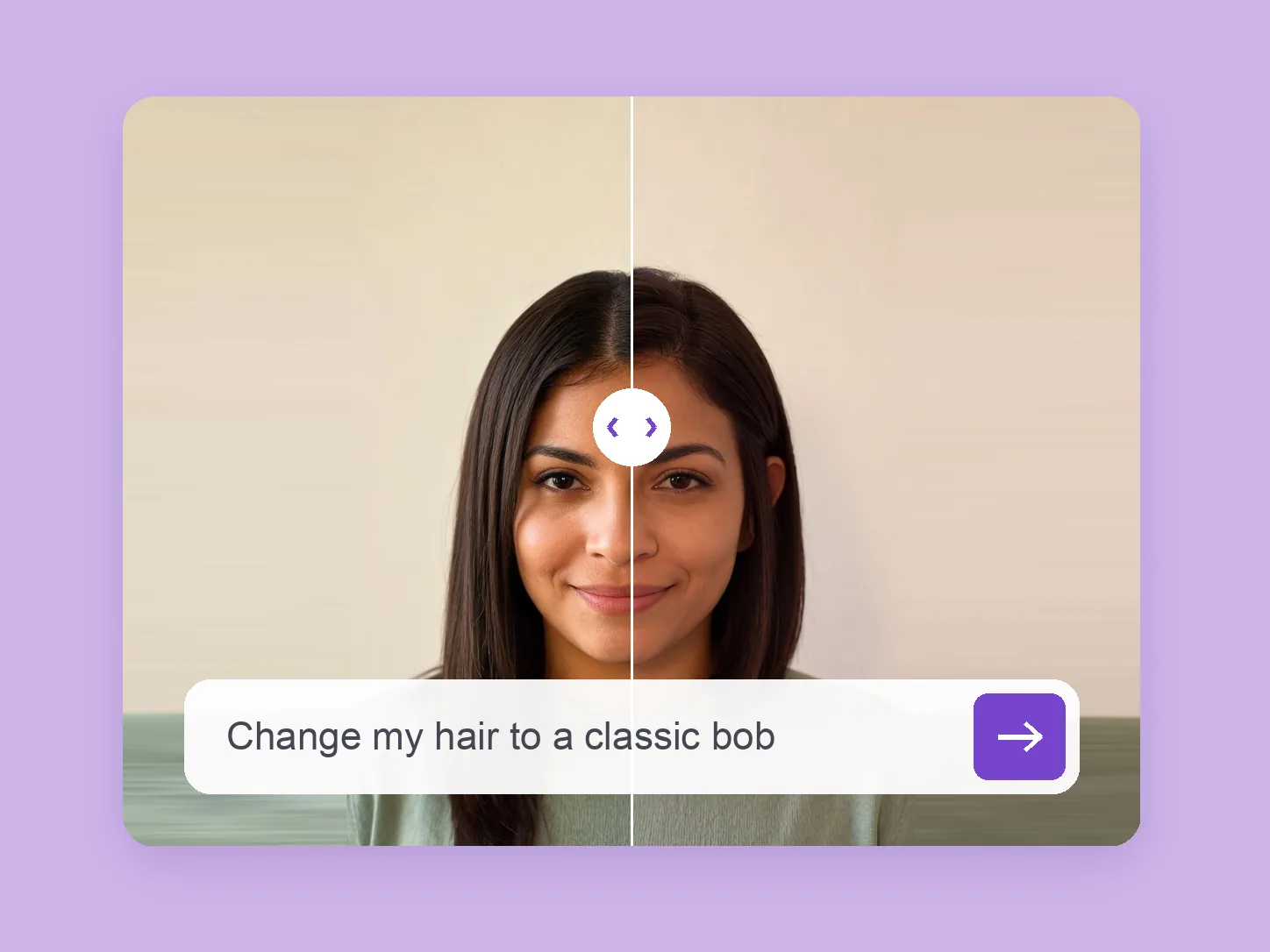
Hairstyle Changer
Try new cuts, lengths and colors on your own photo before the salon.
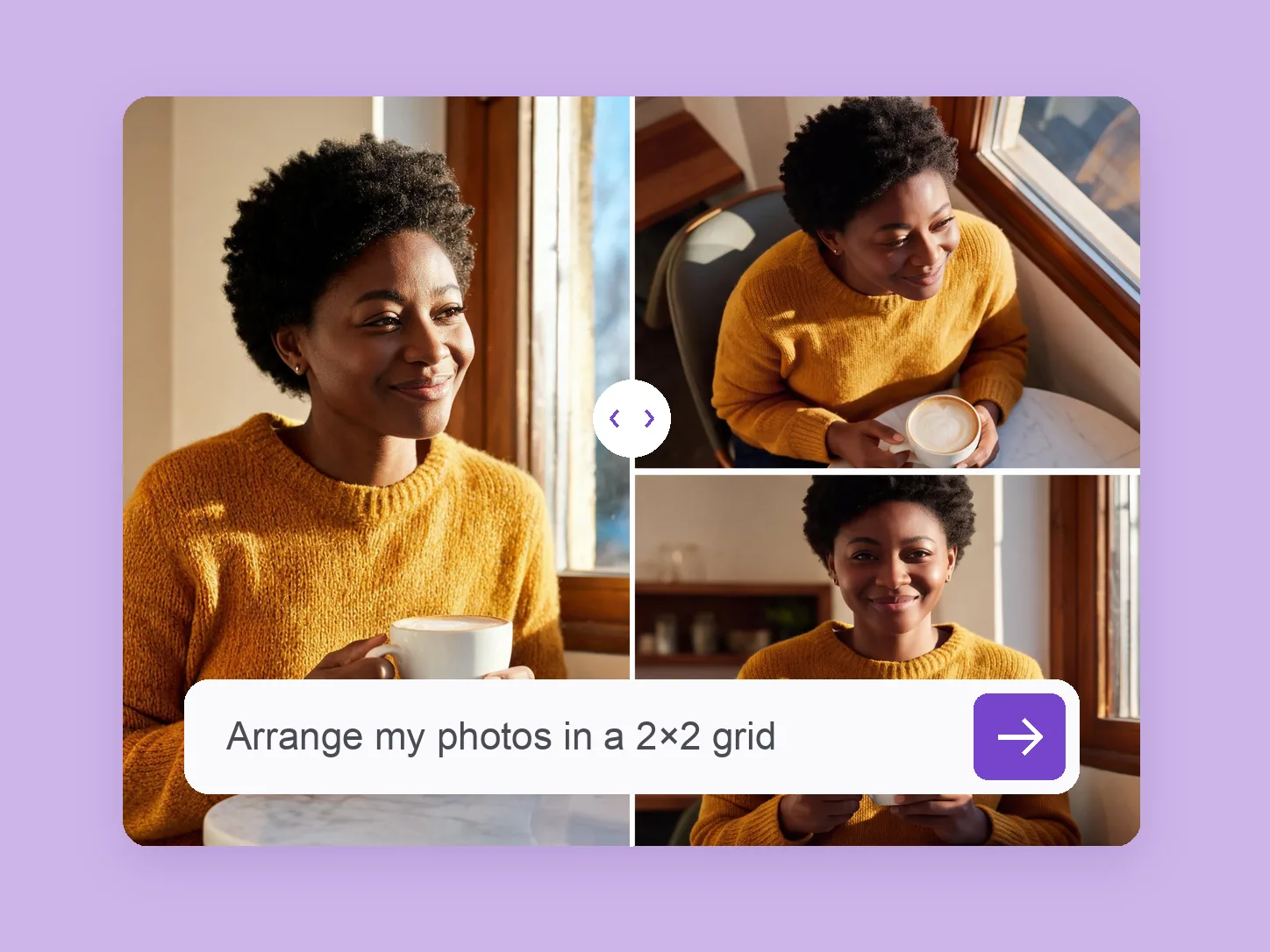
Collage Maker
Turn one photo into a matching set, then describe the grid, strip or wallpaper you want.
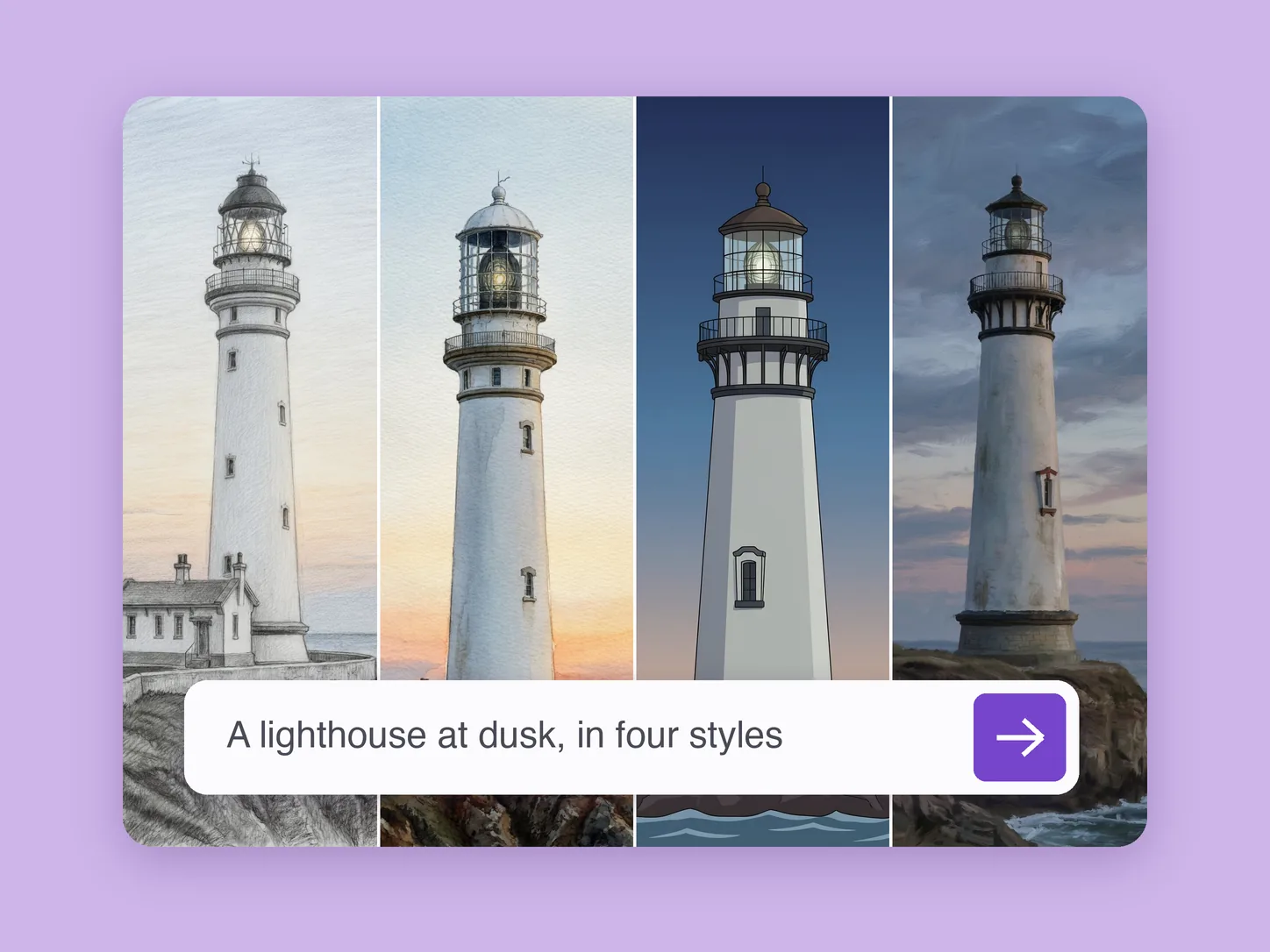
AI Art Generator
Create drawings, paintings and illustrations from a text prompt or your photo — name the style, pick from a batch.

Face Swap
Swap faces in photos and videos with realistic, consistent results.

Image Upscaler
Upscale image resolution and recover detail with AI.

Headshot Generator
Generate professional headshots from your reference photos.

Image Generator From Image
Generate a new image guided by a reference image.

Text to Video
Generate video directly from a text prompt.

Merge Videos
Combine multiple clips into one video with AI.

Face Generator
Generate realistic AI faces for your content.

Video Upscaler
Upscale video resolution and clean up detail with AI.

Lip Sync
Make a character speak from a photo and an audio track.

Video to Video
Restyle an existing clip or swap the subject with AI.

Image Merger
Combine two or more reference images into one AI-generated result.

Image Variation Generator
Turn one reference image into a set of on-brand variations.
One connected workspace
Unrestricted AI creation, from first prompt to final export
ZenCreator brings AI image generation, image editing, and video creation into a single browser-based workflow. Generate a starting visual, refine it with prompt-driven edits, animate it with image-to-video, and prepare the final asset without rebuilding your process in a different app.
The solution library above helps creators choose the right entry point. Use an uncensored AI image generator for original artwork, an AI image editor with fewer arbitrary restrictions for precise changes, or a dedicated NSFW AI video generator for mature creative workflows. For advanced motion, Seedance 2.0 adds native audio and rich reference controls.
Each tool shares the same ZenCreator ecosystem, so credits, assets, and creative momentum stay in one place. That makes it easier to test ideas, build consistent visual series, and move from still image to finished video with less friction.

Generate
Start with text or visual references.
Refine
Edit, restyle, retouch, and upscale.
Animate
Turn images and prompts into video.
Export
Download publish-ready assets.
Professional AI Creation Suite
Explore every tool in the suite — real outputs with their sources shown inline.


AI University / Guides
Go deeper with practical guides
Research-backed comparisons, model explainers, and workflow tutorials for choosing and using unrestricted AI tools.
Uncensored AI App 2026: 10 Best Apps With No Content Restrictions
A tested comparison of visual, chat, and multi-purpose AI apps.Roundup
Stable Diffusion NSFW Guide: Models, Setup & Best Practices
Understand models, local setup, prompting, and safe workflows.Stable Diffusion
Best Uncensored AI Video Generators in 2026
A tested ranking of the leading unrestricted video platforms.Video
WAN 2.7 Spicy: Uncensored Image-to-Video
A complete guide to prompting and animating images with WAN 2.7.Video Model
Your next idea starts here
Choose a tool.
Create your way.
One ZenCreator account connects every image, editing, and video workflow.