WAN 2.7 Spicy — Uncensored Image-to-Video on ZenCreator
WAN 2.7 Spicy turns your photo into cinematic 1080p video — boudoir, lingerie, intimate scenes. No prompt filter, image-to-video, up to 15 seconds.

Most "AI video generators" filter out mature prompts before they ever reach the model. WAN 2.7 Spicy on ZenCreator skips that filter: upload a photo, write what should happen, get a cinematic 1080p clip up to 15 seconds long. Boudoir, lingerie, intimate scenes, artistic nudity — all generate cleanly without refusal.
This guide walks through what Spicy actually does, how it differs from base WAN 2.7, and how to write a motion prompt that produces the clip you wanted on the first try.
What is WAN 2.7 Spicy?
WAN 2.7 Spicy is the uncensored image-to-video flavor of Alibaba's WAN 2.7 model, exposed on ZenCreator as a separate option in the Video Generator's model picker.
The base WAN 2.7 model[1] does text-to-video, image-to-video, multi-character with voice cloning, and natural-language editing — but it refuses explicit prompts at the safety layer. Spicy is the same underlying I2V pipeline with the prompt filter disabled. You get cinematic 1080p, up to 15 seconds, with last-frame control and natural physics.
Here's a real Spicy output — source photo on the left, result clip on the right, motion prompt below:
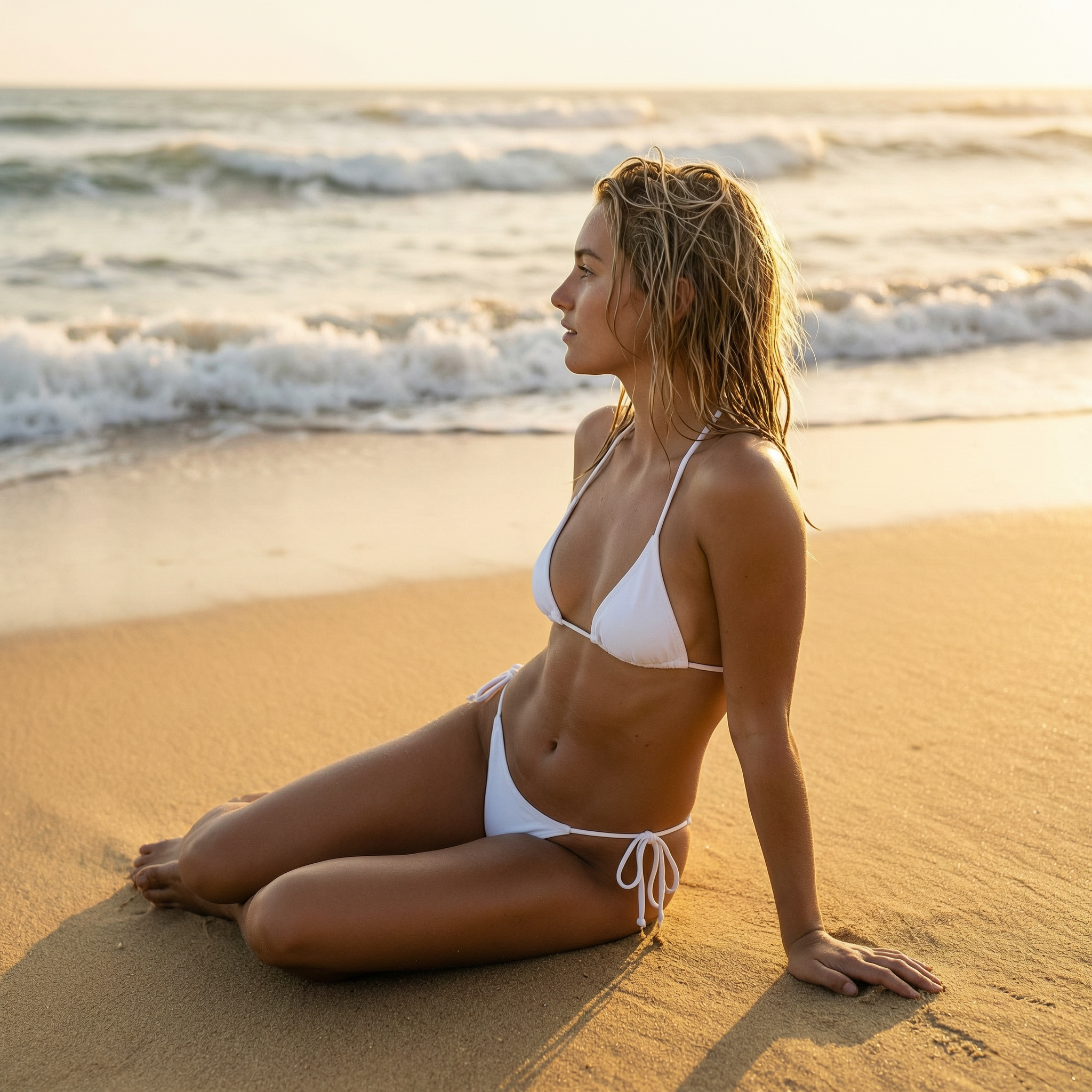
wet hair drifts in sea breeze, slow turn toward camera, sun glints on skin, soft body shiftThat's a still photo + a one-line motion prompt → a cinematic clip. No image-editing step, no manual keyframes.
What does WAN 2.7 Spicy actually give you?
Six capabilities set Spicy apart from the filtered version and from most hosted I2V tools.
Which scenes does Spicy handle best?
Five directions creators reach for first — Spicy handles each cleanly from a single source photo.
How is WAN 2.7 Spicy different from base WAN 2.7?
Spicy is image-to-video only and skips the prompt filter. Base WAN 2.7 supports more modes but refuses explicit content.
| Capability | WAN 2.7 (base) | WAN 2.7 Spicy |
|---|---|---|
| Image-to-video | ✅ | ✅ |
| Text-to-video | ✅ | ❌ |
| Multi-character voice clone (R2V) | ✅ | ❌ |
| Natural-language video edit | ✅ | ❌ |
| Prompt filter | Active — refuses mature content | None |
| Resolution | 720p / 1080p | 720p / 1080p |
| Duration | 2–15 sec | 2–15 sec |
| Last-frame control | ✅ | ✅ |
Pick Spicy for mature creative work from a photo. Pick base for everything else — and for text-only generation use the Text-to-Video guide.
How do you write a motion prompt for WAN 2.7 Spicy?
Spicy already sees your photo — the subject, the wardrobe, the setting are all in the image. Your prompt only describes how the scene moves: camera, body action, environment, light shift.
Camera move + Body action + Environment physics + Light shift
Re-describing what's already in the photo wastes the prompt. "Beautiful woman in red dress against marble wall" produces almost no motion — Spicy already sees that. Use verbs of action instead.
Four real examples — source photo on the left, Spicy output on the right, the motion prompt below.
Fashion editorial — body turn + fabric drift
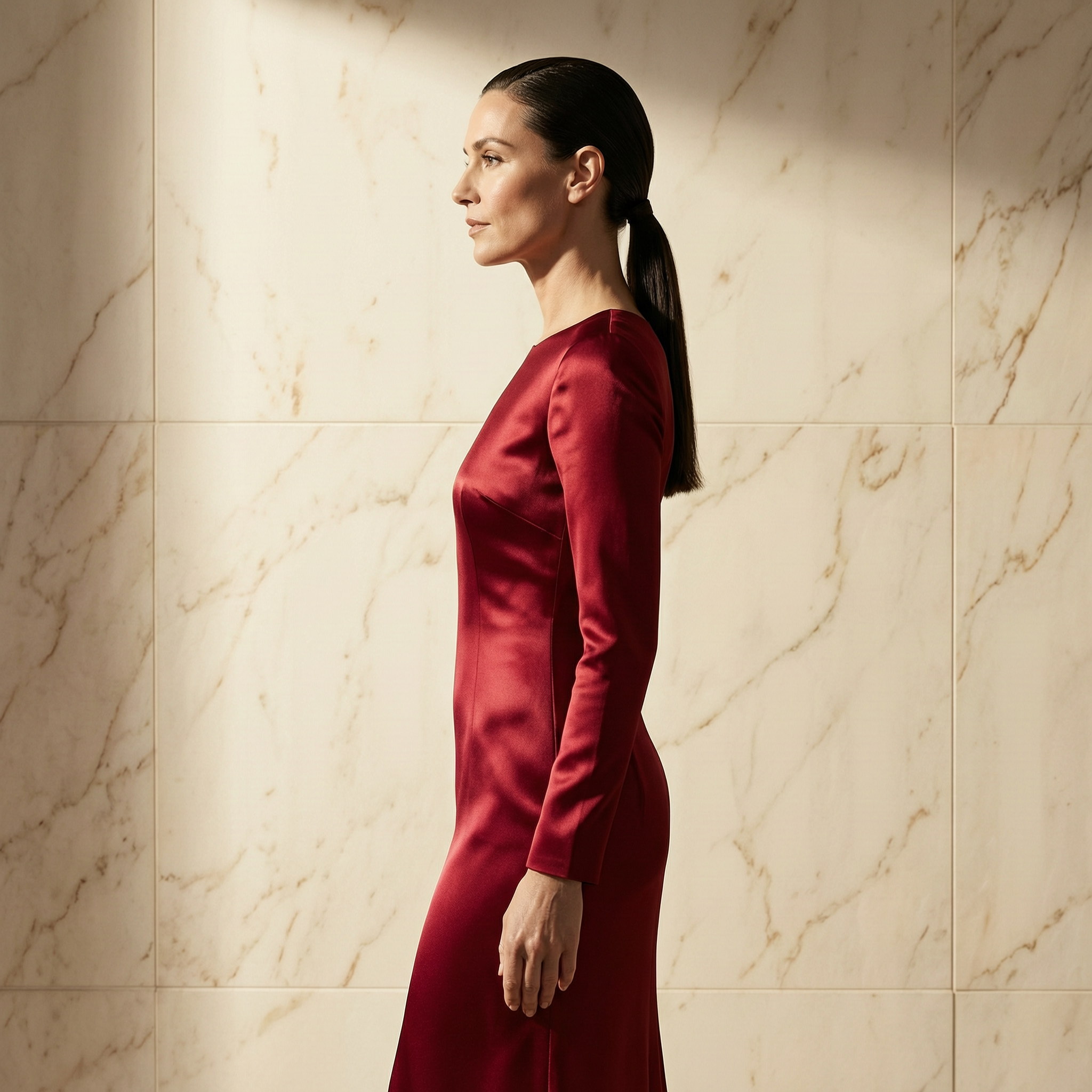
slow turn toward camera, dress fabric drifts, eyes meet lens, dramatic studio light shiftYoga at the ocean — camera orbit + hair drift
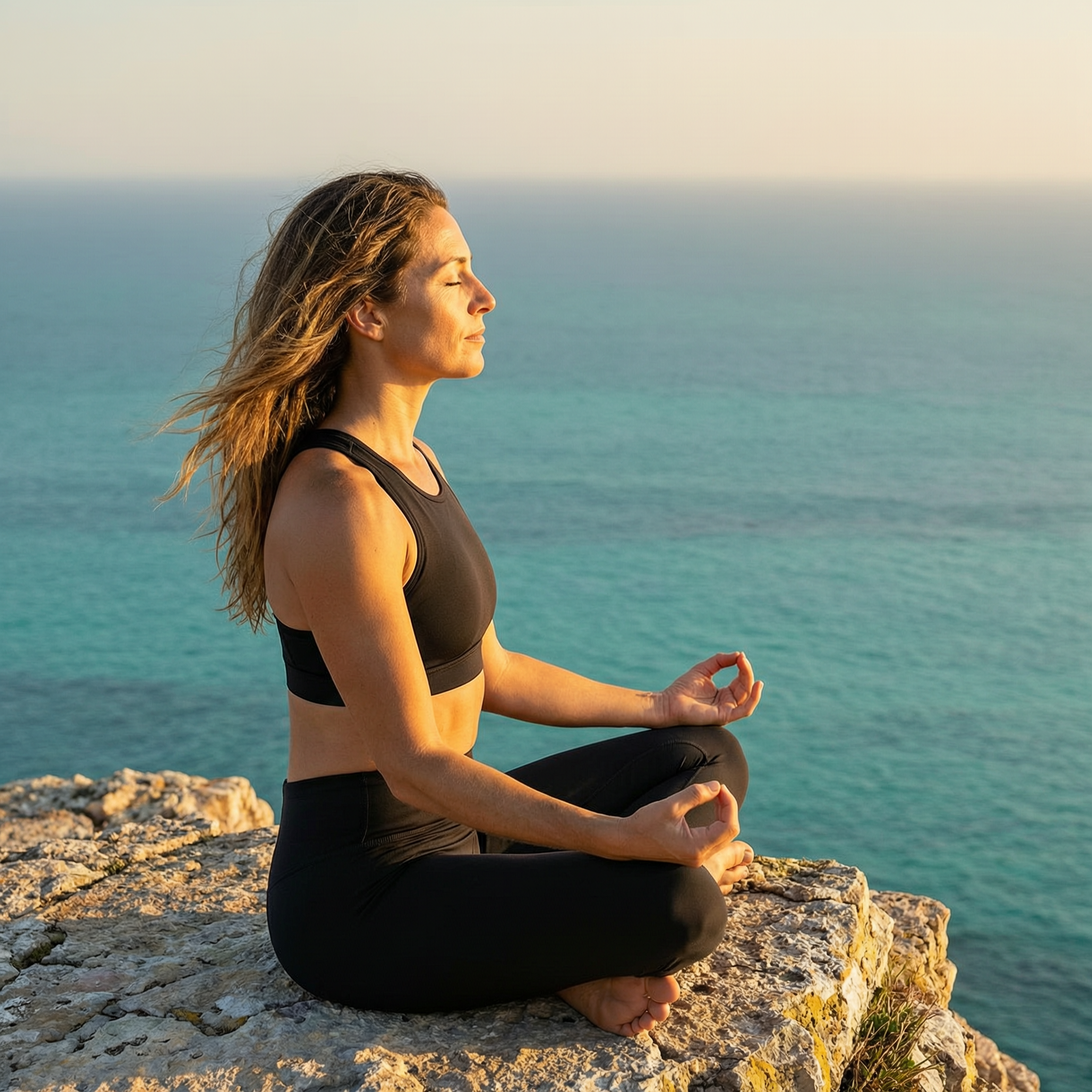
slow camera orbit around the subject, hair drifts in coastal breeze, deep breath, soft golden lightParis café — environment parallax + steam
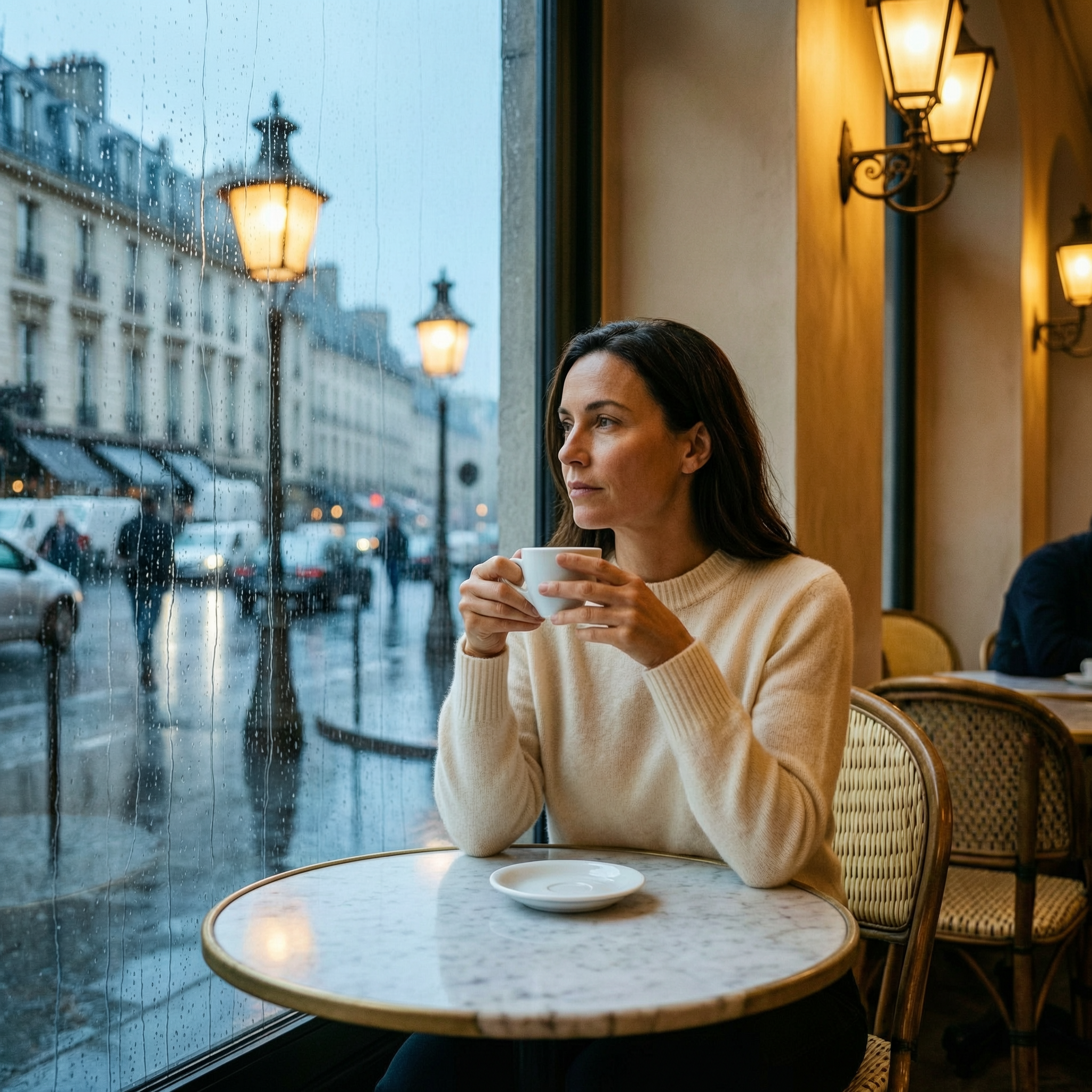
subtle parallax, raindrops slide on glass, steam rises from cup, slow camera push in, contemplativeNeon glamour close-up — camera push + lips part
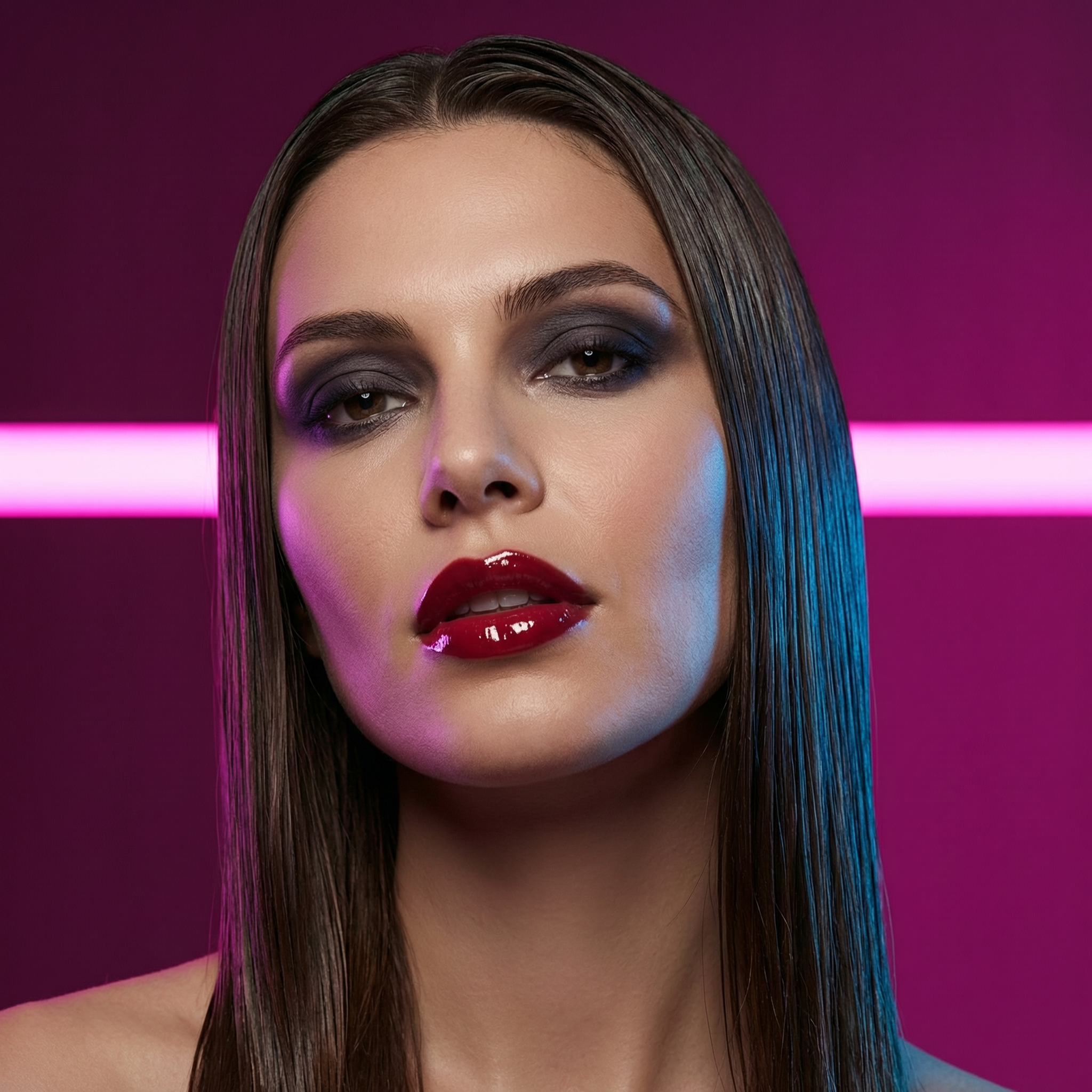
slow camera push in, lips part, eyes look up, dramatic neon light glow, sensual close-upCopy any of these as a starting point, swap one or two descriptors, keep the verb structure. That's a working prompt template for any source photo.
How do you use WAN 2.7 Spicy on ZenCreator step by step?
Four taps from source photo to finished clip. The whole flow takes 90 seconds end to end.
- Open the Video Generator at
app.zencreator.pro/tools/video-generatorand pick WAN 2.7 Spicy in the model picker — separate option from base WAN 2.7. - Upload your source image — boudoir, lingerie, portrait, any photo you want to animate. The face, pose, and composition stay; only motion is generated.
- Write a motion prompt using the formula above — camera, body action, physics, light. Don't re-describe the photo.
- Pick length and resolution, hit Generate. 5–15 seconds, 720p or 1080p. Cinematic clip arrives in 30–90 seconds.
What makes a good source photo for Spicy?
The cleaner the source, the better the motion. A few rules that bump quality without changing anything else:
- Tight crop, subject ~60–80% of the frame. Hair and fabric on a busy background sometimes read as scene noise and lose definition during motion.
- Three-quarter or front view. Heavy profile sources animate worse than three-quarter angles.
- Soft, directional light. Hard shadows on the source carry through into the motion; soft light gives the model room to interpret.
- High resolution. A 4K source produces noticeably cleaner 1080p output than a 1024×1024 source.
If you don't have a source photo yet, generate one in Text-to-Image first, save the 4K output, then bring it into Spicy.
Pro tips for cinematic results
A few short rules that bump output quality without changing the workflow:
- Verbs, not adjectives. "Slow dolly in" beats "cinematic". "Hair sway" beats "beautiful motion". The prompt steers motion, not mood.
- One camera move per shot. Pick dolly, orbit, track, or handheld — naming two confuses the model.
- Match duration to scene intent. 5–8 seconds for tight intimate moments. Reach 12–15 only when there's a real narrative arc (slow reveal, lingering moment).
- Use last-frame control for predictable endings. Upload a target end-frame image and the model interpolates motion to land exactly there.
FAQ
How is WAN 2.7 Spicy different from base WAN 2.7?
Spicy is image-to-video only and runs without a prompt filter. Base WAN 2.7 supports text-to-video, image-to-video, multi-character with voice cloning, and natural-language editing — but refuses explicit prompts. Pick Spicy for mature creative work from a photo; pick base for everything else.
Is Text-to-Video also uncensored on ZenCreator?
Yes — see the Text-to-Video complete guide for the prompt-only equivalent. Text-to-Video skips the source-photo step entirely and generates the whole scene from a description.
Can I use my own photo as the starting frame?
Yes — that's how Spicy works. Upload any photo, write a motion prompt, generate. The face, pose, and composition stay; the model adds motion.
Are generated videos commercially usable?
Yes. ZenCreator grants commercial usage on outputs from paid plans, including Spicy. If you publish AI content at scale in regulated jurisdictions, label it per local rules.
Why does my clip ignore the prompt?
Almost always one of three reasons: the prompt described the photo instead of the motion (Spicy already sees the photo), the prompt has two competing camera moves, or it's longer than ~200 words. Rewrite as short motion verbs.
What's the maximum clip length?
15 seconds in a single generation. Most boudoir and intimate scenes work best at 5–8 seconds; reach for the longer end only when you need a real narrative arc — a slow reveal, a costume shift, a sustained gaze.
How long does a Spicy clip take to generate?
30–90 seconds per clip at 720p, longer at 1080p. Fast enough to iterate on prompts in the same session and pick the best take.
References