AI Photo-Shoot Generator
Upload two reference shots, pick your themes, and receive a perfectly consistent photo collection in minutes.
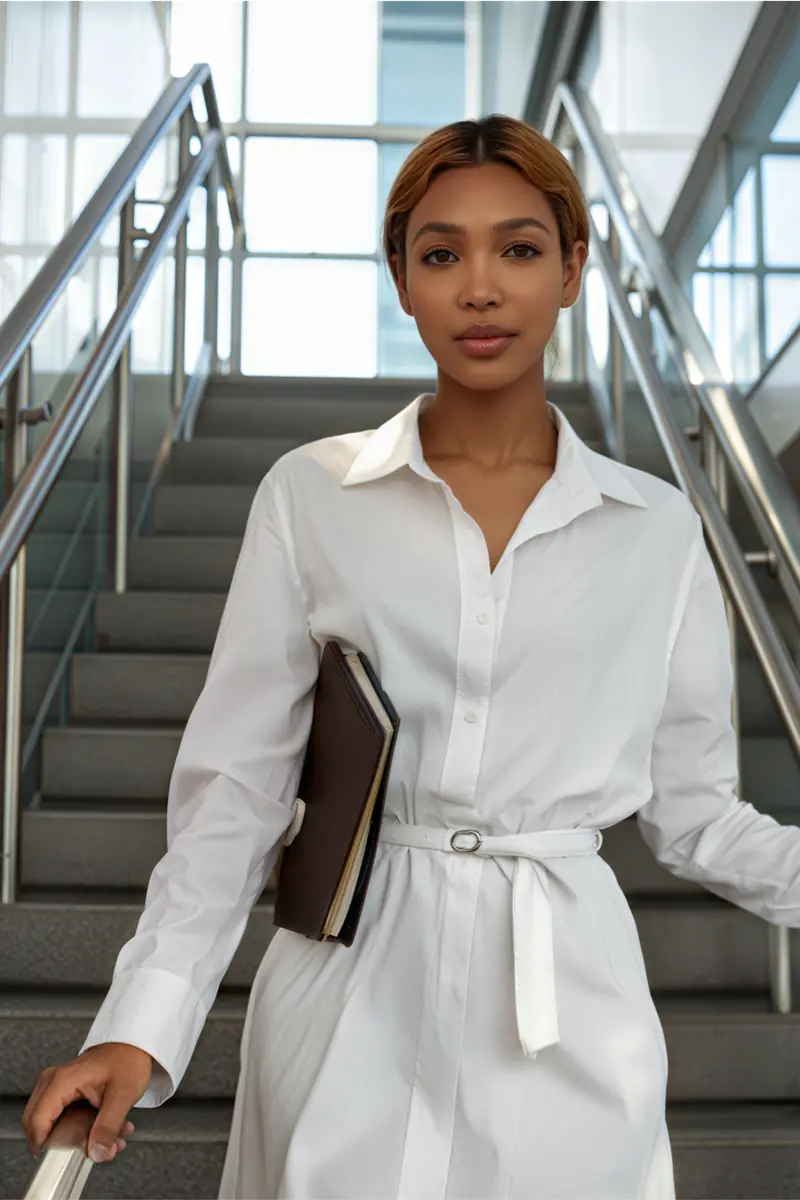
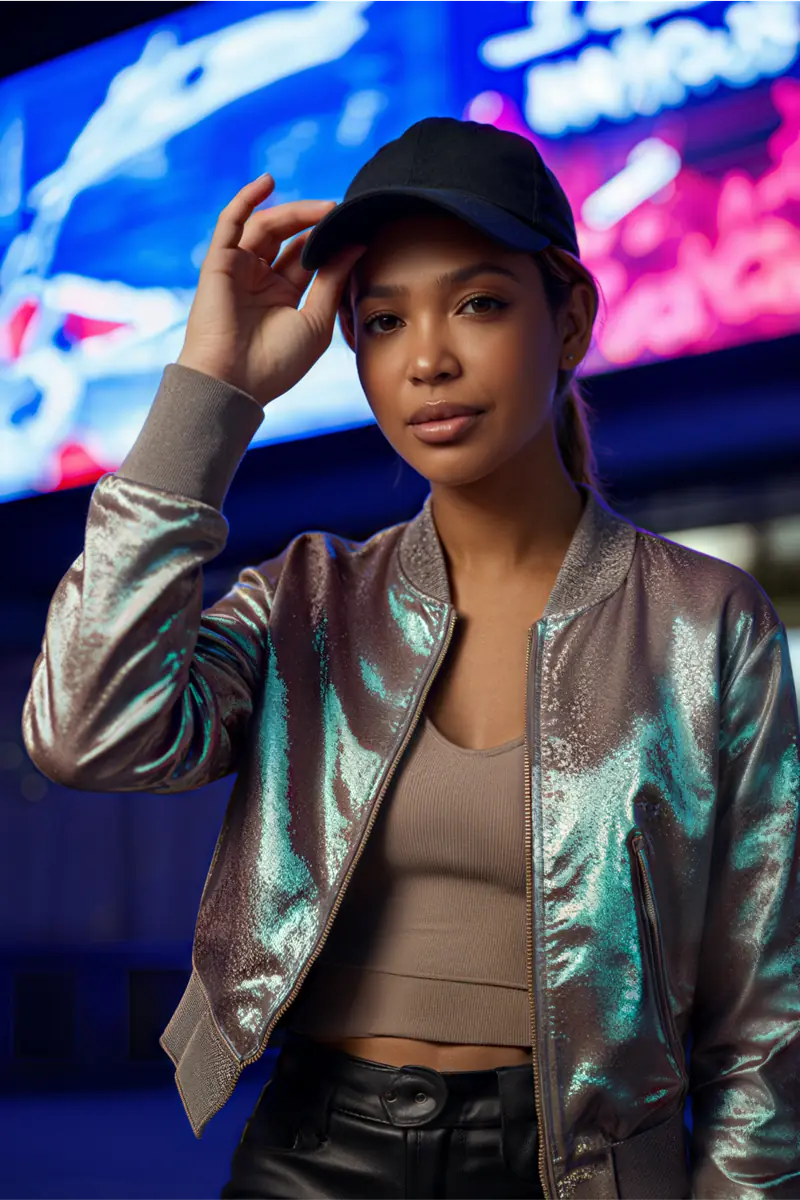
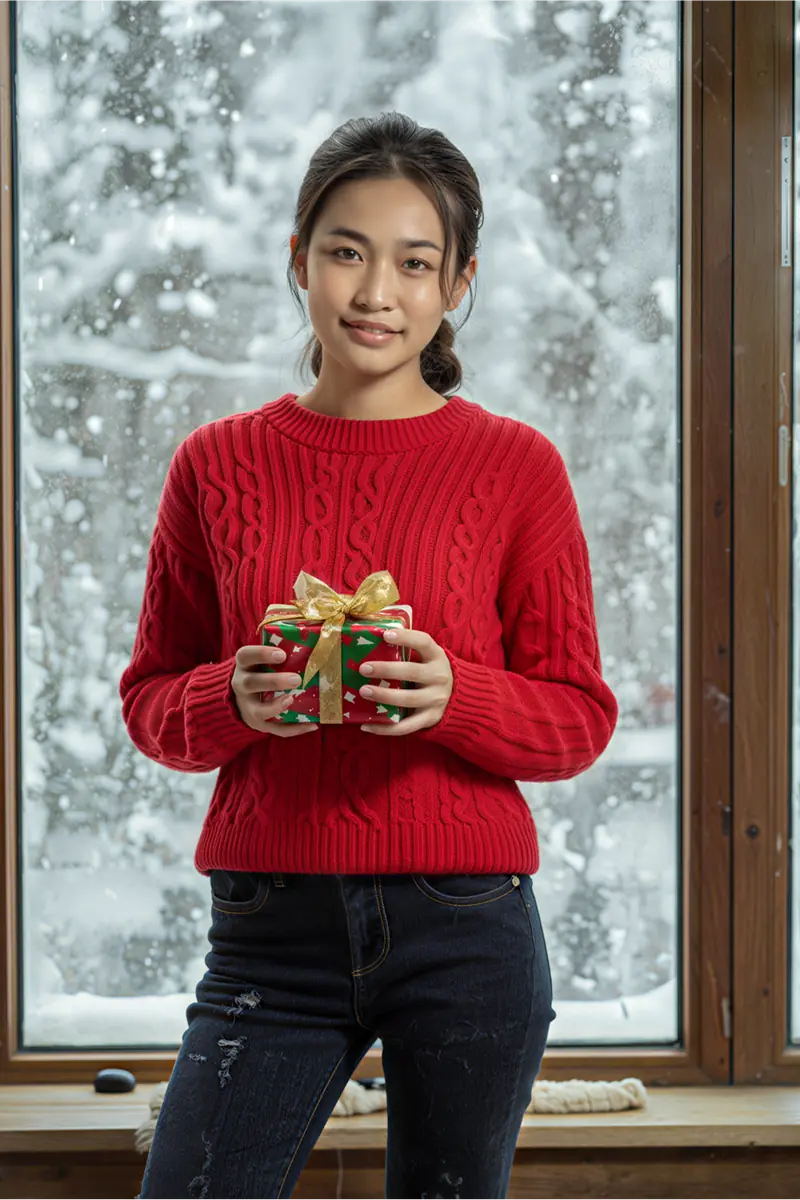
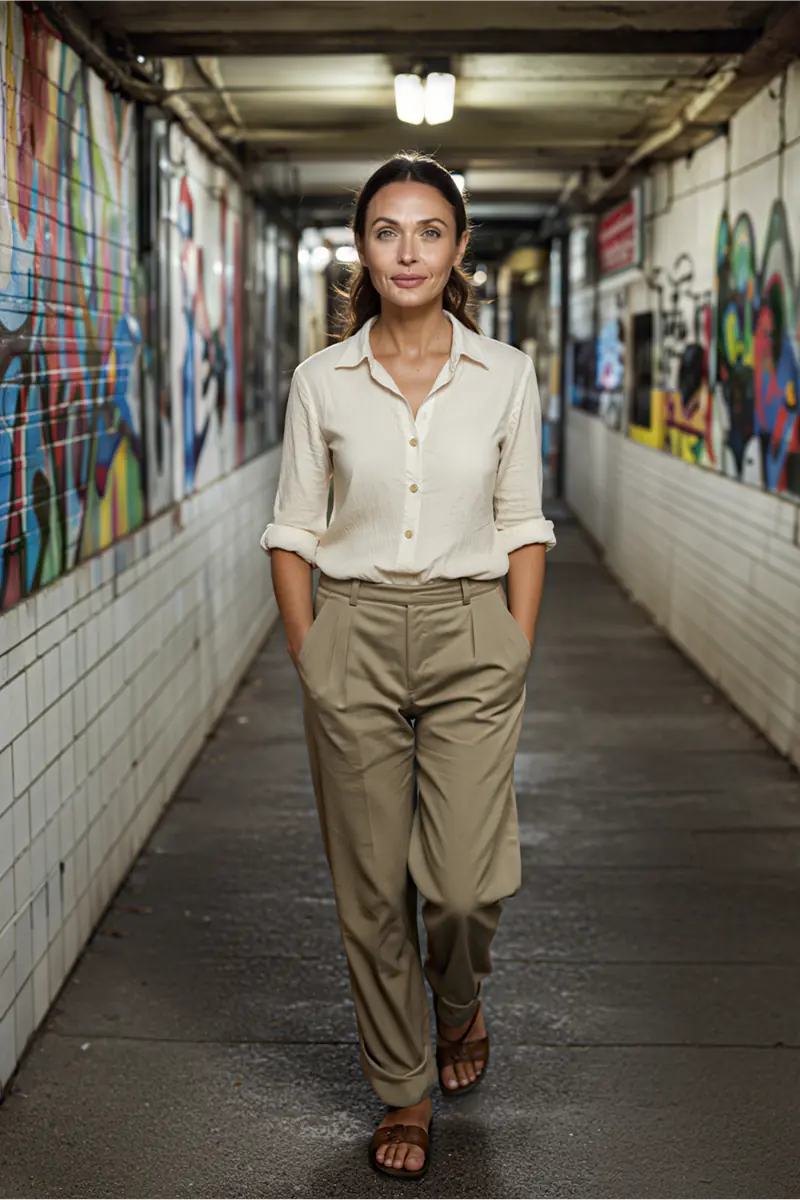
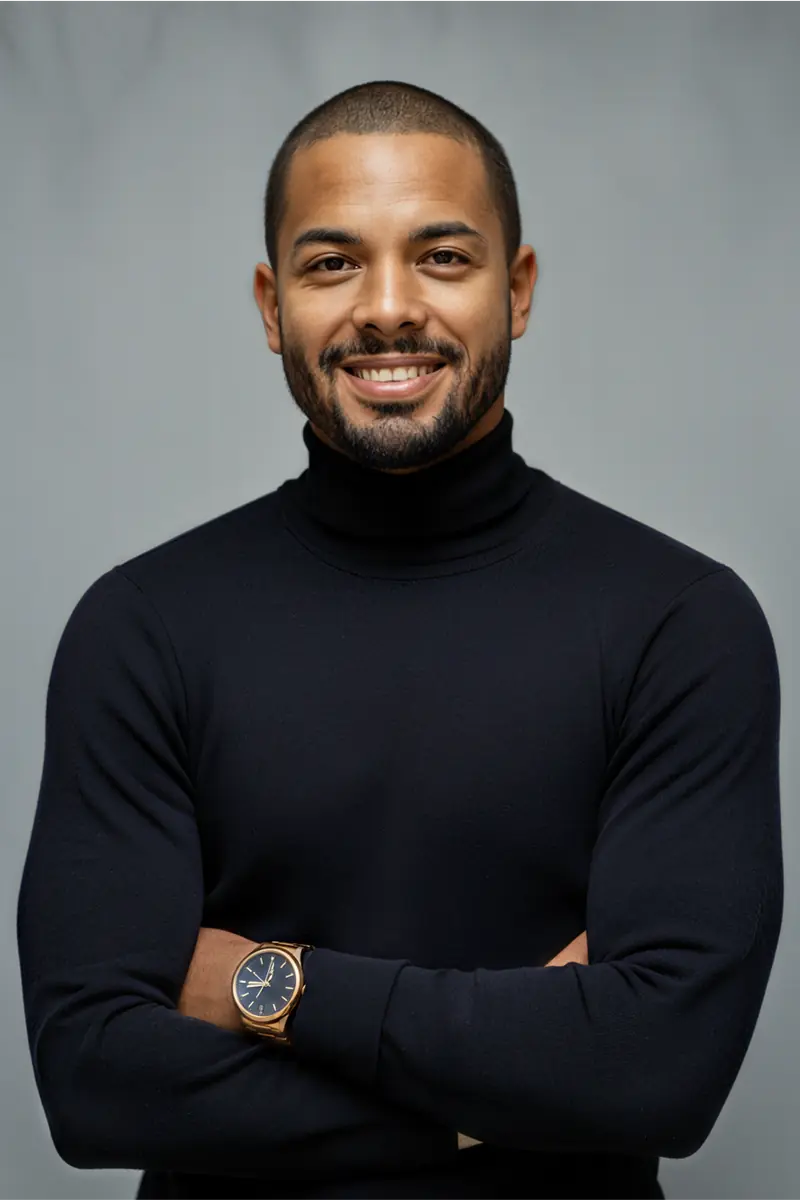
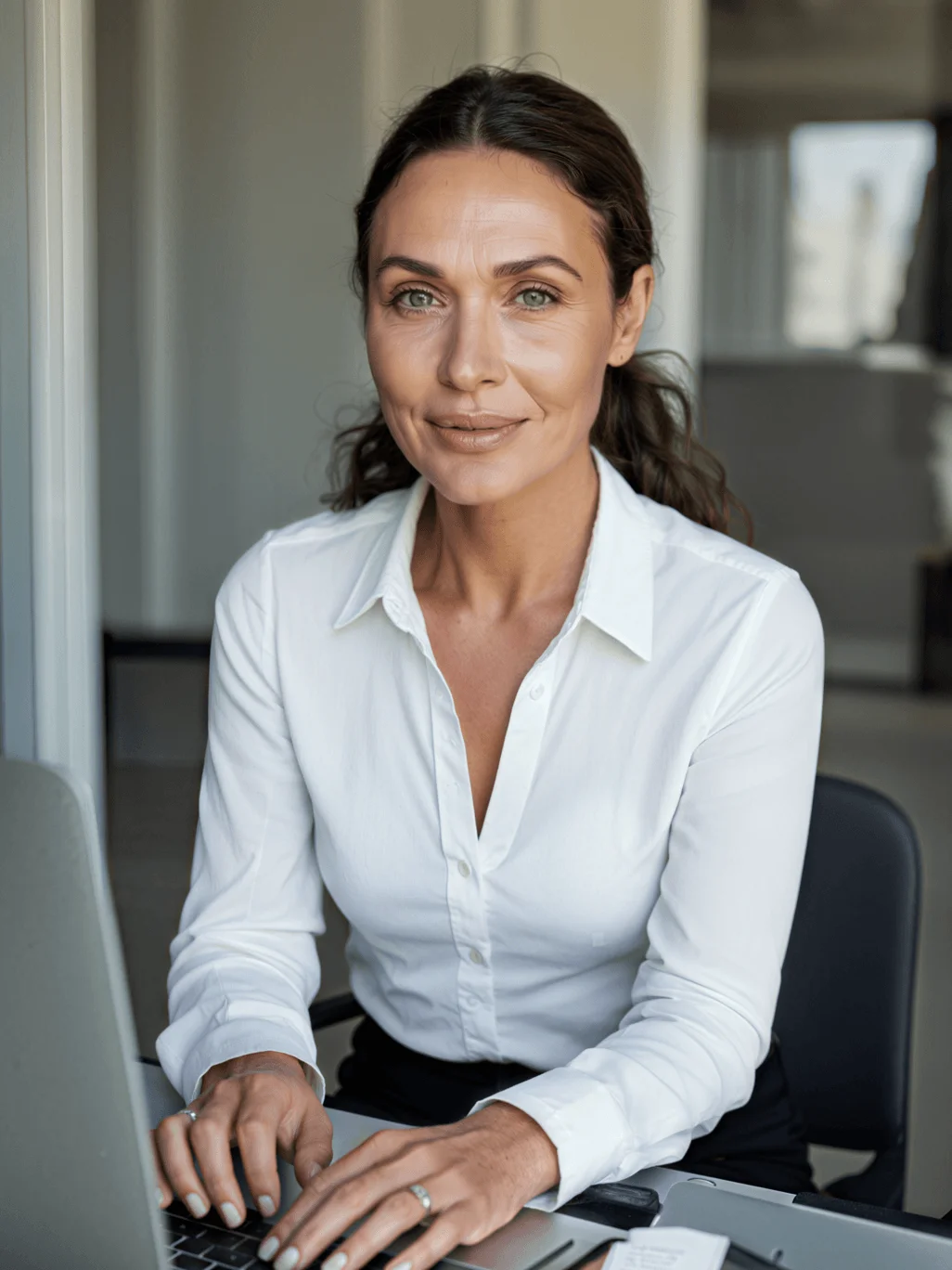
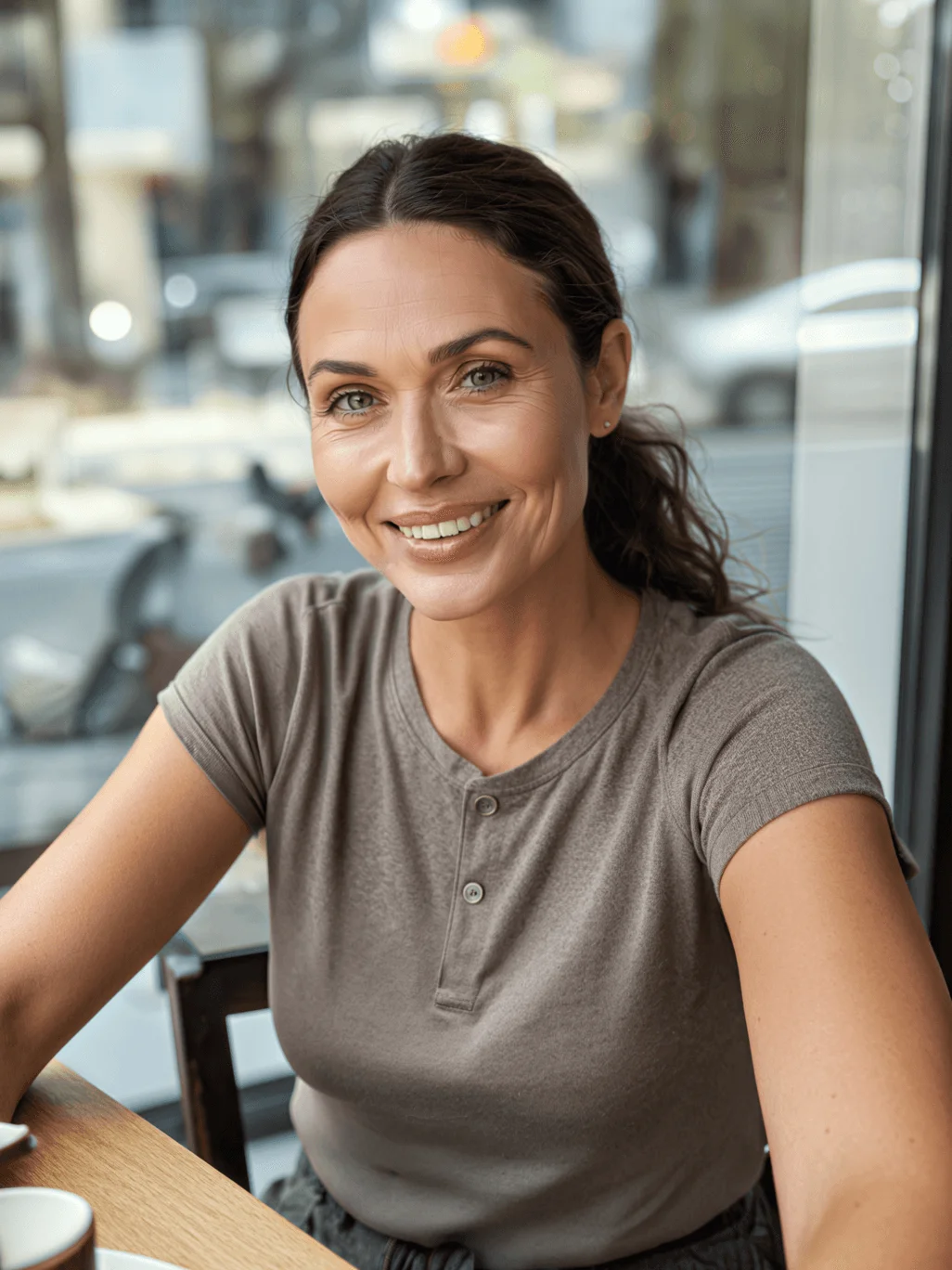
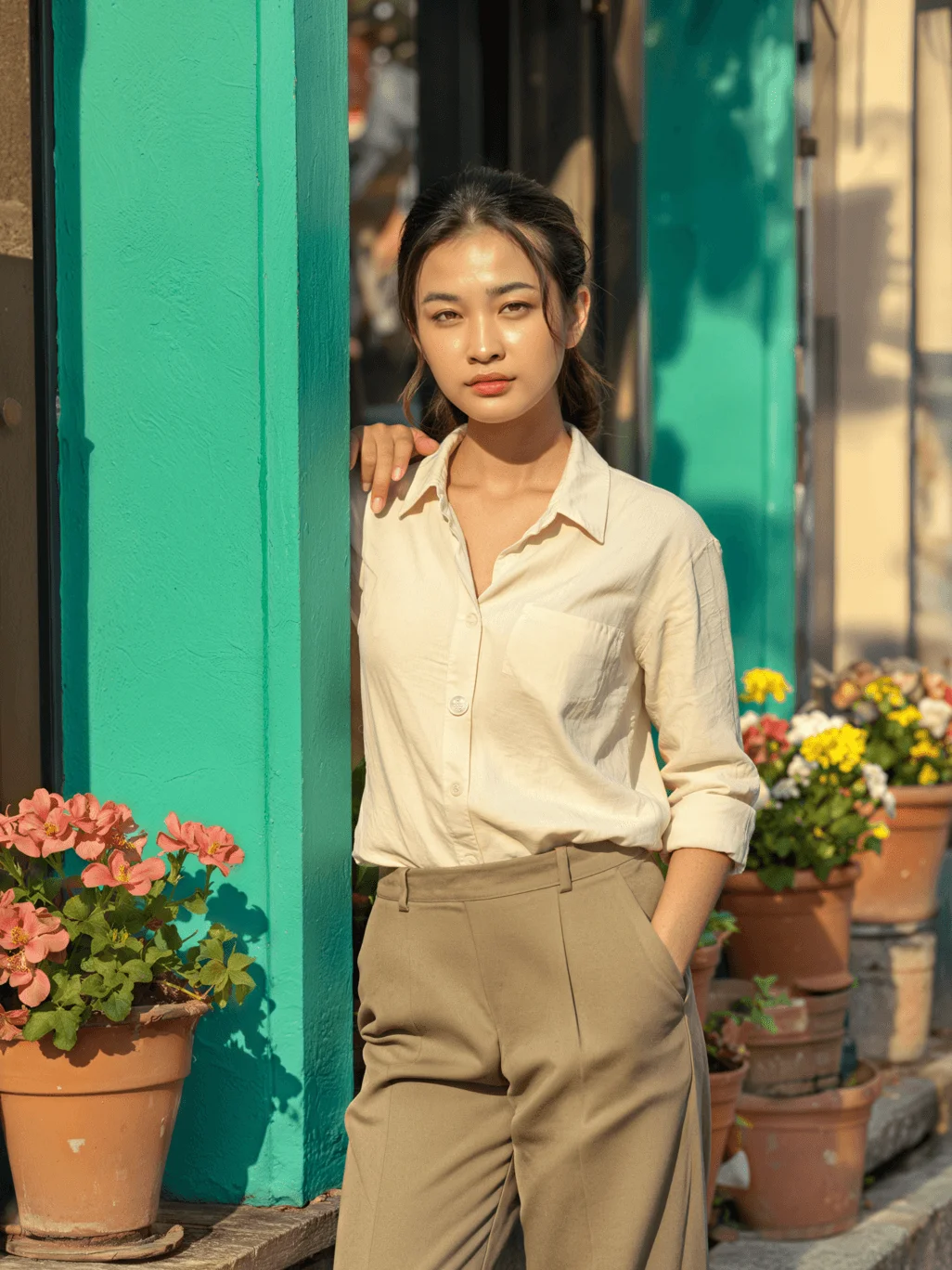
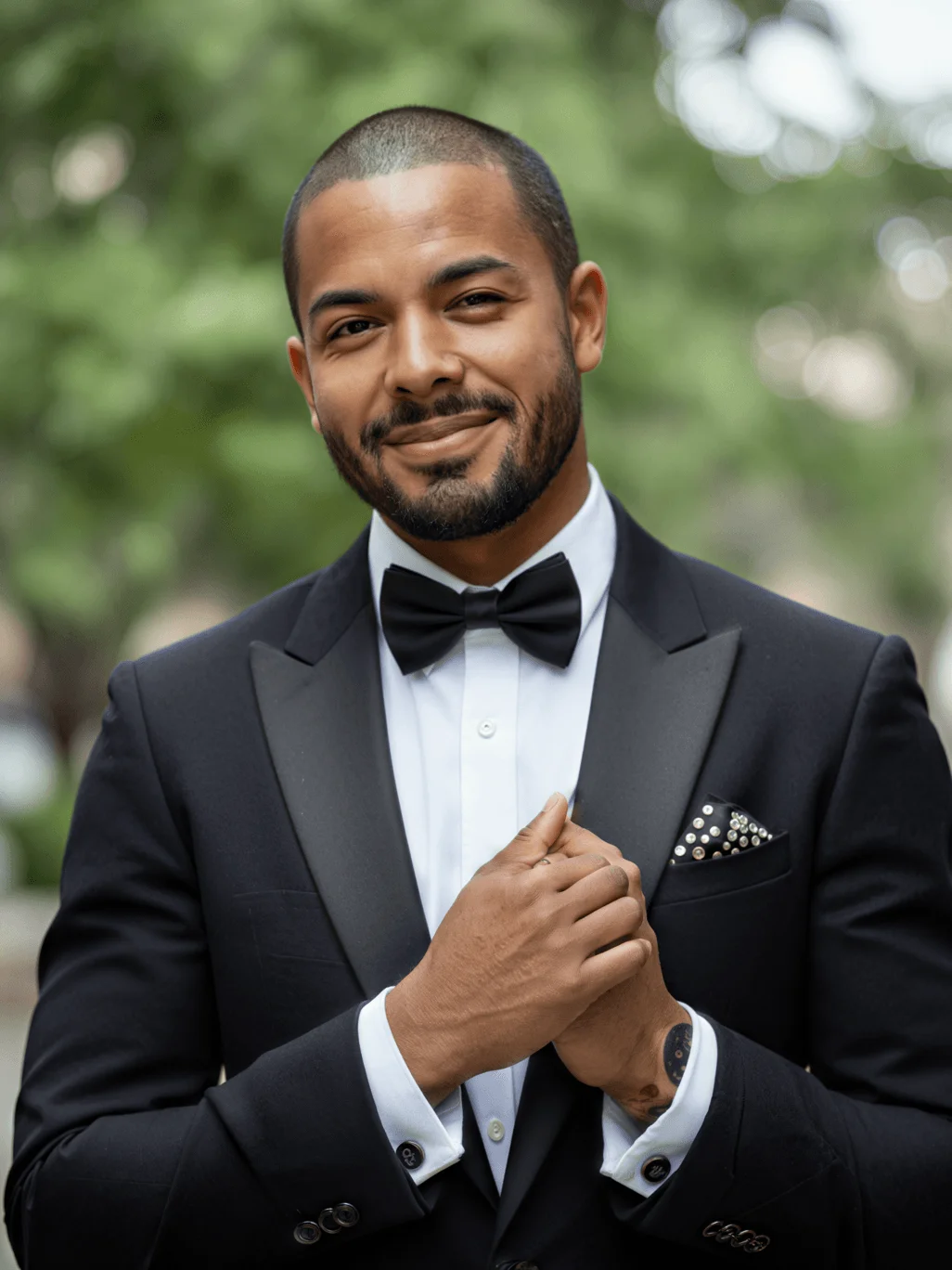
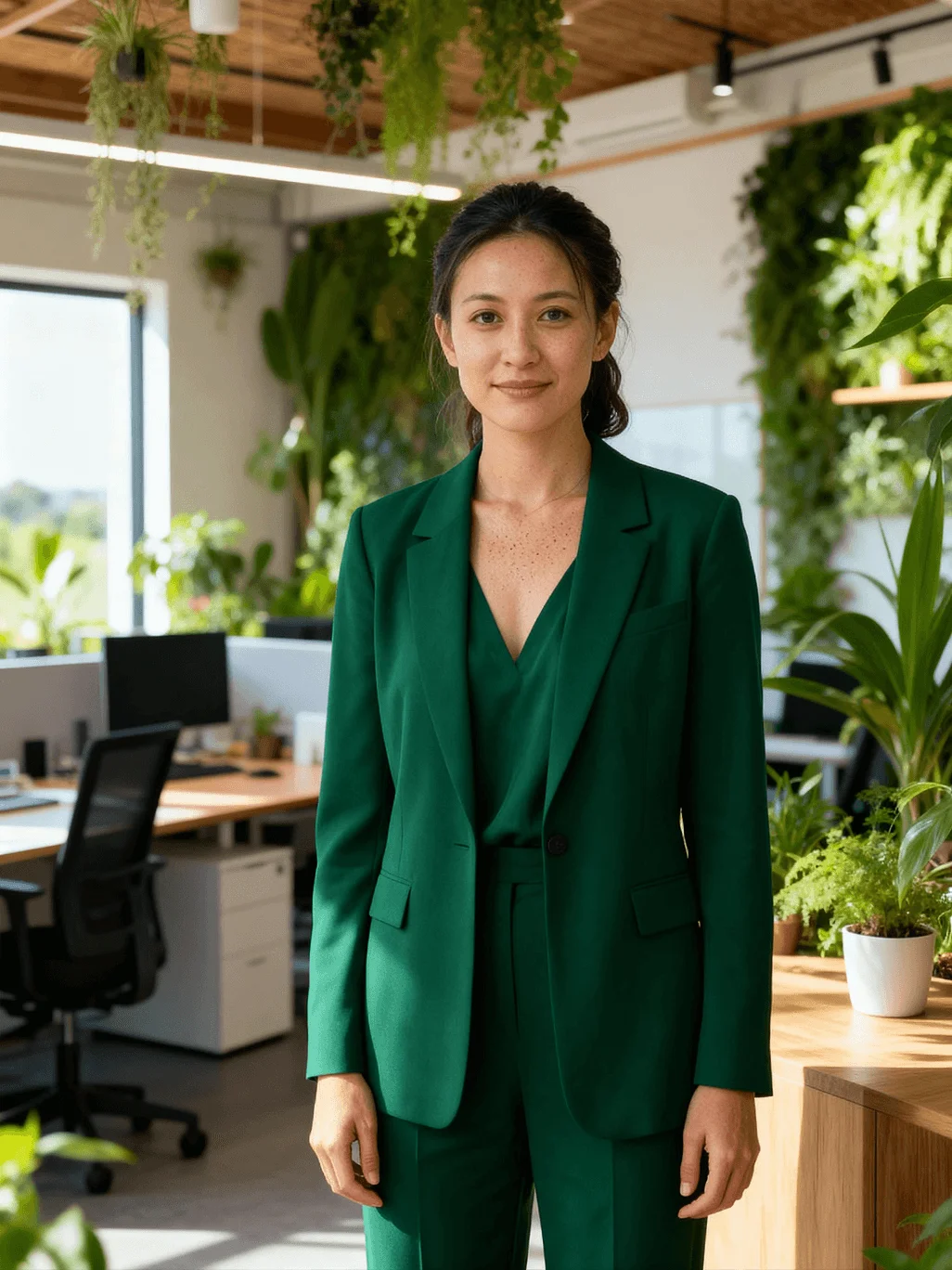
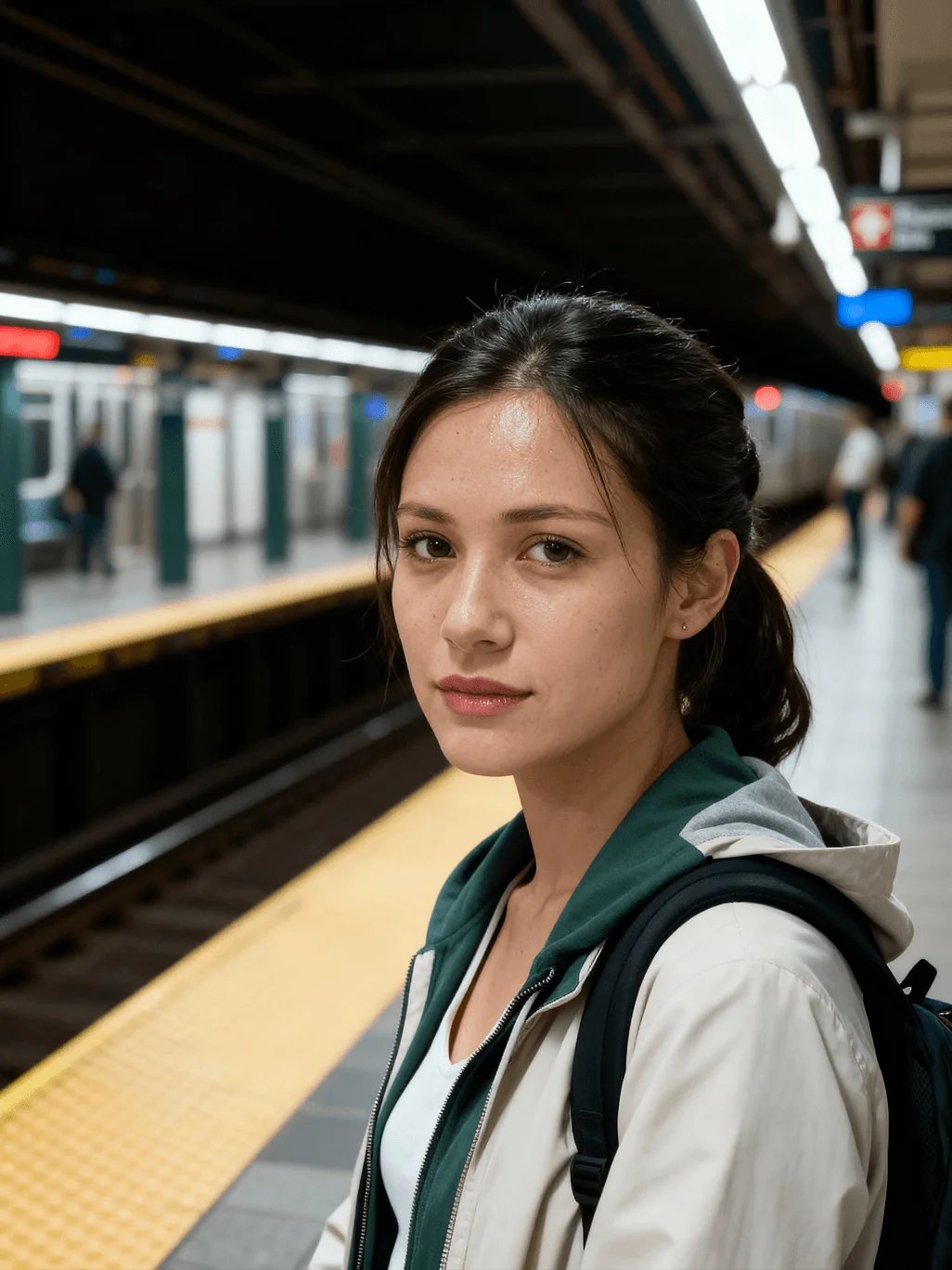
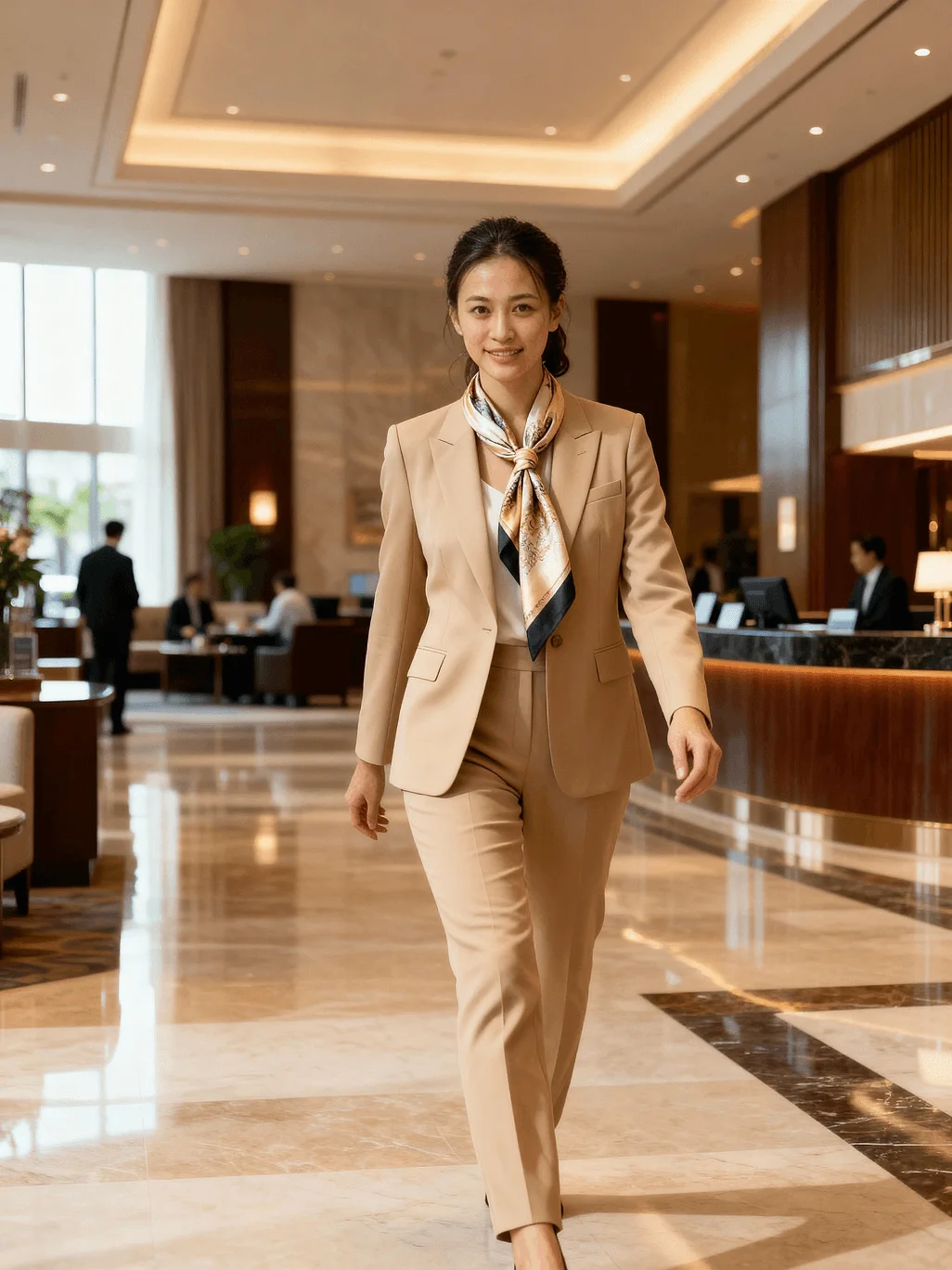
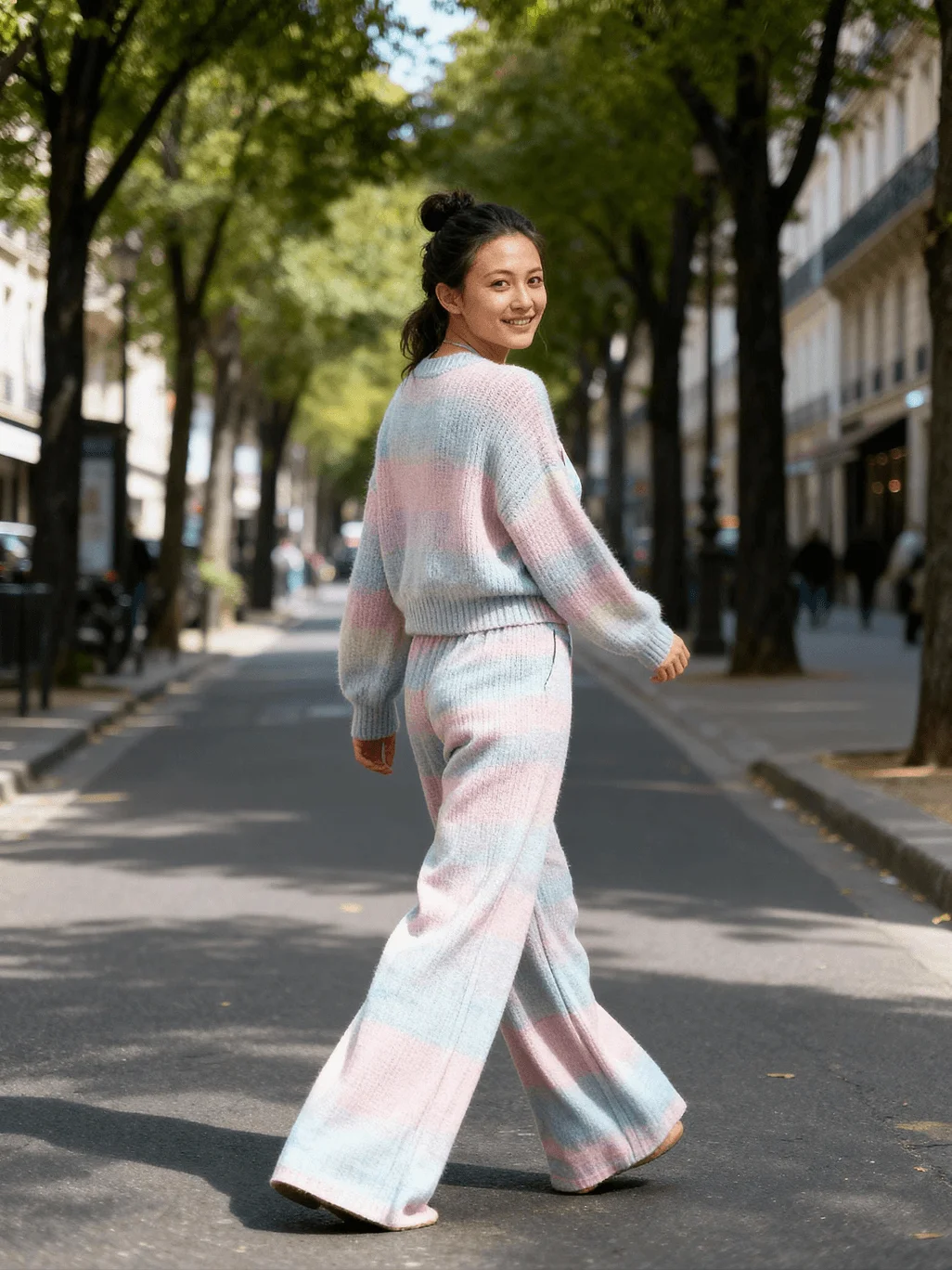
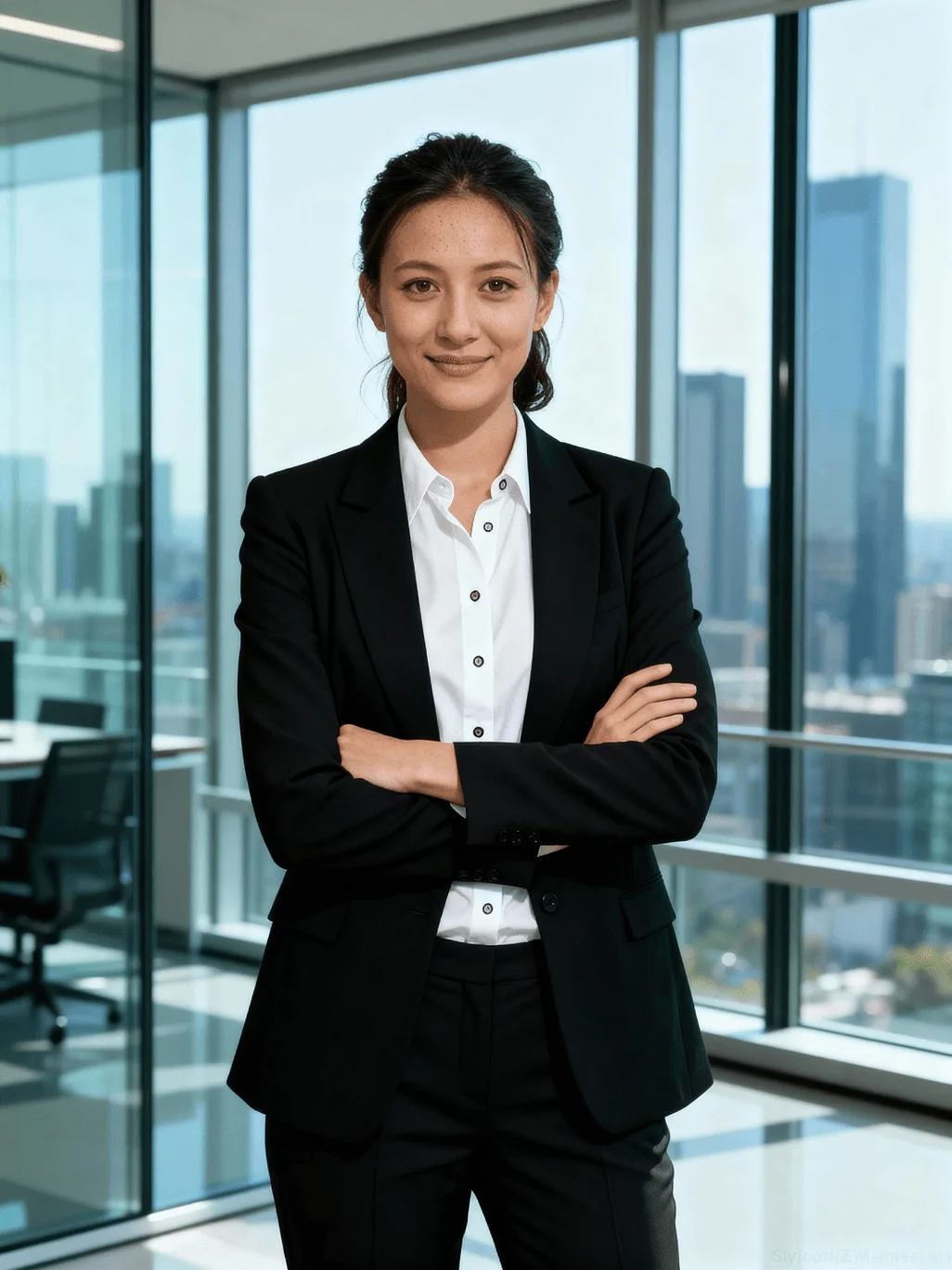
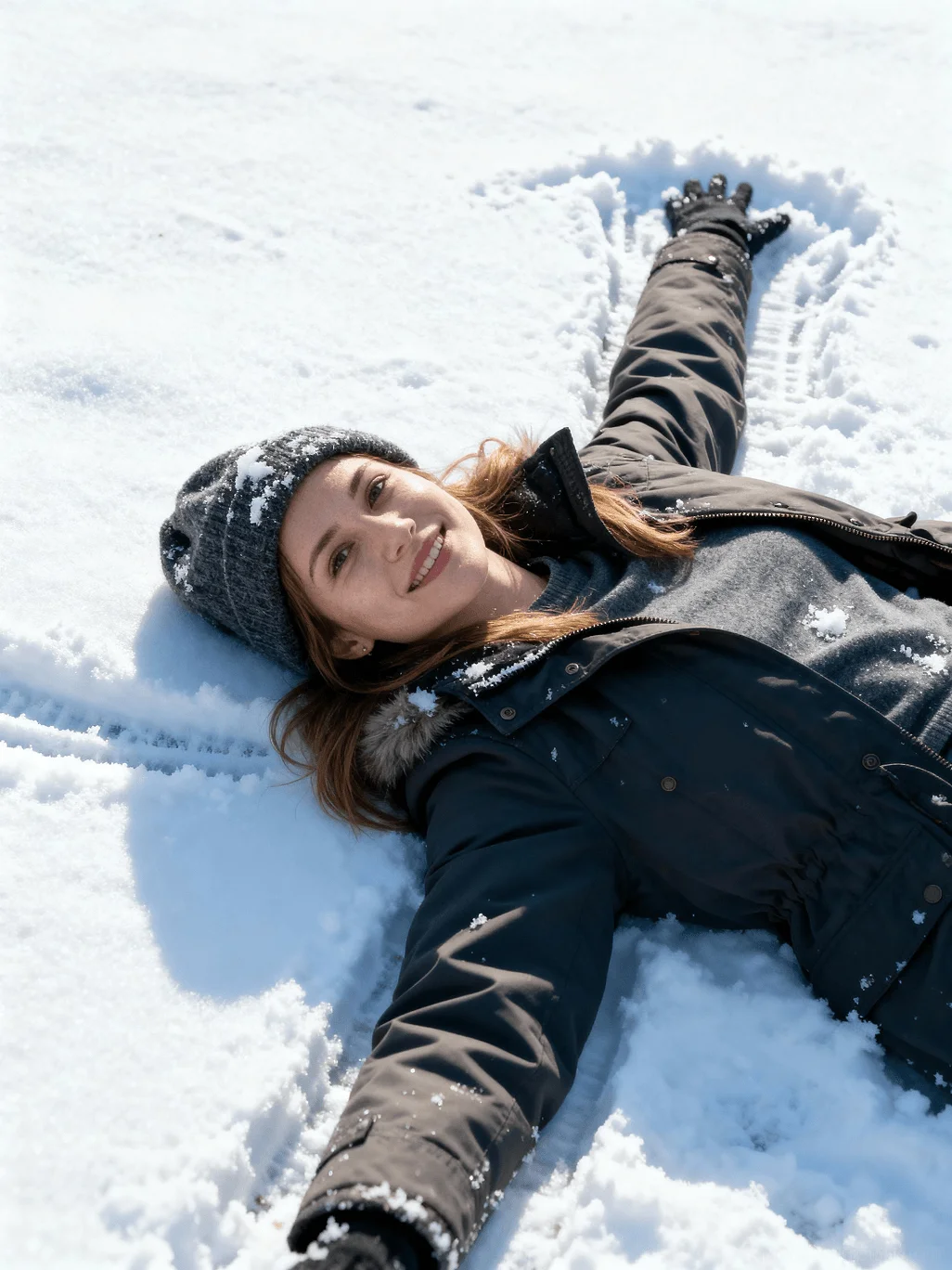
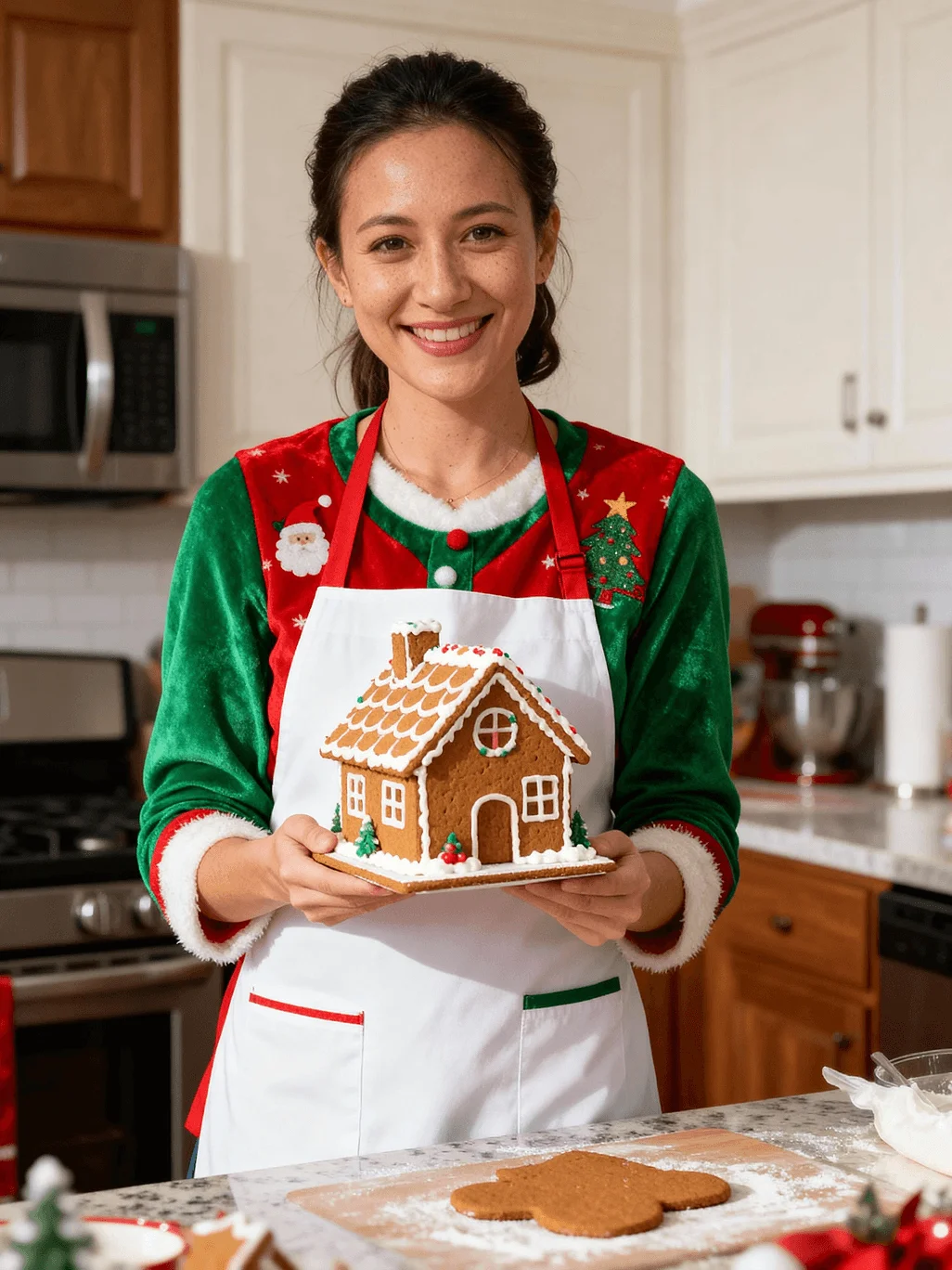
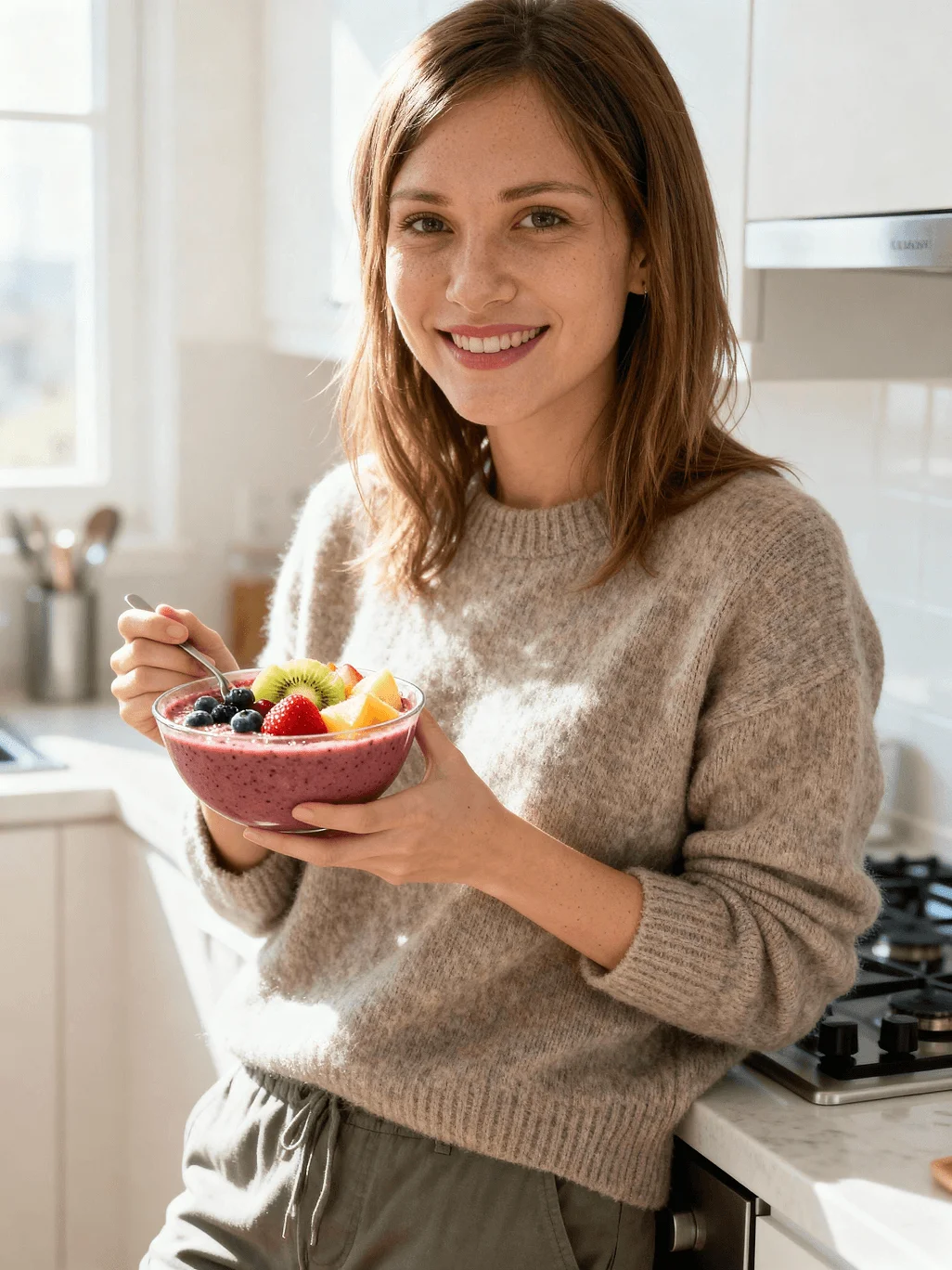
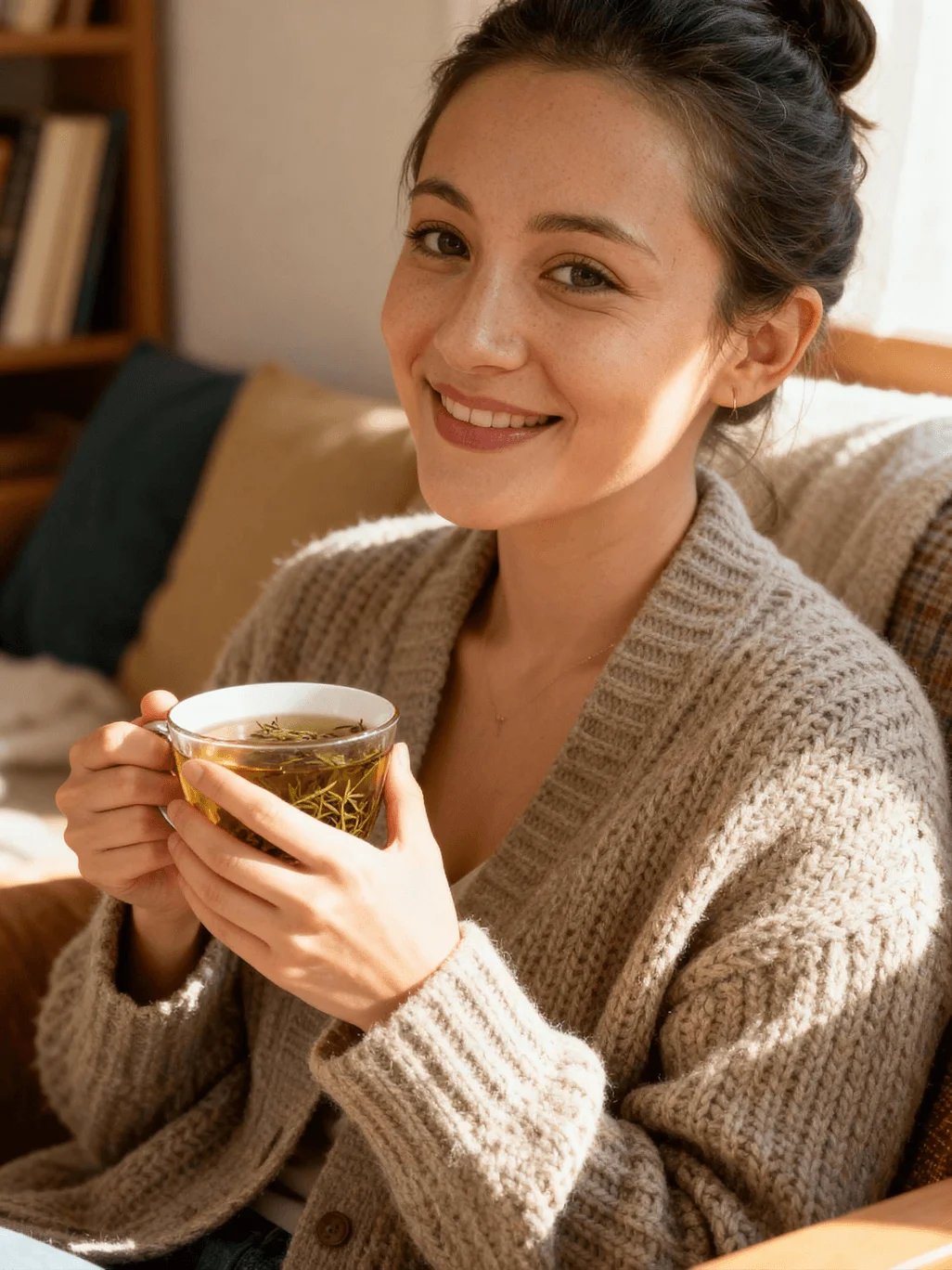
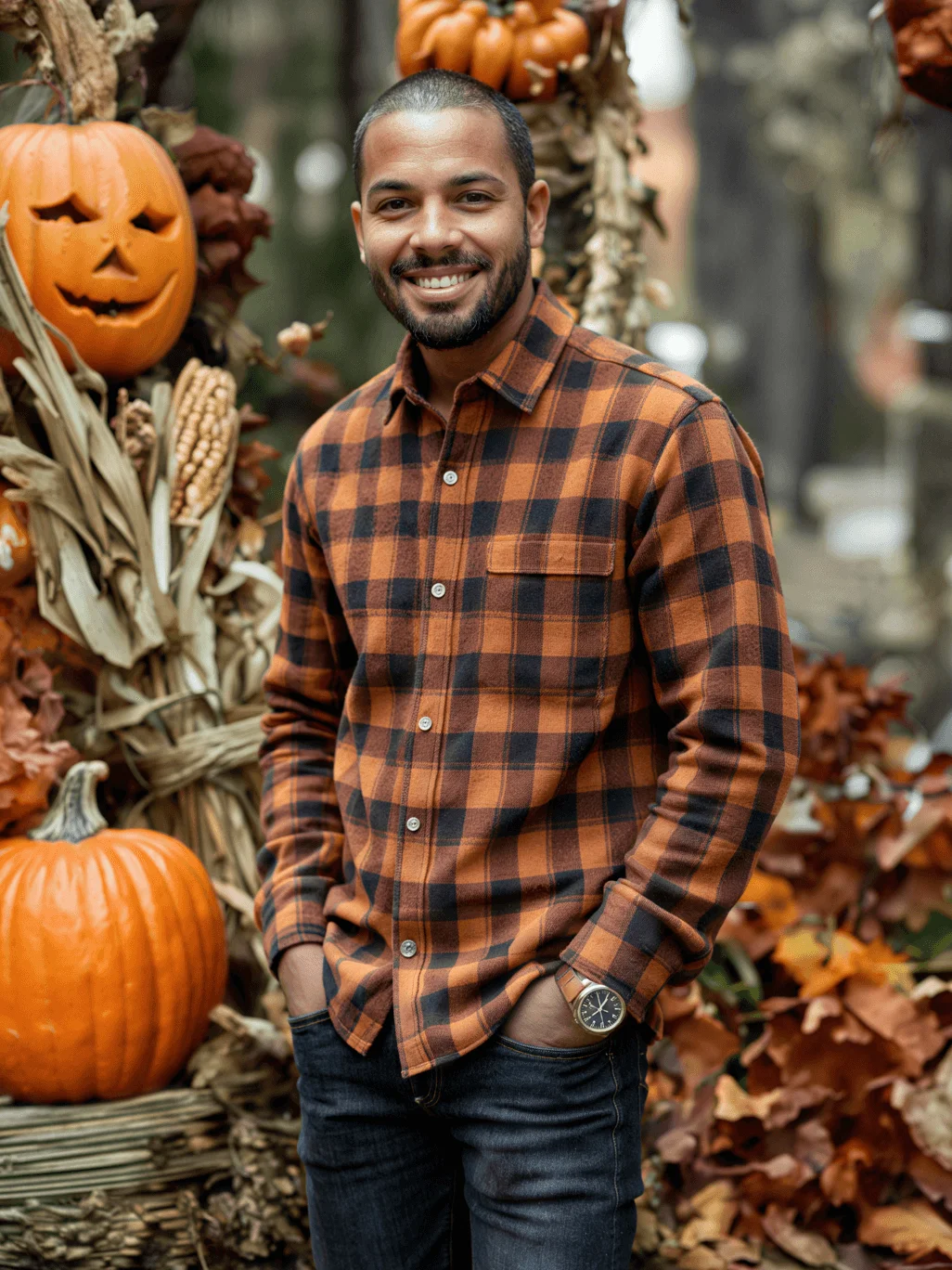
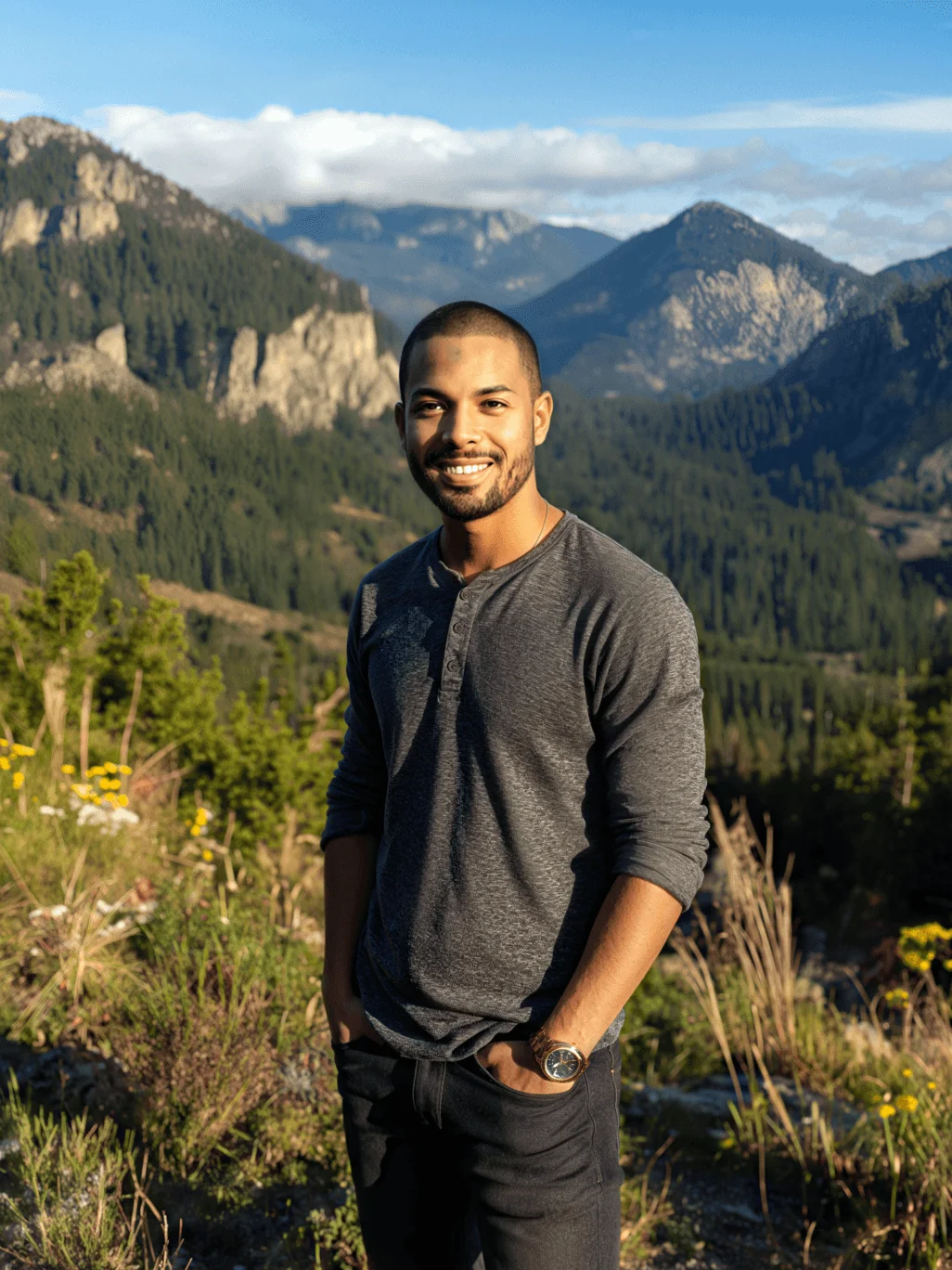
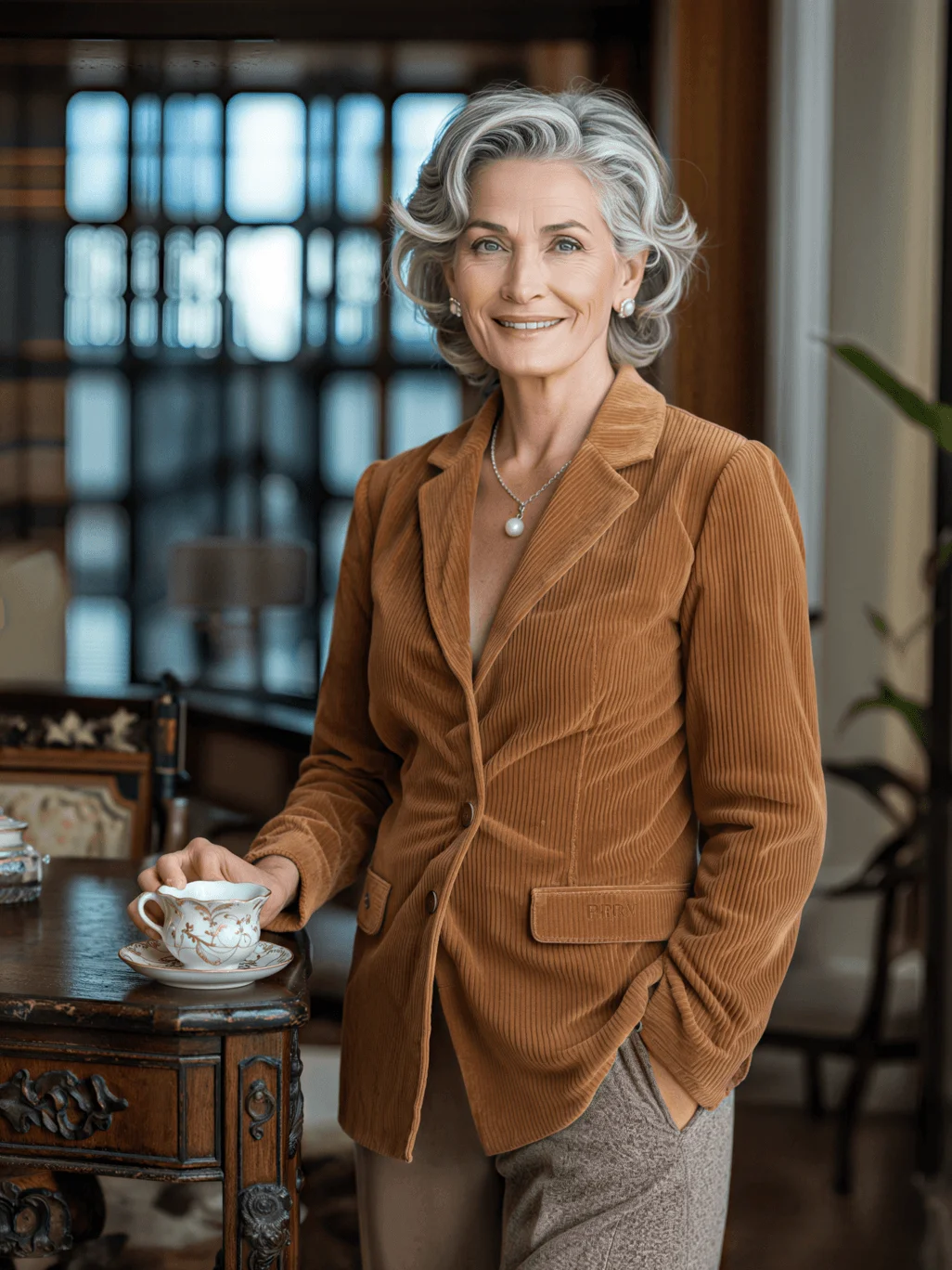
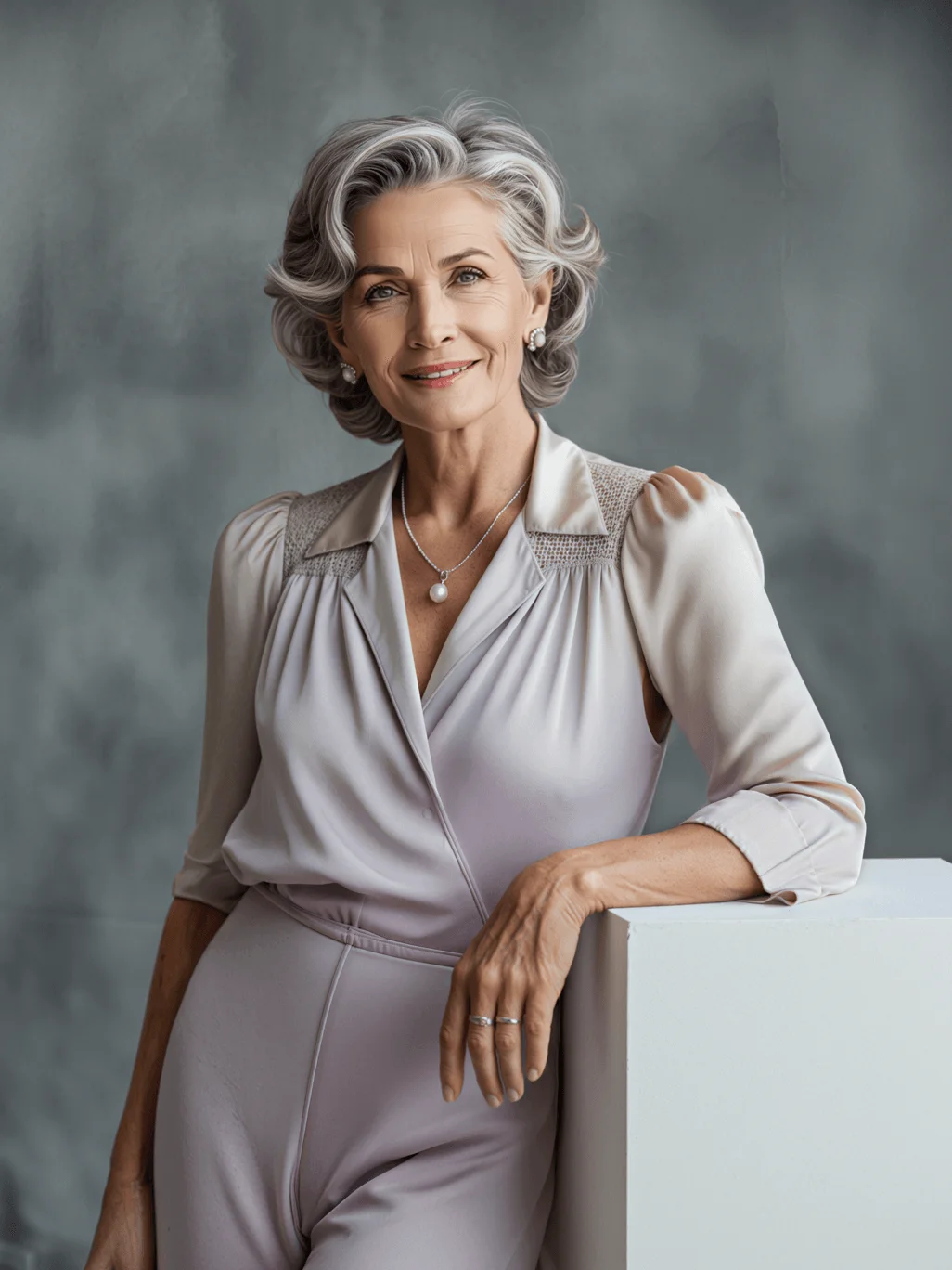
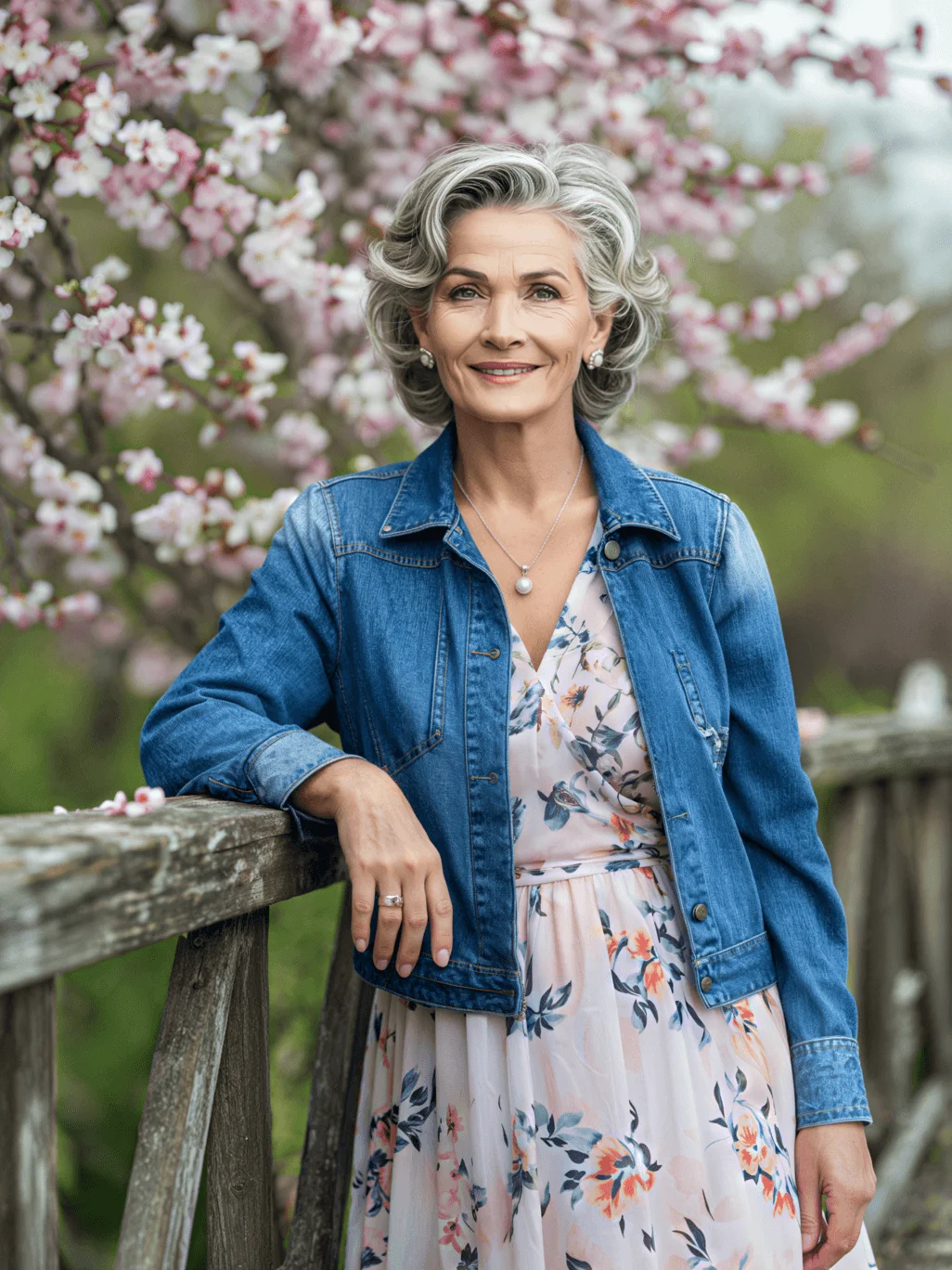
How It Works
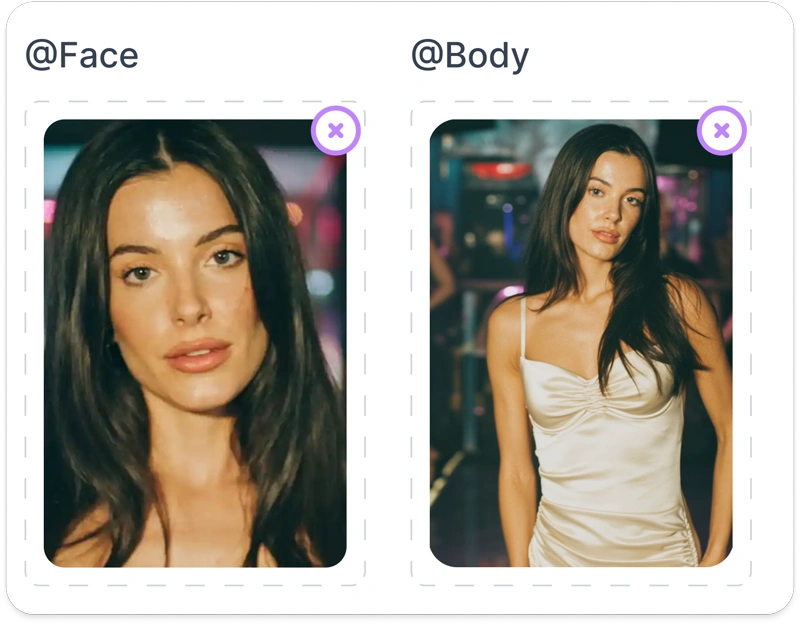
Upload Face & Body
Drag one face photo and (optionally) a full-body shot. Locks identity and proportions.
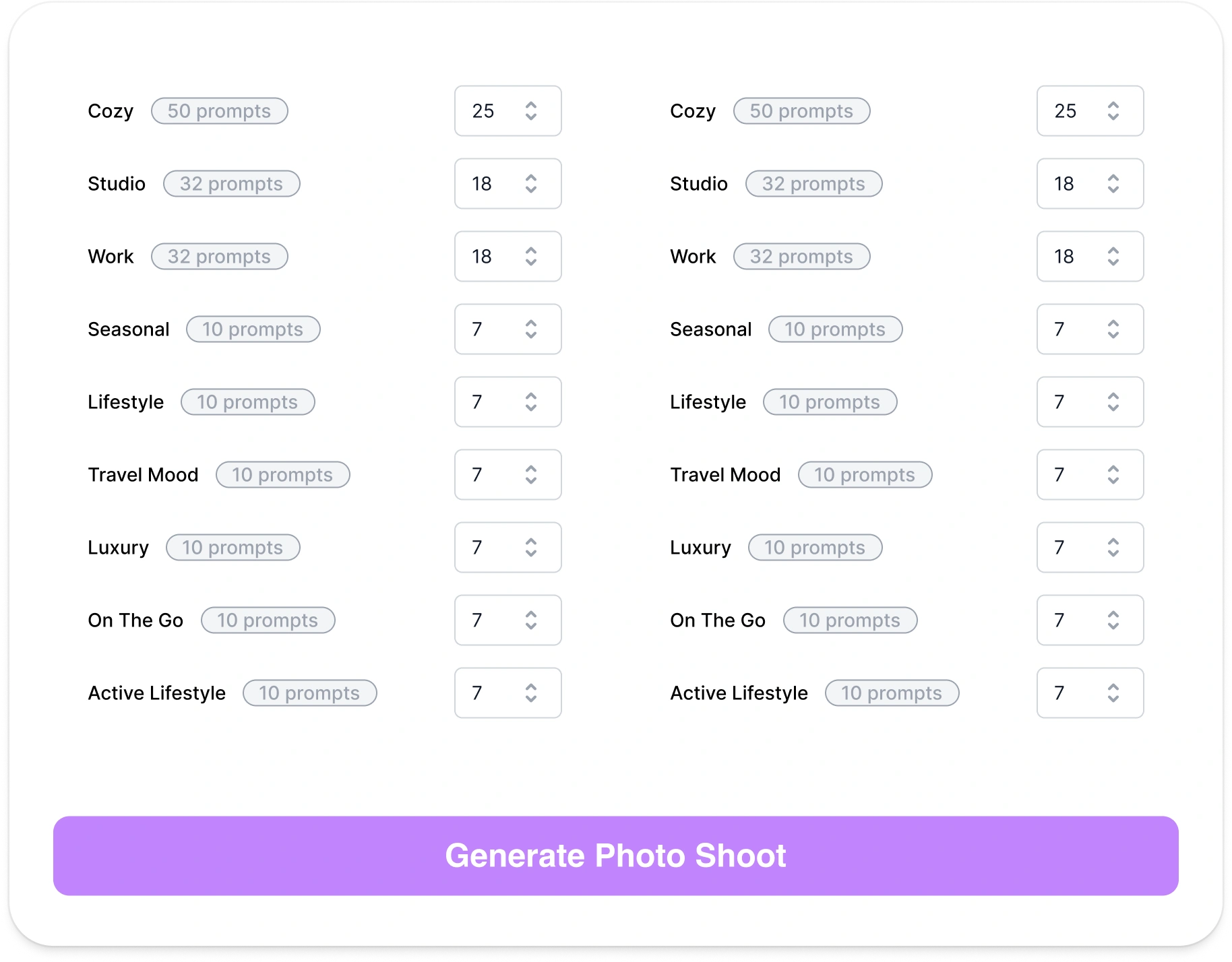
Choose Shoot Specs
Select aspect ratio, gender flag, and set image counts per theme (e.g., Cozy, Studio, Work etc.) Queue is auto-built.
Generate & Review
Photos render in parallel; grid UI lets you approve or reject. Rejected shots auto-regenerate until the quota is met.
Export or Pipeline
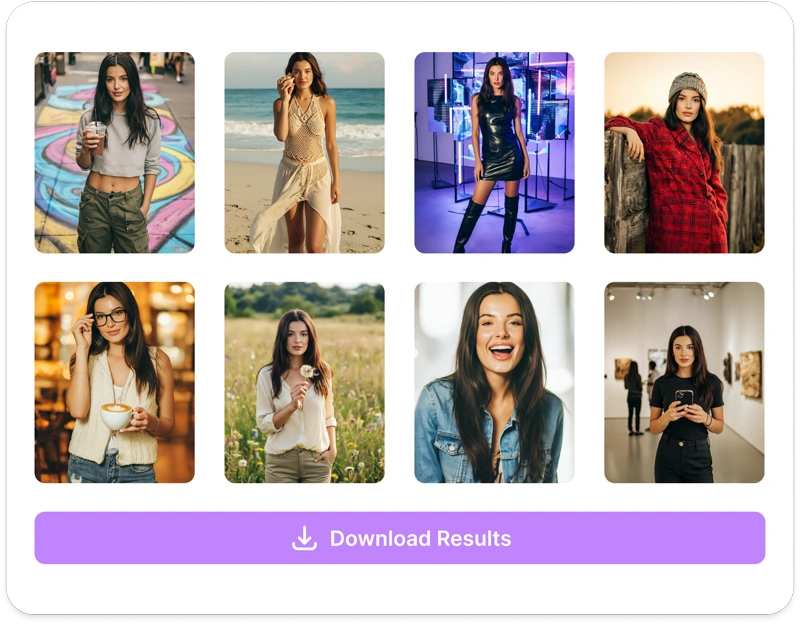
Download at target resolution or send to Upscale, Face Swap, Video, or Publishing. Ready for catalogues, carousels, or ads.
Key Features
Studio-quality sets without the studio — upload two reference shots and receive perfectly consistent photo collections in minutes.
Theme Library at Scale
40+ Professional Categories
40+ shoot categories — Cozy, Studio, Beach, Work, Glamour, Holiday, Fitness, and more. Each theme contains 100-500 prompt templates for natural variation.
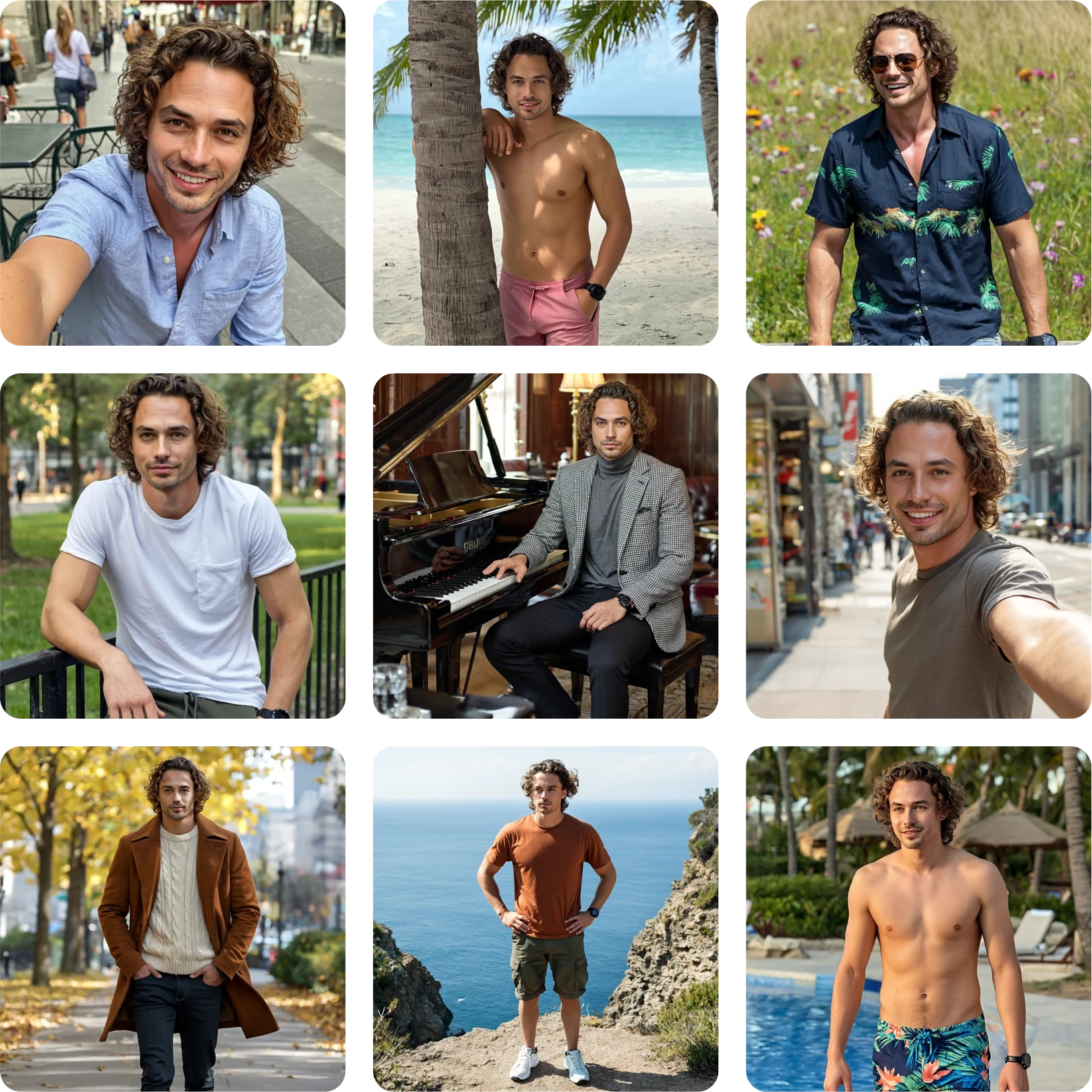
Ultra-Consistent Faces & Bodies
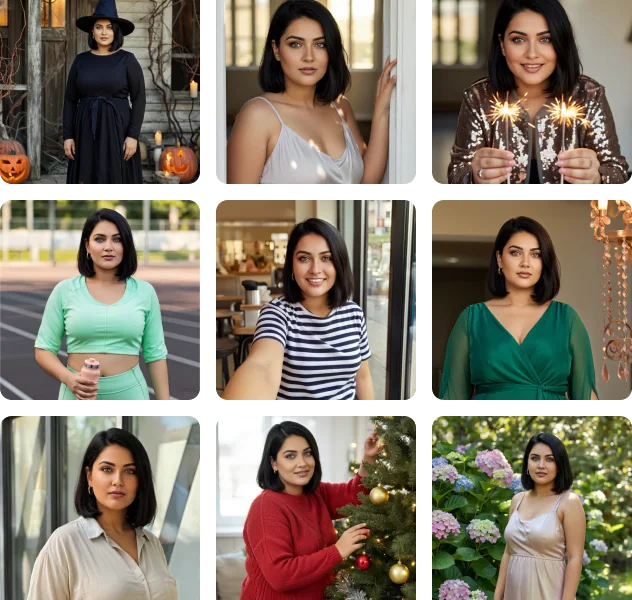
Identity Lock Technology
Identity is locked across every image. Adaptive lighting & colour-grade matching for realism that maintains perfect consistency.
Real-Time Moderation
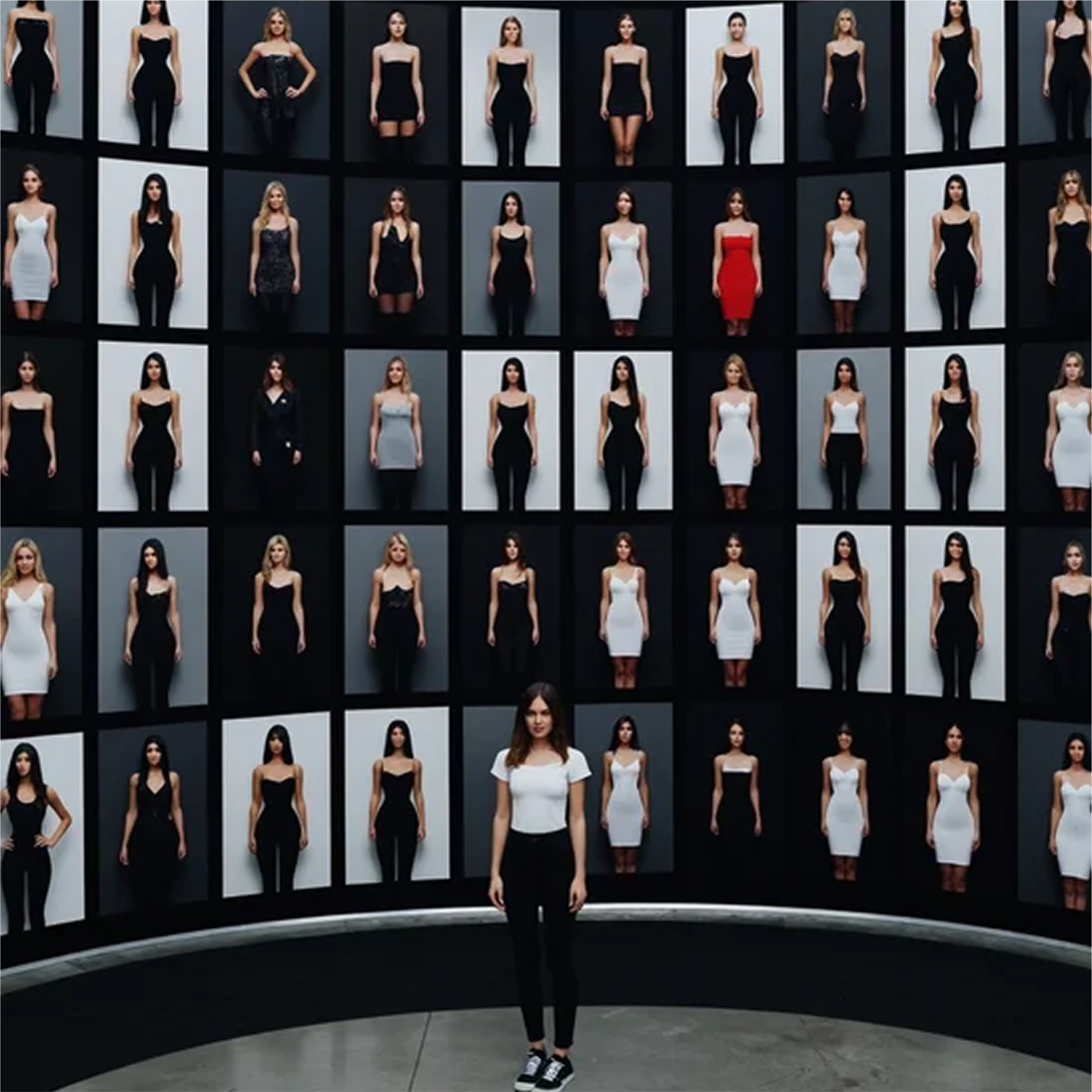
Instant Quality Control
Side-by-side zoom, hot-key approvals. Review and approve images in real-time with professional moderation tools.
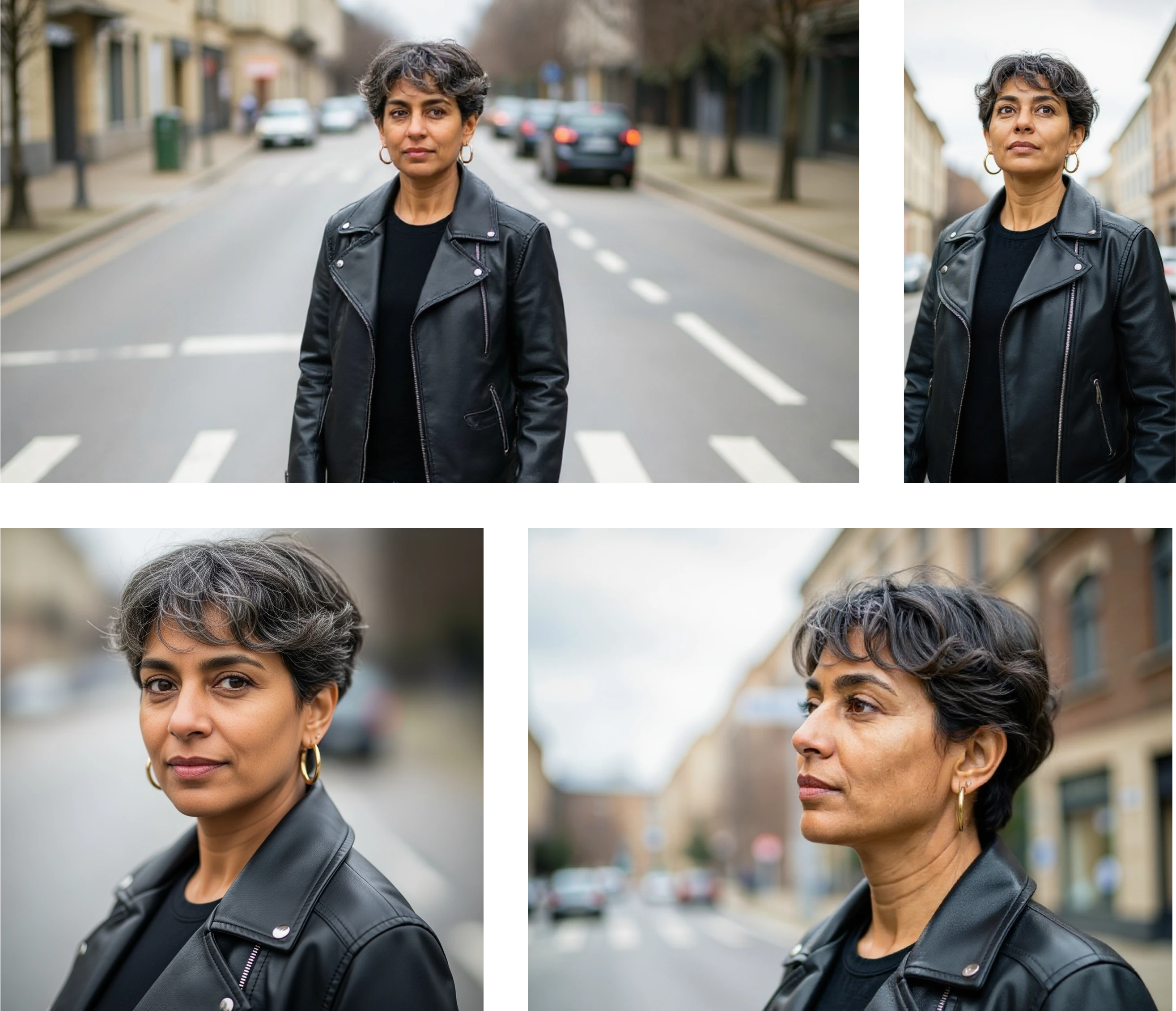
Flexible Resolution & Aspect Ratio
Custom Dimensions
Pre-sets for 1:1, 3:4, 9:16, banner, or custom dimensions up to 4K. Perfect for any platform or use case.
Perfect For Teams That Need to…
Equip E-commerce Listings
Equip e-commerce listings with uniform product-model shots in every pose.
Fill Instagram Carousels
Fill Instagram or Threads carousels with consistent, multi-theme visuals.
Produce Lookbooks & Ads
Produce lookbooks & ads without booking photographers, locations, or talent.
Ready to turn two photos into an entire campaign?
FAQ
Still have questions? Contact support →


