WAN 2.7 — Solid All-Rounder AI Image Generation on ZenCreator
WAN 2.7 by Alibaba — clean 2K rendering, strong prompt adherence, low cost. Reliable generalist for photoreal portraits, products, interiors, and illustration on ZenCreator.
Why pick WAN 2.7
What is WAN 2.7?
WAN 2.7 is Alibaba's next-gen image generation model on ZenCreator — a solid all-rounder with strong prompt adherence and clean rendering across portrait, product, food, architecture, and stylised work. The model uses 2K-class dimensions consistently across every aspect ratio (same dimensions as the Qwen Image family). Trusted users get inspection disabled, so borderline-SFW prompts pass without false-positive rejections.
Honest framing: WAN 2.7 isn't the absolute strongest at prompt following — Kling and Seedance lead on that axis, and you may need 2–3 attempts to land the exact composition you described. The API is async with 3-second polling, which is noticeably slower than the sync alternatives like Seedream 5 or Qwen. The cost-to-quality ratio is excellent, but it's not a speed model.
On ZenCreator, WAN 2.7 is available in Text-to-Image and the Image Editor with reference-image support for edits and variations. Output is native 2K — note: the platform UI may show a "1K" label on the model card, which is a known labelling bug; the actual file is 2K. For the same architecture with an added Thinking-Mode reasoning step on harder briefs, see WAN 2.7 Pro.
See WAN 2.7 in action
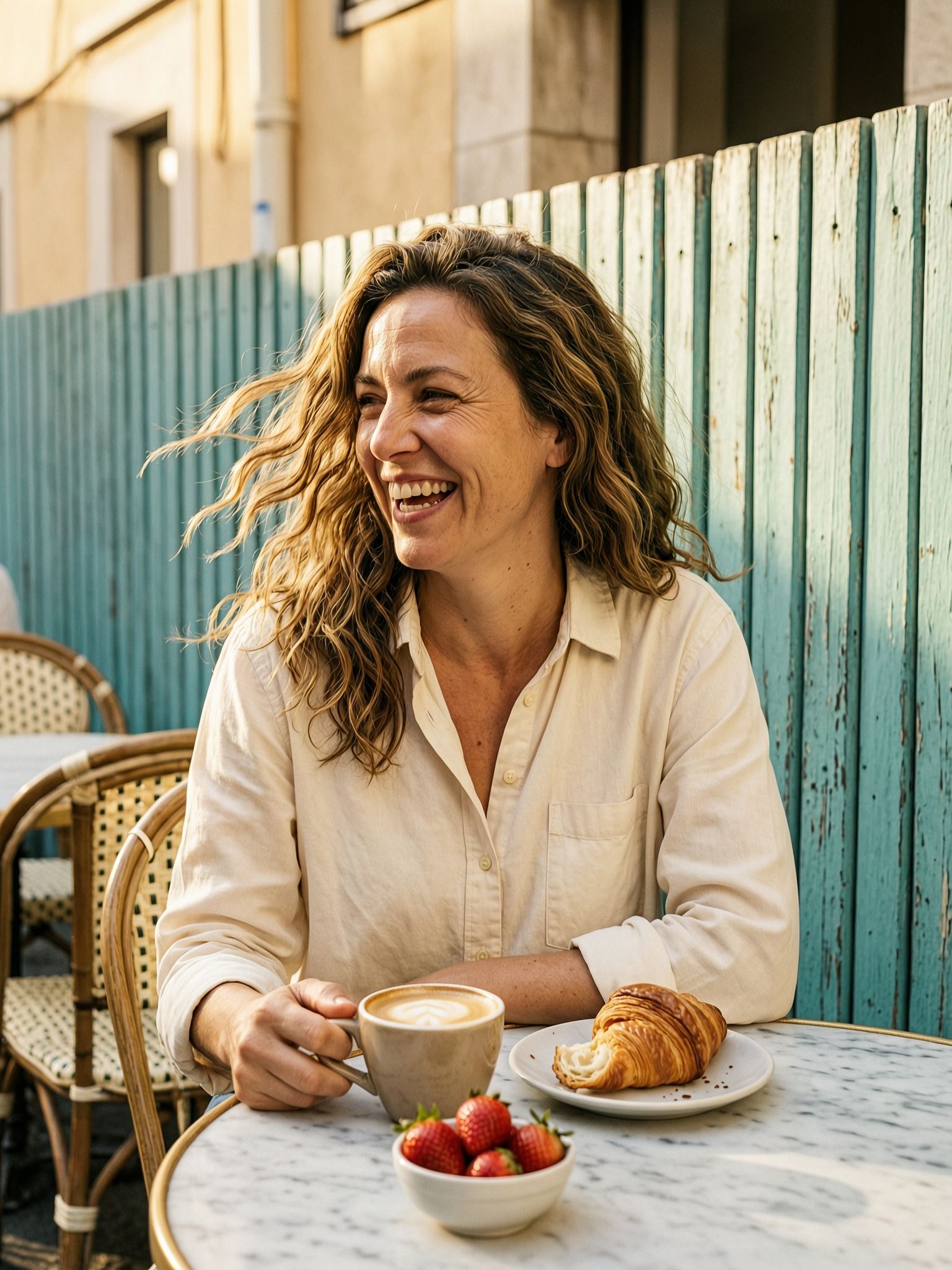
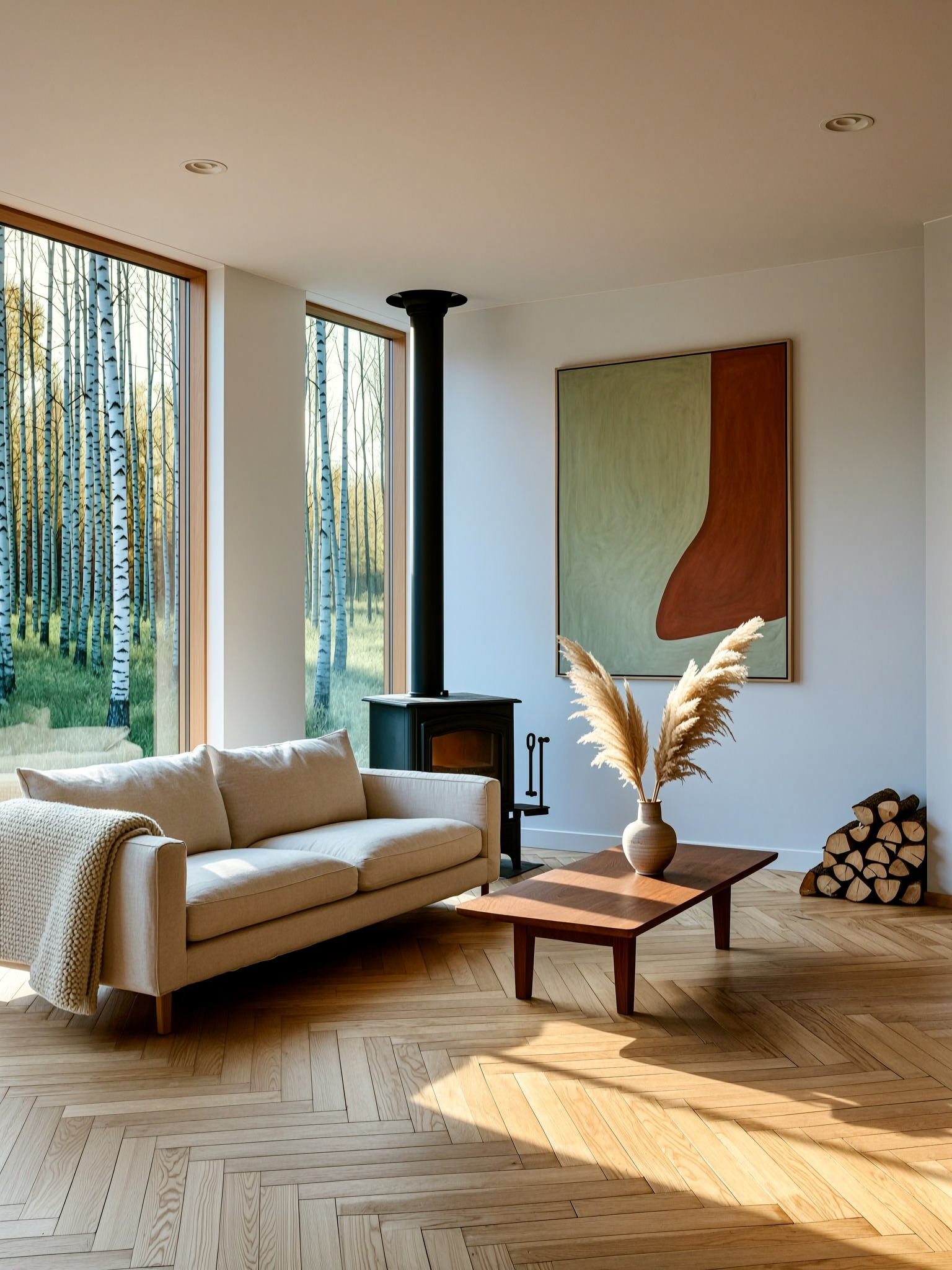
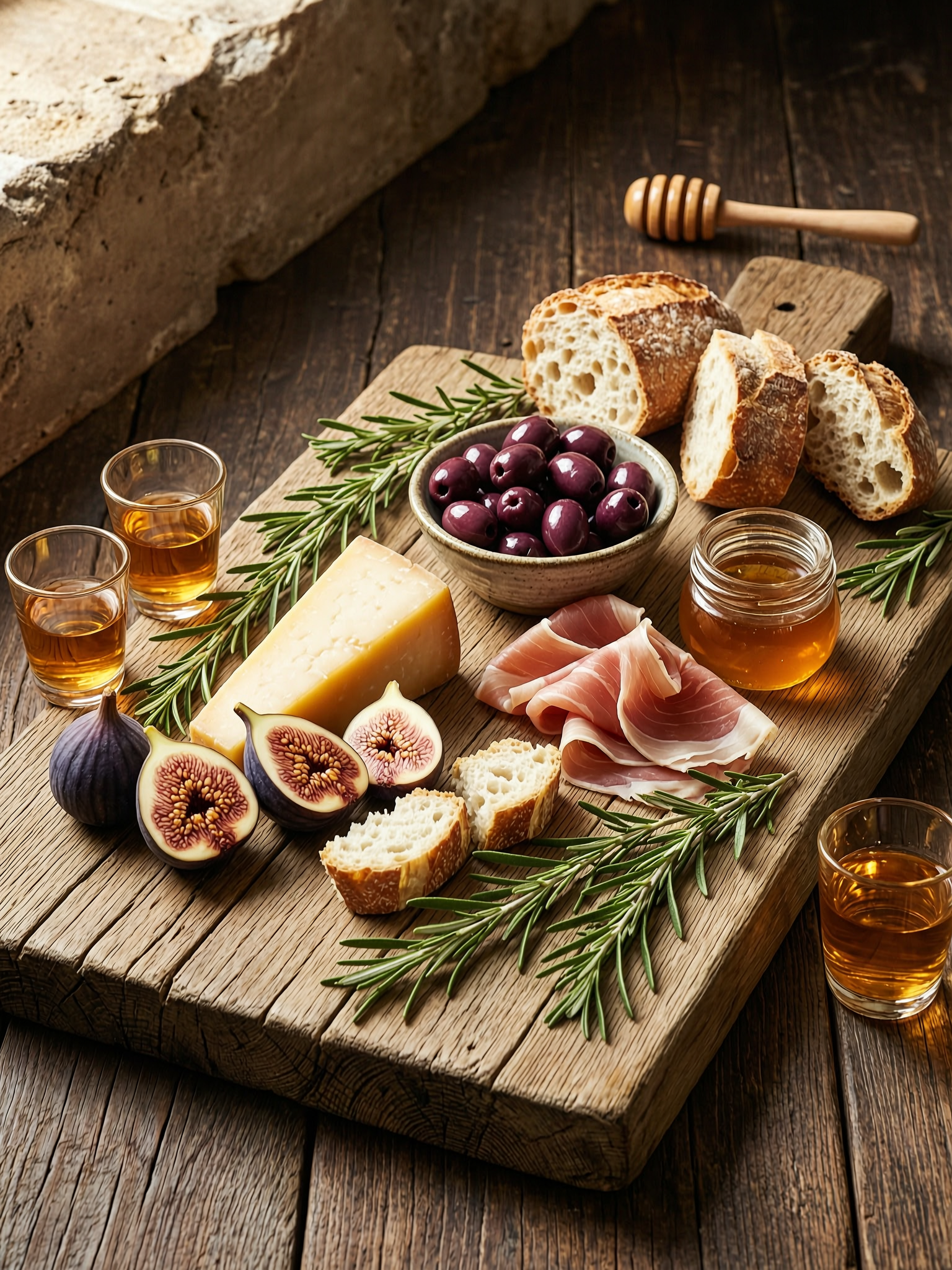
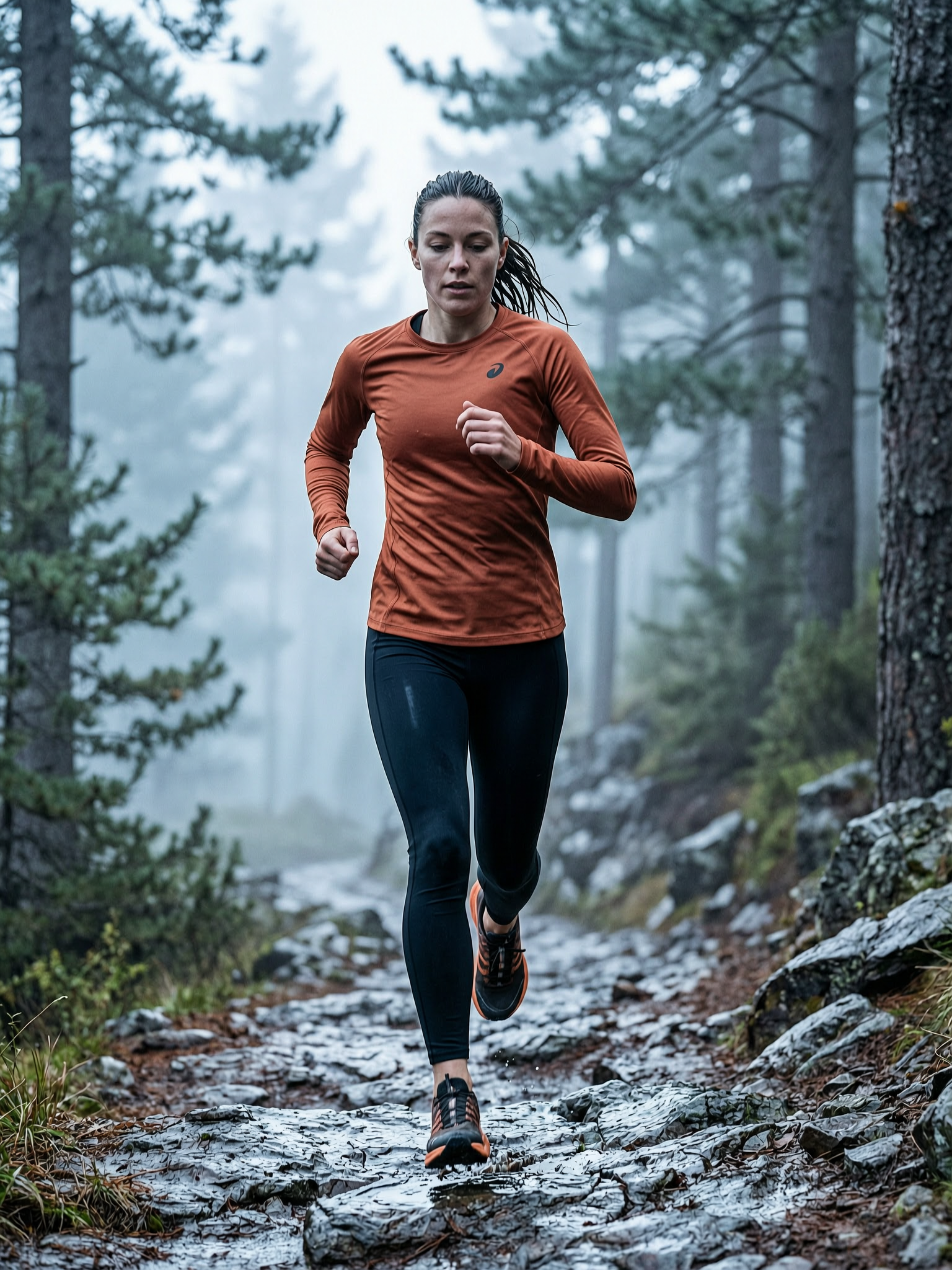
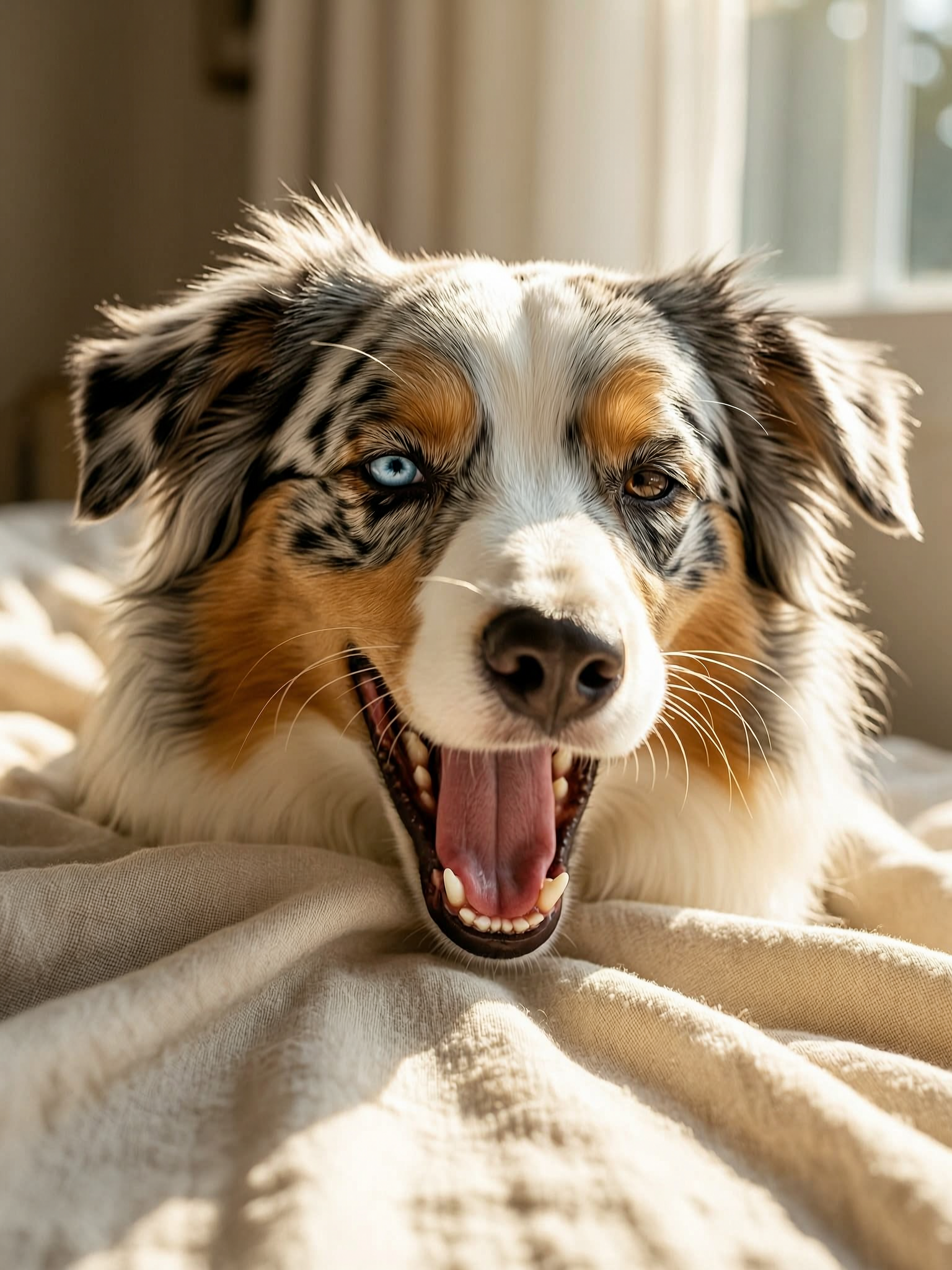
Six prompts, six results. Copy any prompt to start from the same place.

WAN 2.7 vs other ZenCreator models
| Model | Best at | Pick when |
|---|---|---|
| WAN 2.7 | Cheap reliable all-rounder at 2K | Default photoreal generation, broad subject coverage |
| WAN 2.7 Pro | Same arch + Thinking Mode reasoning | Base keeps misreading layout or text |
| Seedream 5 | Fast sync 2K, cinematic styles | Speed (5–10s) and rich color matter more |
| Nano Banana 2 | Reference editing, instruction-following, in-image text | Editing tasks; note: censored |
| Flux Klein NSFW | Photoreal NSFW anatomy | Mature creative work |
| SDXL NSFW | Photoreal unrestricted | Mature creative work with simpler prompts |
When NOT to pick WAN 2.7
WAN 2.7 is a reliable default — three categories where another model fits better:
- Layout-heavy or text-heavy briefs that base keeps missing — switch to WAN 2.7 Pro for the Thinking-Mode reasoning pass. Pro catches composition and text-following errors base WAN 2.7 misses.
- Speed matters more than versatility — Seedream 5 is a sync API, returns in 5–10 seconds, and produces richer cinematic color. WAN 2.7 is async with polling, noticeably slower in practice.
- Photoreal NSFW anatomical work — Flux Klein NSFW is purpose-trained for nude photoreal bodies. WAN 2.7 has inspection-off for trusted users but wasn't trained on that distribution.
Get started in 4 steps
- Open the Text-to-Image generator (or the Image Editor if you have a reference image).
- Pick WAN 2.7 in the model picker.
- Write your prompt — clean subject + setting + light + camera. WAN 2.7 holds the brief well.
- Pick ratio + batch size, hit Generate. Wait — async API with polling, expect 10–20 seconds per generation.
How to write prompts that land on WAN 2.7
WAN 2.7 rewards clean structured prompts more than poetic ones. Five tactics:
1. Lead with a clear named subject. Open with one specific noun phrase — "a woman in her mid-thirties laughing", "an Australian shepherd mid-yawn", "a wedge of aged manchego cheese". Vague openings ("beautiful scene") let WAN pick something average from training; specific ones anchor the output.
2. Use the 3-zone scene structure. Foreground / middle ground / background. WAN 2.7 holds spatial relationships when you name them — marble bistro table foreground, weathered teal fence behind, warm sunlight from camera right. Layout questions answered upfront mean less drift on retry.
3. Name lighting direction and quality explicitly. "Cinematic light" is too vague. WAN works with named setups: soft window light from upper-left, golden hour raking across the floor, cool dawn light filtering through the canopy. Light direction is the single biggest accuracy lever.
4. Add a camera and lens descriptor. WAN 2.7 trained on annotated photography data — it understands 85mm at f/1.8, shallow depth of field and produces appropriate bokeh, field compression, and focus falloff. Camera spec is free signal; use it.
5. Plan for retry. WAN 2.7 lands clean output most of the time — but on harder briefs it can take 2-3 attempts to nail the exact composition you described. Don't burn time on prompt tuning during retries; usually re-rolling with the same prompt is enough. If 3 retries still miss, switch to WAN 2.7 Pro for the Thinking-Mode pass.
What to avoid: tag-soup syntax (masterpiece, 8k, ultra-detailed) — wasted tokens on a modern diffusion transformer; contradictory style notes (pick one); over-relying on "improved quality" descriptors — they're empty signal.
Bottom line
WAN 2.7 is the dependable default for photoreal generation across the broadest subject range on ZenCreator. It won't beat Seedream 5 on speed, Nano Banana 2 on instruction-following, or Flux Klein NSFW on anatomy — but it renders all of those subjects at consistent quality at one of the lowest credit costs on the platform. Pick it as the first model to try; switch to a specialist when the specific axis (speed, instructions, anatomy, layout reasoning) matters more than coverage.
Available in
WAN 2.7 powers two image tools on ZenCreator. Pick the entry point that fits your input.
Questions
Is WAN 2.7 really 2K?
Yes. Native output is 2K across every aspect ratio. The platform UI may show a "1K" label on the model card — that's a known labelling bug; the actual file is 2K. For 4K-class print work, run a 2K generation then push the file through the Upscaler.
What's the difference between WAN 2.7 and WAN 2.7 Pro?
Same model, same training, same 2K output. Pro adds thinking_mode: True — a reasoning pass before the diffusion step that improves composition, small details, and text-following on harder briefs. Base is faster and cheaper; Pro earns its cost when base keeps misreading layout. See WAN 2.7 Pro.
How long does a generation take?
Slower than sync alternatives like Seedream 5. WAN 2.7 uses an async API with 3-second polling. Expect 10–20 seconds per generation depending on prompt complexity.
Can WAN 2.7 render text inside the image?
Yes, but it's not the strongest at typography. Simple short text usually renders cleanly. For posters, packaging, signage where text is the focal point of the design, use Nano Banana 2 — the platform specialist for in-image text.
Are generated images commercially usable?
Yes. ZenCreator grants commercial usage on outputs from paid plans — including client work, ads, products, packaging, and print.
Can I use WAN 2.7 for NSFW work?
WAN 2.7 has inspection disabled for trusted users — borderline-SFW prompts get fewer false-positive rejections. For dedicated photoreal nude anatomy, Flux Klein NSFW is purpose-trained and gives better results. For broader unrestricted creative work, SDXL NSFW is the alternative.
When should I pick WAN 2.7 over Seedream 5?
Pick WAN 2.7 when subject coverage matters more than speed and color richness. Seedream 5 wins on speed (sync, 5–10 seconds) and on rich cinematic color rendition; WAN 2.7 wins on lower cost and consistent coverage across diverse subjects.
Sources
- Alibaba Tongyi Lab — official Wan release: wan.video
- Wan model card and technical overview: github.com/Wan-Video
- ZenCreator AI Models Review (internal) — WAN 2.7 strengths and weaknesses
- Internal benchmark comparisons across WAN 2.7, WAN 2.7 Pro, Seedream 5, and Nano Banana 2 — ZenCreator testing, May 2026