WAN 2.7 Pro — Thinking-Mode Image Generation on ZenCreator
WAN 2.7 Pro by Alibaba — same WAN 2.7 architecture with thinking_mode enabled. Better composition, sharper small details, cleaner text-following on the trickiest prompts. 2K native output.
Why pick WAN 2.7 Pro
What is WAN 2.7 Pro?
WAN 2.7 Pro is the same WAN 2.7 model with thinking_mode: True enabled — an extended reasoning pass before the diffusion step that produces better composition, sharper small details, and cleaner text-following than the base variant. The use case is targeted: when base WAN 2.7 keeps getting the layout wrong, Pro is the upgrade that fixes those specific misses.
Honest framing: Thinking Mode helps but doesn't fully close the gap with Kling or Seedance on overall prompt adherence, and Pro is even slower than base WAN 2.7 because the thinking pass runs before the async-polling diffusion step. The actual perceived quality gain over base is real but subtle — if your usual workflow lands the scene first try on base, paying for Pro is paying twice for the same output.
On ZenCreator, WAN 2.7 Pro is available in Text-to-Image and the Image Editor. Output is native 2K across all aspect ratios — note: the platform UI may show a "1K" label on the model card, which is a known labelling bug; the actual file is 2K.
See WAN 2.7 Pro in action
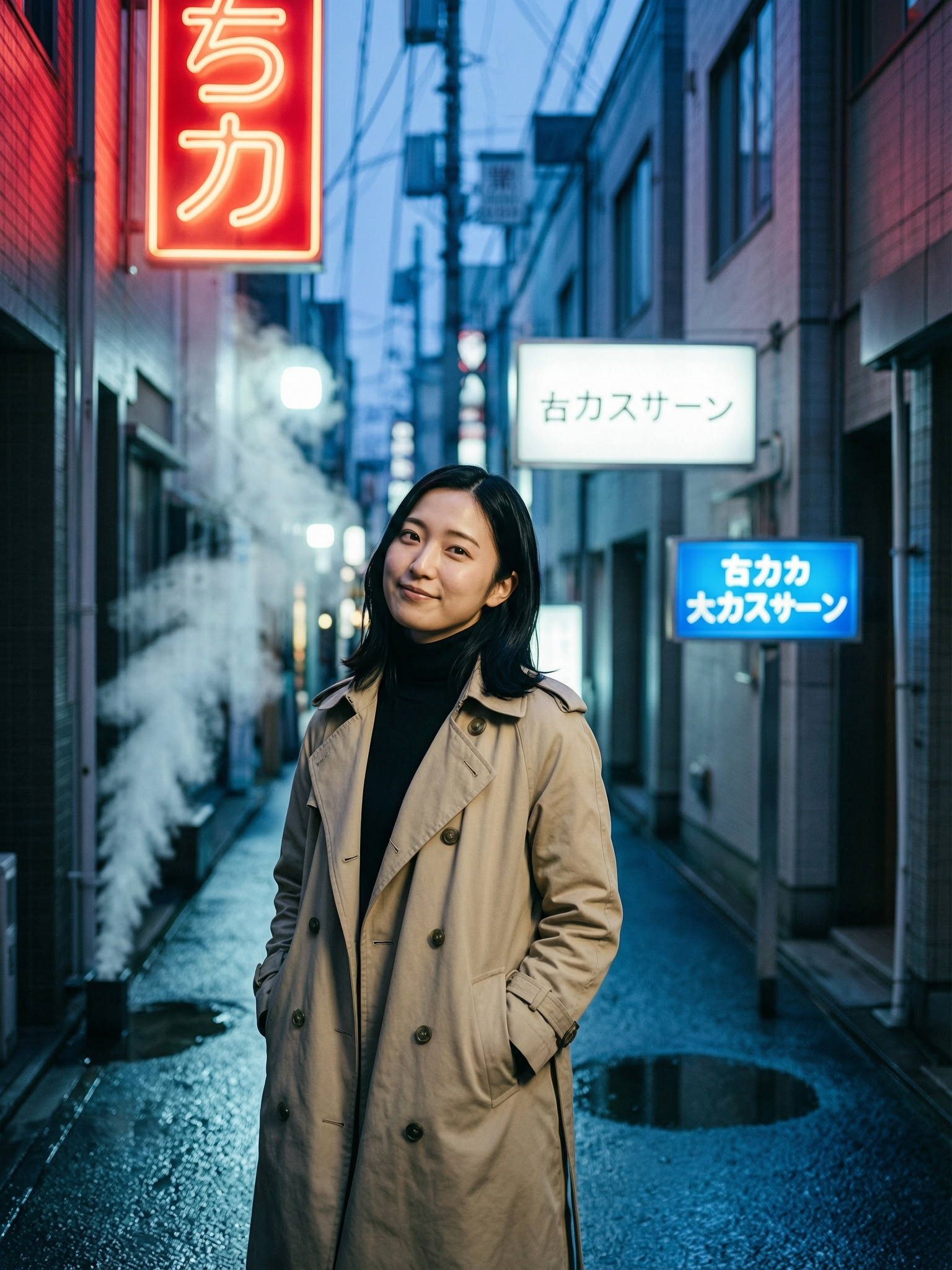
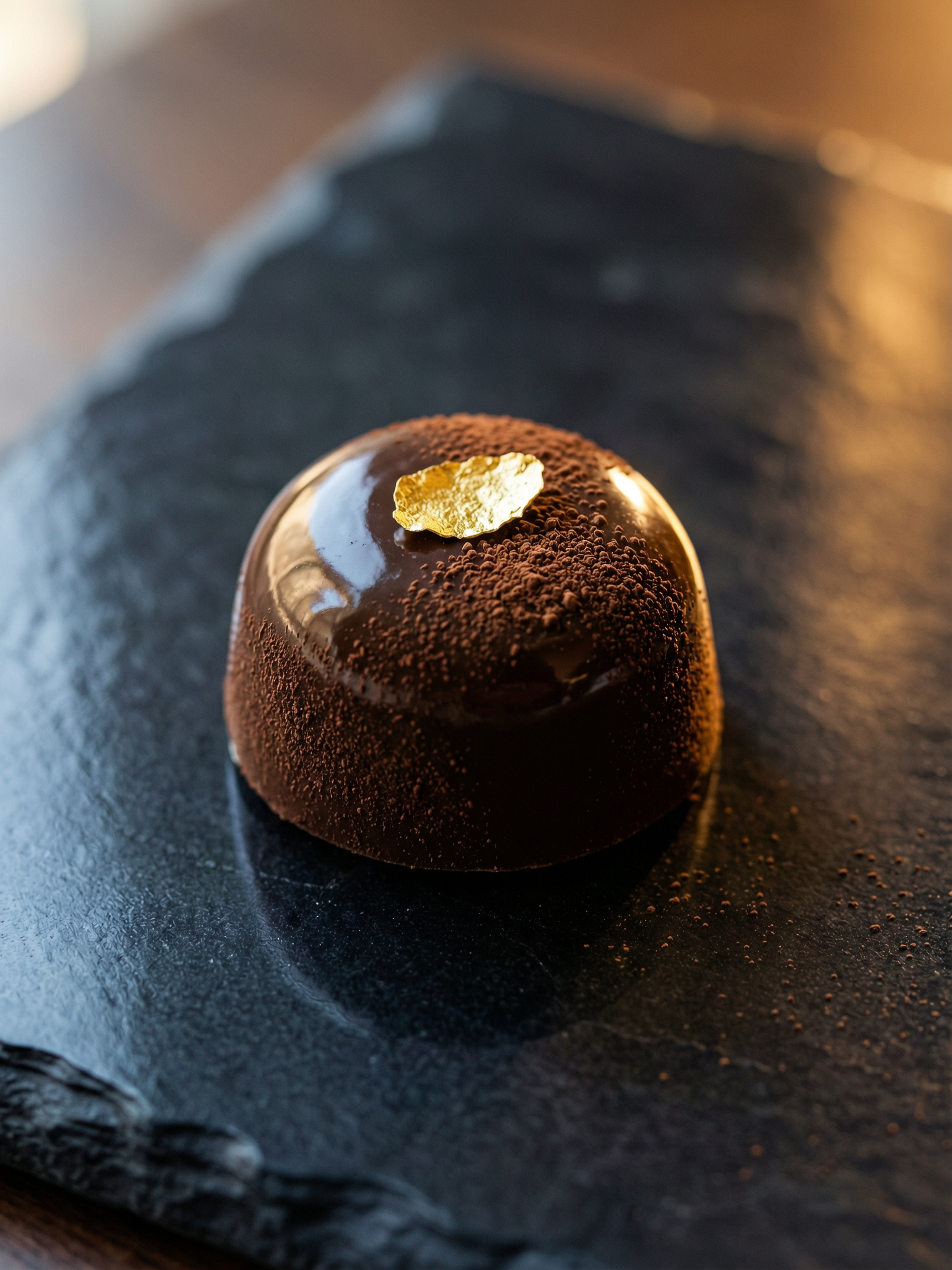
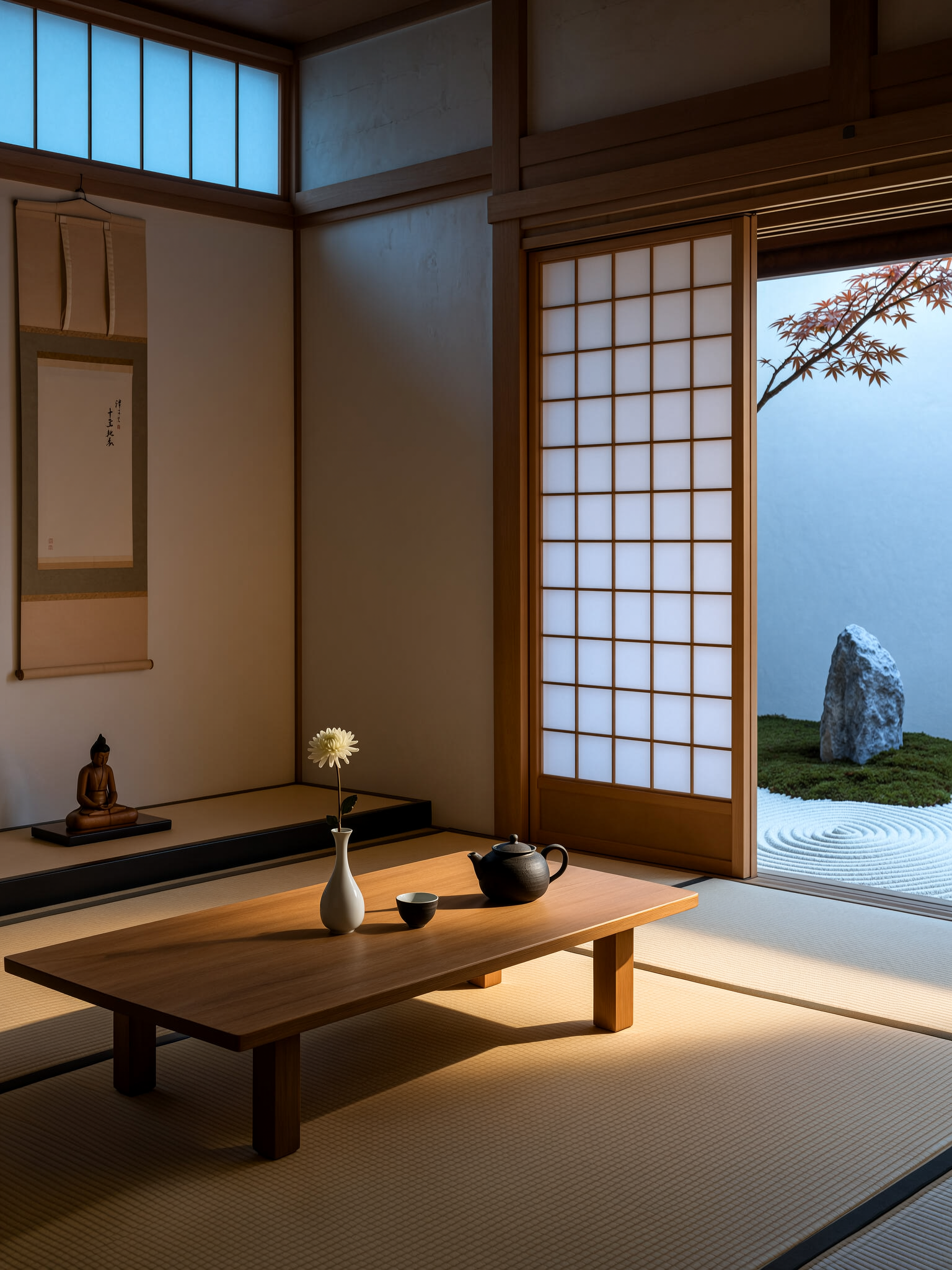
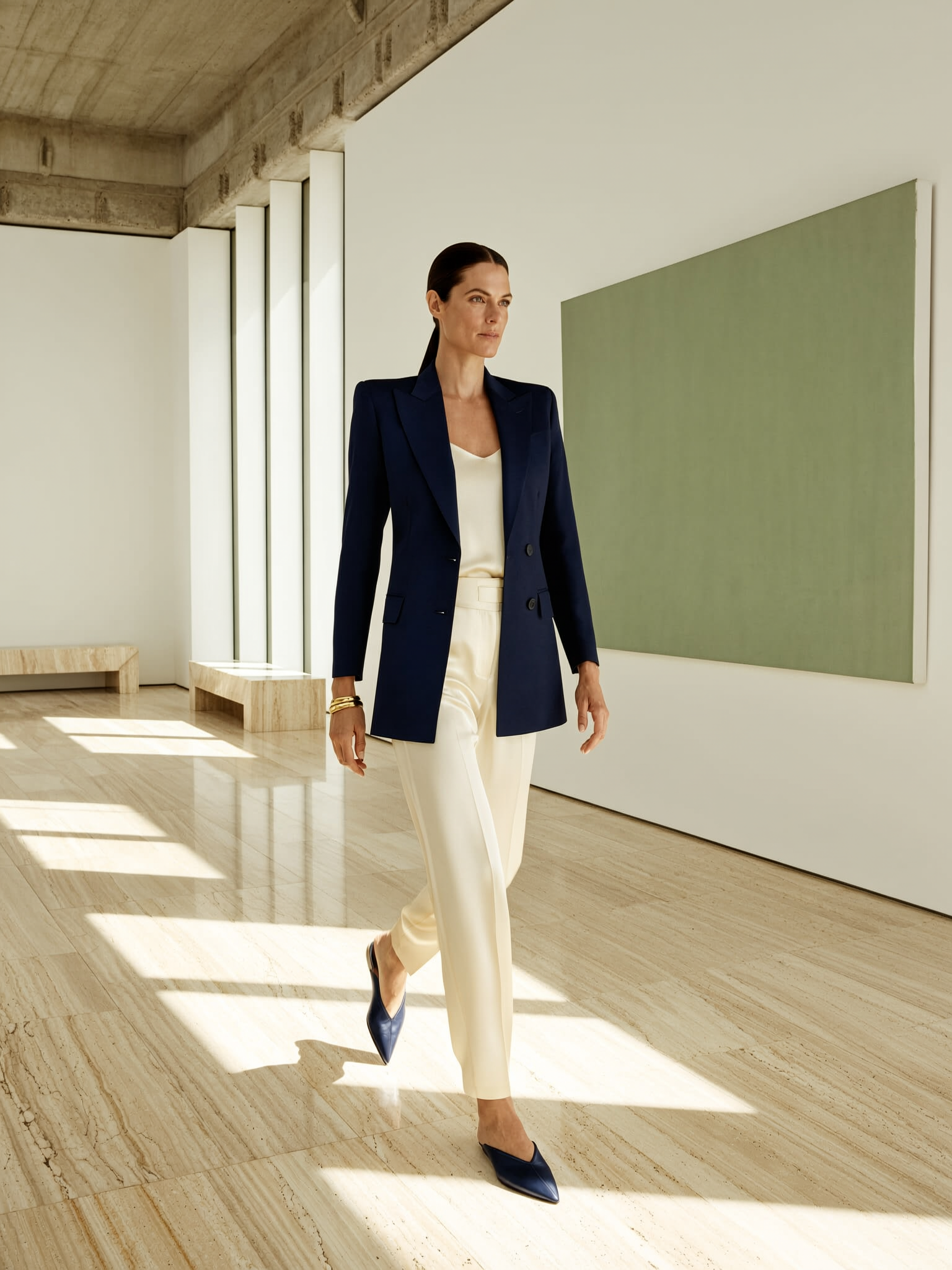
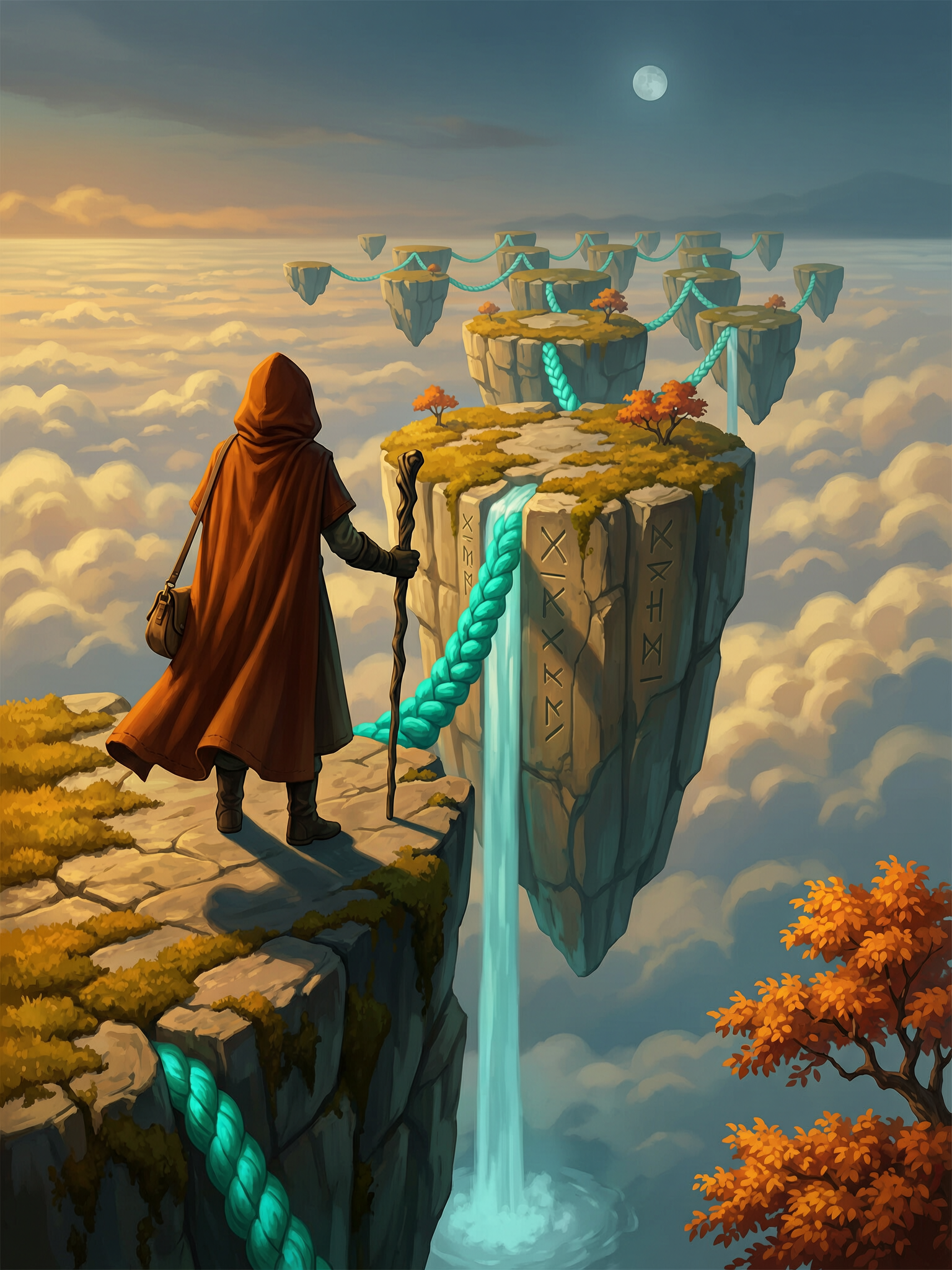
Six prompts, six results. Copy any prompt to start from the same place.

WAN 2.7 Pro vs other ZenCreator models
| Model | Best at | Pick when |
|---|---|---|
| WAN 2.7 Pro | Thinking-Mode layout correctness | Base WAN keeps misreading composition or text |
| WAN 2.7 | Same arch, no thinking step | Layout already lands first try on base |
| Seedream 5 | Fast sync 2K, cinematic styles | Speed (5–10s) and rich color matter more than reasoning |
| Nano Banana 2 | Reference editing, instruction-following | Editing tasks with reference images. Note: censored. |
| Flux Klein NSFW | Photoreal NSFW anatomical accuracy | Nude photoreal work — Flux is purpose-built; 1MP cap |
When NOT to pick WAN 2.7 Pro
Three categories where another model is the cleaner choice:
- Layout already lands first-try on base WAN 2.7 — skip Pro. The Thinking-Mode gain over base is real but subtle; if you're not seeing layout misses on base, Pro is overhead. Use WAN 2.7.
- Speed matters more than reasoning — Seedream 5 is a sync API, returns in 5–10 seconds, and renders cinematic styles particularly well. Pro is async with polling + thinking step, so noticeably slower.
- Photoreal NSFW anatomy — Flux Klein NSFW is the only model trained specifically for nude photoreal bodies. Pro inspection is disabled for trusted users, but the model wasn't trained on that distribution.
Get started in 4 steps
- Open the Text-to-Image generator (or the Image Editor if you have a reference image to rework).
- Pick WAN 2.7 Pro in the model picker.
- Write your prompt — name the layout, light direction, in-image text, and key small details explicitly. Pro's thinking step rewards explicit instruction.
- Pick ratio + batch size, hit Generate. Wait — async API with polling, so a generation takes longer than sync alternatives.
How to write prompts that land on WAN 2.7 Pro
Pro's differentiator is the reasoning pass before pixels render. Five tactics make the most of it:
1. Name spatial layout explicitly. Pro's Thinking Mode parses "left of", "behind", "above", "foreground / middle ground / background". Don't trust the model to invent composition. Describe the zones — foreground left third: a woman; middle ground: a marble table; background: a coastline. Pro reasons about these zones before generating; vague layout descriptions waste the thinking step.
2. Name the light source and direction. "Cinematic lighting" is too vague to help Pro reason. Use named setups: rim light from camera right, soft window light from upper-left, golden hour raking across the floor, blue hour ambient with red neon rim. Pro plans light direction during the thinking pass.
3. Pull in-image text out as its own bullet. If your image needs text — signage, packaging, a t-shirt logo — write the text in quotes and name the language: signage reading "OPEN" in English, text reading "ラーメン" in Japanese kanji. Pro's thinking step gives it a measurable edge on text-following vs base WAN 2.7.
4. Use specific small details Pro can render. Pro's gain over base is sharpest on small details that base often blurs — fabric weave, single hair strands, glass refraction, surface texture variation. Specify these in the prompt (fine cocoa powder dusting, single edible gold leaf flake, concentric polish lines on the bezel). Pro uses the thinking pass to plan their placement.
5. Don't overload the prompt with style soup. Tag-soup syntax (masterpiece, 8k, ultra-detailed, hyperreal, cinematic) wastes tokens on a modern thinking-mode model. Pick one style anchor (editorial fashion photography, Wes Anderson palette, Studio Ghibli warmth) and let the rest of the prompt describe what's actually in the scene.
What to avoid: contradictory style notes (Pro picks the strongest and drops the rest), under-describing layout (the whole point of Pro is reasoning about layout — give it something to reason about), and falling back to Pro on prompts base already handles cleanly (you're paying twice for the same output).
Bottom line
WAN 2.7 Pro is the answer to one specific question: "base WAN 2.7 keeps misreading my prompt — what now?" The Thinking-Mode pass adds a reasoning step that catches layout and small-detail errors before they reach the canvas. For prompts where base lands the scene first-try, Pro is unnecessary overhead — stay on base. For multi-element scenes, named light, in-image text, or anything where layout matters more than texture, Pro earns its place. Run base first; switch to Pro when base keeps missing.
Available in
WAN 2.7 Pro powers two image tools on ZenCreator. Pick the entry point that fits your input.
Questions
What's the difference between WAN 2.7 Pro and WAN 2.7?
Same model, same training, same 2K output. Pro has thinking_mode: True — a reasoning pass before the diffusion step that improves composition, small details, and text-following. Pro costs slightly more per generation than base WAN 2.7. The actual perceived gain over base is real but subtle — if base lands your scenes first try, Pro is unnecessary. Pro is worth it when base keeps misreading composition.
Is WAN 2.7 Pro really 4K?
No. Native output is 2K across all aspect ratios. The UI may show a "1K" label — that's a known labeling bug; the actual file is 2K. For 4K-class print work, run a 2K generation then push the file through the Upscaler.
How long does a generation take?
Slower than sync alternatives like Seedream 5. WAN 2.7 Pro uses an async API with 3-second polling, plus the additional Thinking-Mode reasoning step before the diffusion pass. Expect 15–30 seconds per generation depending on complexity.
Can WAN 2.7 Pro render text inside the image?
Yes, and Thinking Mode makes it noticeably more accurate at text-following than base WAN 2.7. Wrap the target text in quotes and name the language explicitly (signage reading "OPEN" in English, kanji reading "ラーメン"). For typography-heavy work where text is the focal point of the design, Nano Banana 2 is the specialist choice — its instruction-following on text is the strongest in the platform.
Are generated images commercially usable?
Yes. ZenCreator grants commercial usage on outputs from paid plans — including client work, ads, products, packaging, and print.
Can I use WAN 2.7 Pro for NSFW work?
WAN 2.7 Pro is NSFW-capable, and inspection is disabled for trusted users — fewer hits stopped at the safety gate. However, the model wasn't trained specifically for NSFW; for photoreal nude anatomy the purpose-built Flux Klein NSFW gives noticeably more anatomical accuracy.
When should I pick Pro over Seedream 5?
Pick Pro when layout precision matters more than speed and color richness. Seedream 5 returns faster (5–10 seconds sync) and produces particularly rich cinematic color. Pro's thinking step gives it a measurable edge on multi-element composition and in-image text — at the cost of slower turnaround.
Sources
- Alibaba Tongyi Lab — official Wan release: wan.video
- Wan model card and technical overview: github.com/Wan-Video
- ZenCreator AI Models Review (internal) — WAN 2.7 Pro strengths and weaknesses
- Internal benchmark comparisons across WAN 2.7 Pro, WAN 2.7, Seedream 5, Nano Banana 2, and Flux Klein NSFW — ZenCreator testing, May 2026