I Tested 30 Bikini Prompts in an Unrestricted AI Editor — Here Are the Results
30 bikini and beach prompts, zero content filters, real before/after output. Which edits worked, which failed, and why most AI editors block this entirely.

Most AI image editors block bikini and beach content outright. You write a perfectly normal prompt — swimwear editorial, tropical vacation shoot, athletic beach portrait — and the tool either flags it, blurs the output, or refuses to generate entirely. We wanted to know: does ZenCreator's Editor tool actually handle these prompts without restrictions?
We tested 30 bikini and beach prompts across five categories. Here is what happened.
What is the Editor tool?
ZenCreator's Editor & Combiner lets you edit existing AI images and combine multiple images together — without content filters blocking legitimate creative work. It works on any image you upload or generate on the platform, and it supports both SFW and NSFW workflows from the same interface.
The key difference from a text-to-image generator: you start with an image that already exists and modify it. That means adjusting poses, swapping backgrounds, combining two characters into one scene, or refining details that the original generation missed.
How did we test it?
We ran 30 prompts organized into five groups of six:
- Editorial fashion — classic magazine-style bikini shots with studio lighting
- Tropical lifestyle — vacation beach scenes with natural light and candid framing
- Athletic swimwear — fitness and sports-oriented beach content
- Sunset golden hour — warm-toned evening beach portraits
- Intimate boudoir beach — more suggestive poses and compositions
For each prompt, we started with a base image generated in text-to-image, then used the Editor to refine lighting, adjust the background, tweak the composition, or combine the character with a new environment.
What worked without restrictions?
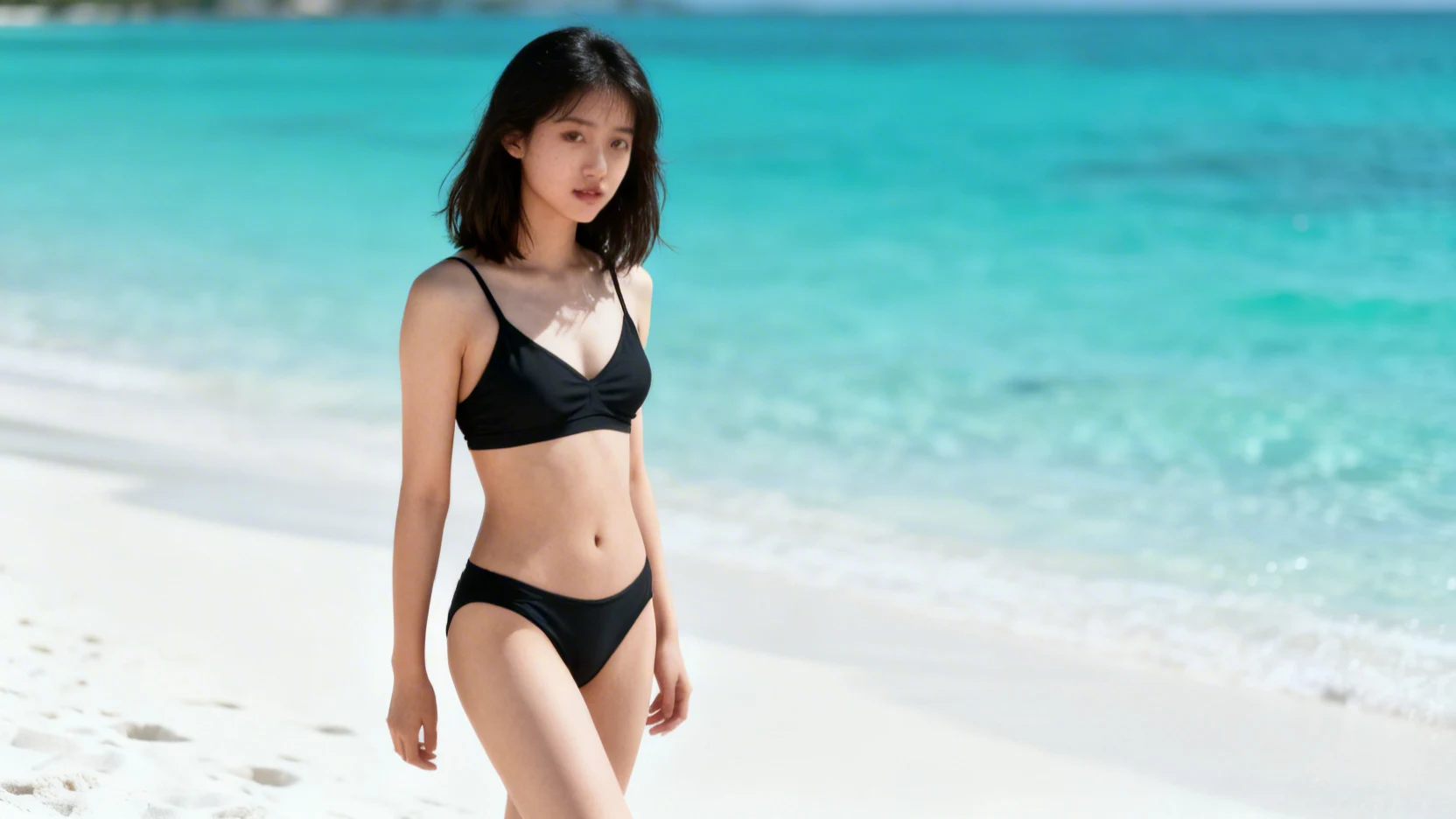
All 30 prompts generated successfully. Zero blocks, zero flags, zero blurred outputs. Across every category — including the more suggestive boudoir-style compositions — the Editor processed the edits the same way it handles any other content.
The results that stood out:
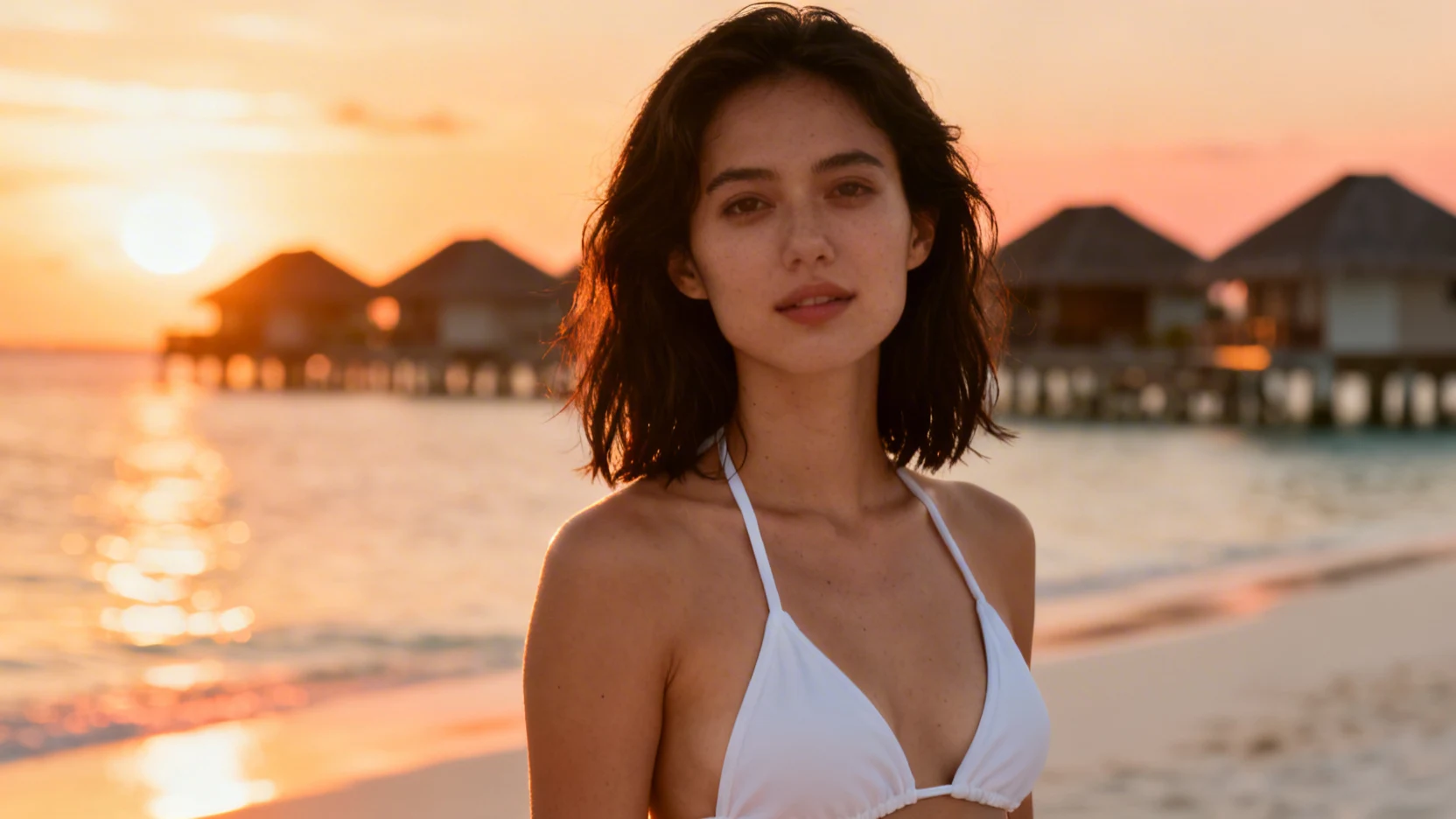
- Background swaps produced the cleanest output. Taking a studio bikini shot and dropping it into a Maldives beach scene took about 15 seconds and looked natural.
- Lighting adjustments on golden-hour prompts were accurate. The Editor shifted skin tones and shadow direction consistently.
- Combining two characters into one beach scene worked on 5 out of 6 attempts. The one failure had overlapping arm positions that the tool could not resolve cleanly.
Where did it struggle?
Three patterns gave weaker results:
- Fine jewelry and accessories tended to shift or disappear during edits. A shell anklet vanished on 4 of 6 attempts.
- Wet hair physics after a background swap sometimes looked pasted-on. The Editor kept the original hair state even when the new scene implied the character just left the water.
- Multi-character intimate poses occasionally produced awkward hand placement. This improved when we simplified the prompt to focus on one interaction at a time.
None of these are content-filter issues — they are typical AI image editing limitations that apply to any subject matter.
How does this compare to other unrestricted editors?
Most tools that market themselves as "AI image editor no restrictions" fall into two groups: generators that can create images but cannot edit them, and editors that can modify images but block anything involving swimwear or skin exposure.
ZenCreator's Editor sits in a third category — it does real image editing (background swap, compositing, lighting adjustment, detail refinement) and does not apply content filters to legitimate creative work. The 30-prompt test confirmed that the tool treats bikini and beach content the same as any other subject.
FAQ
Can I use the Editor on images I did not generate on ZenCreator?
Yes. Upload any image and edit it. The tool works on both platform-generated and externally uploaded photos.
Does the Editor work on video frames too?
No. The Editor handles still images only. For video, use the Image-to-Video or Video-to-Video tools.
Is there a limit on how many edits I can run?
There is no daily cap or per-session limit. You can run as many edits as you want.