AI Hairstyle Changer
Try any hairstyle on your photo — realistic colour, texture and volume.
Generation runs in the ZenCreator app
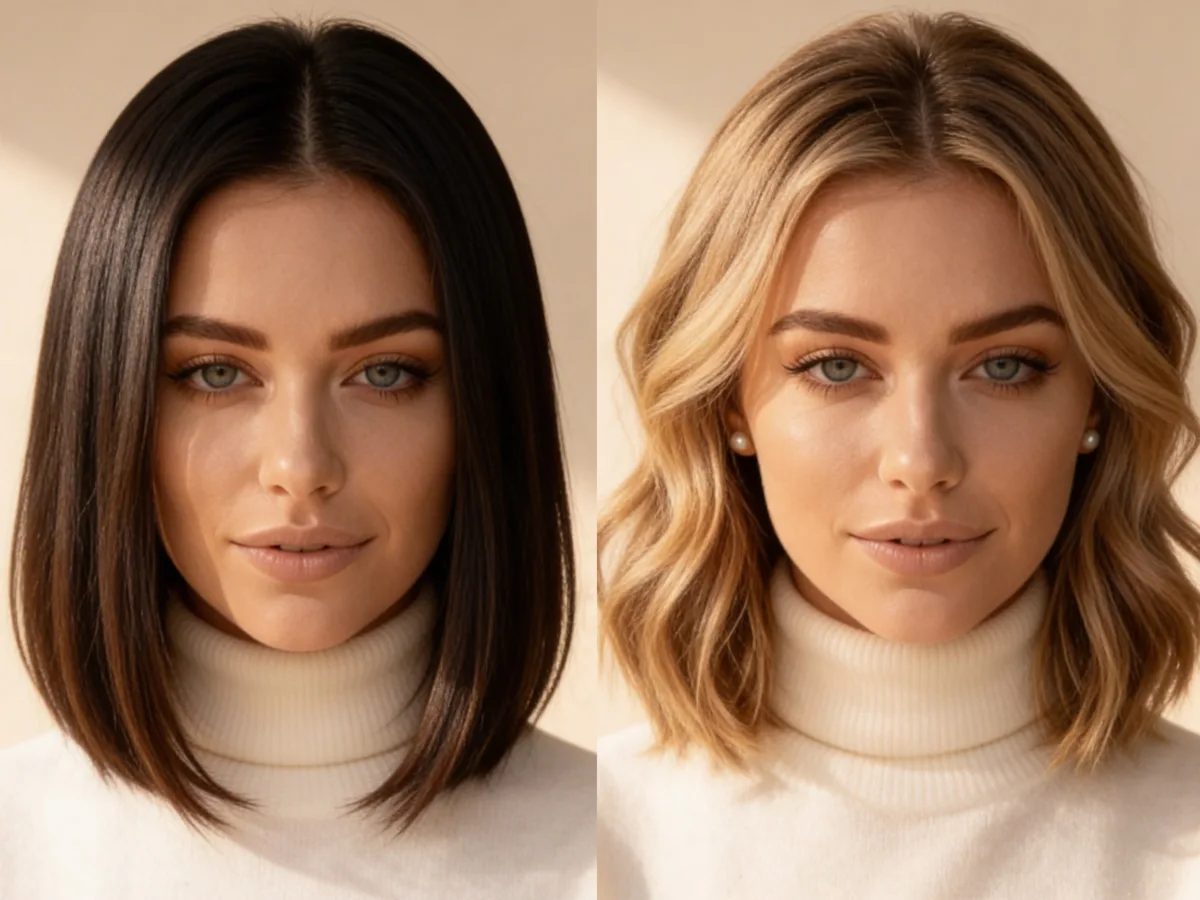
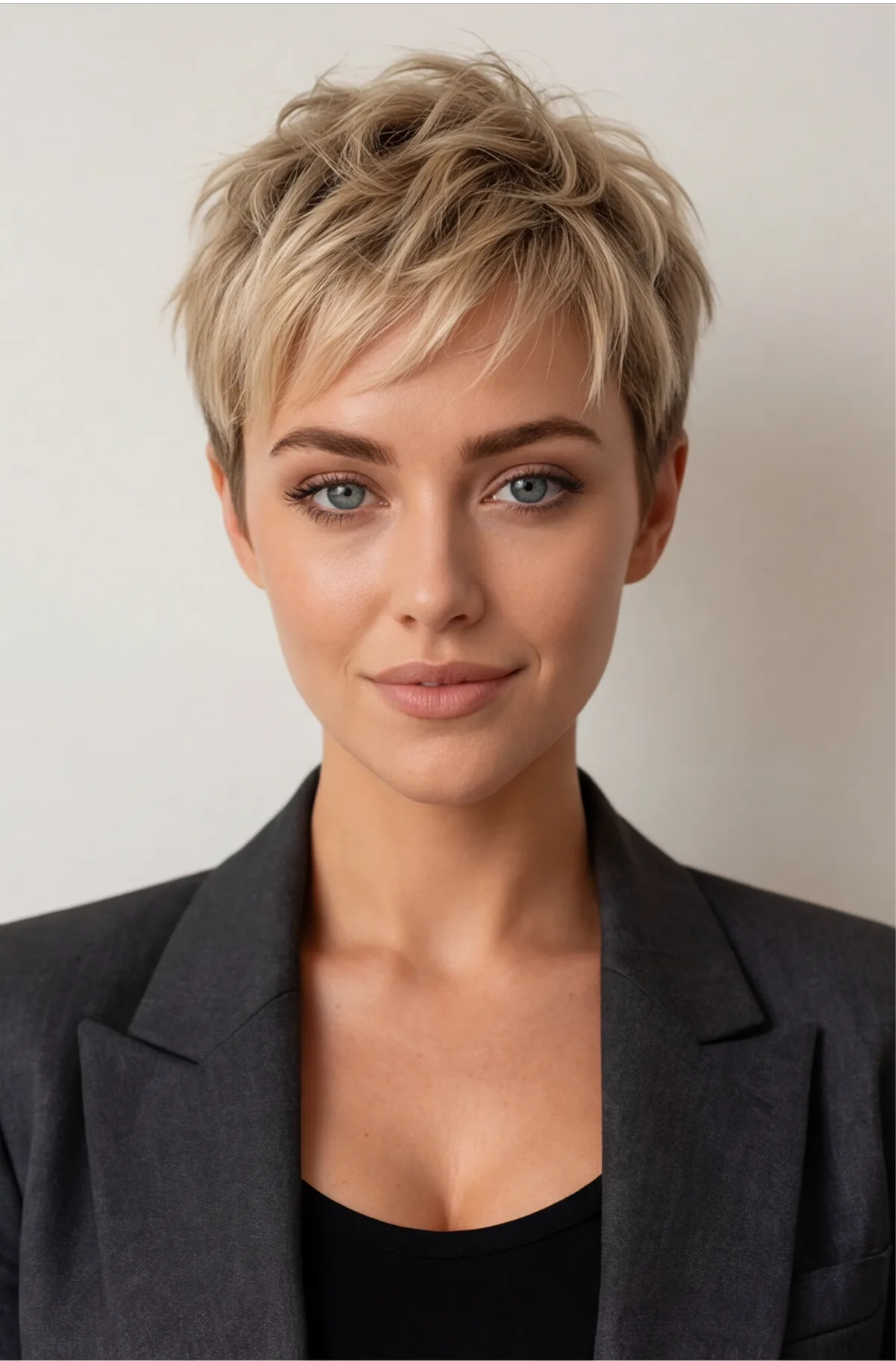 Before
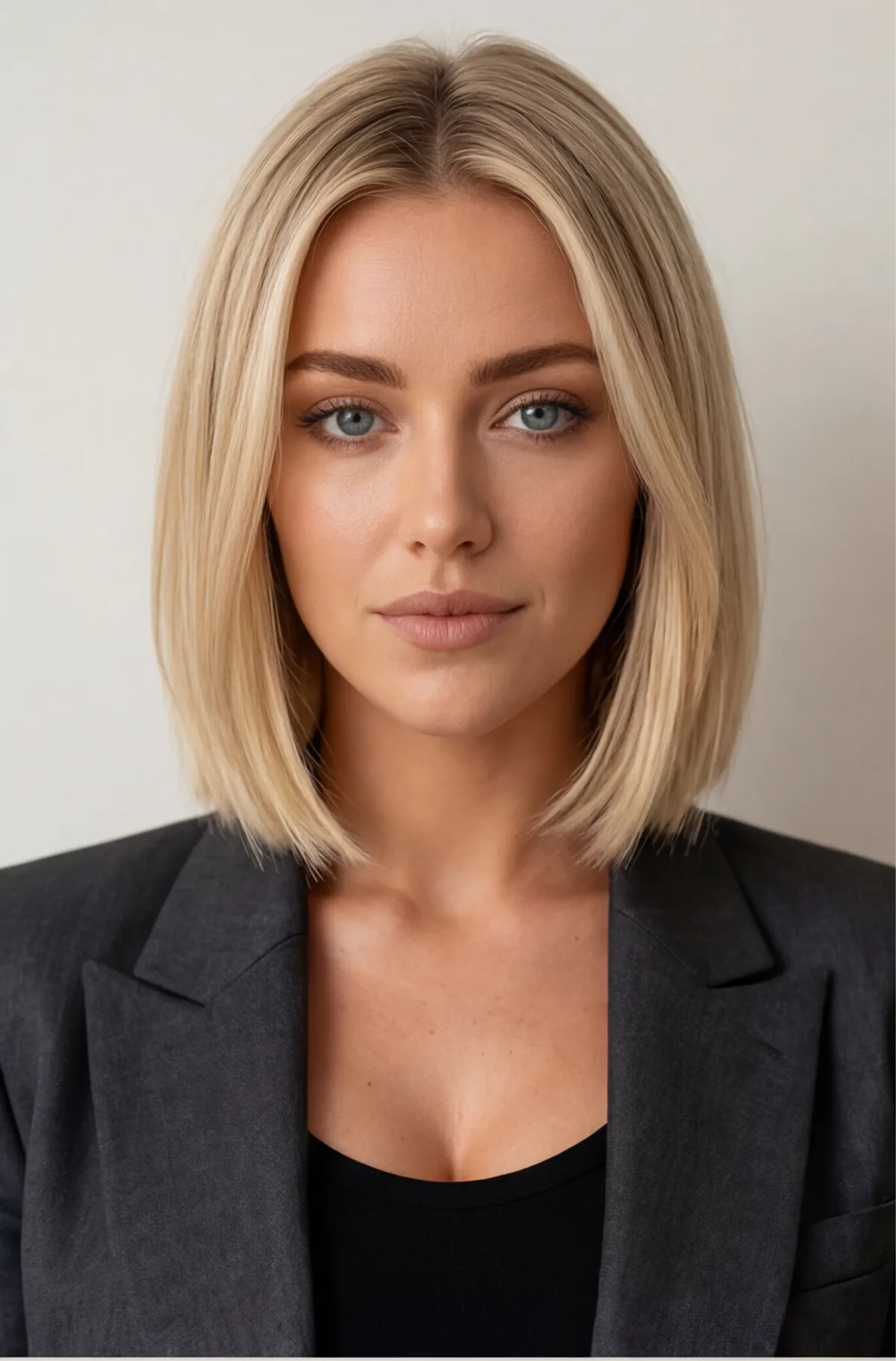 After
AfterAn AI hairstyle changer uses inpainting to replace the hair in a photo while preserving face shape, skin tone and scene lighting. Upload a photo, pick a style, and ZenCreator generates a photorealistic result in seconds — no salon, no Photoshop.
What Is an AI Hairstyle Changer?
An AI hairstyle changer uses inpainting to replace the hair in a photo — auto-detects the hair region and regenerates it in the selected style, colour and volume while keeping the face, skin tone and background unchanged.
The model reads surrounding pixels — face contour, lighting angle, skin tone — before generating the new hairstyle, which is why the result blends seamlessly with no visible edges or colour shifts. The output is full-resolution and ready for social media, dating profiles or creative projects.
Technique: latent-diffusion inpainting (Rombach et al., 2022, CVPR) — the model fills a masked region with content inferred from surrounding pixel context, producing seamless hairstyle replacements without manual retouching.
Why Do Creators Choose ZenCreator for Hairstyle Changes?
Auto-detects hair region — no manual masking
- Hair detection runs automatically on upload — no selection tools
- New hairstyle matches the original lighting and skin tone
- Face, makeup and background stay pixel-identical
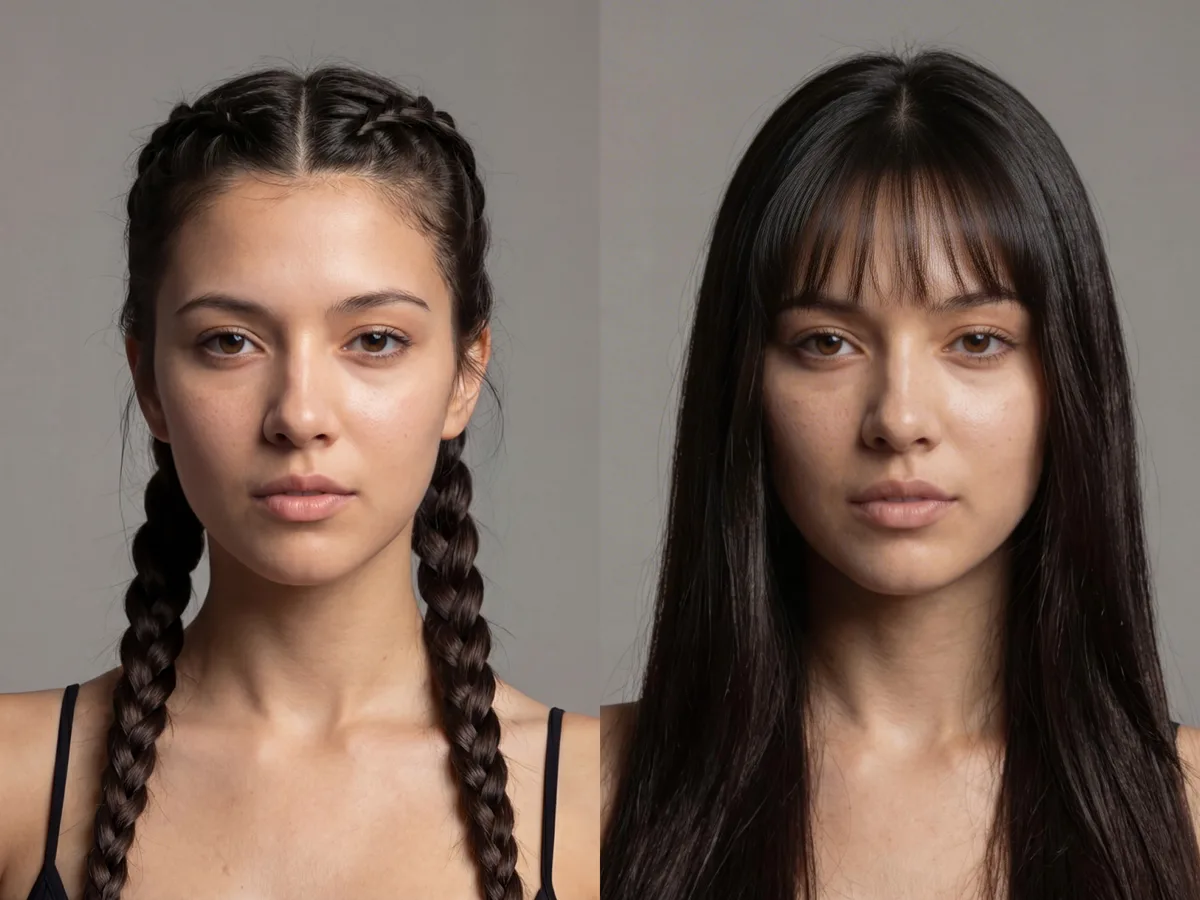
Hundreds of styles — any length, colour or texture
- Short, medium, long — straight, wavy, curly, braided
- Any colour including vivid and fantasy shades
- Volume and style adjustments in the same pass
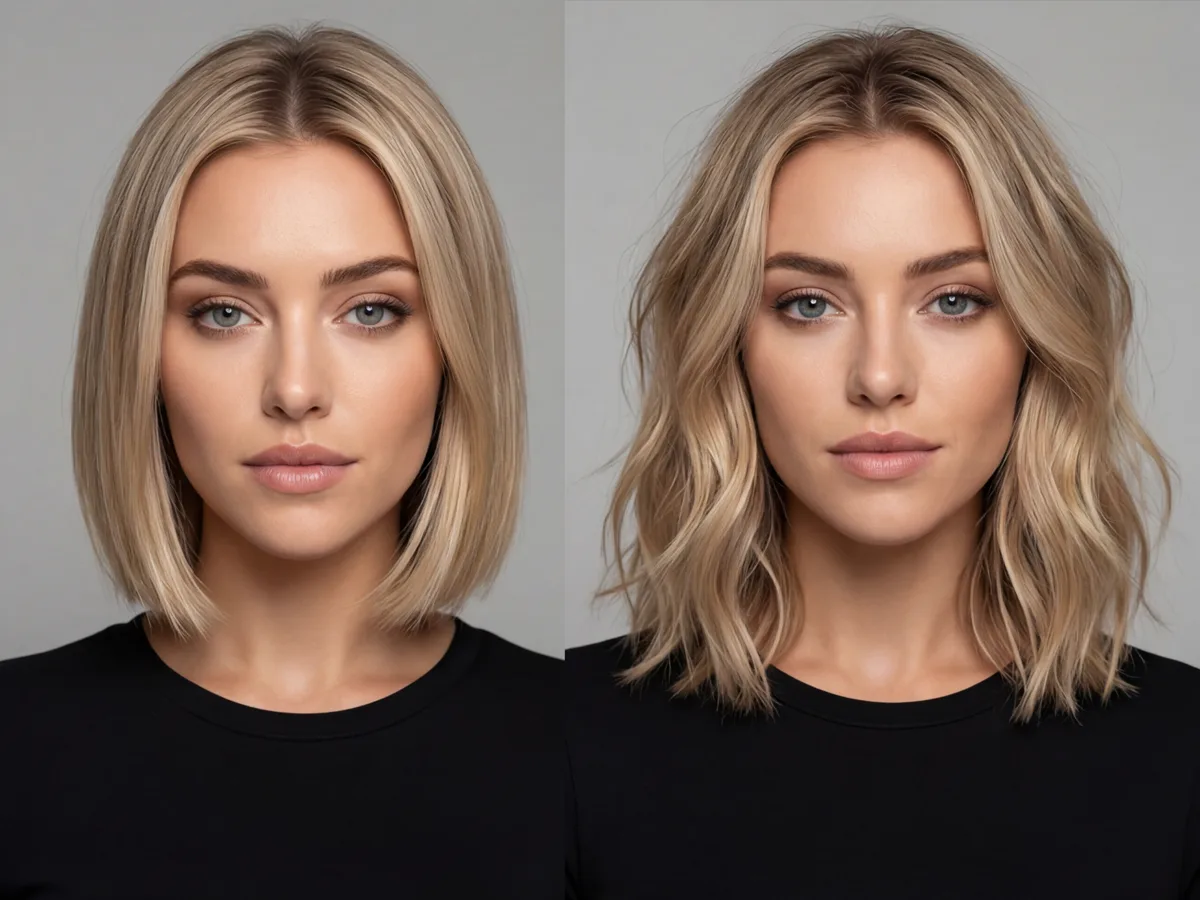
Full-resolution output, photorealistic result
- Full-resolution file with no watermark or overlay
- Photorealistic hair texture that blends with the original photo
- Accepts JPG, PNG, WEBP and BMP uploads
How Do You Change Your Hairstyle with AI?
Upload your photo
Drop in a clear, well-lit portrait. Front-facing shots with good lighting give the AI the best view of your hair and face contour for accurate detection.
Choose a hairstyle
Pick a style, length and colour. The AI auto-detects your hair region and replaces it — no manual selection, no drawing masks.
Download your result
Compare before and after, then download. Full-resolution, no watermark, ready for social media or dating profiles.
Frequently asked questions
What is an AI hairstyle changer?+
An AI hairstyle changer uses latent-diffusion inpainting to replace the hair in a photo. It auto-detects the hair region, then generates a new hairstyle — in the specified length, colour and texture — that blends seamlessly with the face, skin tone and background of the original photo.
Will the new hairstyle look natural?+
Yes. The model reads the face contour, lighting angle and skin tone before generating the new hair, so the result blends without visible edges or colour mismatches. A well-lit portrait at 1000×1000 px or larger produces the most realistic output. Levels of realism improve significantly with good lighting.
What hairstyles can I try?+
Any style — short pixie, bob, long waves, curls, braids, updos. Any colour including natural shades and vivid fantasy colours. You can also adjust volume and add highlights in the same generation pass.
Do I need photo editing skills?+
No. There is no manual masking, layer work or brush selection. Upload a portrait, choose a style and generate. The AI handles hair detection, replacement and blending end-to-end in under a minute.
What photos work best?+
A well-lit, front-facing portrait with the hair clearly visible gives the most accurate result. Avoid heavily backlit photos or images where the hair blends with the background. Higher resolution inputs (1000×1000 px or larger) produce sharper hair texture.
Try Any Hairstyle with AI
Upload a photo and get a full-resolution, photorealistic result in seconds.
Start Creating