AI Muscle Builder
Add muscle definition to any photo — naturally proportioned, no gym required.
Generation runs in the ZenCreator app
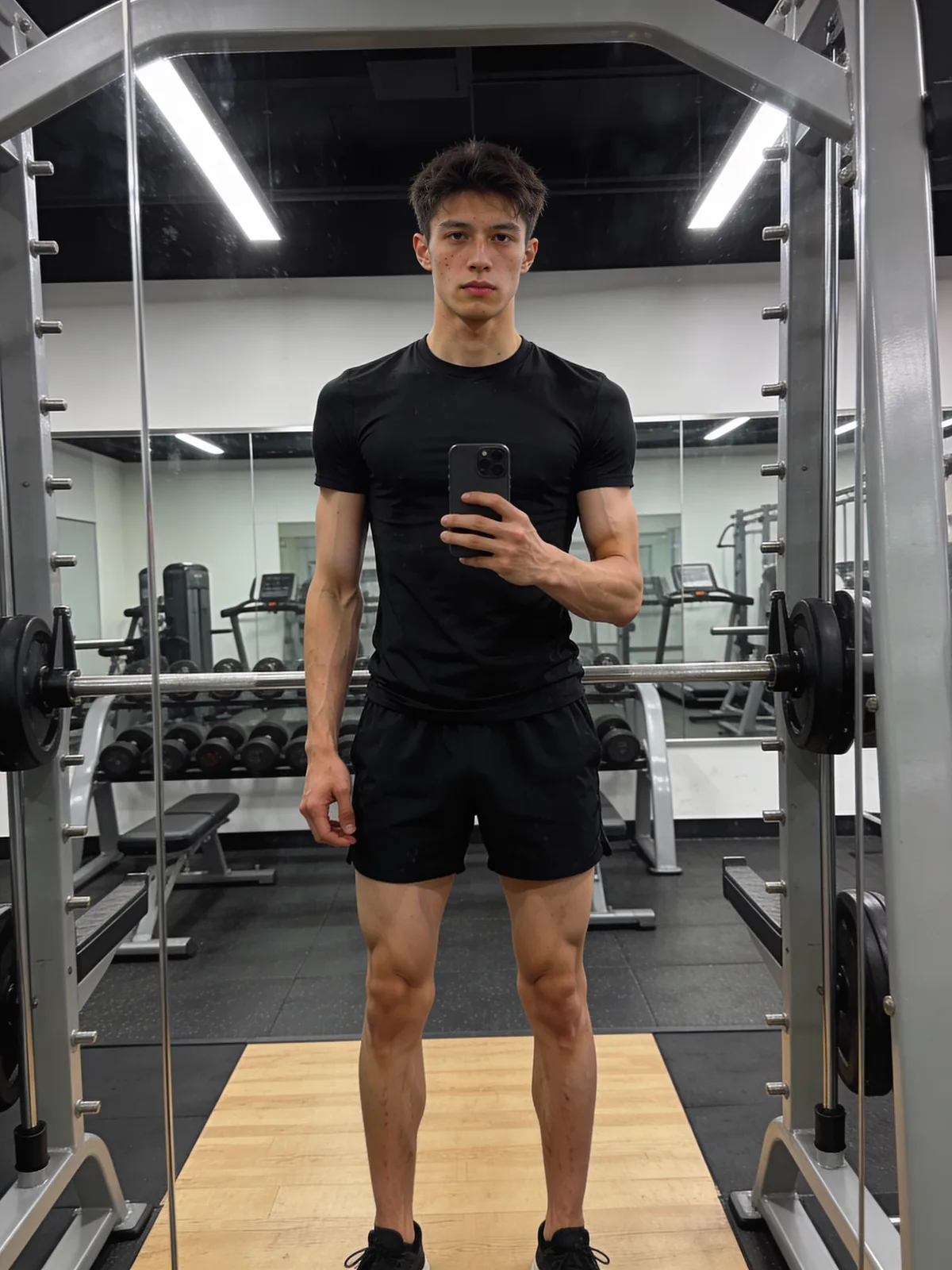 Before
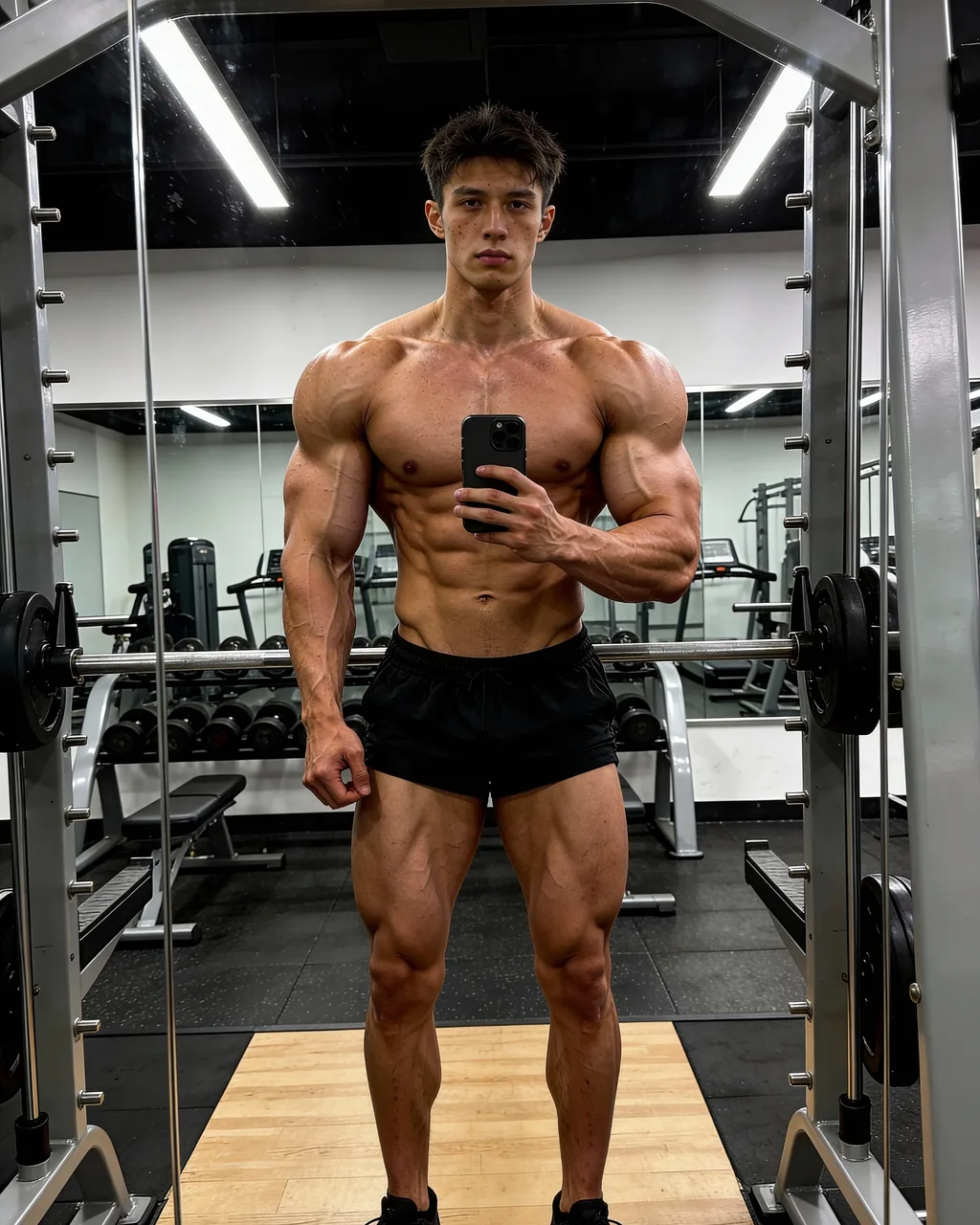 After
AfterAn AI muscle builder uses inpainting to enhance muscle definition and body mass in a photo while keeping pose, skin tone and proportions intact. Upload a photo, choose an intensity level, and ZenCreator delivers a clean, uncensored result in seconds.
What Is an AI Muscle Builder?
An AI muscle builder uses inpainting to enhance muscle mass and definition — auto-detects the body contour and regenerates target areas to match the surrounding skin tone and lighting.
The model reads surrounding pixels before filling in the masked area, which is why the result blends without visible edges or colour shifts. ZenCreator applies no content filter to body editing, so the tool works on legal adult content where mainstream editors refuse. Output is full-resolution with no watermark, ready for fitness, bodybuilding or social media.
Technique: latent-diffusion inpainting (Rombach et al., 2022, CVPR) — the model regenerates a masked region with content inferred from surrounding pixel context, producing seamless edits without manual retouching.
Before & after
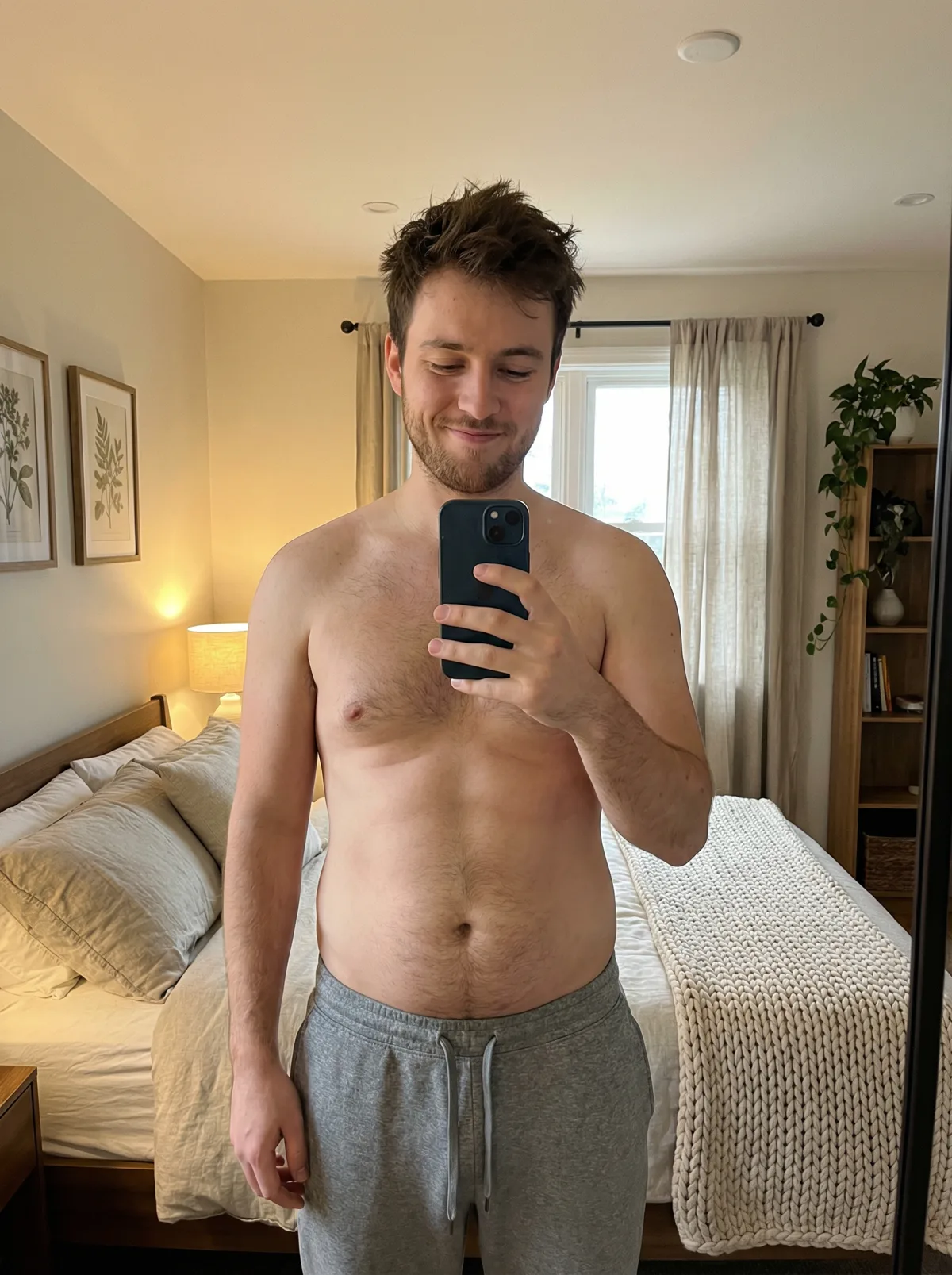 before
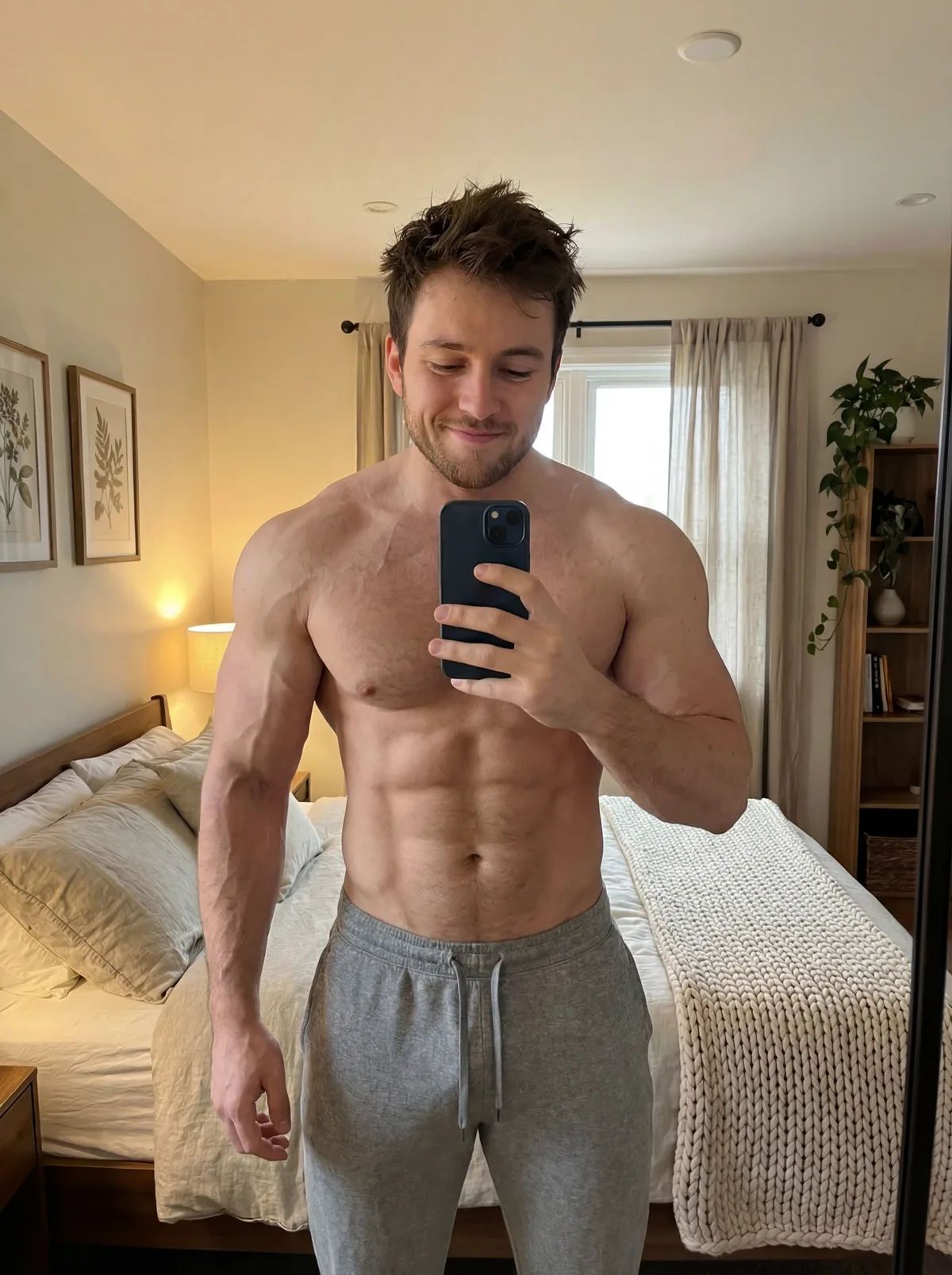 after
after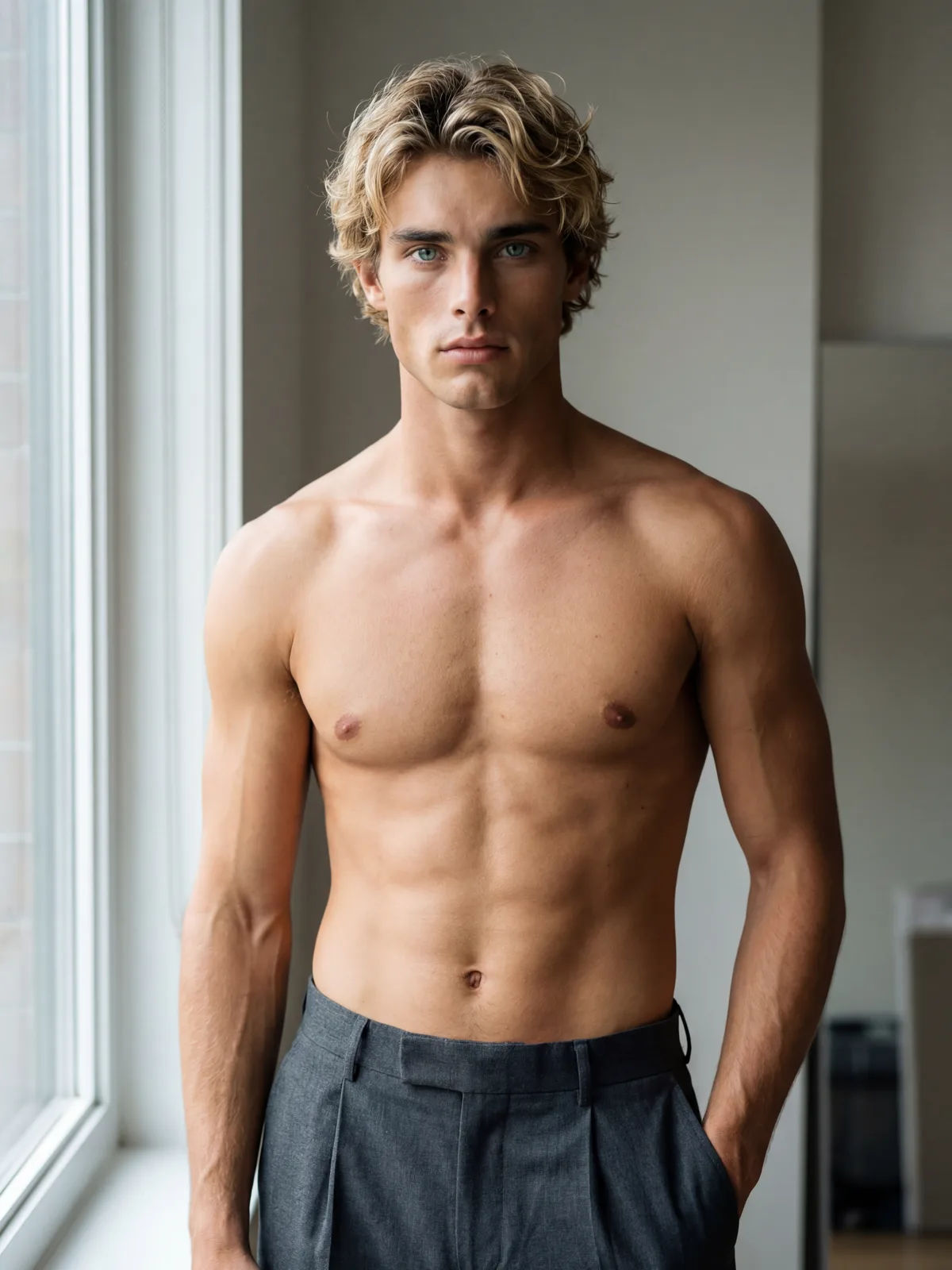 before
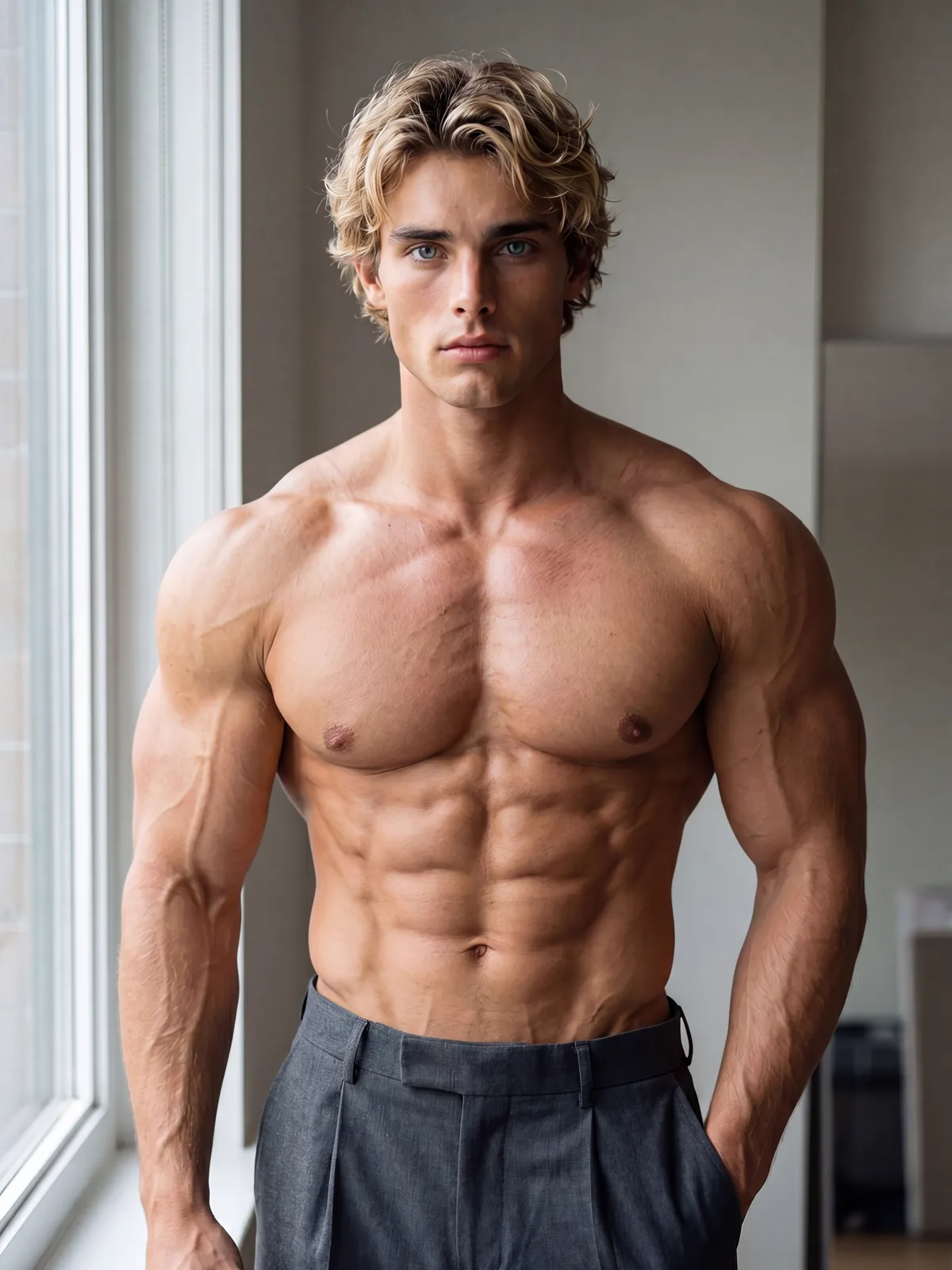 after
after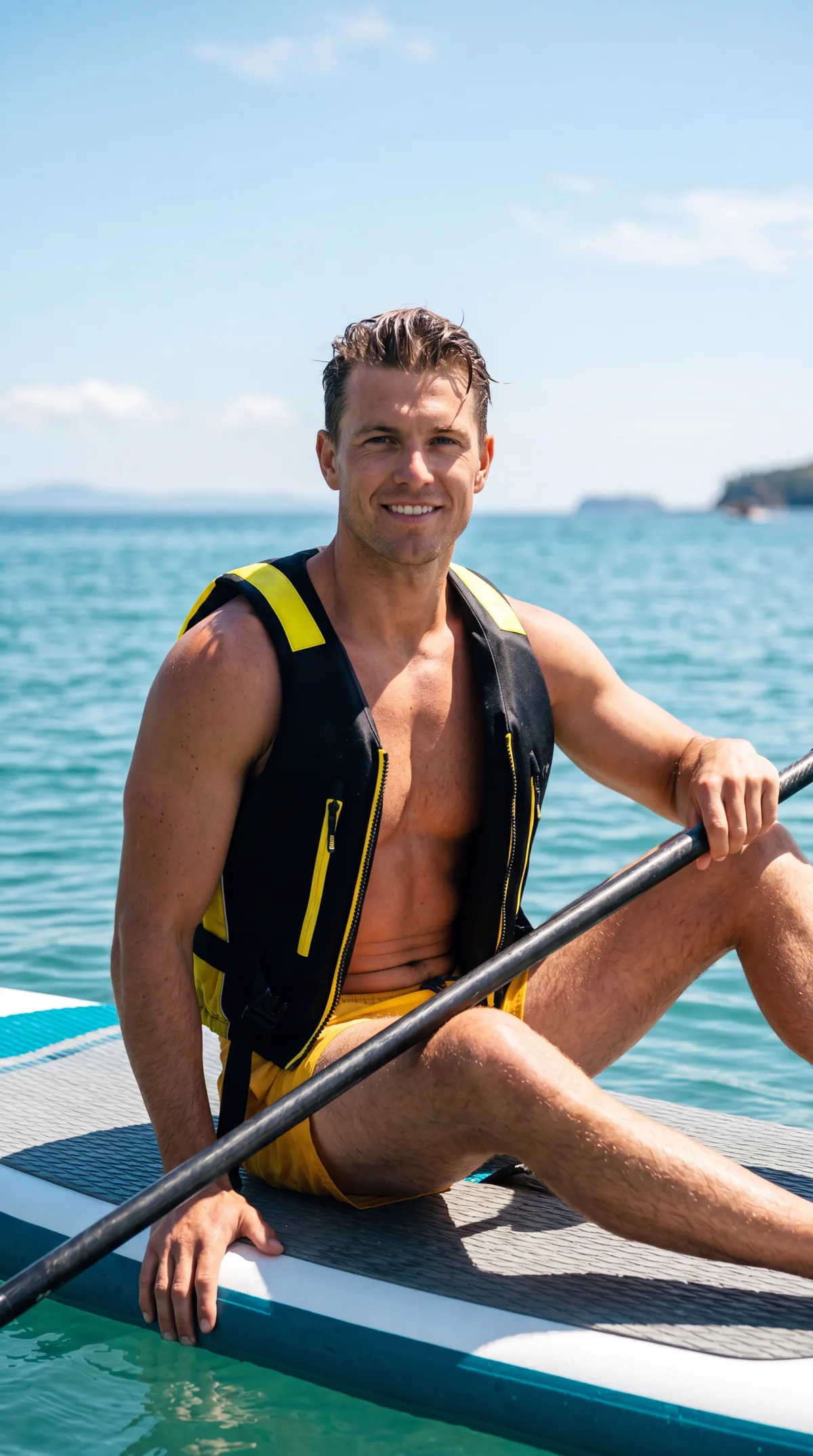 before
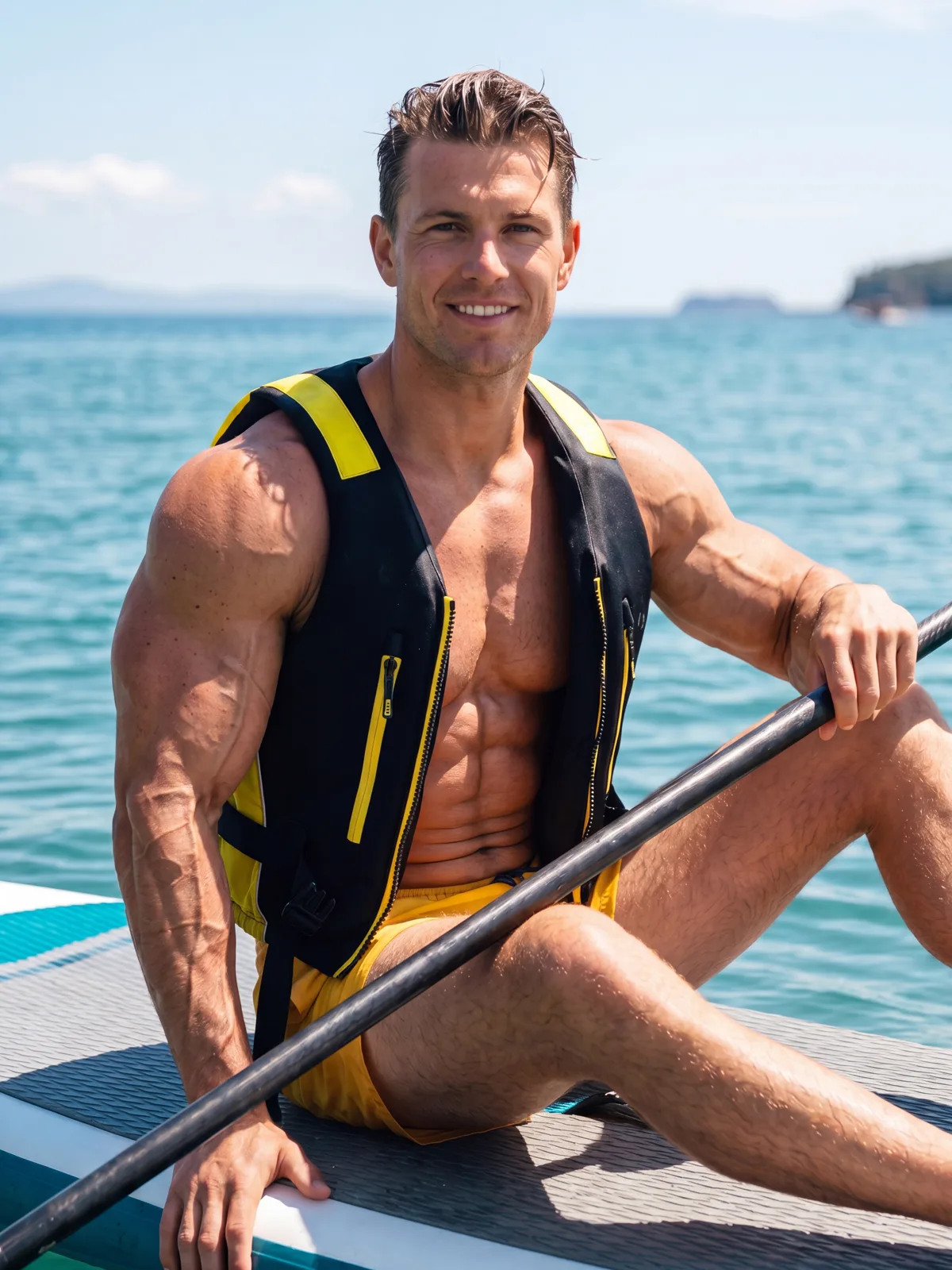 after
afterWhy Do Creators Choose ZenCreator for Muscle Enhancement?
Auto-detects body contour — no manual masking
- Body-contour detection runs automatically on upload — no selection tools
- Regenerated area matches skin tone, lighting angle and pose
- Face and background stay pixel-identical to the original
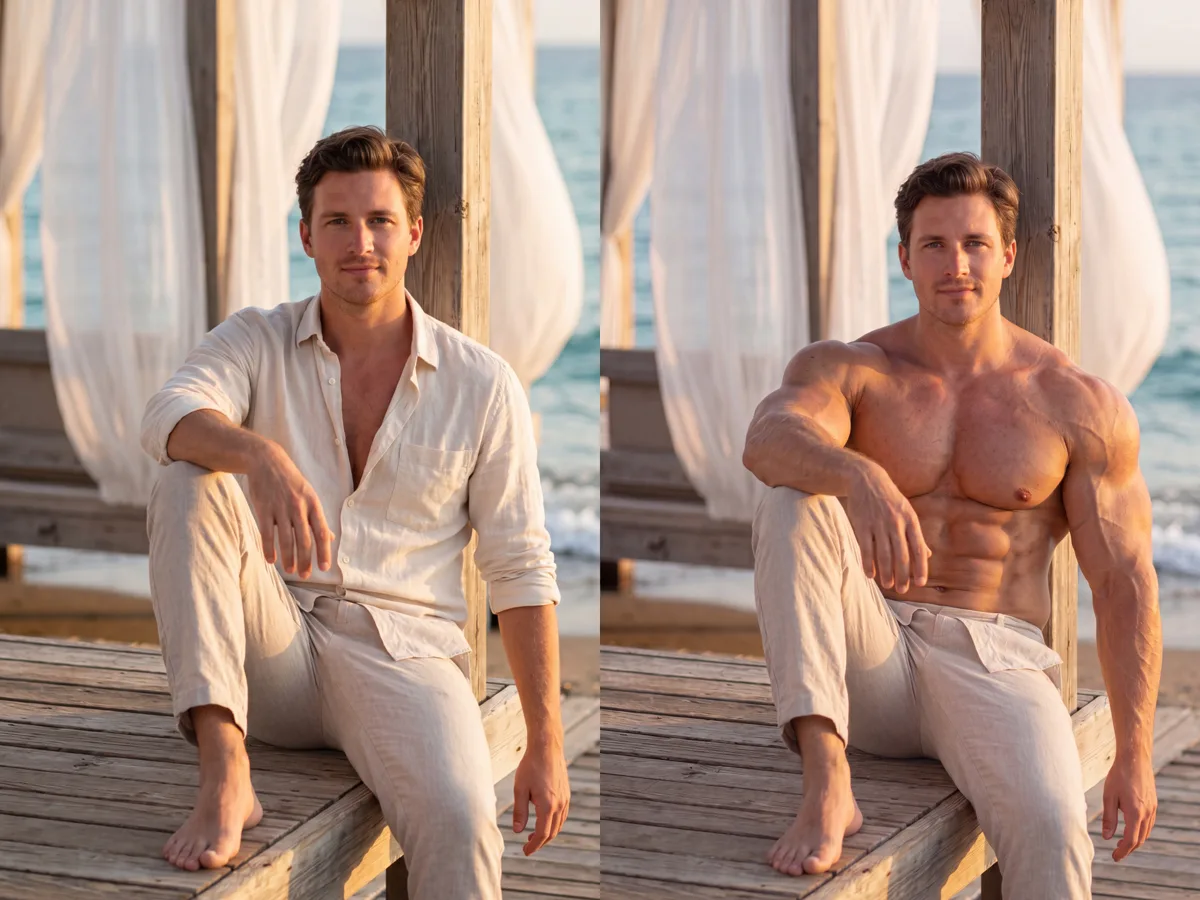
5 intensity levels from subtle to dramatic
- Level 1–2: subtle definition, natural-looking result
- Level 3–5: progressive mass increase, still proportion-aware
- Re-run with a different level until the result is right
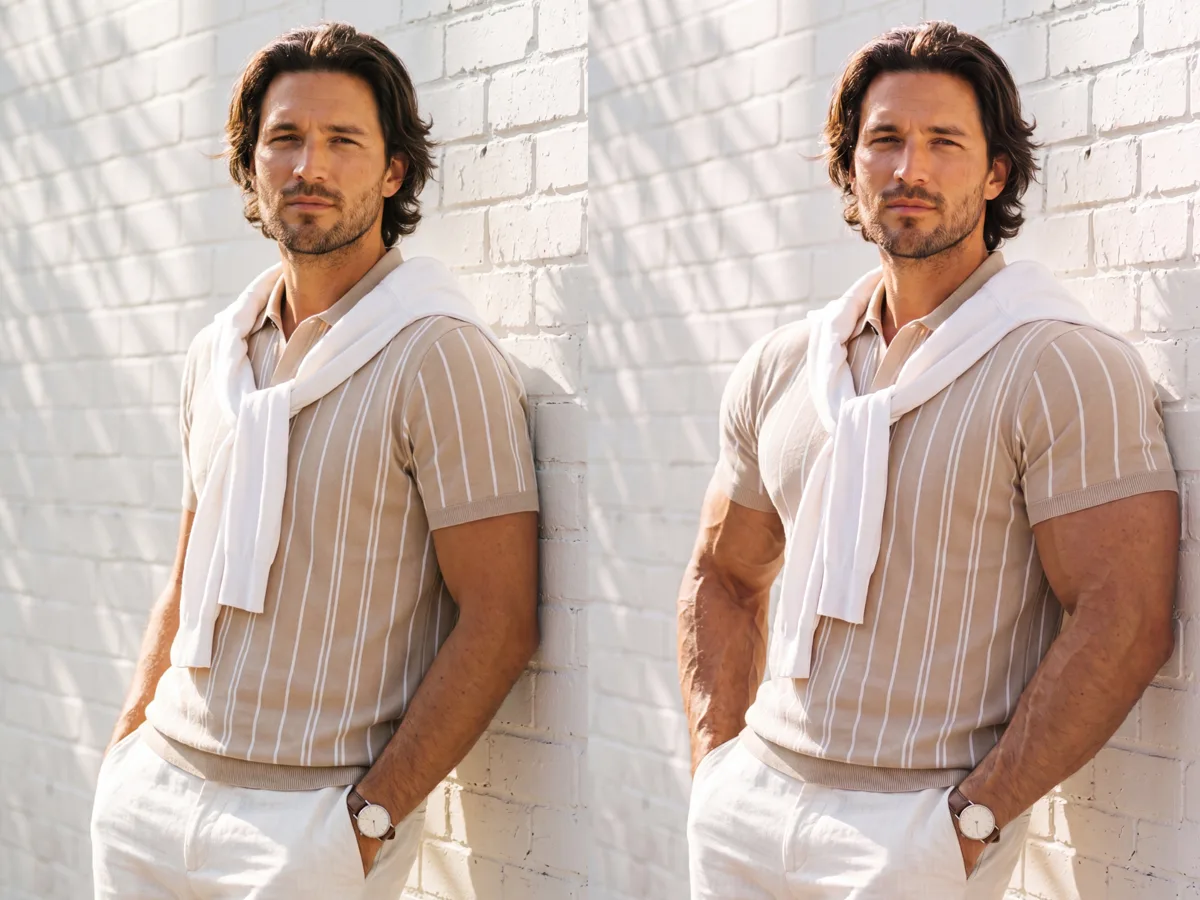
Full-resolution, uncensored output
- No content filter on legal edits — runs where other editors refuse
- Full-resolution file with no watermark, logo or overlay
- Accepts JPG, PNG, WEBP and BMP uploads
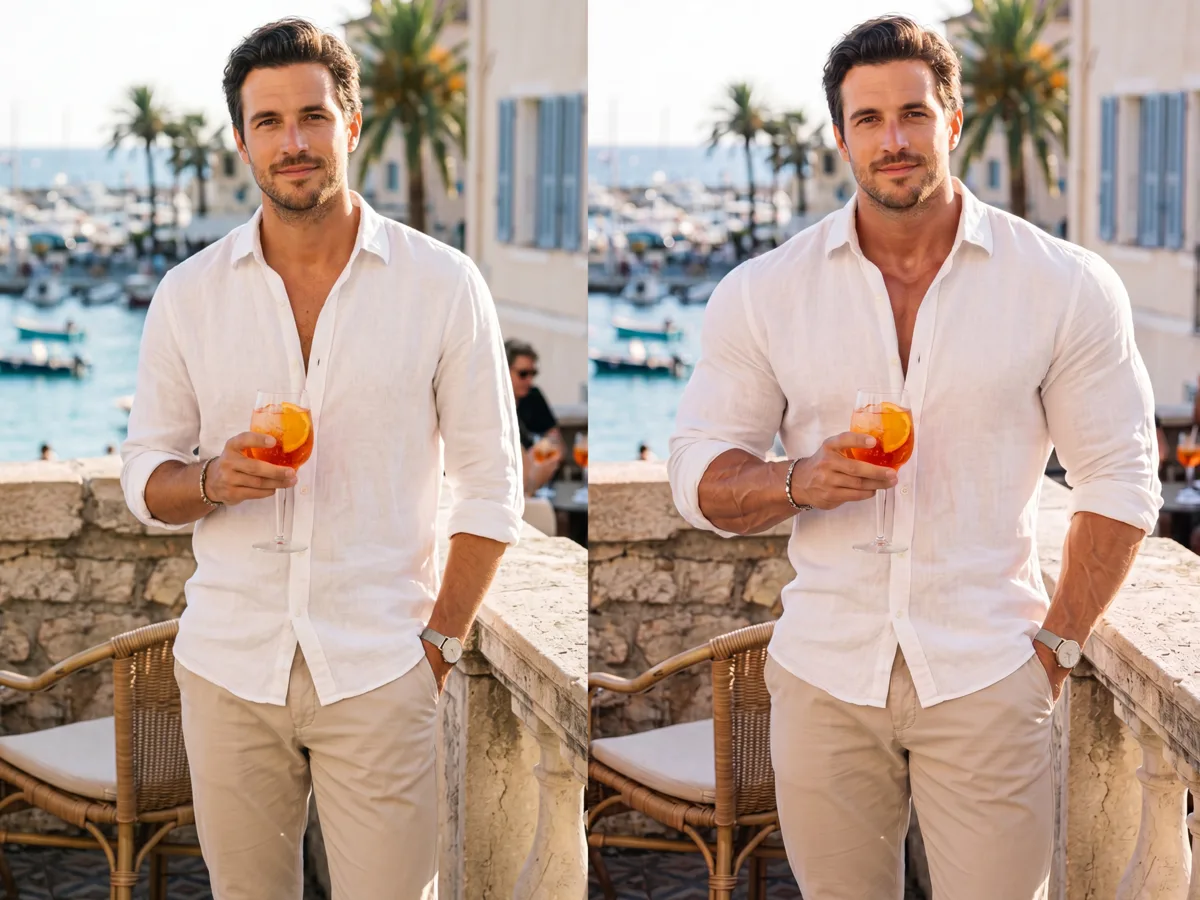
How Do You Build Muscle with AI?
Upload your photo
Drop in a clear, well-lit photo. Front-facing or 3/4 angle poses give the AI the most complete view of the body contour for accurate detection.
Choose an intensity level
Pick one of 5 levels. Levels 1–2 add subtle definition; levels 4–5 produce a more pronounced physique. The AI detects body areas automatically — no manual selection.
Download your result
Compare before and after, then download. The file is full-resolution, clean and ready to use — no overlay, no watermark.
Frequently asked questions
What is an AI muscle builder?+
An AI muscle builder uses latent-diffusion inpainting to enhance muscle definition and mass in a photo. The tool auto-masks target body areas, then the model generates new content that matches surrounding skin tone, lighting and proportions — blending seamlessly with no visible seams.
Can AI make muscles look real in a photo?+
Yes. The model reads surrounding pixels before regenerating the masked region, so the result keeps consistent skin texture, lighting direction and body proportions. Levels 1–2 out of 5 produce the most natural-looking output. A well-lit photo at 1000×1000 px or larger gives the best result.
What photos work best?+
A clear, well-lit photo with the body clearly visible gives the most accurate result. Front-facing or 3/4 angle poses work best. Higher input resolution yields sharper regenerated areas — 1000×1000 px or larger is recommended. Heavy JPEG compression or strong shadows reduce accuracy.
Do I need editing skills?+
No. There is no manual masking or selection tool — the AI detects the body automatically on every upload. Upload a photo, choose one of 5 intensity levels, and generate. The entire workflow takes under a minute from upload to download.
Is the output uncensored?+
Yes. ZenCreator applies no content filter to legal body edits. Output is full-resolution with no watermark. You are responsible for ensuring your use complies with local law.
Can I use the results commercially?+
Yes. Images you generate on ZenCreator are yours to use, including for fitness marketing, e-commerce and editorial. You retain output rights but remain responsible for the rights to the source photo you uploaded.
Build Your Physique with AI
Upload a photo and get a full-resolution, uncensored result with no watermark.
Start Creating