AI Bust Enhancer
Reshape the bust in any photo — naturally, uncensored, no masking required.
Generation runs in the ZenCreator app
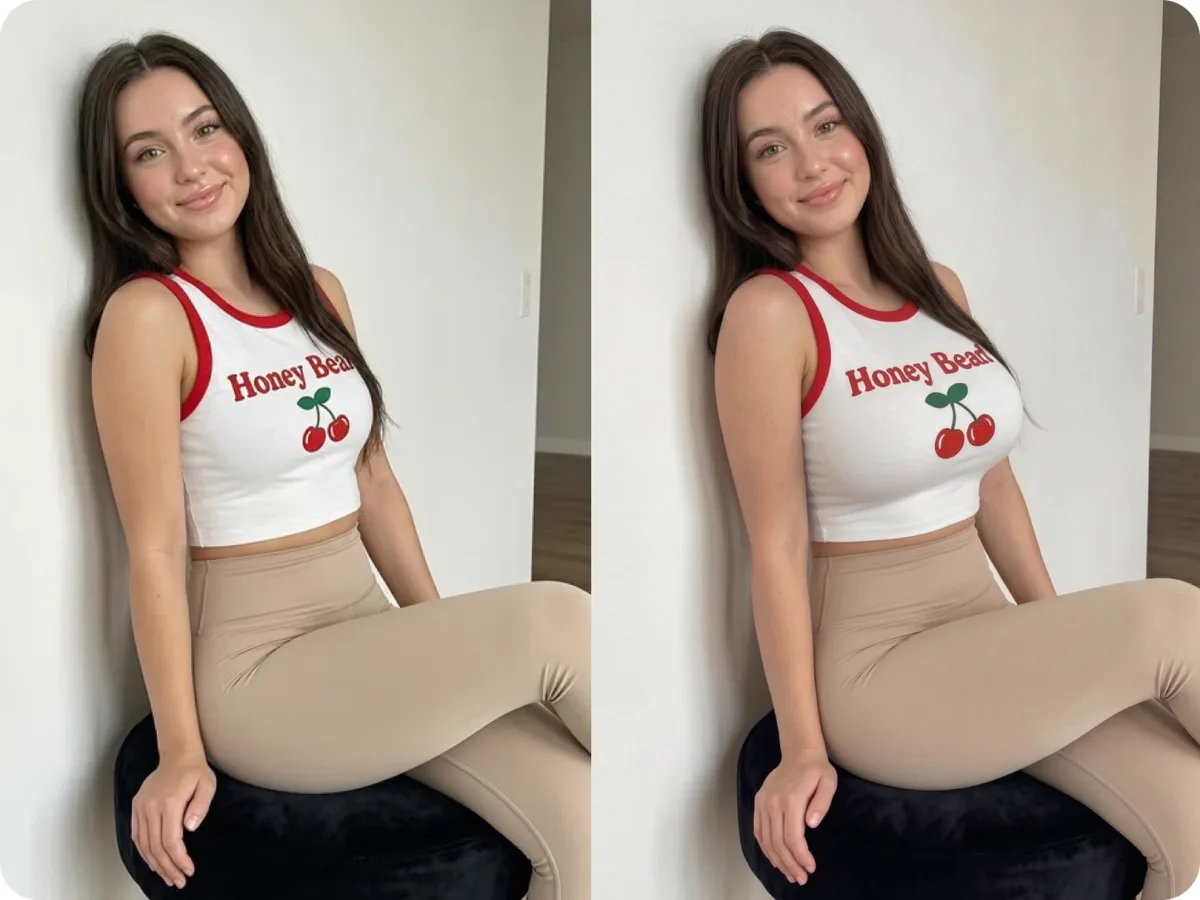
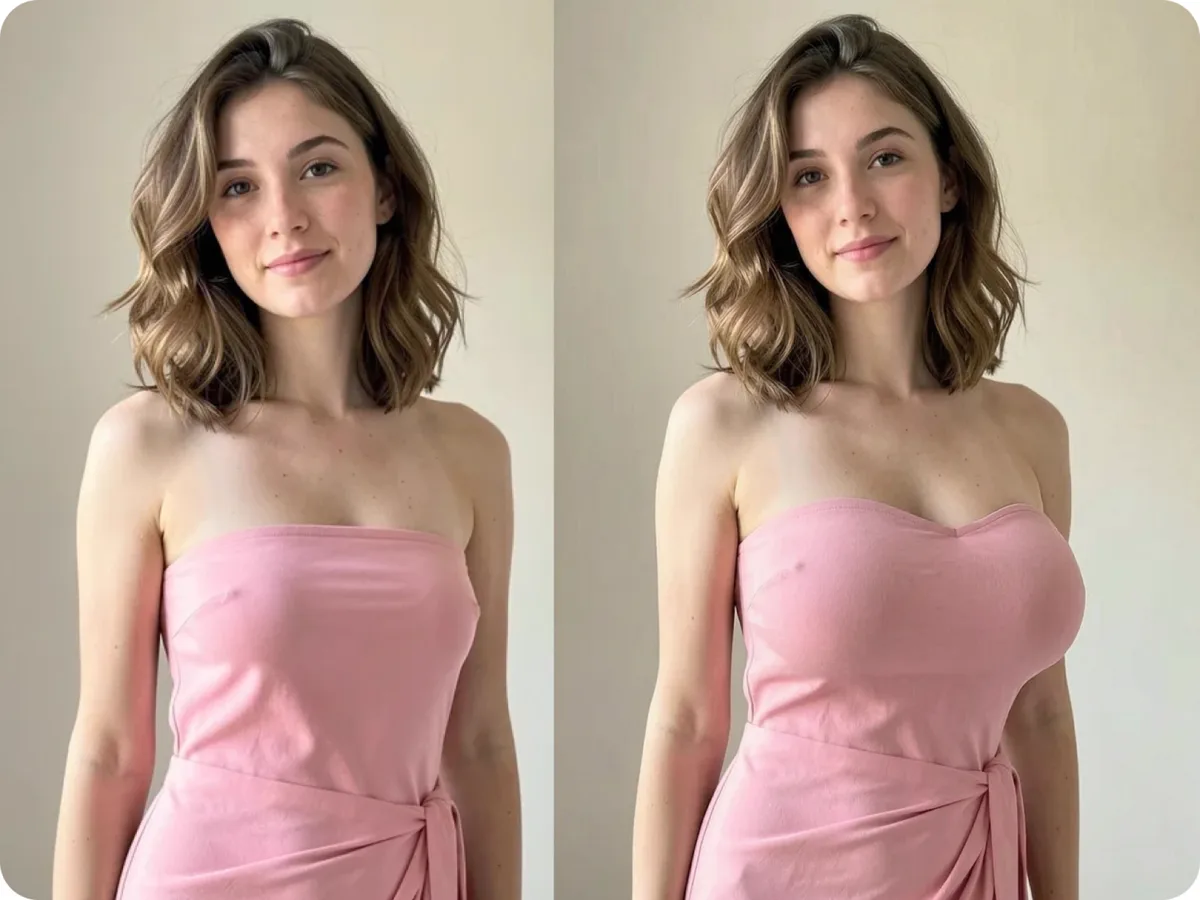
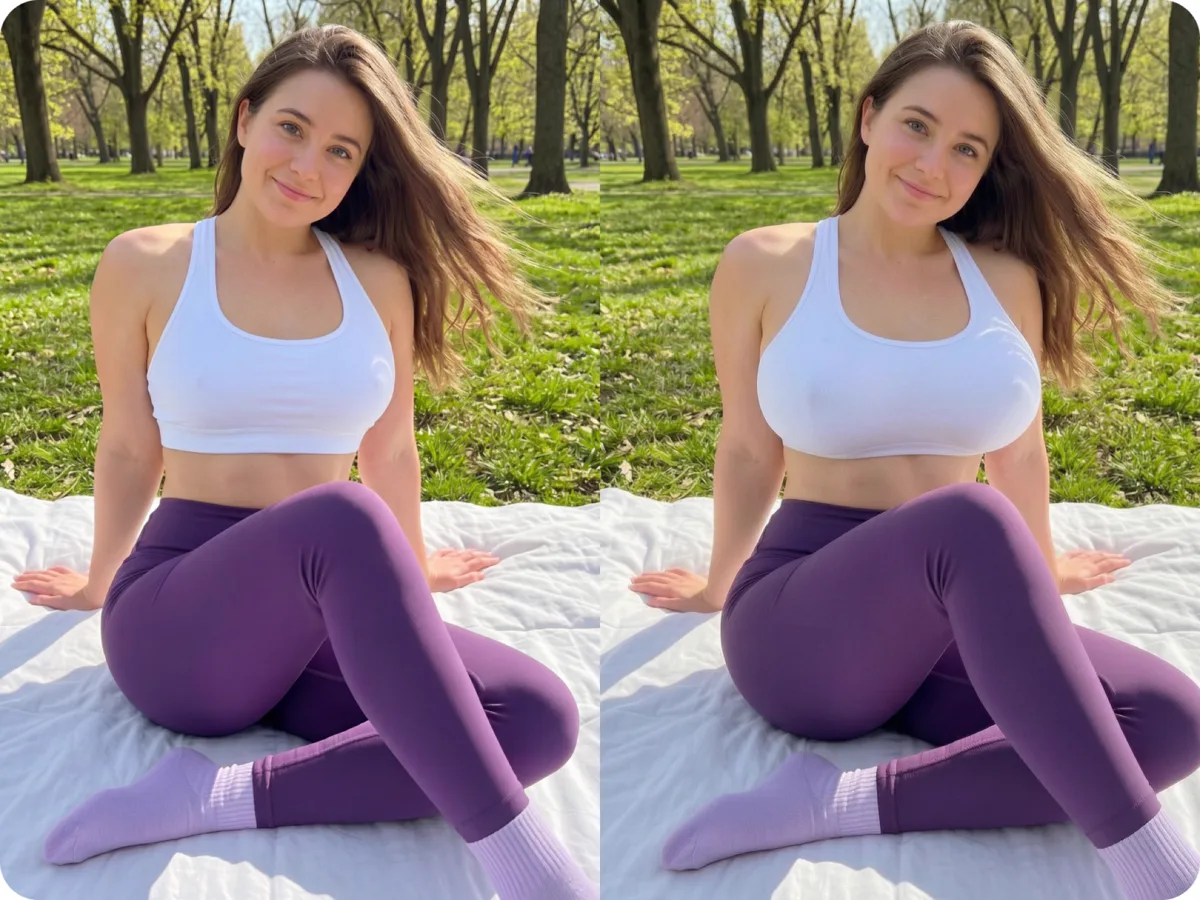
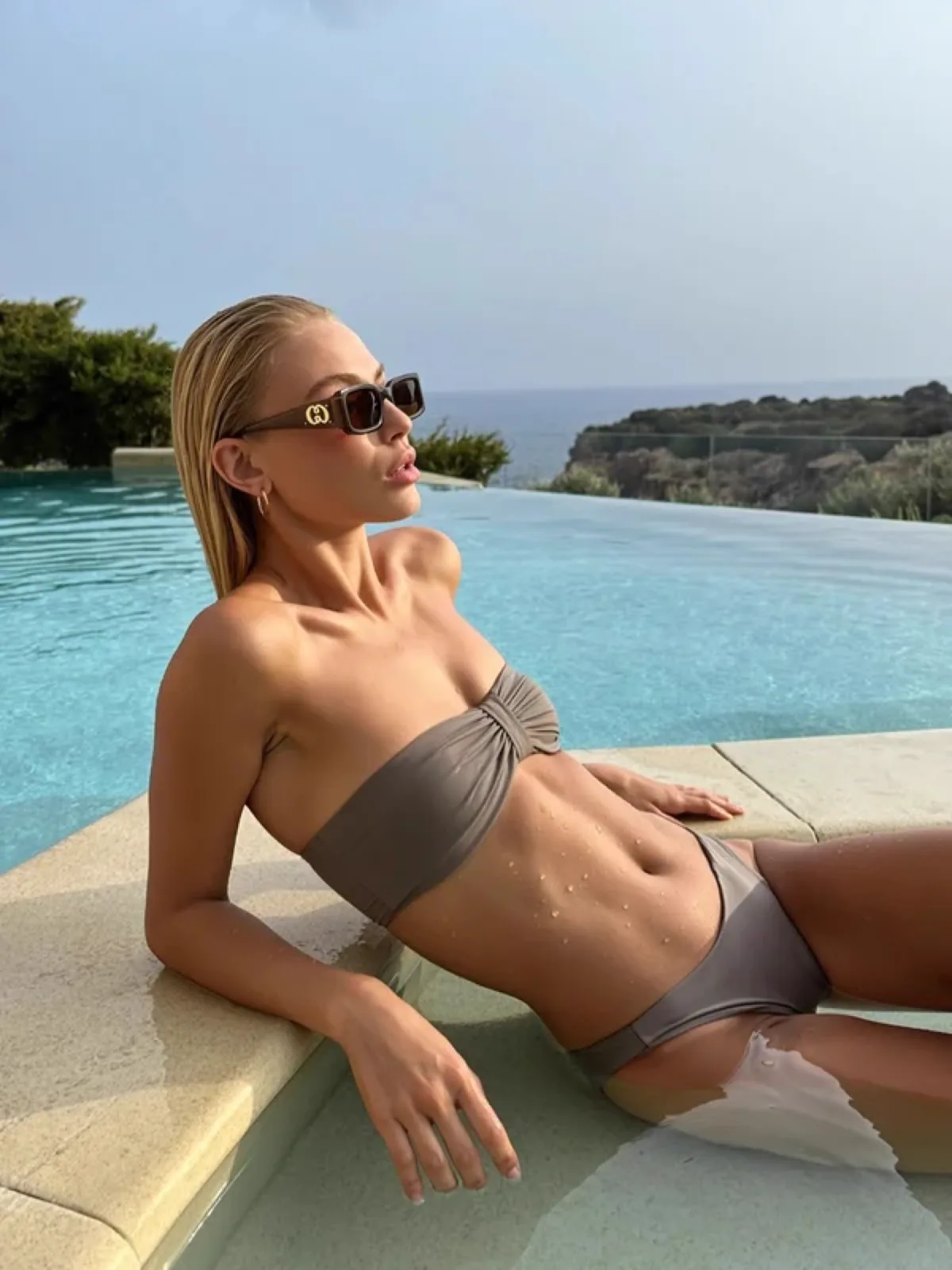 Before
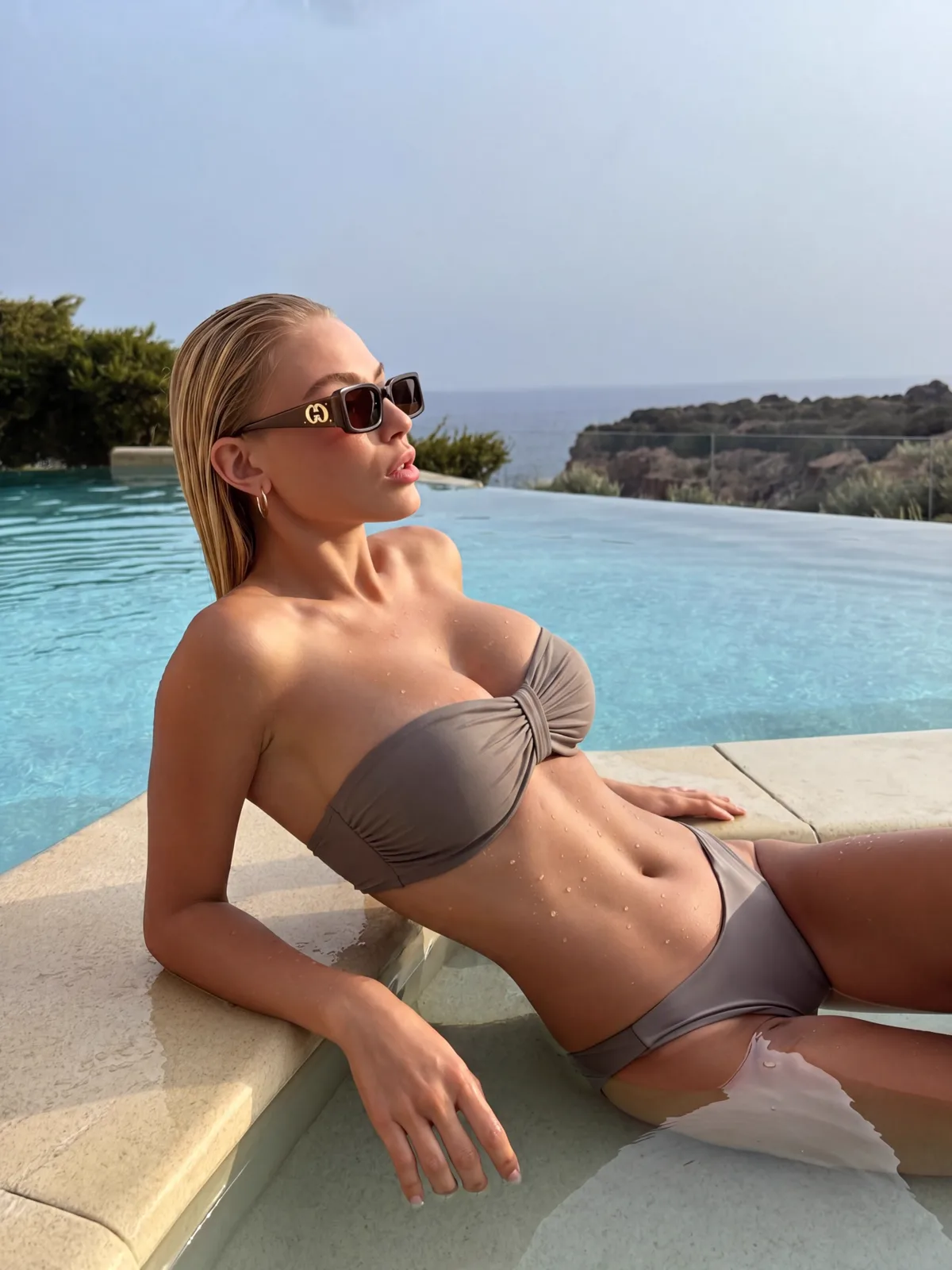 After
AfterAn AI bust enhancer uses inpainting to reshape the chest area of a photo while keeping skin tone, lighting and body proportions intact. Upload a photo, pick one of 5 enhancement levels, and ZenCreator delivers a clean, uncensored edit — no manual masking, no watermark.
What Is an AI Bust Enhancer?
An AI bust enhancer uses inpainting to reshape the chest area — auto-masks the region and regenerates it to match skin tone, lighting and proportions.
The model reads the pixels around the masked area before filling it in, which is why the result blends without visible seams or colour shifts. ZenCreator applies no content filtering to body editing, so the tool works on legal adult content where mainstream editors reject the request outright. Output is full-resolution with no watermark, ready for fashion, cosplay or social media.
Technique: latent-diffusion inpainting (Rombach et al., 2022, CVPR) — the model fills a masked region with content inferred from surrounding pixel context, producing seamless edits without manual retouching.
Before & after
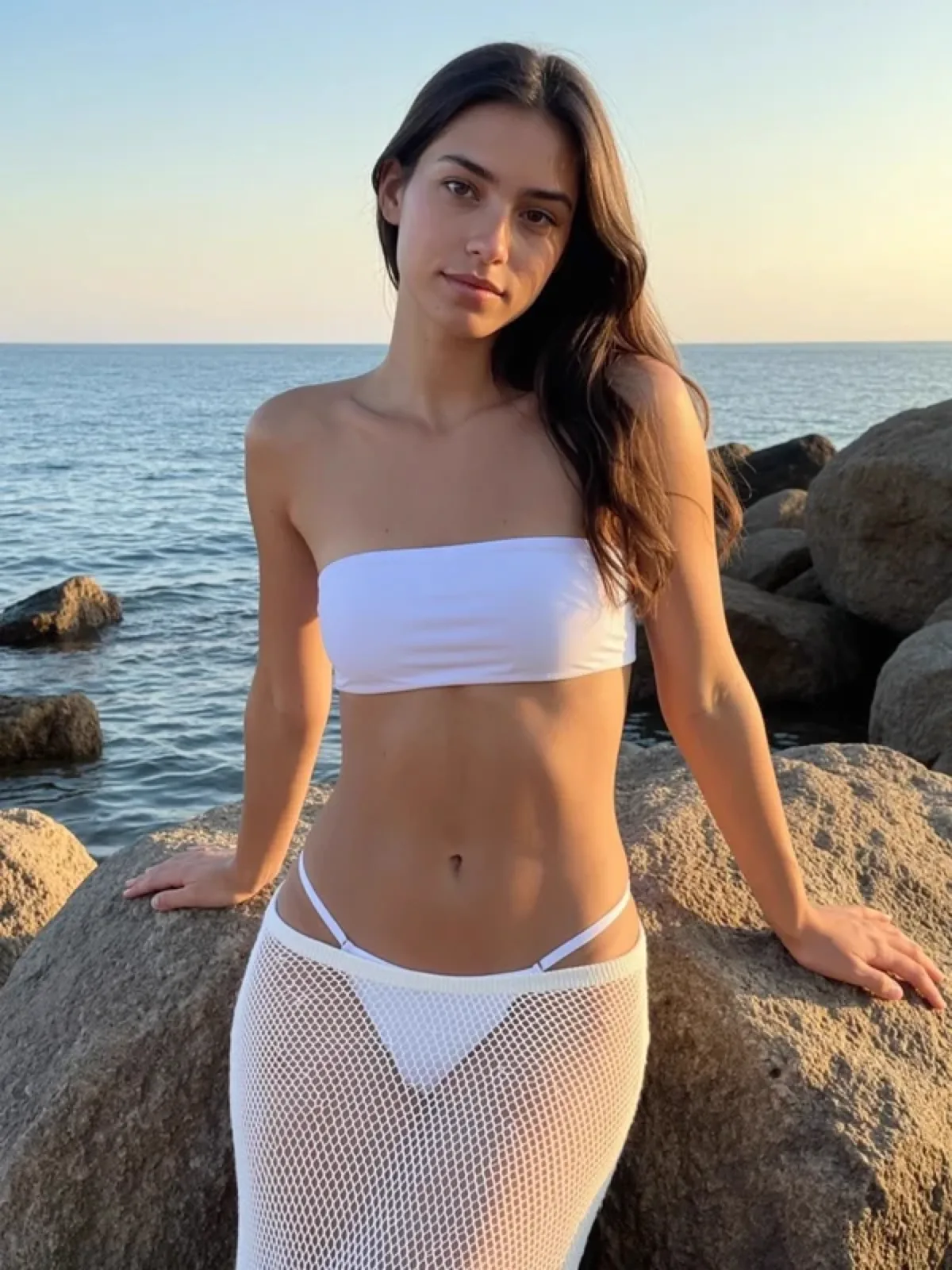 before
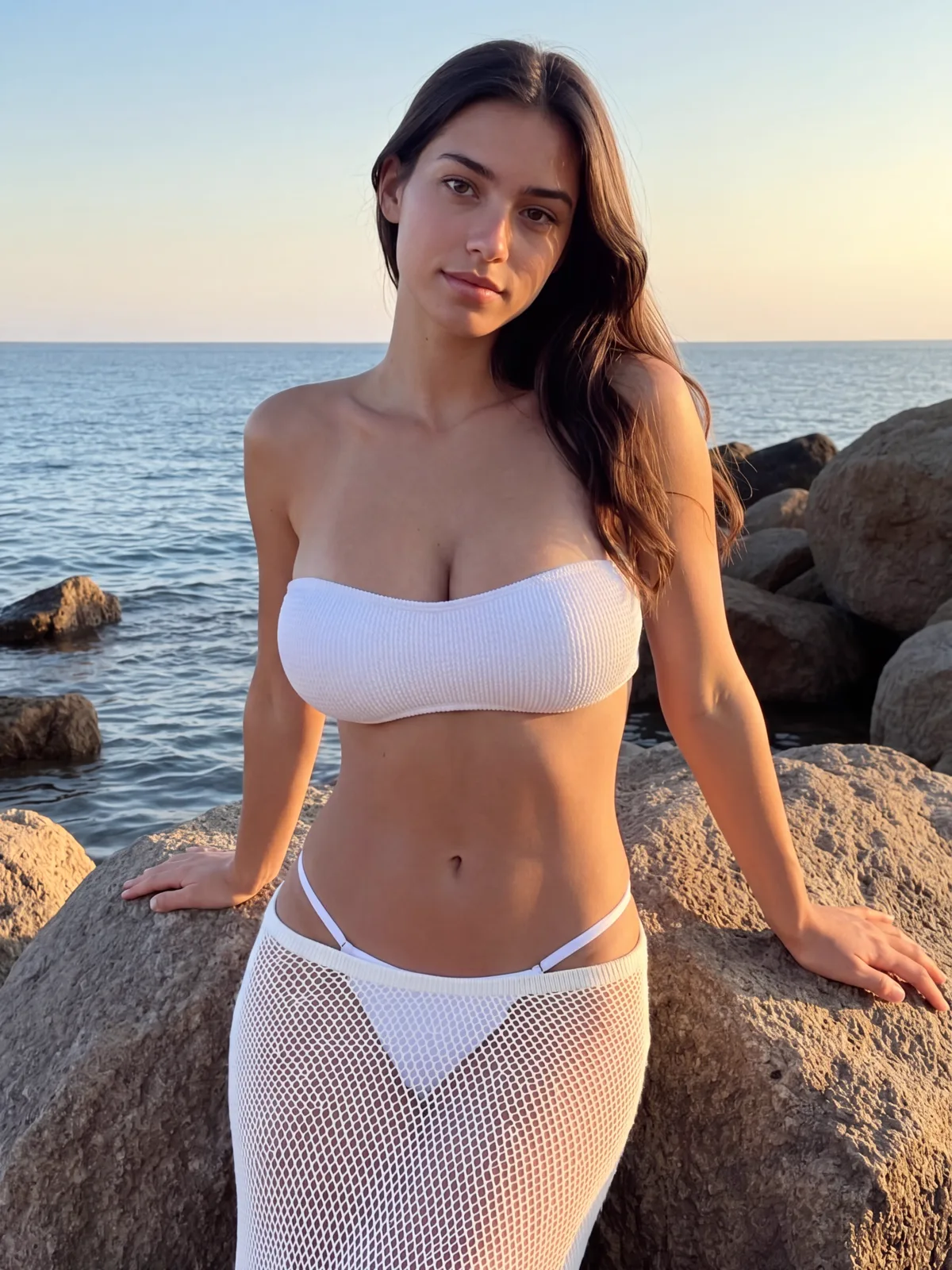 after
after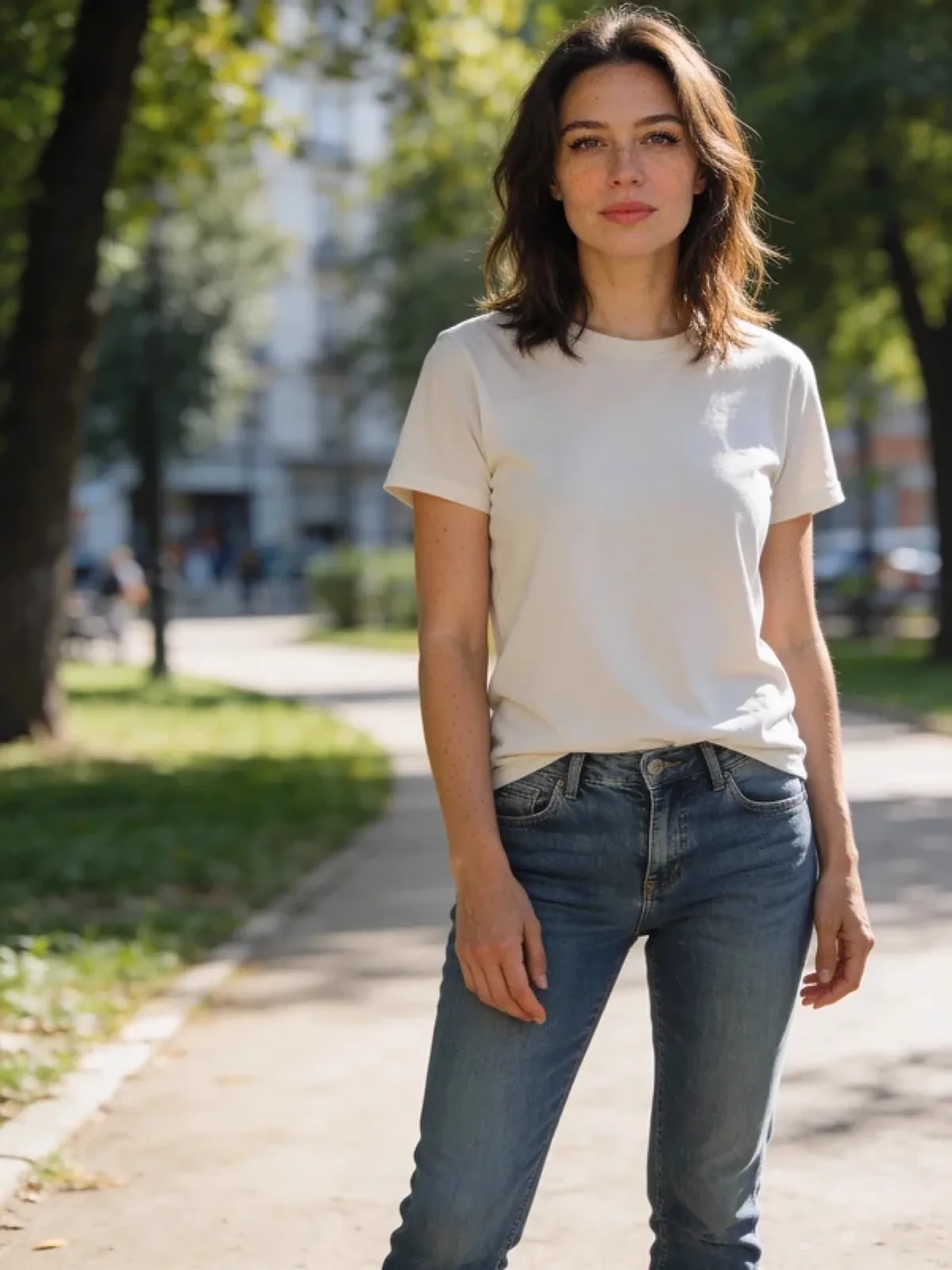 before
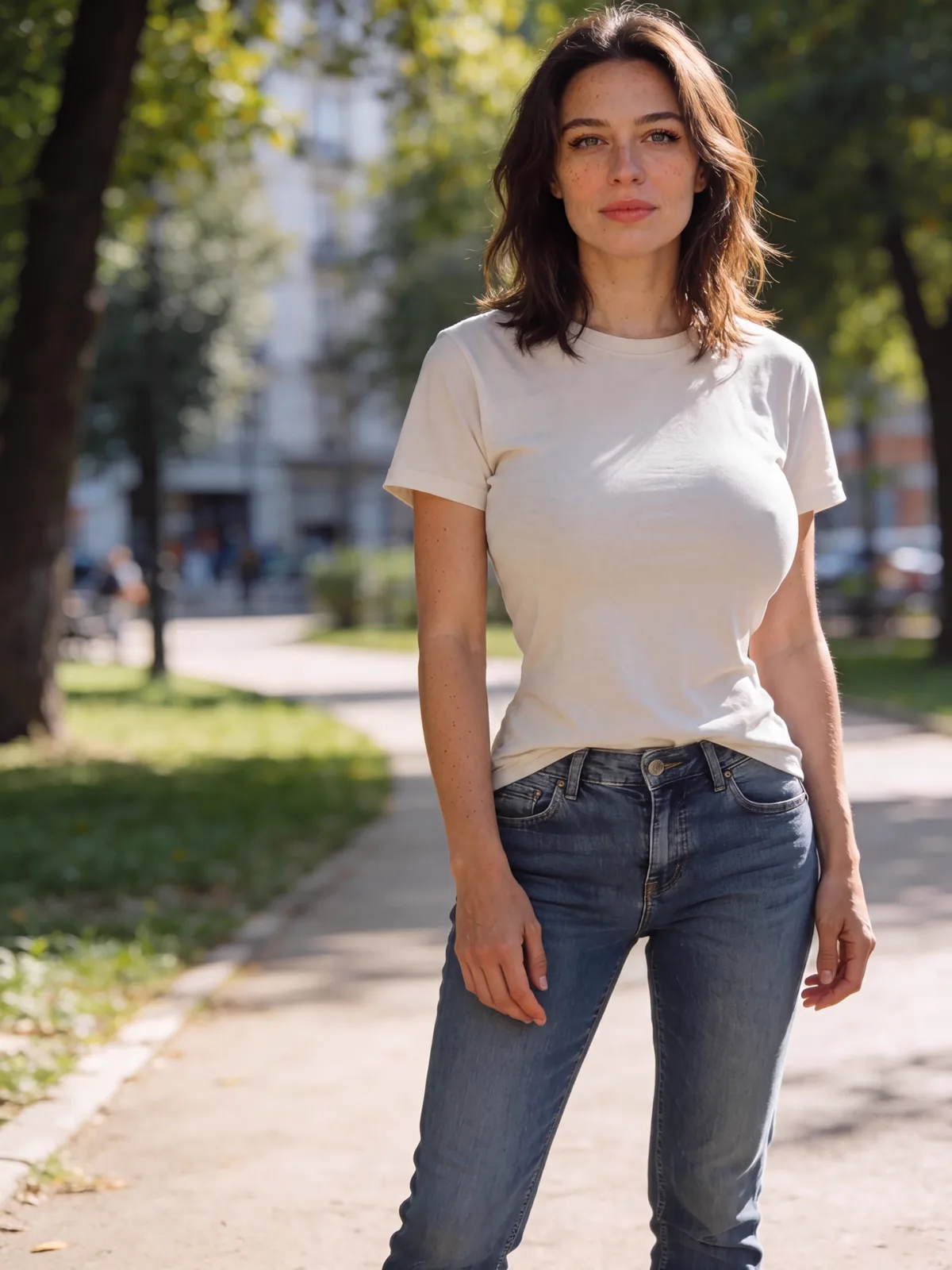 after
after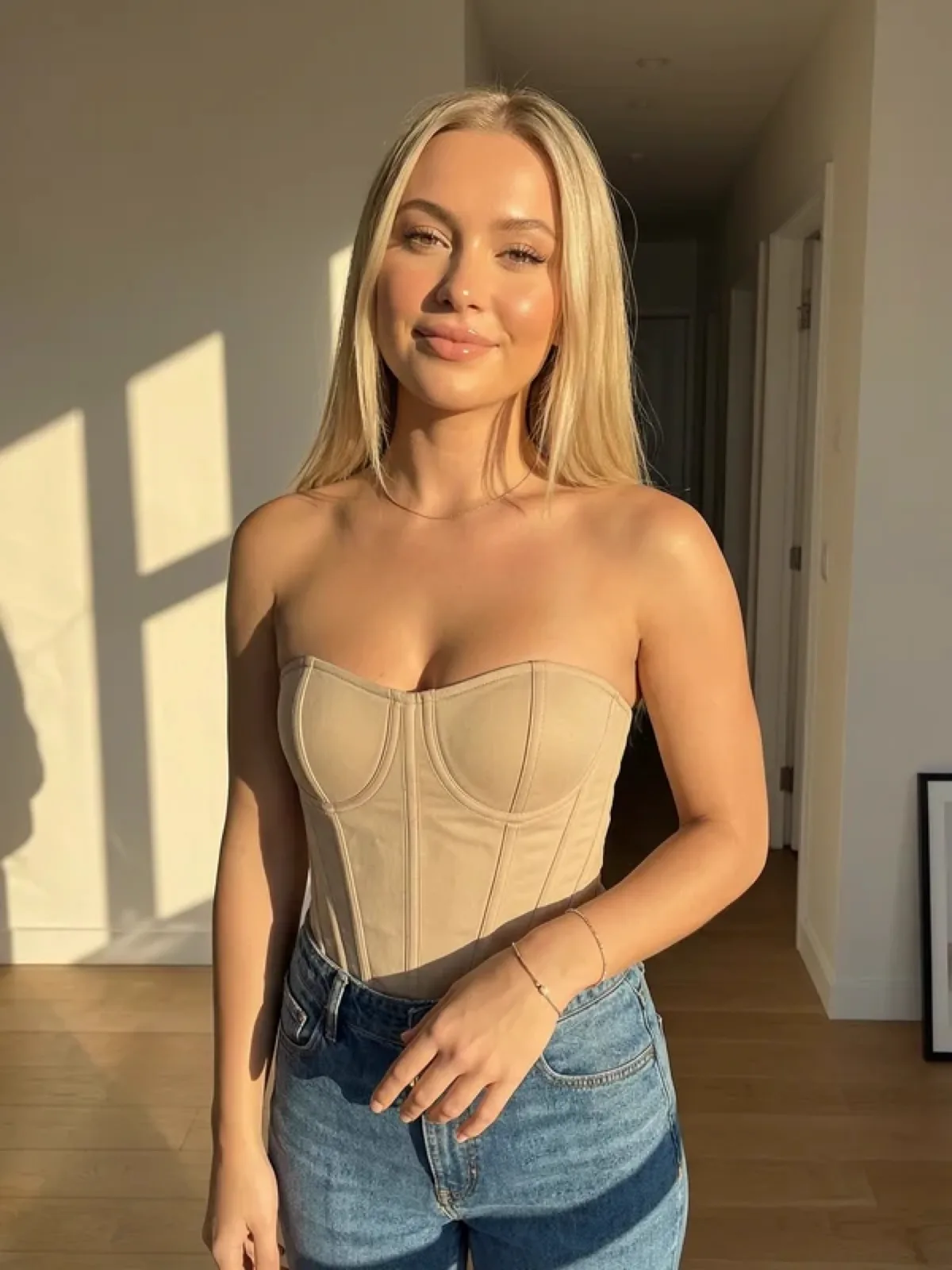 before
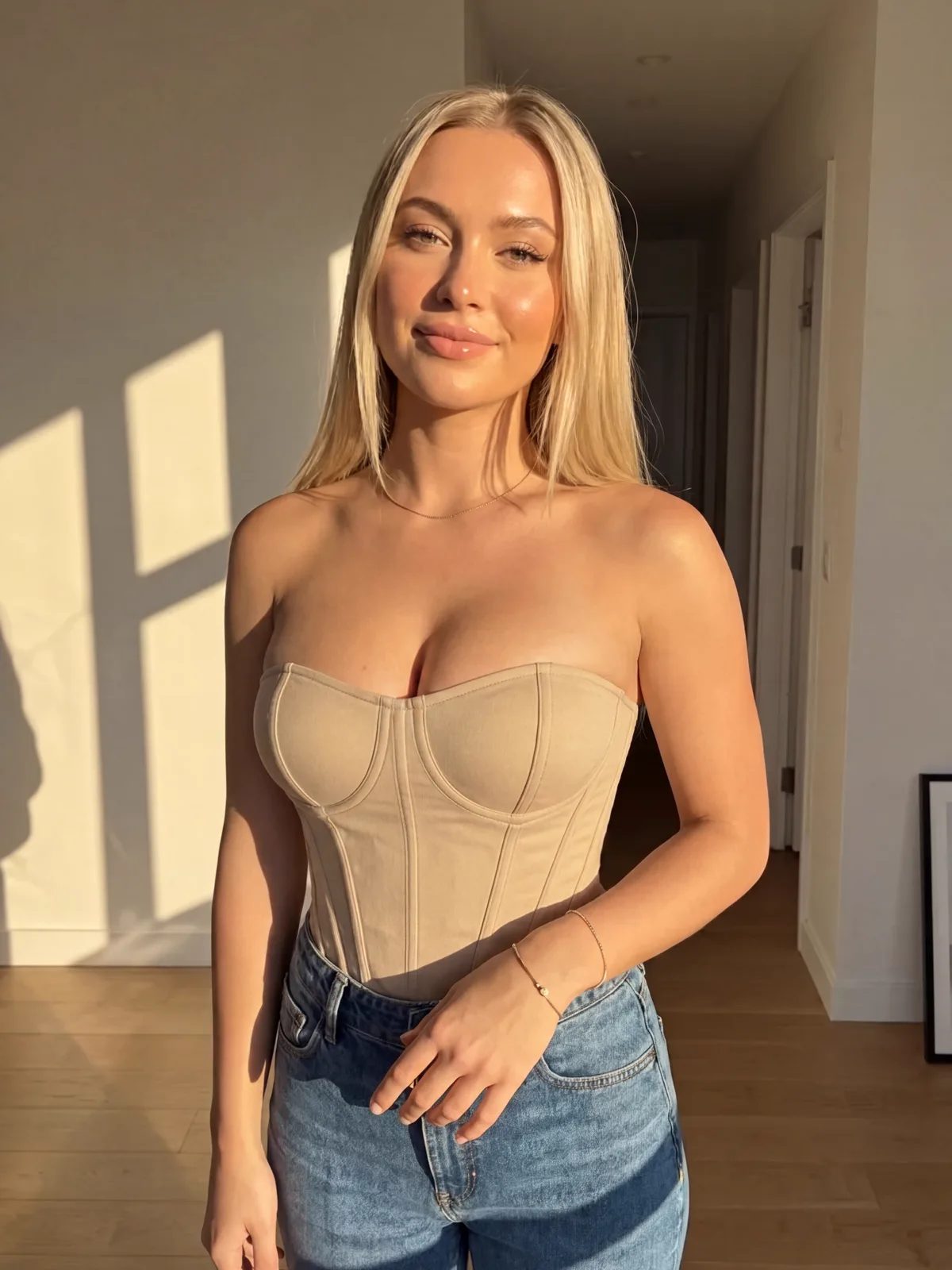 after
afterWhy Do Creators Choose ZenCreator for Bust Enhancement?
Auto-detects bust area — no manual masking needed
- Body-contour detection runs automatically on upload — no selection tools
- Regenerated area matches skin tone, lighting angle and pose
- Face, hands and background stay pixel-identical to the original
5 enhancement levels from subtle to bold
- Level 1–2: subtle, natural-looking change
- Level 3–5: progressive increase in size, still proportion-aware
- Re-run with a different level until the result is right
Full-resolution output — uncensored, no watermark
- No content filter on legal adult edits — runs where other editors refuse
- Full-resolution file with no watermark, logo or overlay
- Accepts JPG, PNG, JPEG, WEBP and BMP uploads
How Do You Enhance the Bust with AI?
Upload your photo
Drop in a clear, well-lit photo. Front-facing poses give the AI the most complete view of the body contour, which improves detection accuracy.
Pick an enhancement level
Choose how much to change. Levels 1–2 produce subtle, natural results; levels 4–5 are more pronounced. The AI detects the bust area automatically — no manual selection.
Download your result
Compare the before and after, then download. The file is full-resolution, clean and ready to use — no overlay, no watermark, no attribution.
Frequently asked questions
What is an AI bust enhancer?+
An AI bust enhancer uses latent-diffusion inpainting (Rombach et al., 2022, CVPR) to reshape the bust area of a photo. The tool auto-masks the region, then the model generates new content that matches surrounding skin tone, lighting and proportions — blending seamlessly with no visible seams.
Can AI really enlarge the bust in a photo naturally?+
Yes. The model reads the surrounding pixels before regenerating the masked region, so the result keeps consistent lighting, skin texture and body proportions. Levels 1–2 out of 5 produce the most believable, natural-looking output — lighting direction, skin tone and body silhouette all carry through from the original. Higher levels (3–5) produce a more pronounced change while still keeping the result proportionate. A front-facing photo with clear, even lighting gives the model the most pixel context to work with, which translates directly into a more seamless result.
Is there a watermark on the result?+
No. ZenCreator delivers full-resolution output with no watermark, logo or attribution overlay — the file is ready to use as-is.
What photos work best?+
A clear, well-lit, front-facing photo with the subject unobstructed gives the most accurate result. Higher input resolution yields sharper regenerated areas — 1000×1000 px or larger is recommended. Photos with heavy JPEG compression artefacts, strong fisheye distortion, or significant body area hidden by clothing or posture produce less accurate detection. Natural or studio lighting works better than harsh shadows or strong backlighting, which can interfere with body-contour detection.
Do I need editing skills?+
No. There is no manual masking, layer work or selection tool — the AI detects the bust area automatically on every upload. Upload a photo, choose one of 5 enhancement levels, and generate; the inpainting model handles region detection, content regeneration and seamless blending end-to-end. The entire workflow takes under a minute from upload to download.
Can I use the enhanced photos commercially?+
Yes. Images you generate on ZenCreator are yours to use, including for fashion mockups, e-commerce product imagery, and marketing materials. You retain output rights for all generated content. You remain responsible for ensuring you had the rights to the source photo you uploaded — ZenCreator does not verify input ownership.
Is it legal to use?+
The tool itself is legal. Creating intimate imagery of real, identifiable people without their consent is illegal in most countries and strictly prohibited on ZenCreator. You are responsible for ensuring your use complies with local law.
Enhance Your Photo with AI
Upload a photo and get a full-resolution, uncensored result with no watermark.
Start Creating