AI Clothes Transfer
Swap outfits on any photo — realistic fabric, fit and lighting.
Generation runs in the ZenCreator app
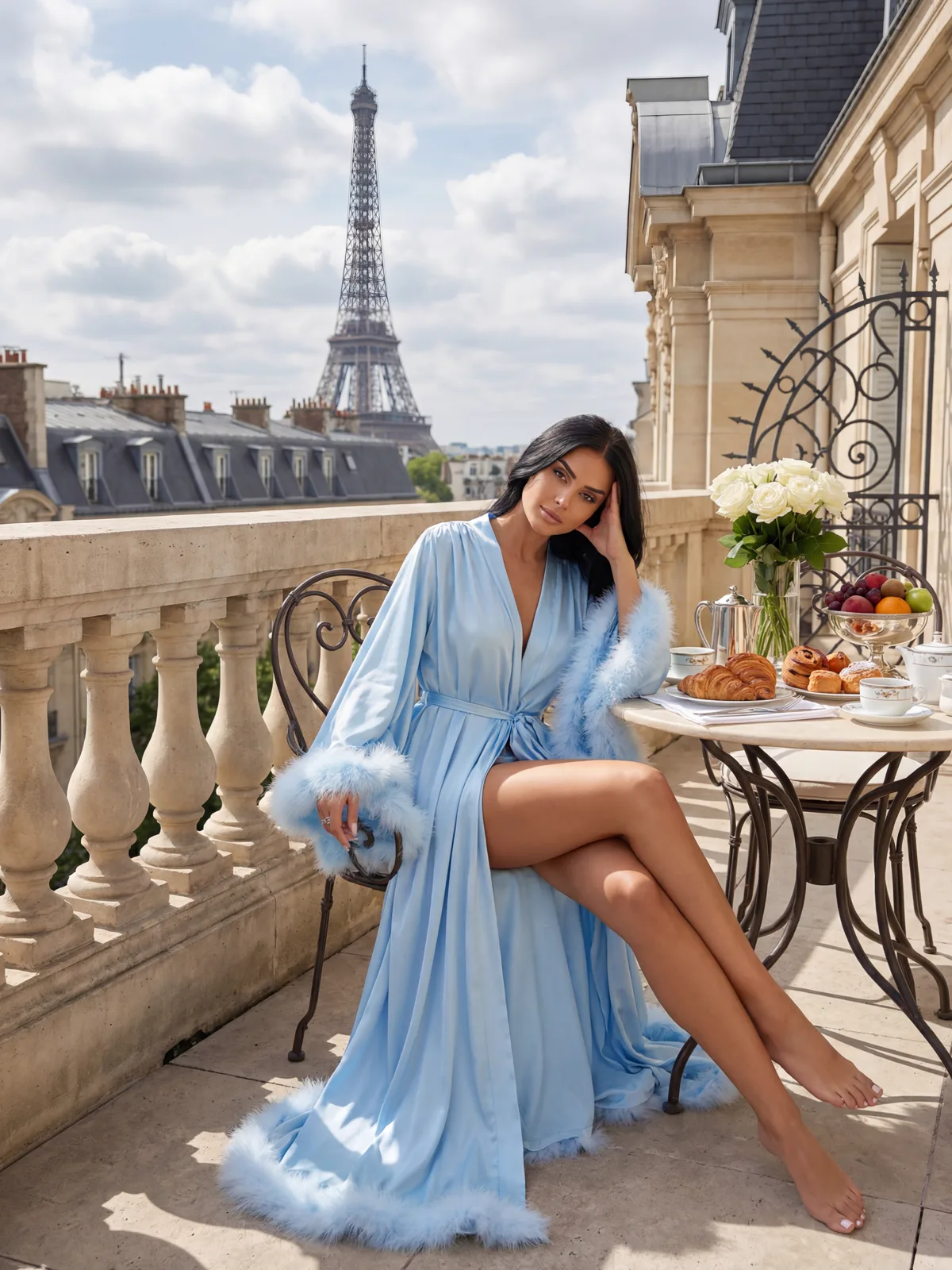 Before
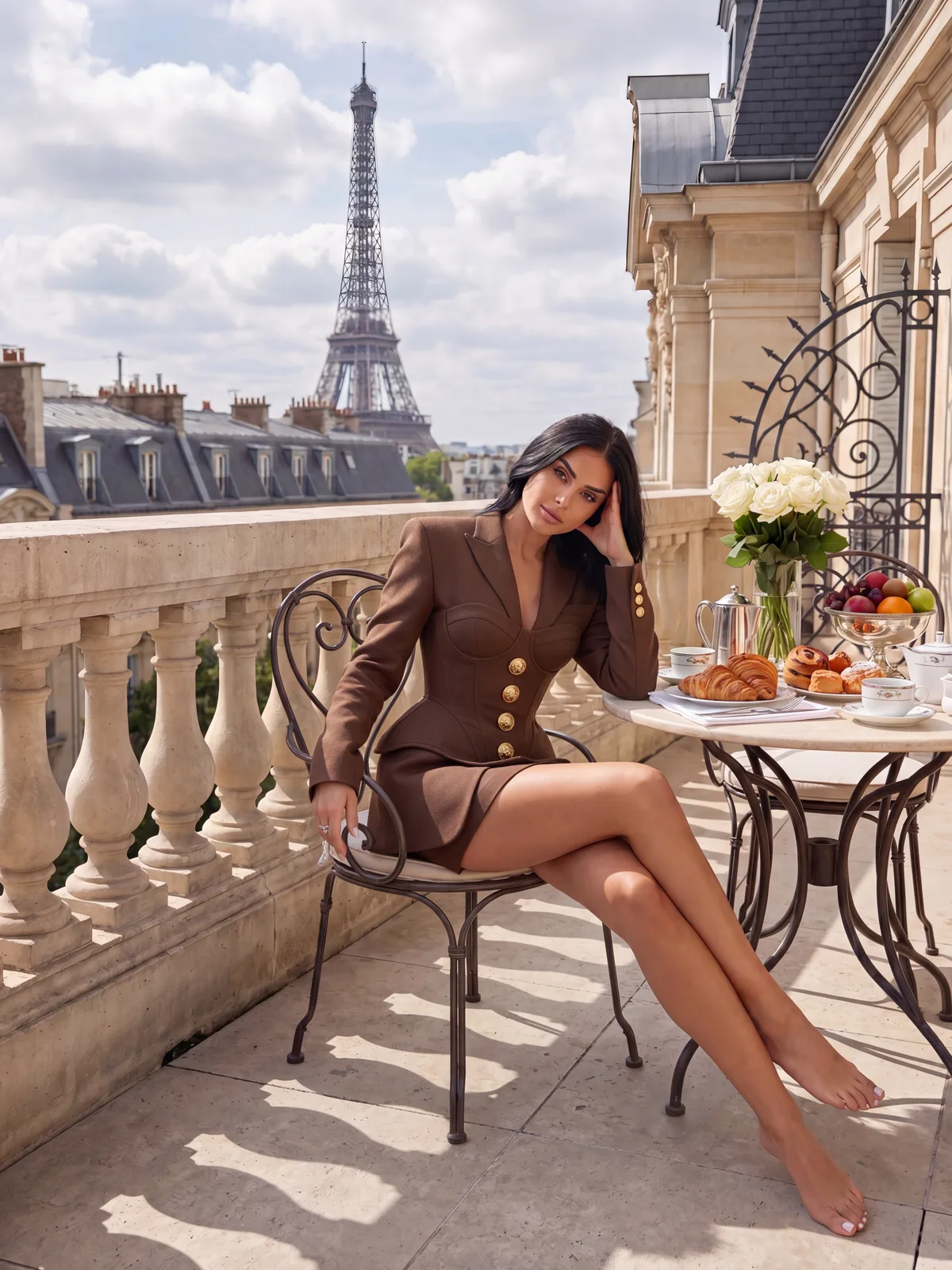 After
AfterAn AI clothes transfer tool uses inpainting to replace clothing in a photo while preserving body shape, skin tone and scene lighting. Upload a photo, describe or select the outfit, and ZenCreator generates a realistic result — no manual editing, no watermark.
What Is an AI Clothes Transfer Tool?
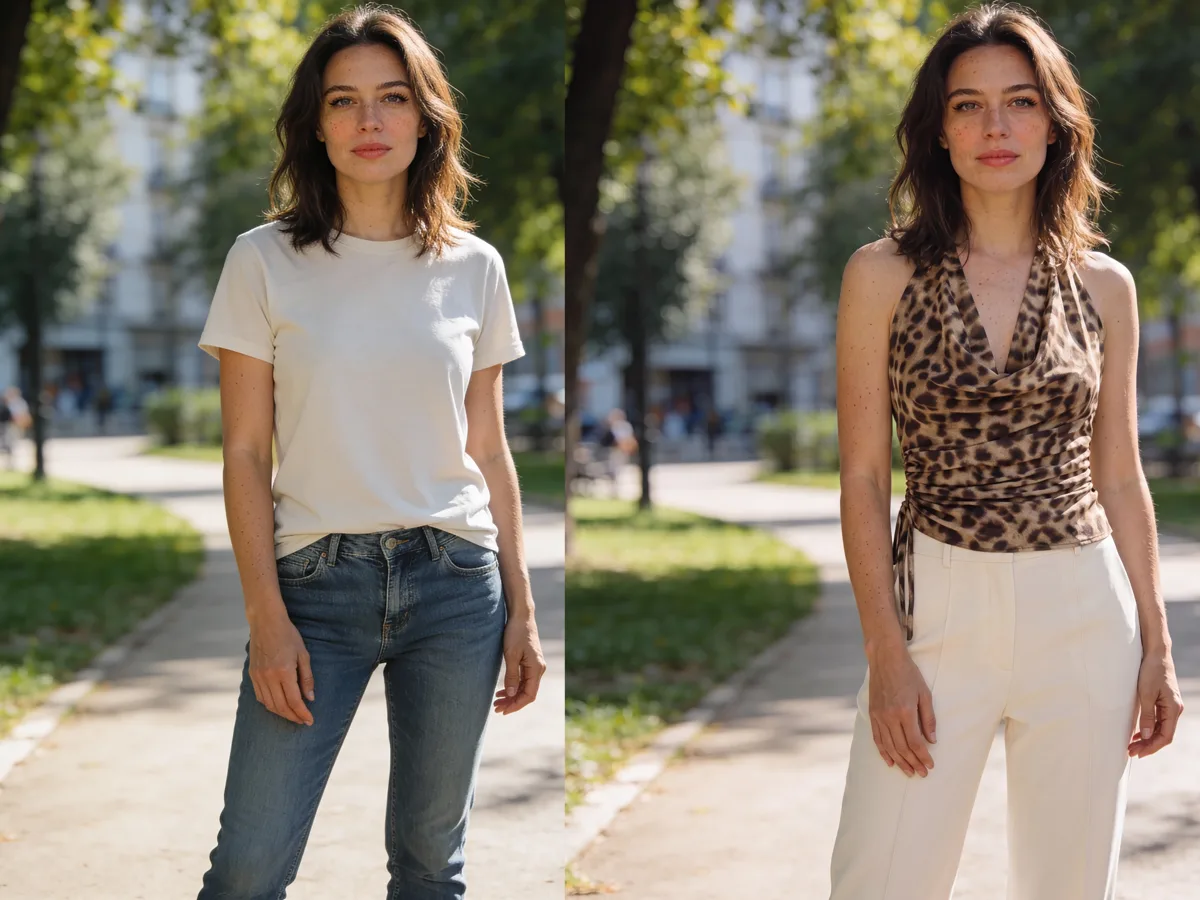
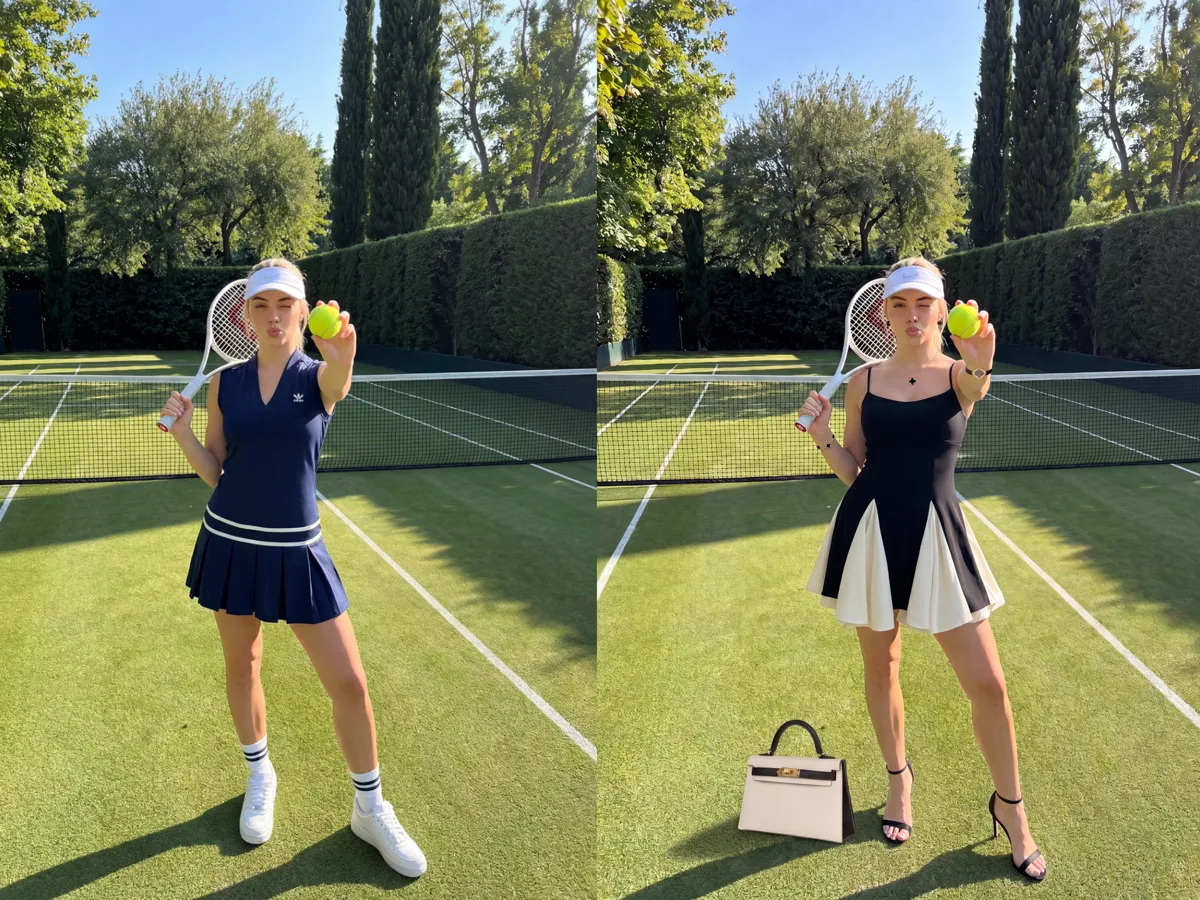
An AI clothes transfer tool uses inpainting to replace the clothing in a photo — auto-detects the garment region and regenerates it to match the specified outfit while keeping body shape, skin tone and lighting intact.
The model reads the surrounding pixels before filling in the masked garment area, which is why the fabric texture and shadows blend seamlessly with the rest of the photo. ZenCreator applies no content filter to clothing edits, so the tool works on uncensored fashion photography where mainstream editors refuse. Output is full-resolution with no watermark.
Technique: latent-diffusion inpainting (Rombach et al., 2022, CVPR) — the model regenerates a masked region with content inferred from surrounding pixel context, producing seamless garment replacements without manual retouching.
Before & after
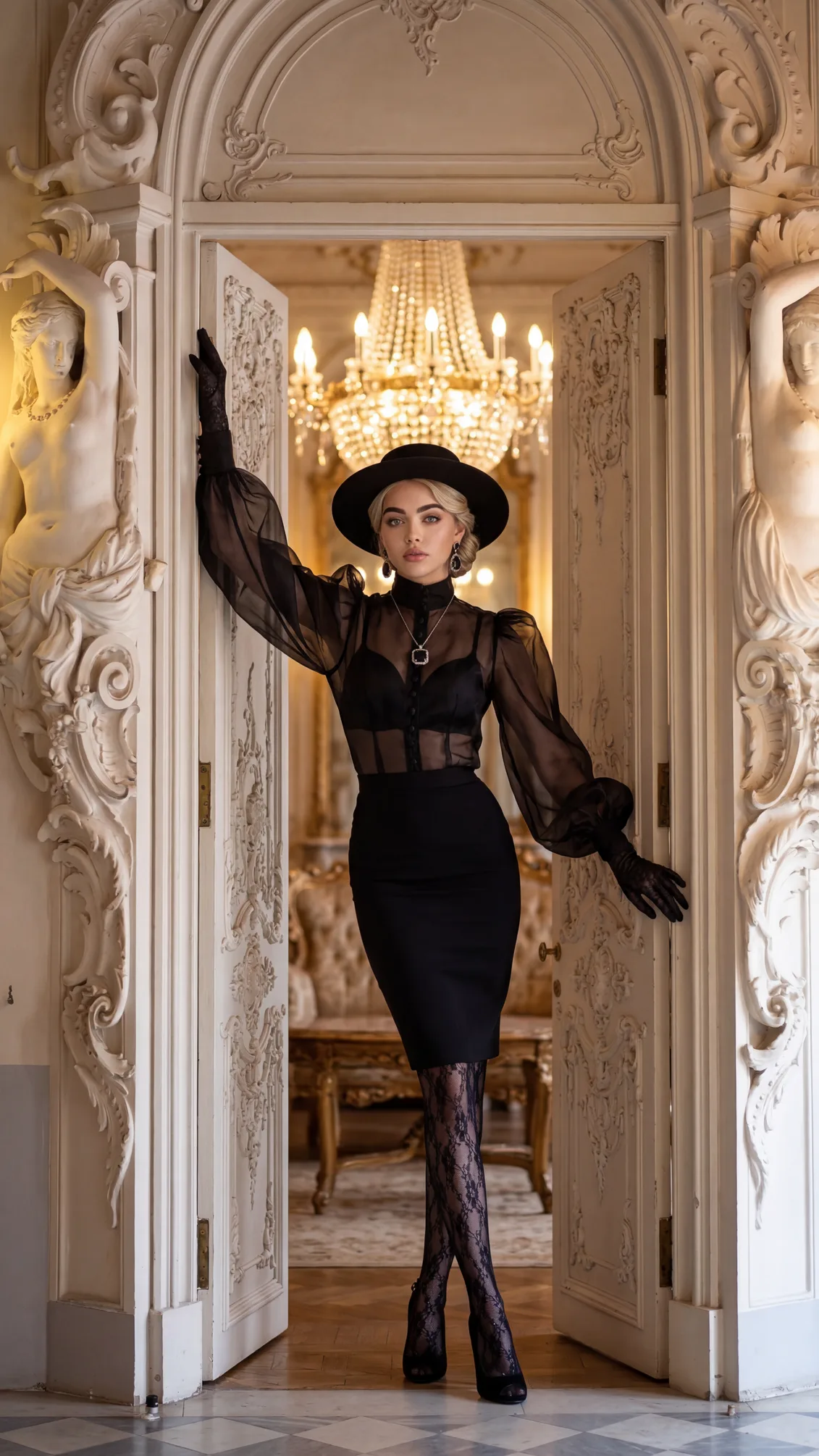 before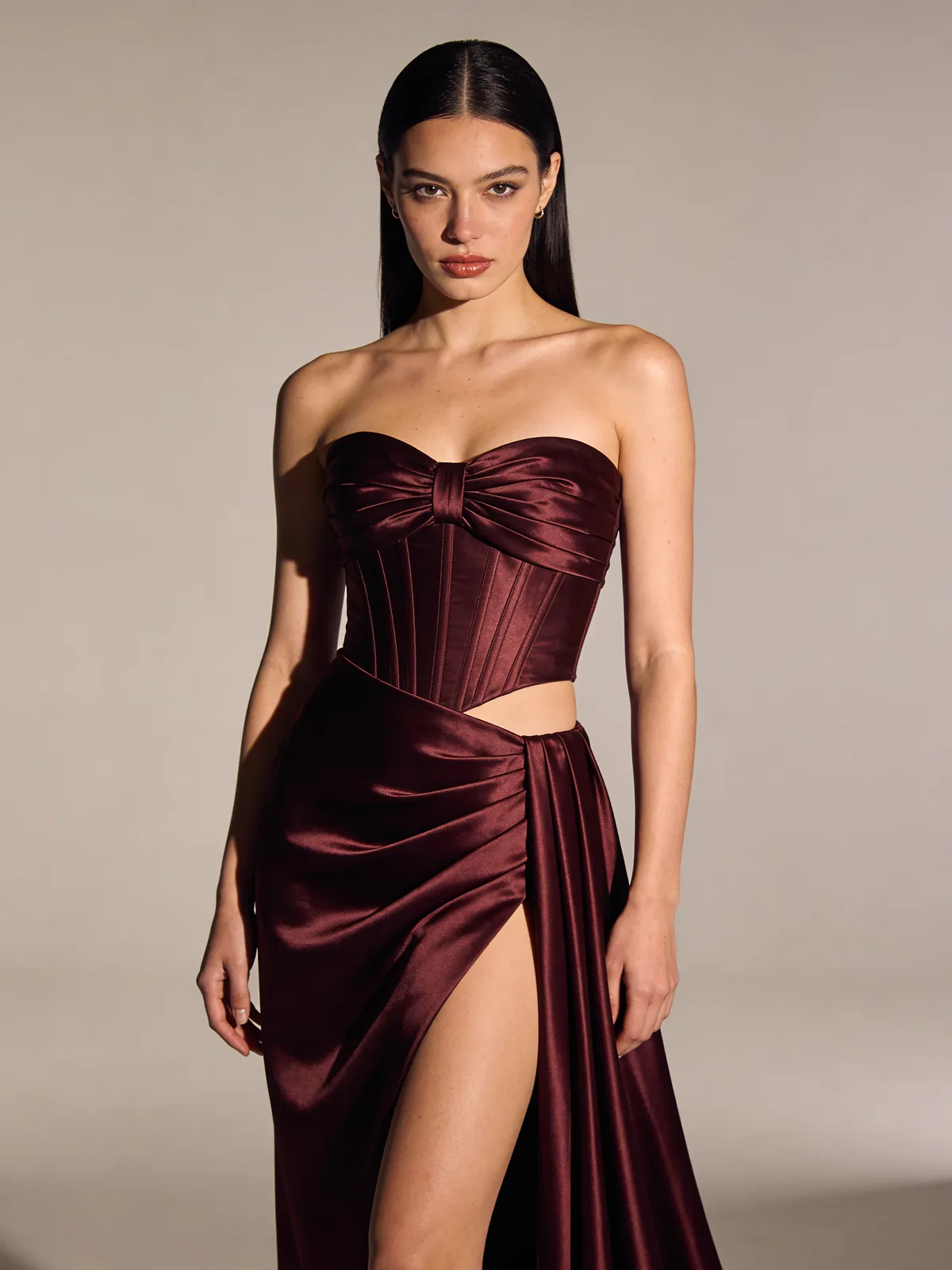
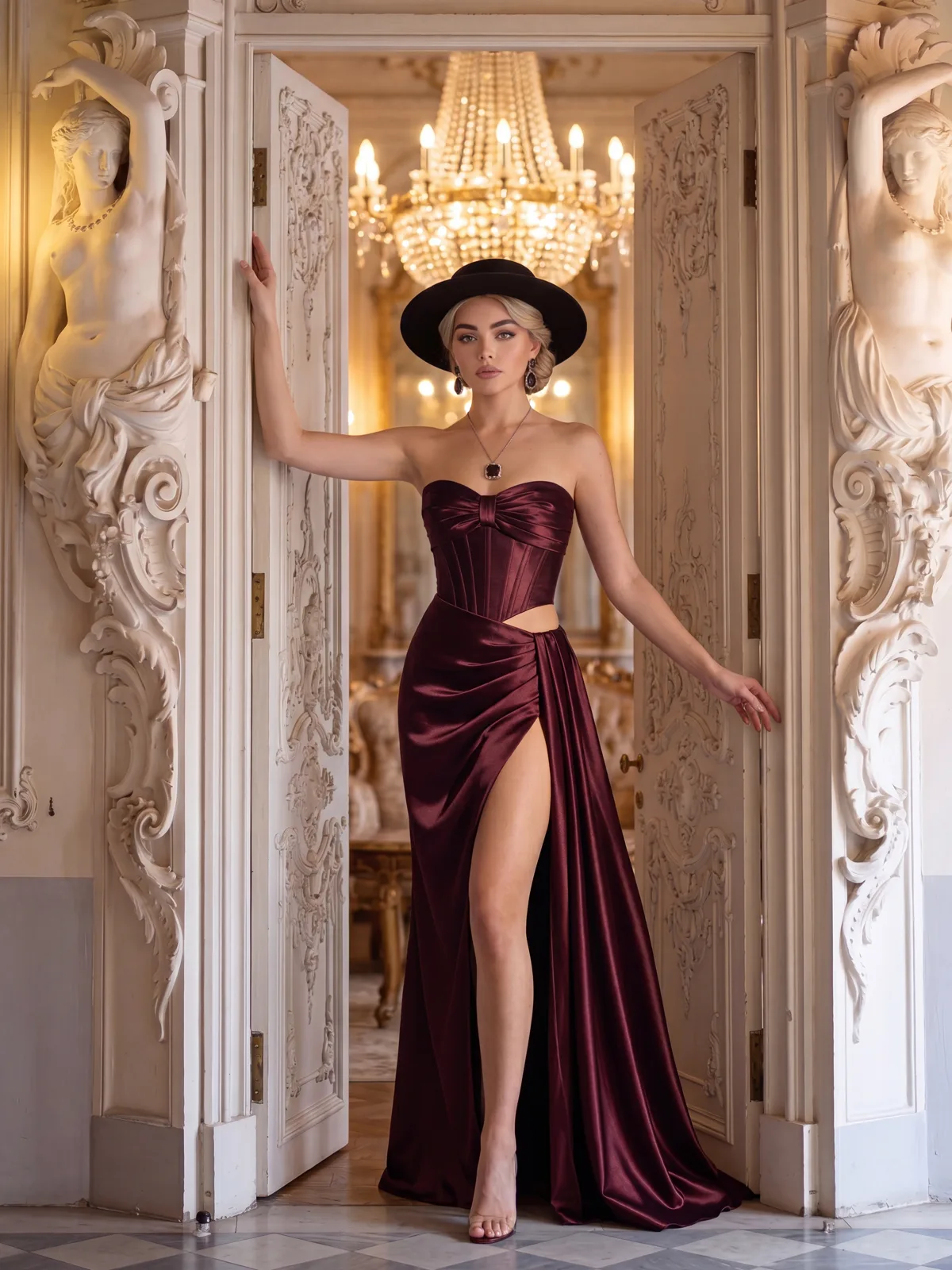 after
after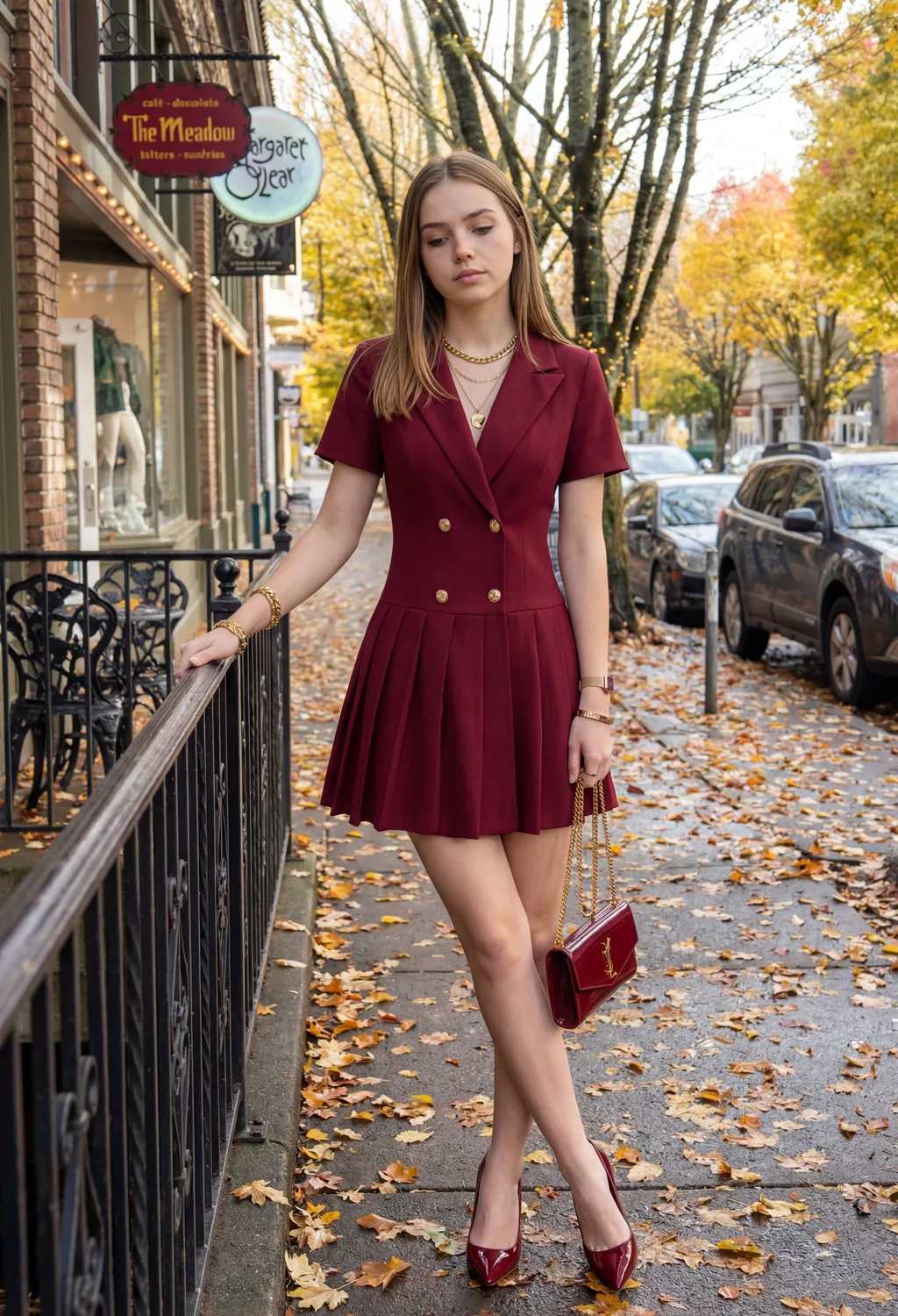 before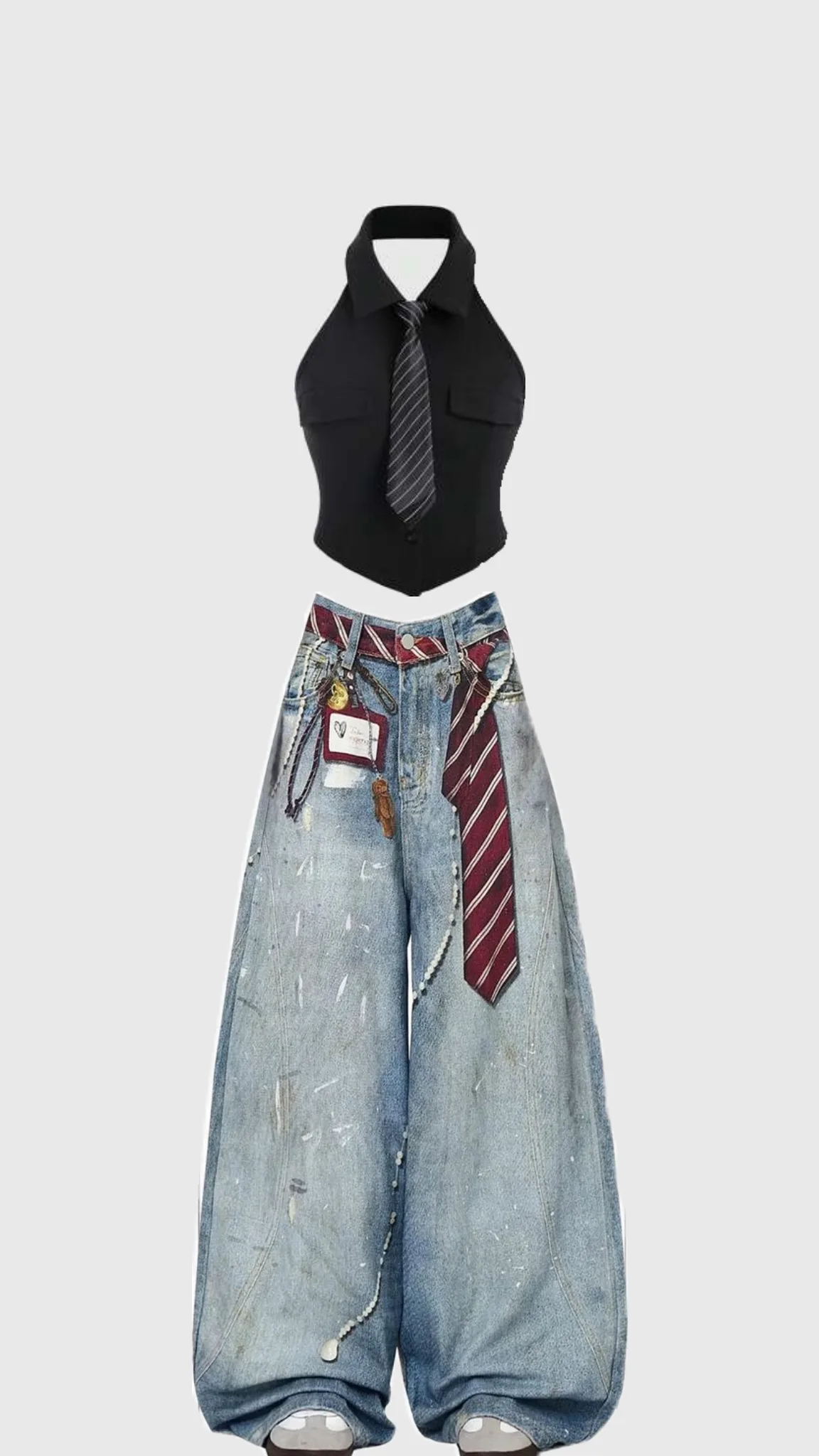
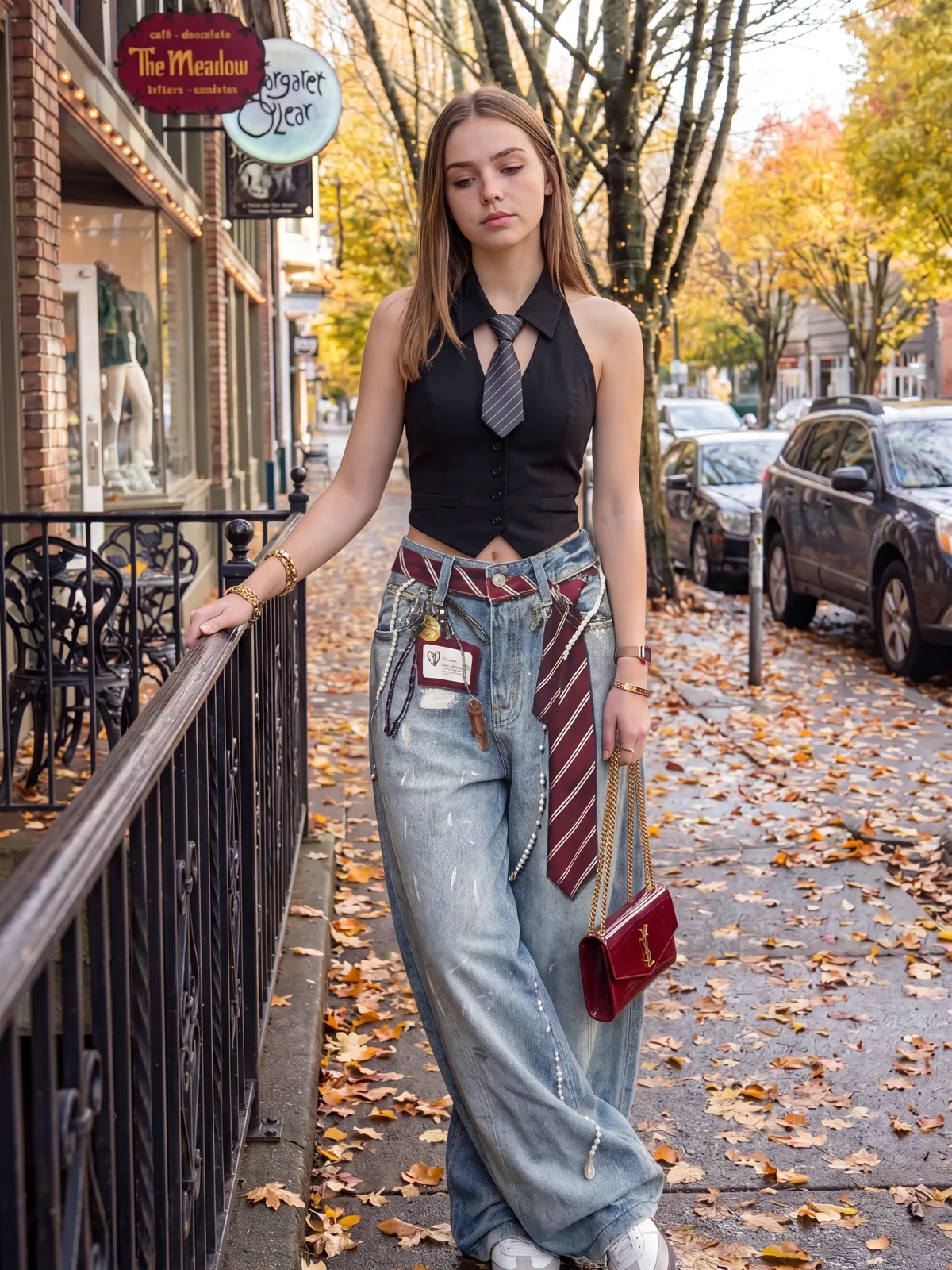 after
after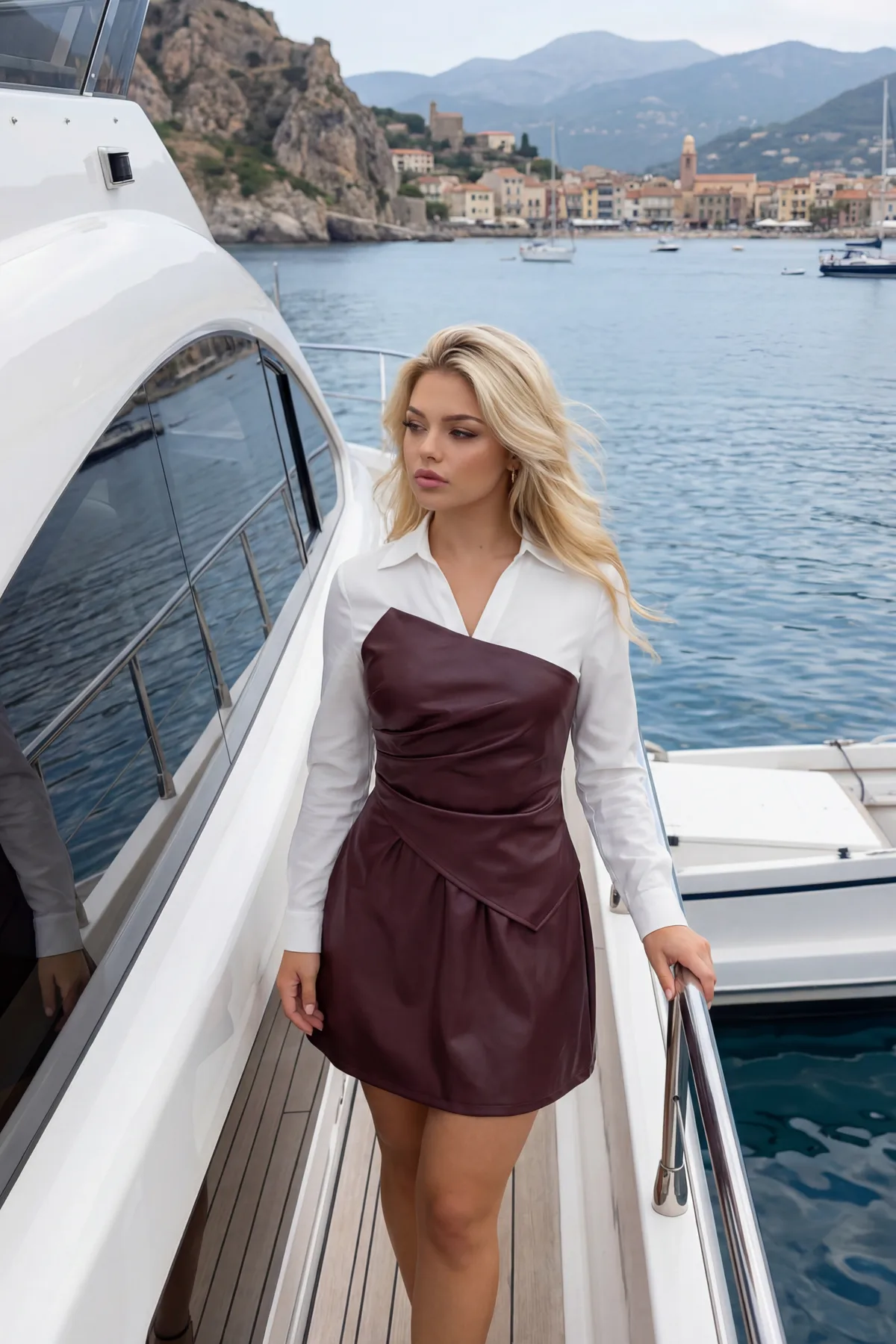 before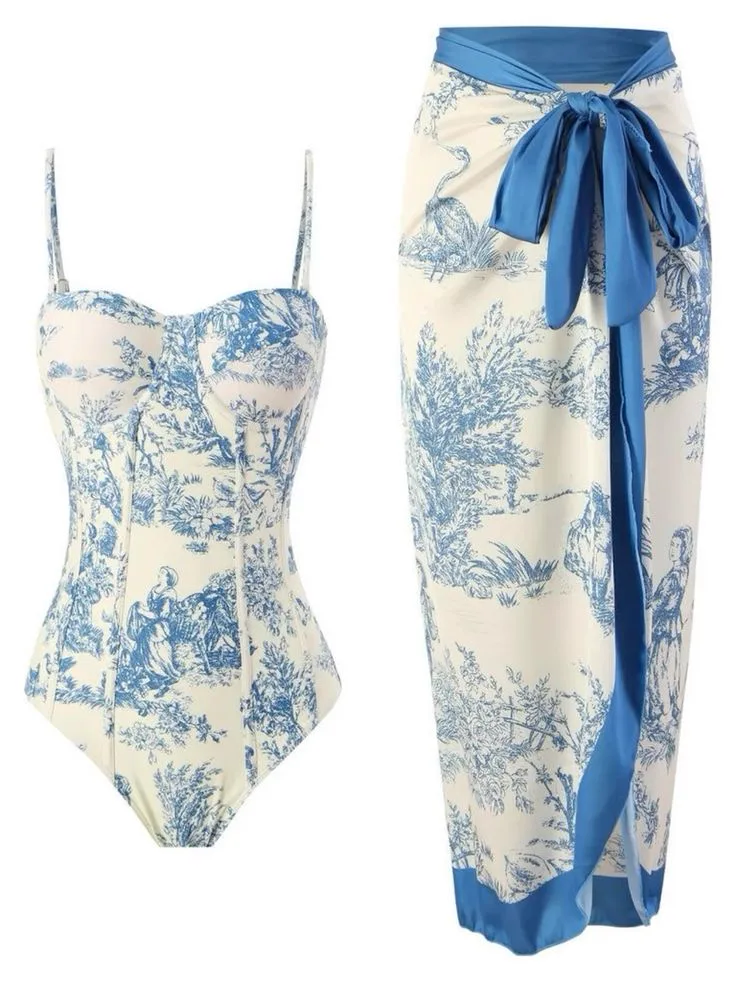
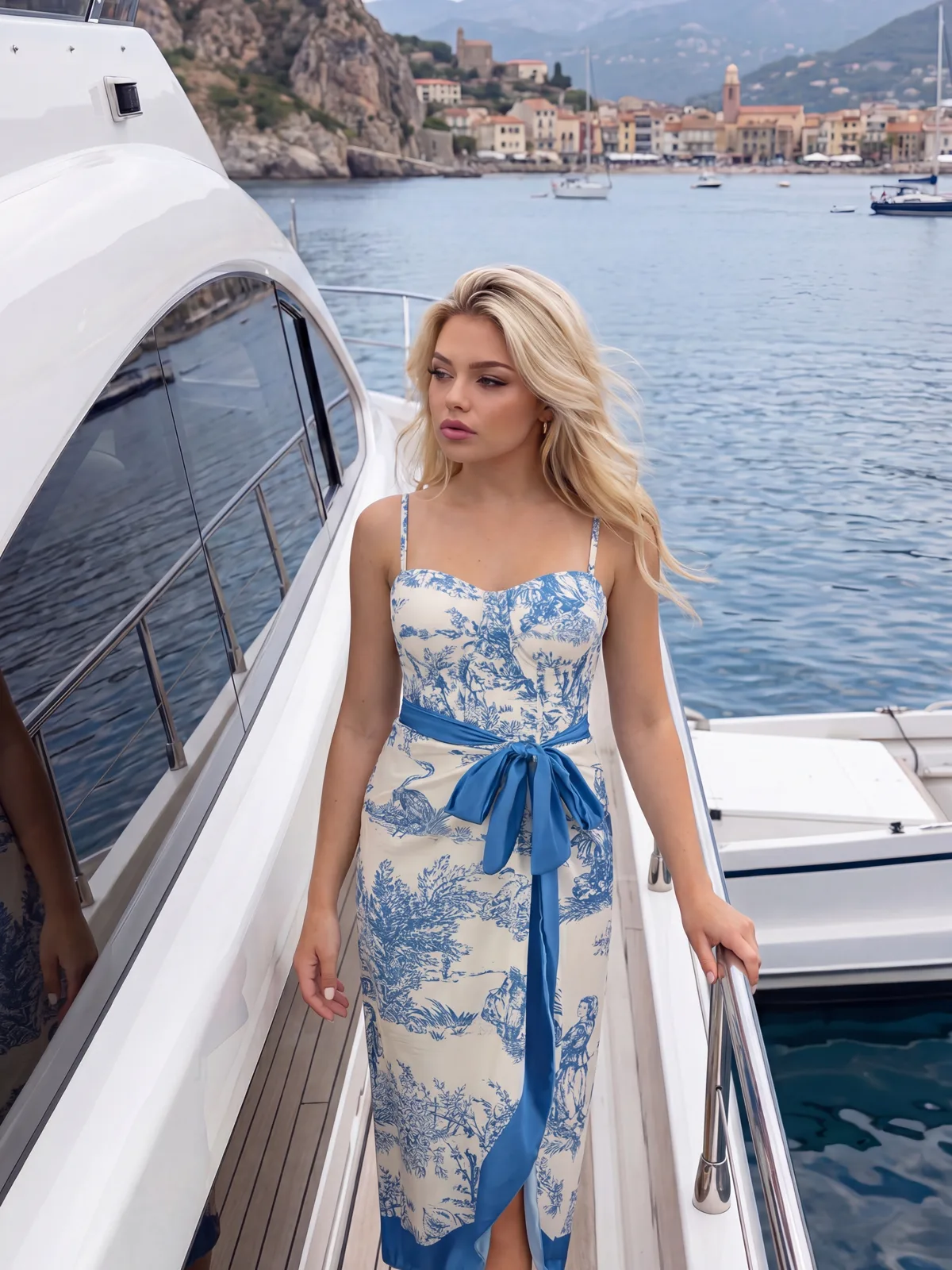 after
afterWhy Do Creators Use ZenCreator for Clothes Transfer?
Auto-detects garment area — no manual masking
- Garment detection runs automatically on upload — no selection tools
- Fabric texture and shadows blend with the original lighting
- Body shape, face and background stay pixel-identical
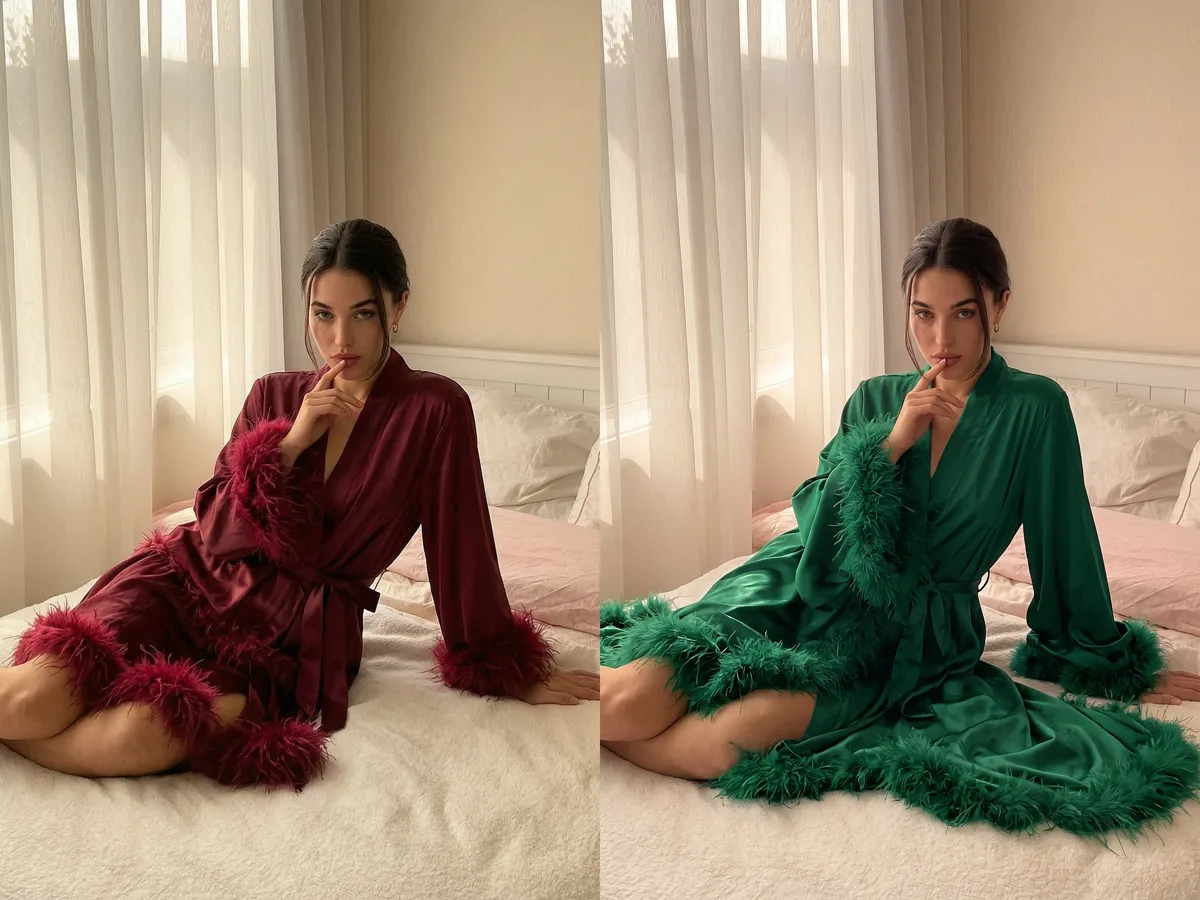
Works on fashion, cosplay and adult content
- No content filter on legal fashion or adult photography
- Handles diverse clothing styles — casual, formal, lingerie, cosplay
- Preserves body proportions across all outfit types
Full-resolution output, no watermark
- Full-resolution file ready for e-commerce or editorial use
- No watermark, logo or overlay on the output
- Accepts JPG, PNG, WEBP and BMP uploads
How Do You Transfer Clothes with AI?
Upload your photo
Drop in a clear, well-lit photo. Full-body or 3/4 shots with the clothing clearly visible give the most accurate garment detection.
Select or describe the outfit
Choose a clothing style or describe what you want. The AI auto-detects the garment region and replaces it — no manual selection needed.
Download your result
Compare before and after, then download. The file is full-resolution, clean and ready to use — no overlay, no watermark.
Frequently asked questions
What is an AI clothes transfer tool?+
An AI clothes transfer tool uses latent-diffusion inpainting to replace clothing in a photo. It auto-detects the garment area, then generates new clothing content that matches the specified style while keeping body shape, skin tone, lighting and background pixel-identical to the original.
Does the outfit look realistic after the transfer?+
Yes. The model reads surrounding pixels — body contour, lighting angle, shadow direction — before generating the new garment, so fabric texture and drape blend naturally with the rest of the photo. A high-resolution input (1000×1000 px or larger) with even lighting gives the most realistic result.
What clothing styles can I apply?+
Any style — casual, formal, sportswear, lingerie, cosplay, swimwear. ZenCreator applies no content filter to legal clothing edits, so it handles categories that mainstream fashion editors refuse.
Do I need photo editing skills?+
No. There is no manual masking, layer work or selection tool. Upload a photo, specify the outfit, and generate. The AI handles detection, replacement and blending end-to-end. The workflow takes under a minute.
Can I use the results for e-commerce or marketing?+
Yes. Images you generate on ZenCreator are yours to use commercially, including for product mockups, e-commerce listings and marketing materials. You remain responsible for the rights to the source photo you uploaded.
Change Any Outfit with AI
Upload a photo and get a full-resolution, uncensored result with no watermark.
Start Creating