AI Background Remover
Erase or replace any photo background in one click — clean edges, no manual selection.
Generation runs in the ZenCreator app
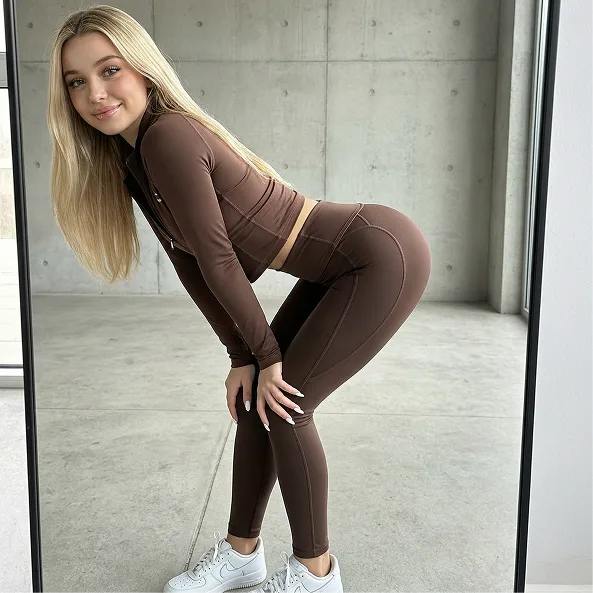 Before
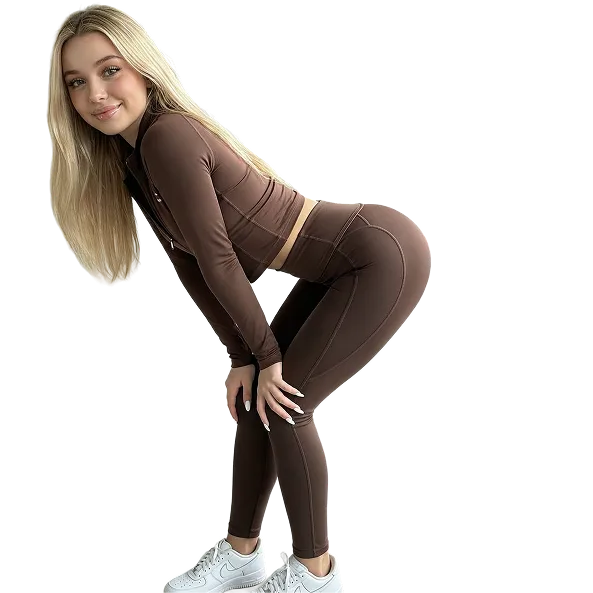 After
AfterAn AI background remover uses image segmentation to detect the subject and cut it out from the background automatically. Upload a photo, and ZenCreator returns a clean transparent PNG in seconds — then optionally replaces the background with an AI-generated scene. No manual masking, no watermark.
What Is an AI Background Remover?
An AI background remover automatically detects the main subject in a photo and separates it from the background, producing a transparent cutout — no manual selection or eraser brush needed.
The model runs semantic segmentation to trace the subject outline, including fine detail like hair strands and soft edges, then outputs a transparent PNG. On ZenCreator, the same Editor tool can go further: replace the removed background with an AI-generated scene, so you get a finished composite, not just a cutout. Output is full-resolution with no watermark.
Technique: deep image segmentation and alpha matting — the model predicts a per-pixel subject mask (Xu et al., "Deep Image Matting", 2017, CVPR), which is why edges and hair separate cleanly without manual tracing.
Before & after
 before
 after
after before
 after
after before
 after
afterWhy Do Creators Use ZenCreator to Remove Backgrounds?
One-click cutout — no manual masking
- Subject detection runs automatically on upload — no lasso or eraser tools
- Preserves hair strands and soft edges via alpha matting
- Outputs a transparent PNG ready to drop into any design
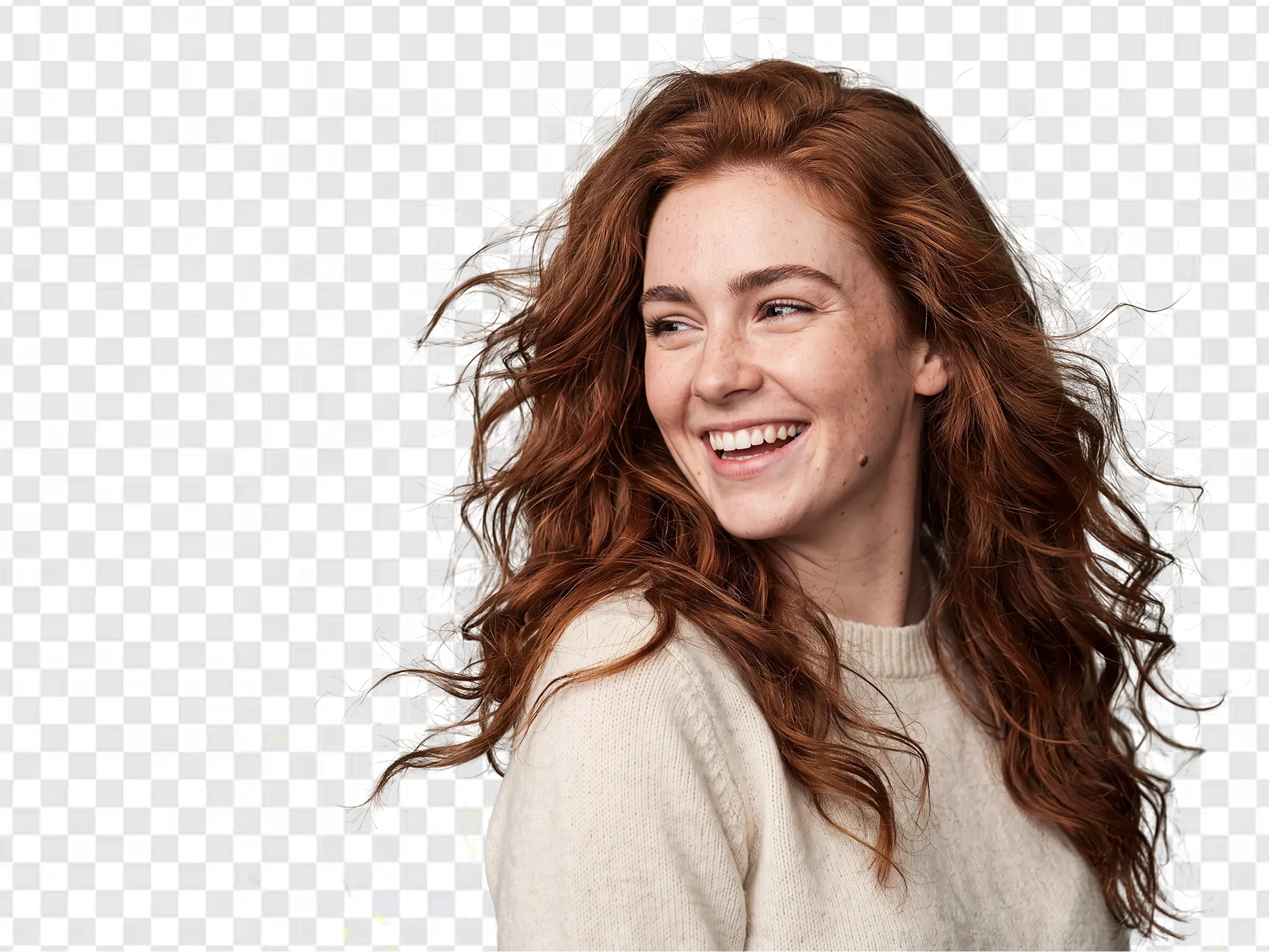
Remove AND replace — not just a cutout
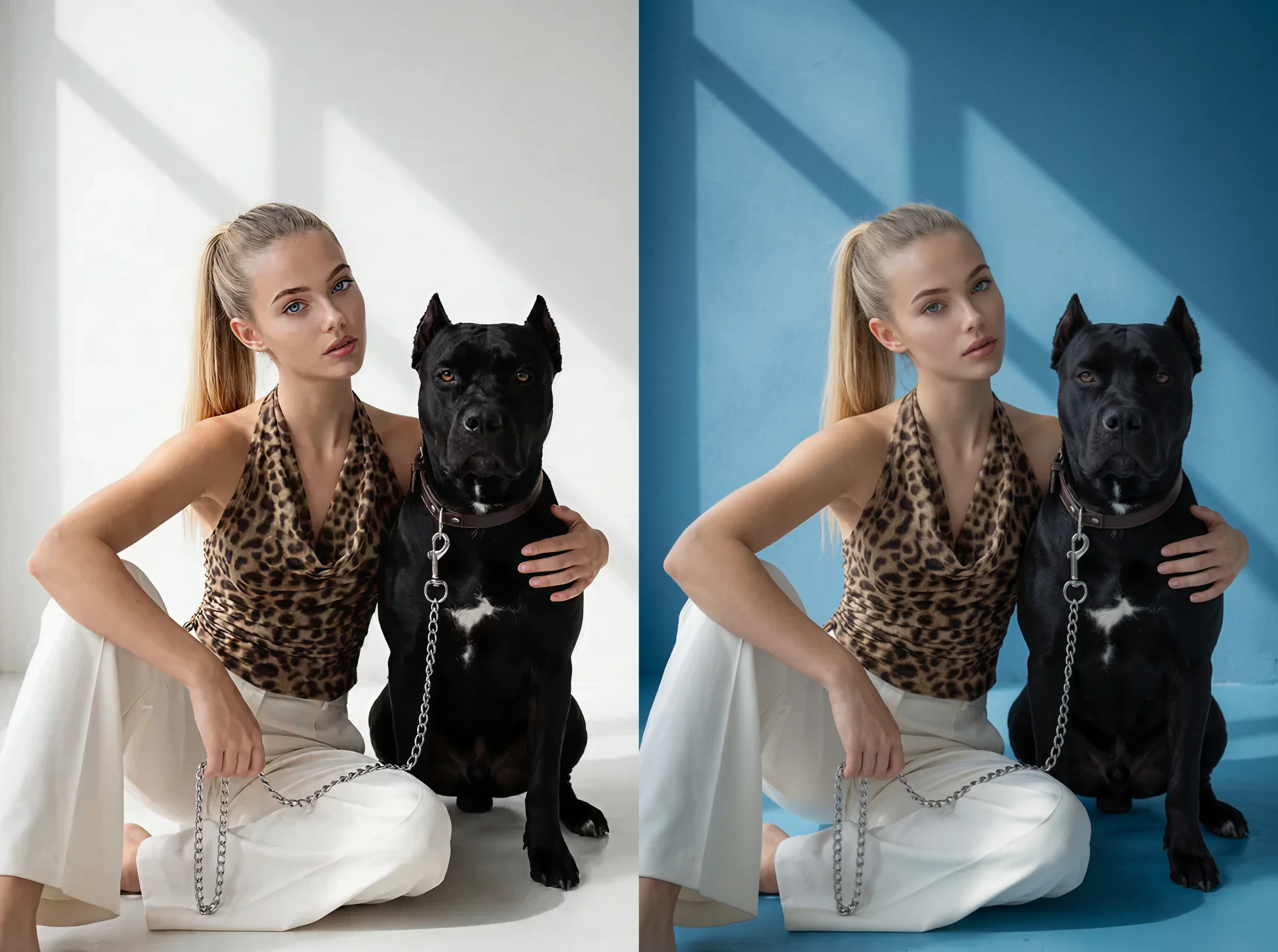
- Swap the background for an AI-generated scene in the same tool
- Describe the new background in words — studio, outdoor, solid color
- Keeps the subject lighting consistent with the new scene
Full resolution, no watermark, batch-ready
- Full-resolution export with a clean transparent alpha channel
- No watermark, logo or overlay on the output
- Process a full set of product shots in one batch run
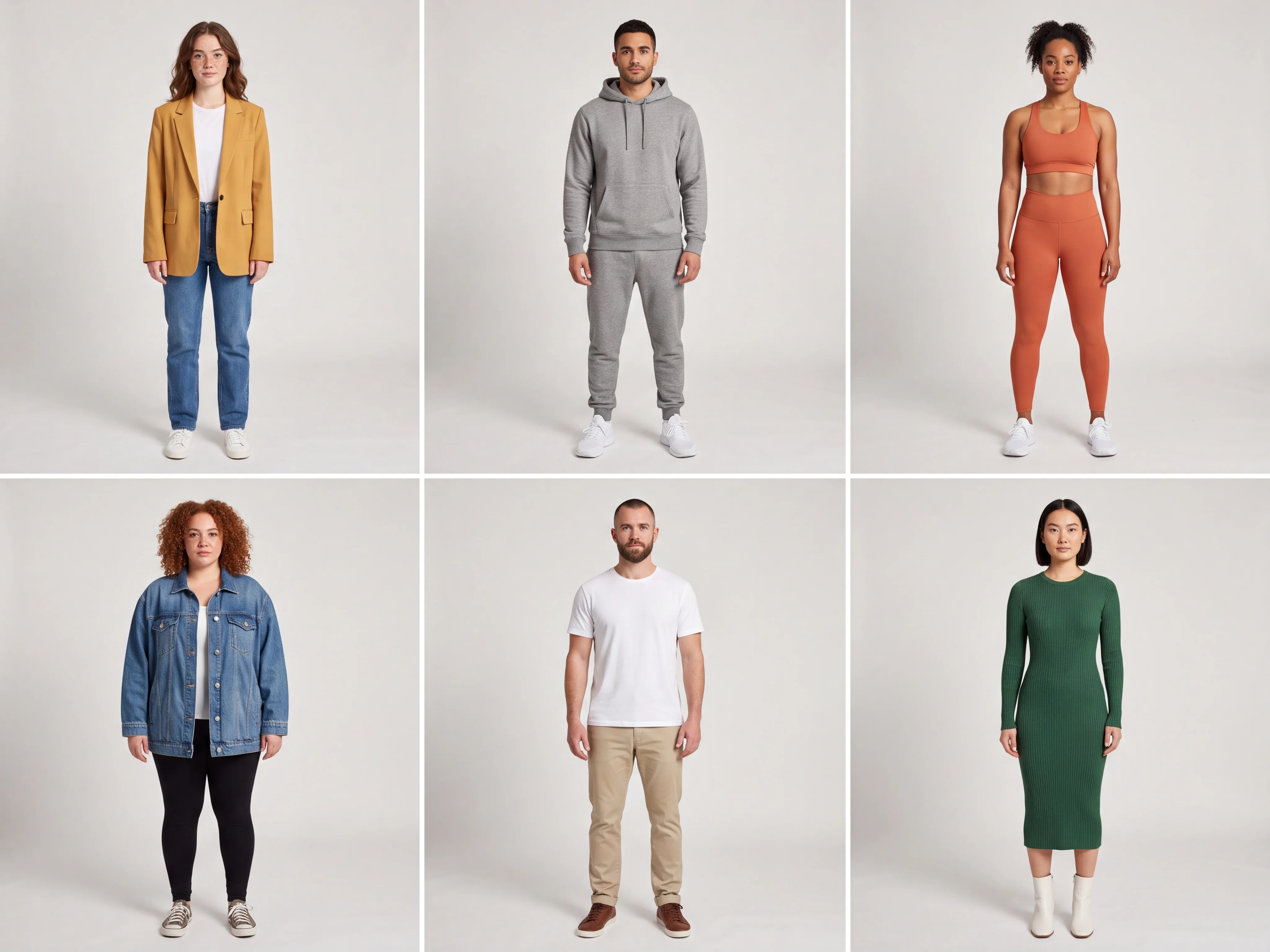
How Do You Remove a Background with AI?
Upload your photo — JPG, PNG or WEBP
Drop in the image you want to cut out. A sharp subject with a bit of contrast against the background gives the cleanest edges. The AI detects the subject automatically on upload.
Remove or replace the background
Keep the transparent cutout as-is, or describe a new background to generate in its place. The AI regenerates only the background region and blends the subject into it.
Download your result
Export the transparent PNG or the finished composite at full resolution. The file is clean and ready to use — no watermark, no overlay.
Frequently asked questions
What is an AI background remover?+
An AI background remover uses image segmentation to detect the main subject in a photo and separate it from the background automatically. It outputs a transparent PNG cutout — no manual selection, lasso, or eraser needed. ZenCreator can also replace the removed background with an AI-generated scene in the same step.
Does the AI keep hair and fine edges clean?+
Yes. The model uses alpha matting to predict a per-pixel mask, so hair strands and soft edges separate without the jagged outline manual tools leave. A higher-resolution input (1000×1000 px or larger) with clear subject-to-background contrast gives the cleanest result.
Can I get a transparent PNG?+
Yes. The default output is a full-resolution PNG with a transparent alpha channel, ready to drop into any design, mockup, or marketplace listing. There is no watermark on the export.
Can I replace the background instead of just removing it?+
Yes. In the same Editor tool you can describe a new background — a studio backdrop, an outdoor scene, or a solid color — and the AI generates it behind the subject, matching the lighting. That turns a plain cutout into a finished composite.
What image formats can I upload?+
ZenCreator accepts JPG, PNG and WEBP uploads. For the sharpest cutout, use a well-lit image where the subject stands out from the background. Results are exported as transparent PNG or a flattened composite.
Can I remove backgrounds from many photos at once?+
Yes. Batch processing handles a full set of images in one run — useful for e-commerce catalogs where every product needs the same clean transparent background. Each output keeps full resolution with no watermark.
Remove Any Background with AI
Upload a photo and get a clean transparent PNG in seconds — or replace the background with an AI-generated scene. Full resolution, no watermark.
Start Creating