10 Best AI Image Generators in 2026 (Free vs Paid, Tested)
Tested 10 top AI image generators in 2026 — free and paid. From unrestricted platforms with character consistency to quick anonymous tools. Honest ranking.

If you've been searching for the best AI image generator in 2026 — free or paid — you've landed in the right place. We tested ten of them across portraits, landscapes, character work, and unrestricted prompts. Below is the honest ranking, with a clear free vs paid split so you can pick the right one for what you actually do.
Quick answer: If you're a content creator who needs unrestricted generation, the ability to lock in a character's face across dozens of images, and a pipeline that goes from image straight to video to publishing — ZenCreator is the clear #1. For one-off art, Midjourney still leads on sheer aesthetics. For new photoreal quality on a budget, ImagineArt 2.0 is the surprise pick of 2026. For truly free unlimited generation, Raphael AI is the only honest "no credit card needed" option that's actually usable.
Free vs paid: which type of AI image generator do you need?
Before the rankings, here's the call most people get wrong: tier doesn't predict quality. Some of the best output in 2026 comes from paid tools (Midjourney, ZenCreator, ImagineArt 2.0); some of the worst comes from "free" tools that are really watermarked teasers.
| If you want to… | Pick a tier |
|---|---|
| Build a content pipeline (50+ images/month, character consistency, no filters) | Paid creator-grade (ZenCreator) |
| Generate one-off art for fun or social posts | Freemium (Leonardo, OpenArt, ImagineArt) |
| Test the technology with zero commitment | Truly free (Raphael AI, Flux 2 hosts) |
| Use AI images commercially with low legal risk | Paid commercial-safe (Adobe Firefly) |
| Get sharp text inside images (posters, packaging) | Freemium (Ideogram) |
The "free vs paid" question matters less than "what's your actual workflow." That's how the ranking below is organized — by what each tool is genuinely best at.
The 10 Best AI Image Generators in 2026
1. ZenCreator — Best Overall for Creators
ZenCreator is built specifically for content creators, and it shows. It's not just an image generator — it's a full creative pipeline. You go from text prompt to polished image to video to published post, all inside one platform.
Why it wins:
- Text-to-Image (Gen by Prompt): Type what you want, get a high-quality image. The model handles everything from photorealistic portraits to stylized artwork. Open Image Generator →
- Image-to-Image: Upload a reference and transform it with a prompt. Great for iterating on an existing look without starting from scratch.
- Face Generator + Face Swap: Create a custom AI character with a unique face, then use Face Swap to paste that identity into any image. This is how creators maintain character consistency across a whole content series — something almost no other free tool can do.
- PhotoShoot: 40+ themed categories (editorial, fashion, lifestyle, travel, etc.) with identity lock built in. You pick the scene; your character stays consistent. Open PhotoShoot →
- Upscaler: Scales images up to 4x with a face-safe mode that sharpens faces without the usual AI distortion artifacts.
- Batch generation: Generate hundreds of images at once — useful for social content pipelines, not just single posts.
- No content filters: ZenCreator is fully unrestricted. You won't hit a refusal wall mid-project. If you want to dig deeper into that, see our best unrestricted AI image generator guide and our free uncensored AI image generator roundup.
- Editor, Combiner, Carousel: Built-in editing tools and a Carousel feature for turning AI images directly into social posts.
Here's what real ZenCreator output looks like:
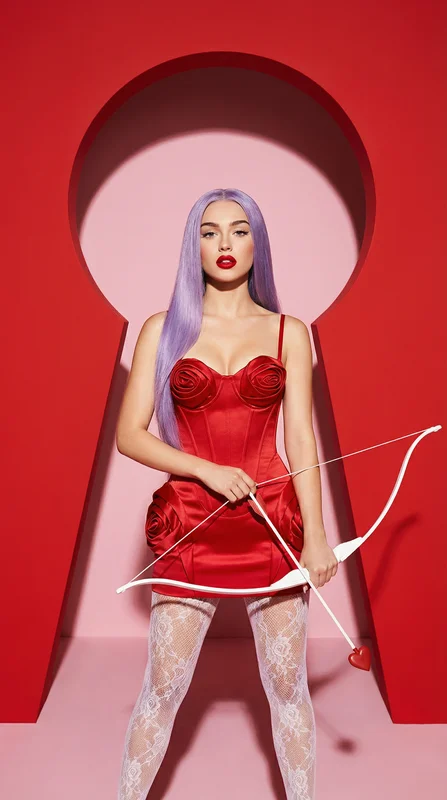
Try "Cupid's red satin arrow" → · Open Image Generator →
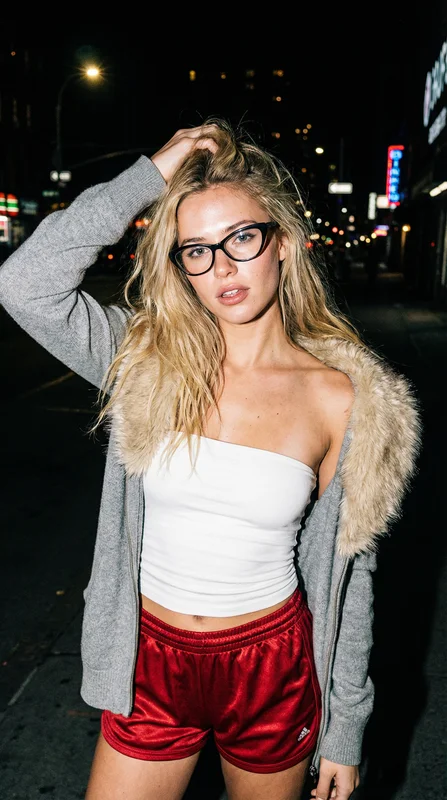
Try "Urban night girl" → · Open Image Generator →
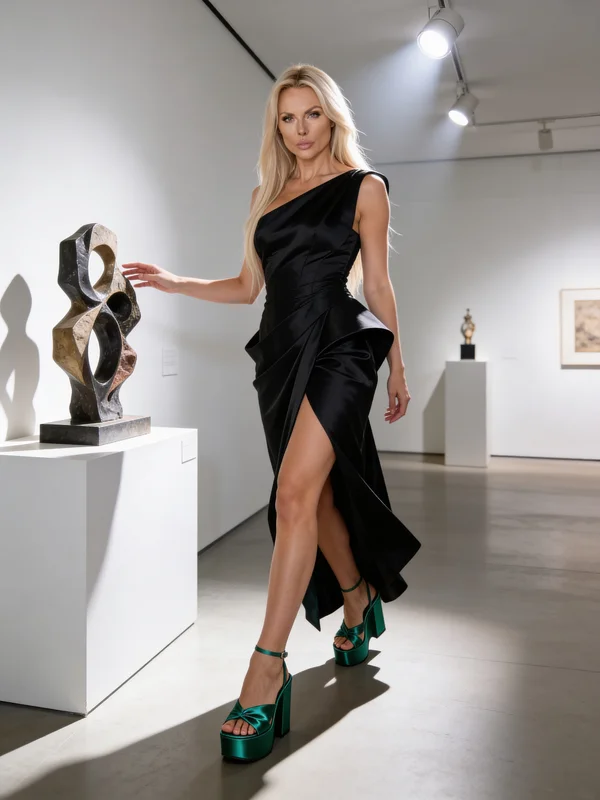
Try "Elegance among sculptures" → · Open PhotoShoot →
The underlying image model is SeedDream — one of the best photorealistic models available right now. You can read more about it in our SeedDream complete guide.
2. Midjourney — Best for Artistic Quality (Paid)
If you want stunning, painterly, dramatically lit images, Midjourney is still the gold standard for pure aesthetics. It handles fantasy scenes, moody portraits, and cinematic compositions better than almost anything else. The community is huge, which means tons of prompt inspiration. The interface used to live inside Discord; it now also has a web app that's a lot more usable. Content restrictions are strict — anything edgy, photoreal-realistic of real people, or unrestricted use is off the table. Free access is essentially gone in 2026; expect to pay to use it seriously.
3. ImagineArt — Best New Photoreal Quality (Freemium)
ImagineArt 2.0 is the surprise of 2026. It's an all-in-one creative suite that bundles its own image model alongside other top engines, and the 2.0 model claims a 97% realism score with 96% prompt accuracy on its internal benchmarks. In side-by-side tests, the photoreal output is genuinely competitive with Midjourney on portraits and significantly cleaner on text-in-image. The free tier is generous enough to seriously test before you commit. The catch: paid plans aren't cheap, and the "all-in-one" pitch means a lot of features you may not use. Worth the trial if photoreal is your thing.
4. OpenArt — Best Multi-Model Bundle (Freemium)
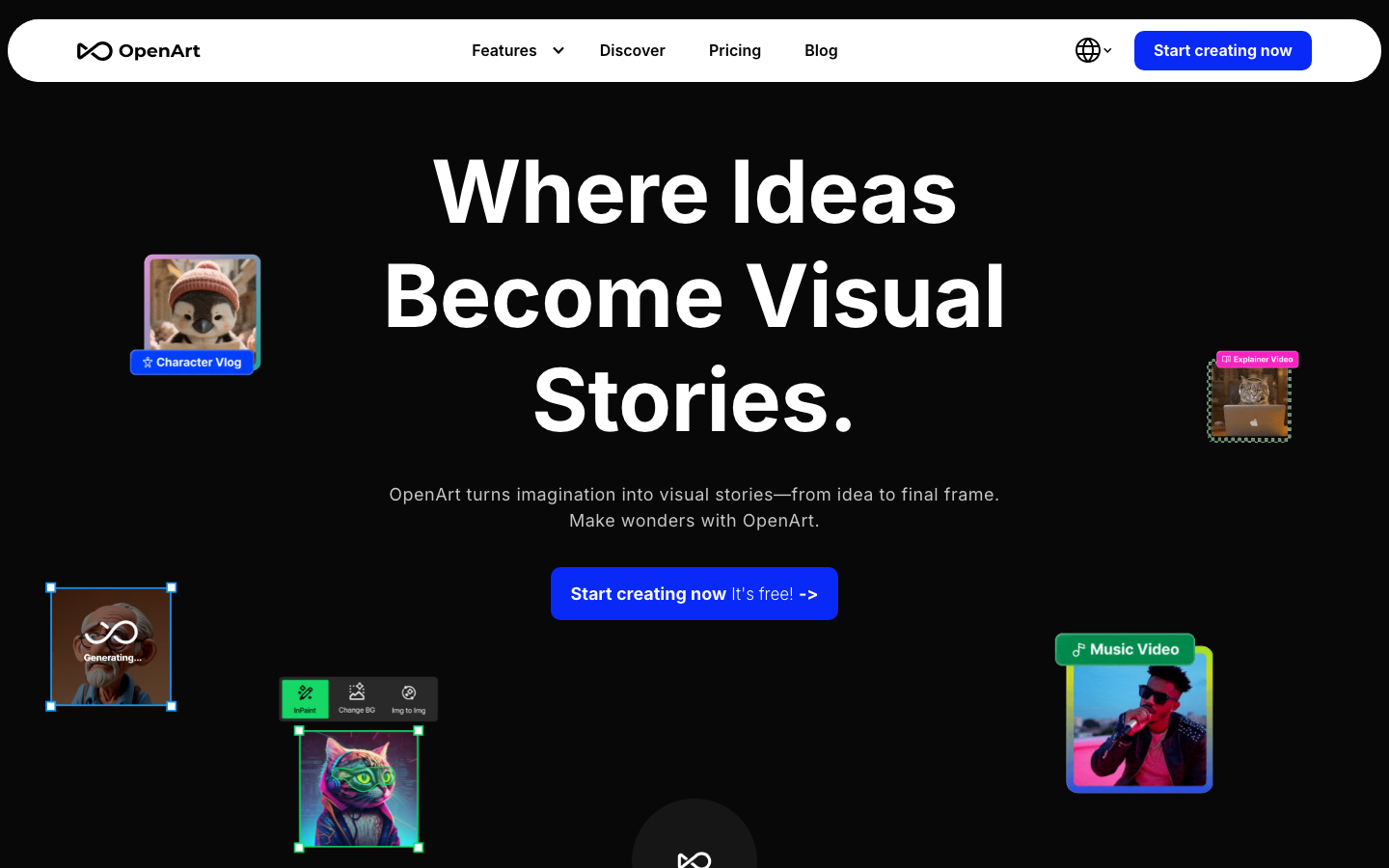
OpenArt is the closest thing to a "buffet" for AI image generation. One subscription gets you access to 100+ models — Stable Diffusion XL, Flux, Ideogram V3, and even video models like Sora 2 and Kling 2.6 — under a single interface. You switch between models with one click. That breadth makes it the strongest pick for anyone who wants to experiment broadly without juggling accounts. It also handles consistent characters via reference-image training. The downside is depth: each model is solid but rarely best-in-class for one specific job. A great sandbox; less useful as a daily workhorse.
5. Adobe Firefly — Best for Commercial Safety (Paid)
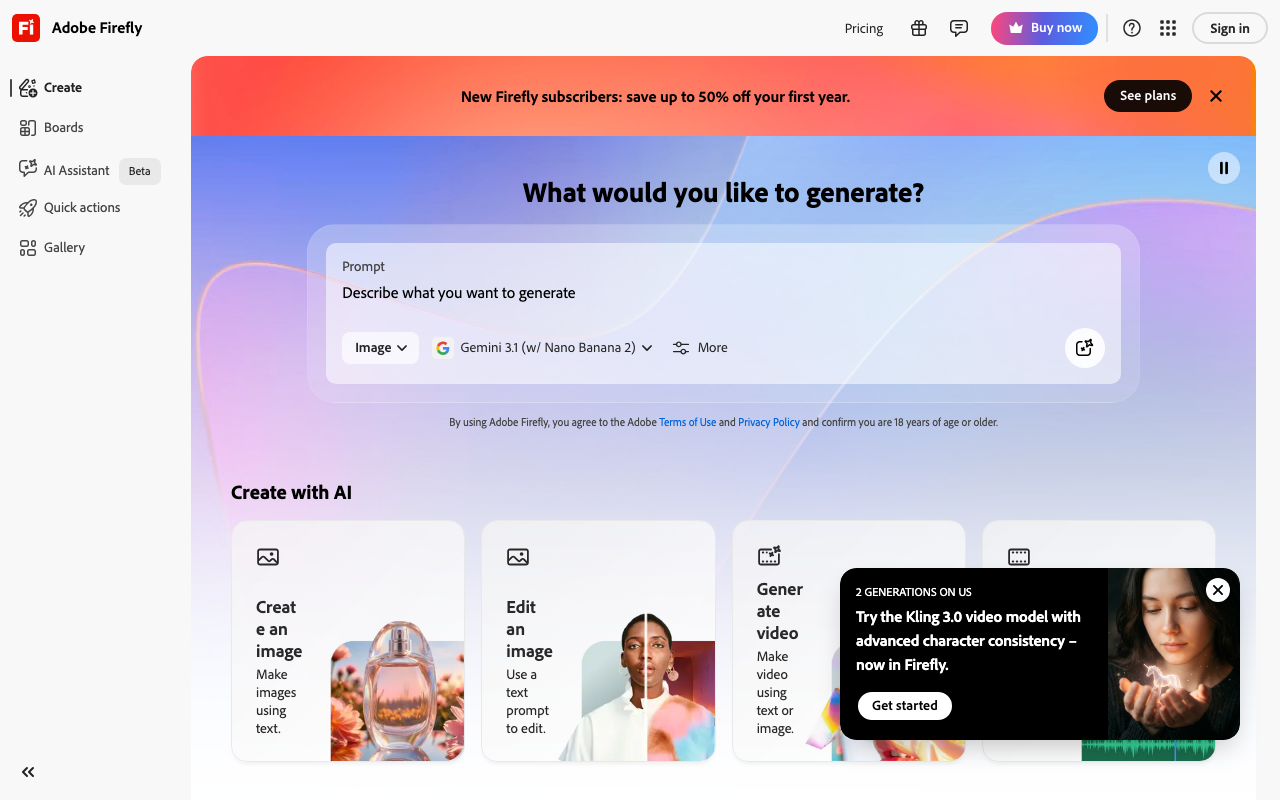
Adobe Firefly is trained exclusively on licensed content, which makes it the safest option for anyone publishing commercially and worried about AI image rights. It integrates tightly with Photoshop and the rest of Creative Cloud, so if you're already in that ecosystem it's a natural fit. Quality is solid, especially for product shots and clean editorial looks. Content restrictions are strict, and the output tends toward the "stock photo" aesthetic rather than anything edgy or experimental.
6. DeepAI — Best for Quick Anonymous Generation (Freemium)
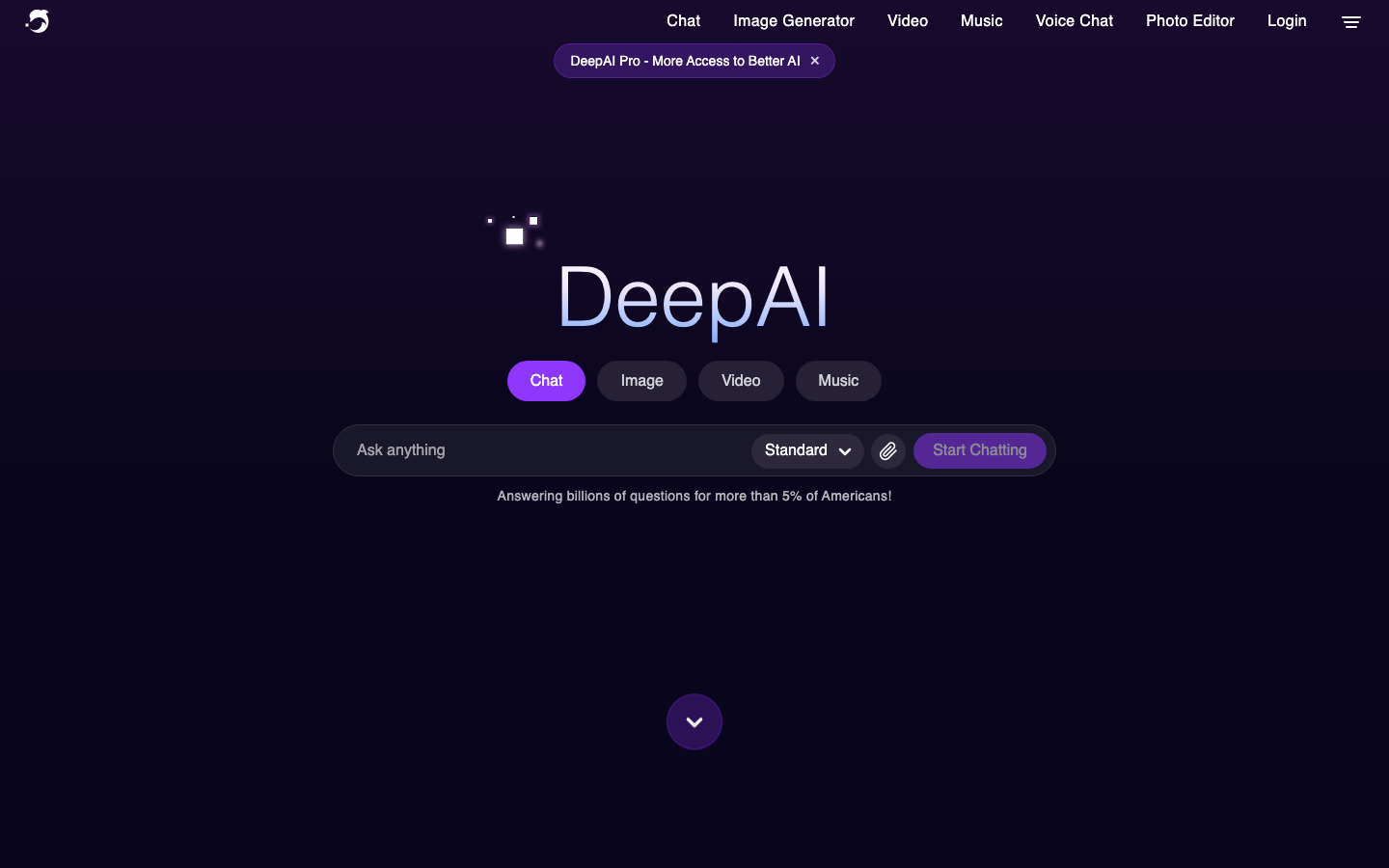
DeepAI is the "open the page, type something, get an image" tool. No signup needed for basic generations, no Discord, no installs. It includes a general text-to-image generator plus specialized style modes (cartoon, fantasy, cyberpunk, renaissance, abstract), an image colorizer, and a super-resolution upscaler. Quality is mid-tier compared to top picks — fine for thumbnails, blog inserts, and quick mockups, less great for portfolio work. Pricing starts around $4.99/month for expanded access. Best as a "fast and disposable" option, not a primary tool.
7. Leonardo.ai — Best Daily Free Tokens (Freemium)
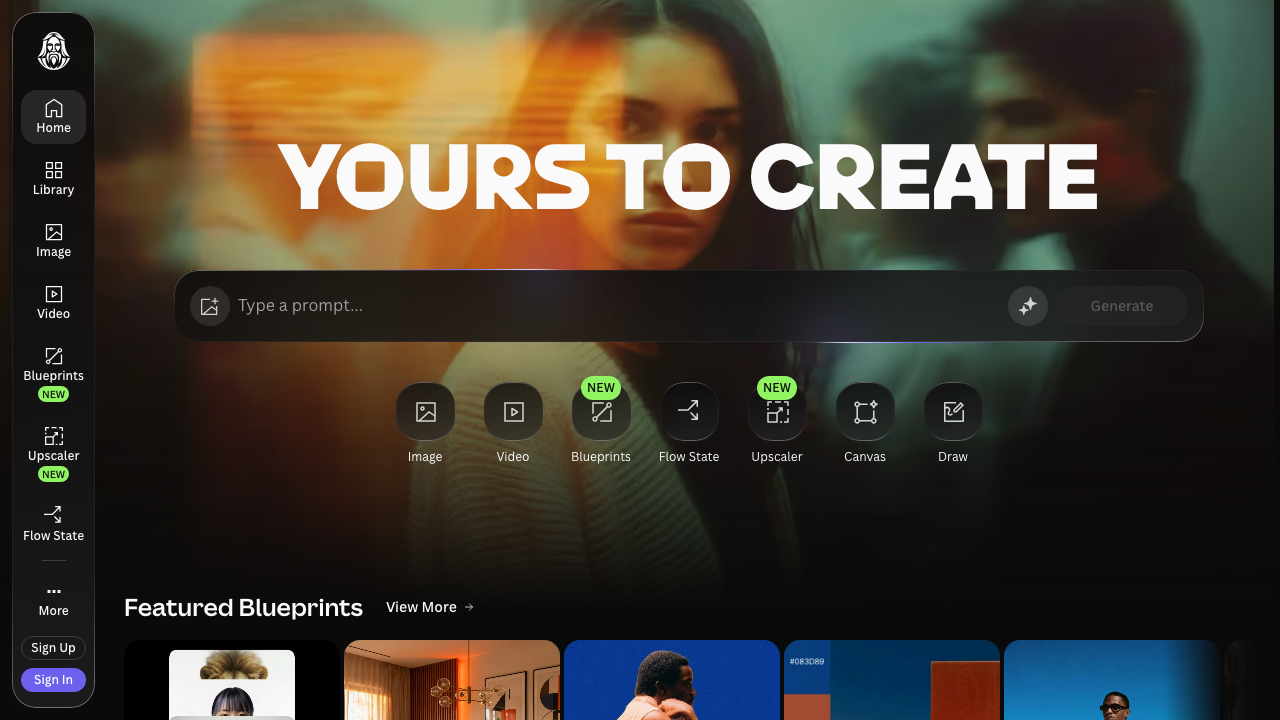
Leonardo.ai gives you a generous daily token allowance, which means you can generate quite a lot without spending anything if you use it consistently. It has a clean interface, supports multiple model styles, and lets you train lightweight custom models on your own images. The community features are solid too — you can browse and get inspired by what others generate. A reliable option for regular users who want variety without commitment.
8. Ideogram — Best for Text in Images (Freemium)
Ideogram is the go-to when you need readable text inside your images — think quotes on posters, product labels, or branded cards. Most AI image generators mangle text completely; Ideogram actually handles it well. It's also genuinely good at graphic design-style compositions. It's not the strongest for photorealistic people, but for anything that needs legible typography in the output, nothing else comes close. The free tier is enough to evaluate it for real work.
9. Raphael AI — Best Truly Unlimited Free (Free)
Raphael AI is the rare honest "free" option in 2026. Built on FLUX.1 Dev, it generates unlimited images with no daily caps, no signup, no credit card. The trade-off: free outputs include a watermark and cap at 1024×1024, and you'll need a paid plan to get clean exports or commercial rights. Quality is genuinely good — FLUX.1 Dev is a serious base model — but the resolution ceiling makes it unsuitable for print work. Best for: testing prompts, generating reference material, or anyone whose use case fits the watermark + small-resolution constraint.
10. Flux 2 — Best Open-Source Option (Free OSS)
Flux 2 (from Black Forest Labs) is the reigning king of open-source image generation. It produces highly realistic images and runs well on capable hardware — or you can access it through several free web interfaces. If you care about running things locally, or you want a model you can fine-tune, Flux 2 is the answer. For everyday web-based use, it's available on several platforms but the experience varies by host. Excellent quality ceiling; the setup friction keeps it off the top spot.
Quick comparison: 10 AI image generators side by side
| Tool | Tier | Best For | Character Consistency | Unrestricted | Pipeline |
|---|---|---|---|---|---|
| ZenCreator | Paid | Content creators | Yes (Face Swap + Lock) | Yes | Full (image → video → publish) |
| Midjourney | Paid | Artistic aesthetics | Limited | No | No |
| ImagineArt | Freemium | Photoreal quality | Yes (Personalize Character) | Partial | Image + video + audio |
| OpenArt | Freemium | Multi-model access | Yes (reference training) | Partial | Image + short video |
| Adobe Firefly | Paid | Commercial use | No | No | Creative Cloud integration |
| DeepAI | Freemium | Quick anonymous gen | No | Partial | No |
| Leonardo.ai | Freemium | Daily free use | Limited | Partial | No |
| Ideogram | Freemium | Text in images | No | Partial | No |
| Raphael AI | Free | Unlimited free testing | No | Yes (with watermark) | No |
| Flux 2 | Free OSS | Open-source / local | Depends on setup | Depends on host | No |
Try These Templates on ZenCreator
FAQ
What is the best AI image generator in 2026?
For content creators, ZenCreator is the best overall — it combines high-quality image generation with character consistency, no content filters, and a full pipeline from image to video to publishing. For pure artistic output, Midjourney still wins on aesthetics. For new photoreal quality, ImagineArt 2.0 is the breakout pick of 2026. For truly unlimited free generation, Raphael AI is the only honest option.
What's the best free AI image generator that doesn't require a credit card?
Raphael AI is the most honest "free" option in 2026 — no signup, no credit card, no daily caps. The trade-off: outputs include a watermark and cap at 1024×1024. Flux 2 via free web hosts is another no-account-required option with better resolution but variable interface quality depending on the host.
Free vs paid: which AI image generator should I pick?
Free tier: good for testing prompts, generating reference material, or one-off social posts (Raphael AI, Flux 2 hosts, Leonardo.ai daily tokens). Paid creator-grade: worth it once you're generating 50+ images/month, need character consistency, or hit content filters on free tools (ZenCreator, Midjourney). Paid commercial-safe: if you publish commercially and worry about AI image rights (Adobe Firefly).
Which AI image generator produces the most realistic photos?
ZenCreator (powered by SeedDream) and ImagineArt 2.0 are at the top of the photorealism category in 2026, both genuinely competitive with Midjourney on portraits. Flux 2 is the strongest open-source option for general realism. ZenCreator has the edge specifically for portrait-style realism with character identity lock — a feature most photoreal-focused generators don't address at all.
Can I use AI-generated images commercially?
It depends on the tool. Adobe Firefly is explicitly trained on licensed content and positioned for commercial use — the safest pick. ZenCreator's terms allow creator use including commercial outputs. Many other tools — including Midjourney and some Flux hosts — have restrictions or require paid tiers for commercial licensing. Raphael AI requires upgrading from the free tier for commercial rights. Always check the terms of whatever tool you use before publishing commercially.
Is there an AI image generator with no content restrictions?
Yes — ZenCreator is fully unrestricted with no content filters. It's built for creators who need a platform that won't interrupt their workflow with refusals. Raphael AI is also relatively unrestricted at the free tier (with watermarks). Most mainstream tools — Midjourney, Adobe Firefly, ImagineArt — have content policies that block edgy, photoreal-of-real-people, or unrestricted prompts. See our unrestricted AI image generator guide for the full breakdown.
How do I keep the same character across multiple AI images?
This is one of the hardest problems in AI image generation, and most tools don't solve it. ZenCreator has a two-part answer: Face Generator creates a consistent AI character, and Face Swap applies that identity to any image you generate. PhotoShoot keeps the identity locked across an entire themed shoot. OpenArt and ImagineArt offer reference-based character consistency but it's more manual. Higgsfield's Soul ID is another option (video-focused). No other tool on this list handles character consistency as comprehensively as ZenCreator.
What is the difference between text-to-image and image-to-image?
Text-to-image generates an image purely from a written prompt — you describe it, the AI makes it. Image-to-image takes an existing image as input and transforms it based on a prompt — useful for changing style, adjusting lighting, or iterating on a look you already like. ZenCreator, OpenArt, ImagineArt, and Raphael AI all support both modes. Most other tools on this list focus on text-to-image only.