7 Best Free AI Video Generators in 2026 (Actually Tested)
Tested every free AI video generator in 2026. Here are the 7 that actually deliver — from 16-engine platforms to standalone models.

Finding a free AI video generator that actually works in 2026 is harder than it looks. Most tools either limit you to watermarked 5-second clips, hide the good engines behind expensive plans, or require you to juggle five different apps just to get one decent video. I've tested most of them. Here's what's genuinely worth your time.
Short answer: ZenCreator is the best all-in-one AI video generator right now. It gives you 16 video engines, Face Swap, and Lipsync in a single pipeline — no stitching together separate tools. The six other options below are worth knowing about too, depending on what you're trying to do.
1. ZenCreator — Best Overall (16 Engines in One Place)
ZenCreator is the only platform that lets you run Kling 2.6, WAN 2.6, Seedance, Grok, and more from one dashboard. Instead of picking one model and hoping it works, you can try the same prompt across multiple engines and keep the best result. That alone saves hours of frustration.
Engines available:
- Kling: 2.1, 2.5, 2.6, 2.6+Audio
- Seedance: Pro Fast, Pro, 1.5 Pro
- WAN: 2.2, 2.5+Audio, 2.6 Ultra Fast
- Grok video generation
Plus three tools no standalone generator has:
- Face Swap — works directly on video, not just images
- Lipsync — sync any voice or audio track to a video character
- Video-to-Video — restyle or transform existing clips
The motion quality on Kling 2.6 is benchmark-level right now. WAN 2.6 Ultra Fast is the go-to when you need quick iterations. Seedance Pro handles consistent character movement better than most. See the full breakdown in the ZenCreator video engines guide.
Here are examples generated directly in ZenCreator:
Try "Rainy night close-up" → · Open Video Generator →
Try "City hyperlapse" → · Open Video Generator →
Try "Streamer girl" Lip Sync → · Open Lip Sync →
If you want consistent characters across videos, ZenCreator's Face Swap lets you lock in a face and carry it through different scenes — something no other free tool handles natively. Check out the full Kling guide, WAN guide, and Seedance guide for deep dives on each engine.
2. Kling AI (Standalone)
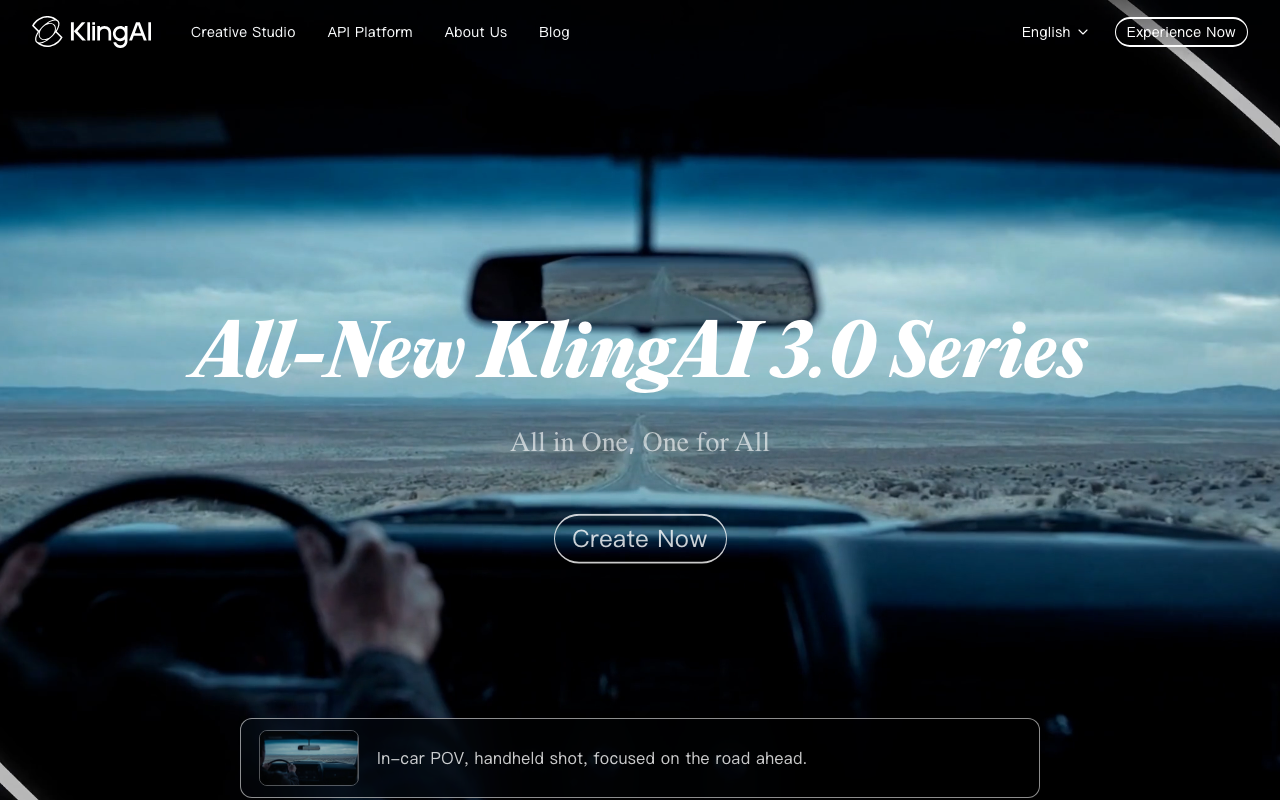
Kling AI is the standalone version of the same Kling model inside ZenCreator, built by Kuaishou. It consistently ranks in the top three for motion quality in community benchmarks — fluid movement, good prompt adherence, and decent 5-second to 10-second clips. The web interface is clean and accessible. The limitation is you're working with a single model with no pipeline around it, so face consistency and audio sync require separate tools.
3. CapCut
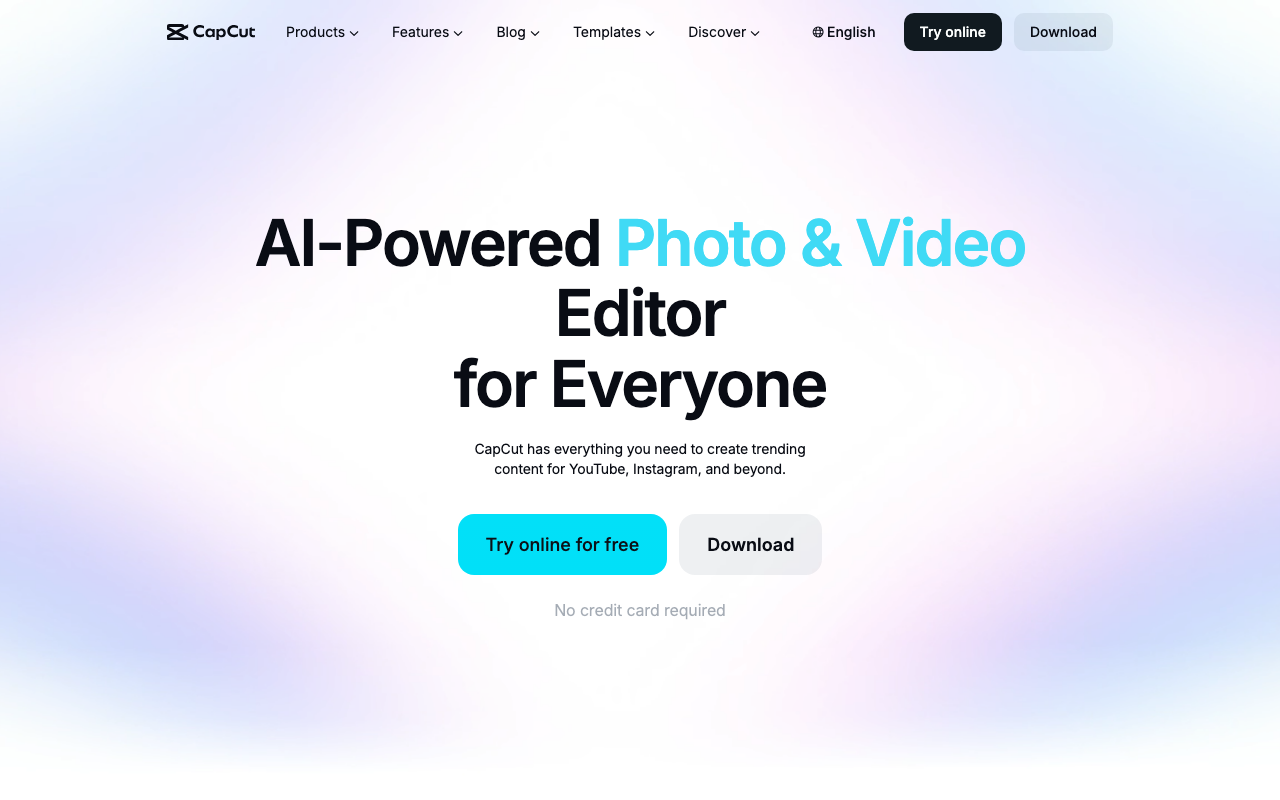
CapCut is ByteDance's free video editor and it now has Seedance 2.0 built directly into the editing timeline. If you're already doing video editing and want AI generation in the same app, this is a genuinely useful combo. The AI generation quality is solid, and the editing tools around it are best-in-class for mobile. The catch is that CapCut is built for short-form social content — it's not designed for longer-form creative pipelines or character consistency across multiple clips.
4. Pika 2.5
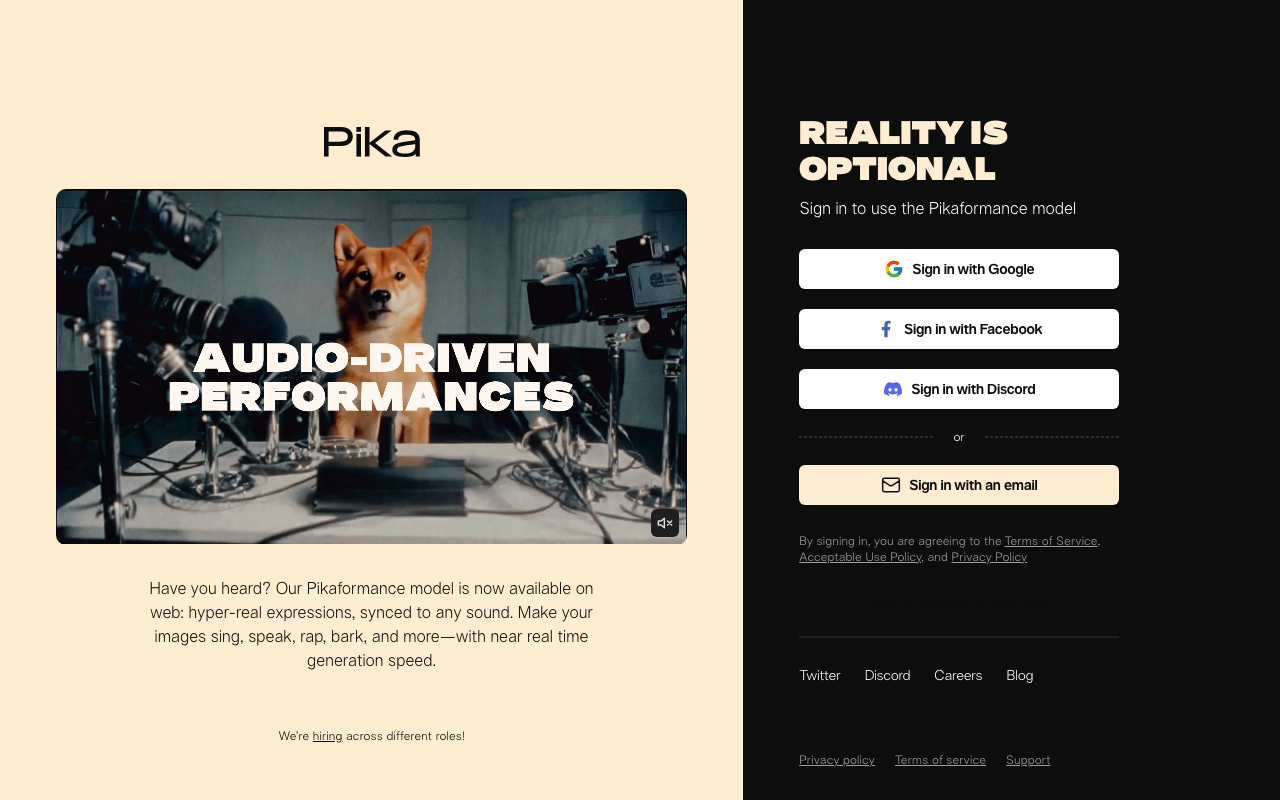
Pika has carved out a clear niche: stylized, creative video effects that feel designed for social media. The "Pikaffects" features (like turning yourself into a toy or exploding a scene) are genuinely unique and not available in more production-focused tools. If you're making content for TikTok or Instagram Reels and want something visually striking, Pika 2.5 delivers that well. It's less useful for realistic human motion or long-form content.
5. Runway Gen 4.5
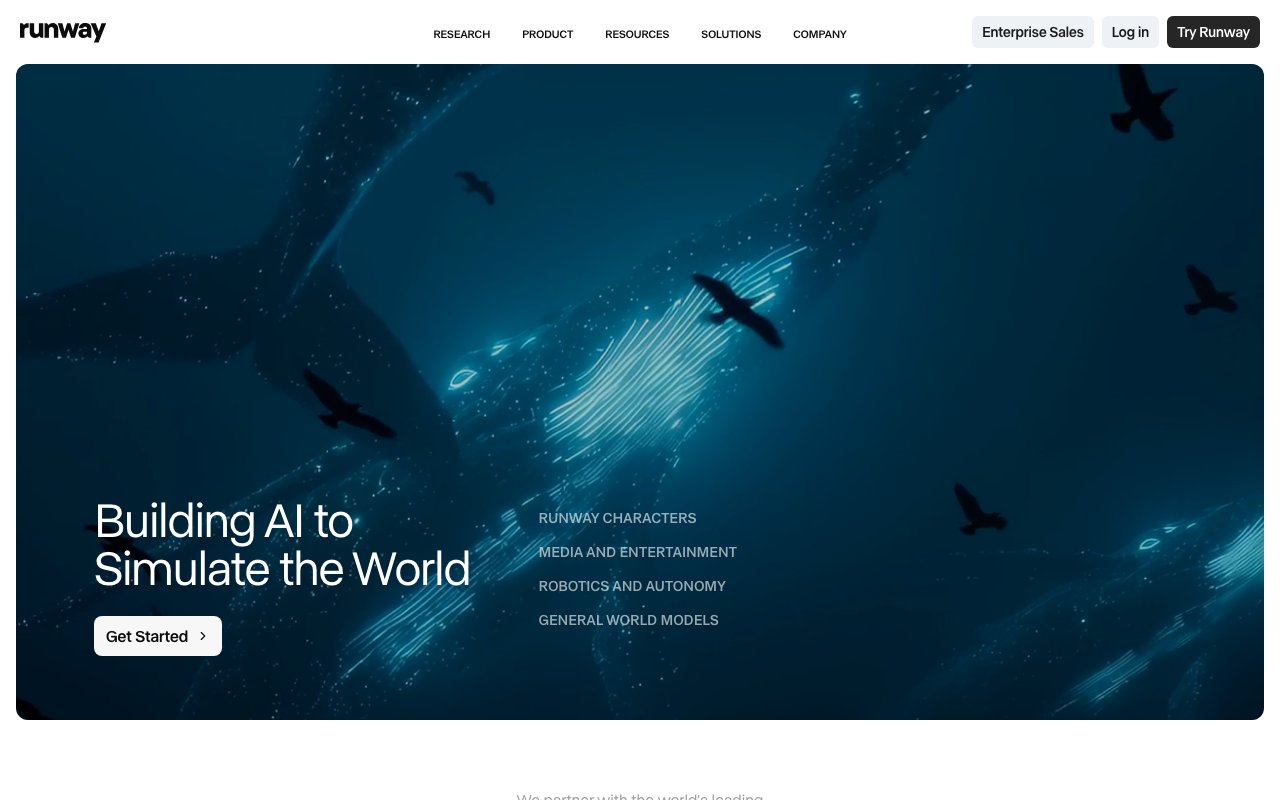
Runway has been in the AI video space longer than anyone and Gen 4.5 shows that experience. The creative controls are more granular than most tools — you can direct camera motion, reference specific images for consistency, and use their motion brush to control what moves and what doesn't. It's a genuine professional-grade tool. The free access is limited, but it's worth testing if you need fine-grained control over how a clip looks and moves.
6. Luma Dream Machine

Luma's Dream Machine is known for cinematic-quality results with fast generation times. The image-to-video capability is particularly strong — drop in a photo and it produces smooth, natural motion that holds up well on a larger screen. The style leans toward photorealistic over stylized. If you're working with product shots or landscape footage, Dream Machine is worth a look.
7. Google Veo 3.1
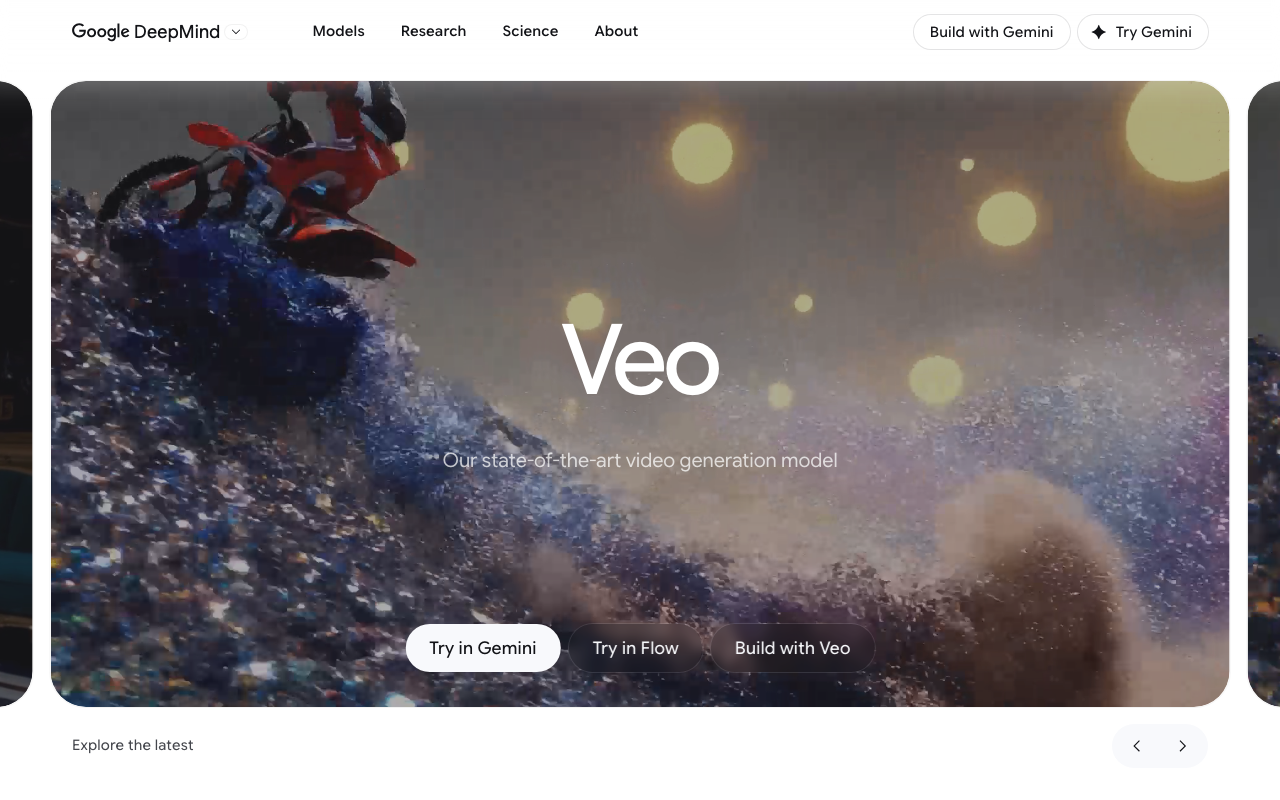
Veo 3.1 is Google's model and it produces some of the most realistic AI video you can get in 2026 — better environmental physics, natural lighting, and human motion than most of the competition. The catch is access. It's not freely available to everyone and is currently distributed through Google's ecosystem (Gemini Advanced, Vertex AI). Worth keeping an eye on as access expands.
Quick note on Sora: OpenAI discontinued Sora on April 26, 2026. If you see it mentioned in older comparison articles, that's why it's no longer an option.
Comparison Table
| Tool | Engines | Face Consistency | Lipsync | Image-to-Video | Best For |
|---|---|---|---|---|---|
| ZenCreator | 16 (Kling, WAN, Seedance, Grok) | Yes (Face Swap) | Yes | Yes | Everything — pipeline + multi-engine |
| Kling AI | 1 (Kling) | No | No | Yes | Motion quality, standalone |
| CapCut | Seedance 2.0 | No | No | Yes | Social editing + generation |
| Pika 2.5 | 1 (Pika) | No | No | Yes | Creative effects, social |
| Runway Gen 4.5 | 1 (Runway) | Partial | No | Yes | Pro creative control |
| Luma Dream Machine | 1 (Luma) | No | No | Yes | Fast cinematic results |
| Google Veo 3.1 | 1 (Veo) | No | No | Yes | Realism (limited access) |
Try These Templates
FAQ
What is the best free AI video generator in 2026?
ZenCreator is the strongest option if you want multiple engines, Face Swap, and Lipsync in one place. If you're looking for a single-model experience, Kling AI has the best motion quality as a standalone tool. Google Veo 3.1 leads on realism but has limited availability.
Can I generate AI videos without watermarks for free?
Some tools on this list offer watermark-free output on their free tiers. ZenCreator has no free tier — it uses pay-once credit packs from $19.99 (credits never expire) and adds no watermark to any output. Most platforms add watermarks on lower tiers and remove them on paid plans.
What happened to Sora?
OpenAI discontinued Sora on April 26, 2026. It is no longer available. If you're seeing Sora mentioned as a recommendation in an article, that article is outdated. The comparable options now are Veo 3.1 for realism and ZenCreator's multi-engine pipeline for flexibility.
Which free AI video generator has the best motion quality?
Kling 2.6 currently benchmarks highest for realistic human motion — fluid movement, natural poses, good prompt following. Veo 3.1 is technically superior on realism but isn't freely accessible to most users yet. Both Kling 2.6 and WAN 2.6 are available inside ZenCreator.
Can I keep the same character across multiple AI videos?
This is one of the harder problems in AI video right now. Most standalone generators don't solve it. ZenCreator's Face Swap tool lets you apply a consistent face to different generated clips, which is the most practical workaround available without expensive training workflows.
What is image-to-video AI generation?
Image-to-video means you upload a still photo or AI-generated image and the model animates it — adding movement, breathing, camera motion, or environmental effects. Almost every tool on this list supports it. It's often easier than text-to-video for getting exactly the character and scene you want, since you control the starting image. ZenCreator's video generator supports both text-to-video and image-to-video across all 16 engines.
Sources
[1] The 18 best AI video generators in 2026 — Zapier · [2] 8 Best Free AI Video Generators in 2026 — WaveSpeed AI · [3] Best AI Video Generators for 2026 — Curious Refuge · [4] The 13 Best AI Video Generators in 2026 — Synthesia · [5] Top 10 Best AI Video Generators of 2026 — Manus · [6] Sora AI Video Generator 2026: The Rise and Fall — Digen