General — ZenCreator's Universal AI Image Model
General — ZenCreator's flagship universal photoreal image model. Largest native output sizes, face-consistent character generation across multi-shot series, available across six tools.
Why pick General
What is General?
General is ZenCreator's universal photoreal image model — the dependable workhorse behind six tools on the platform: Text-to-Image, the Image Editor, PhotoShoot, FaceGenerator, Carousel, and Collabs. When a tool needs photoreal output and isn't a specialist (like Nano Banana for text or Flux Klein for anatomy), General is what runs underneath.
The standout capability is high consistency of faces and emotions across multiple generations — the same person looks like themselves shot after shot, which makes General the best choice when you need a recognisable character across a series of related images. This is what powers FaceGenerator and Carousel underneath. General also has the largest native output sizes on the platform — up to 3024×1296 for 21:9 widescreen, real native 2K–3K depending on aspect ratio.
Operationally, General runs on a sync API in 5–10 seconds with no polling. Trusted users get a private deployment with content filters fully disabled — real unrestricted output, not header tricks. The model also supports reference-image editing in the Image Editor.
Honest framing: General does not draw complex anatomy from scratch as cleanly as the body specialists — for body-focused work, you need to attach a reference image so General can preserve the body details while restyling around them. Without a reference, body output tends to be generic. For unrestricted nude bodies from scratch, Flux Klein is the purpose-built alternative. There's also no LoRA support.
See General in action
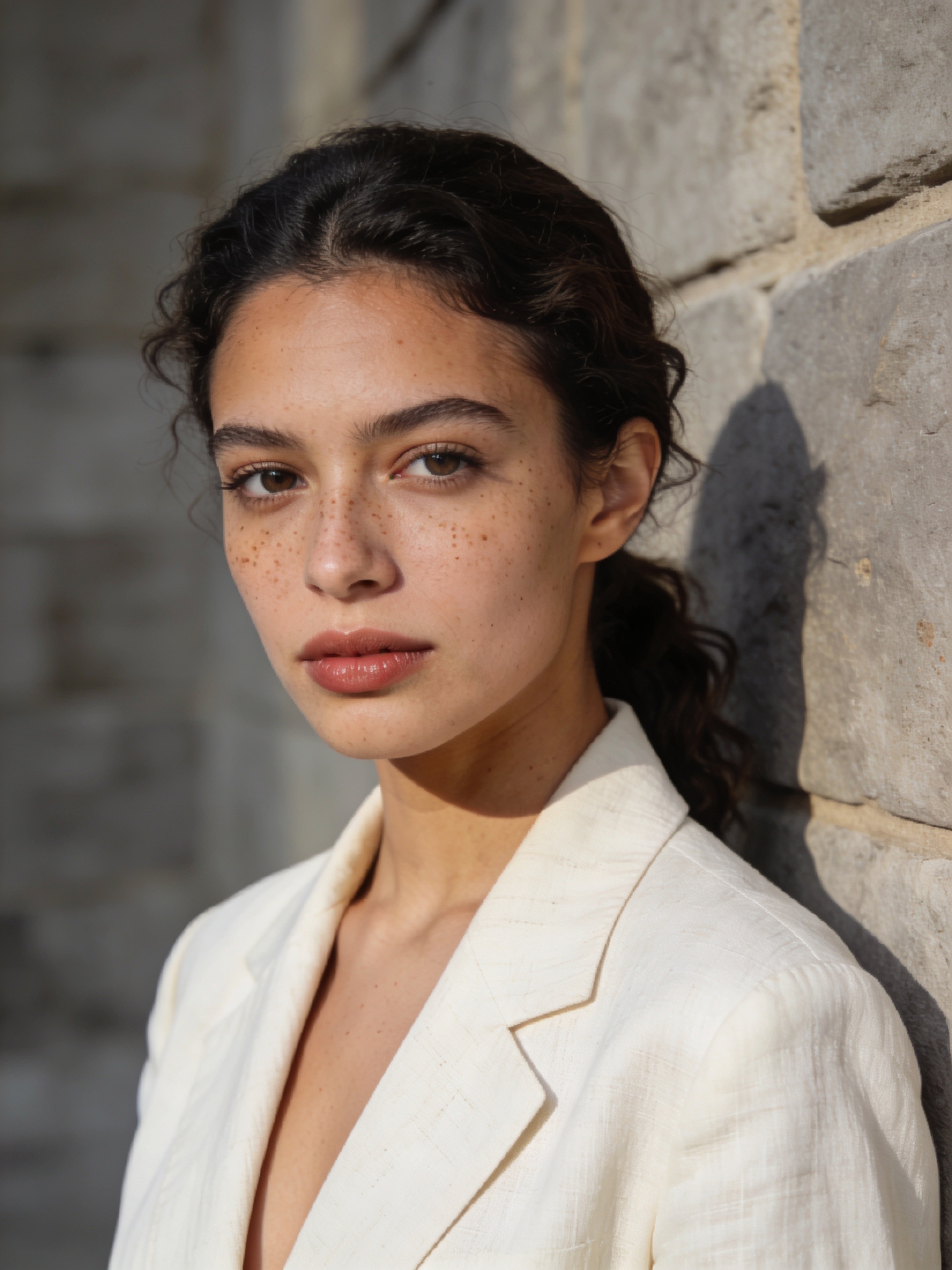
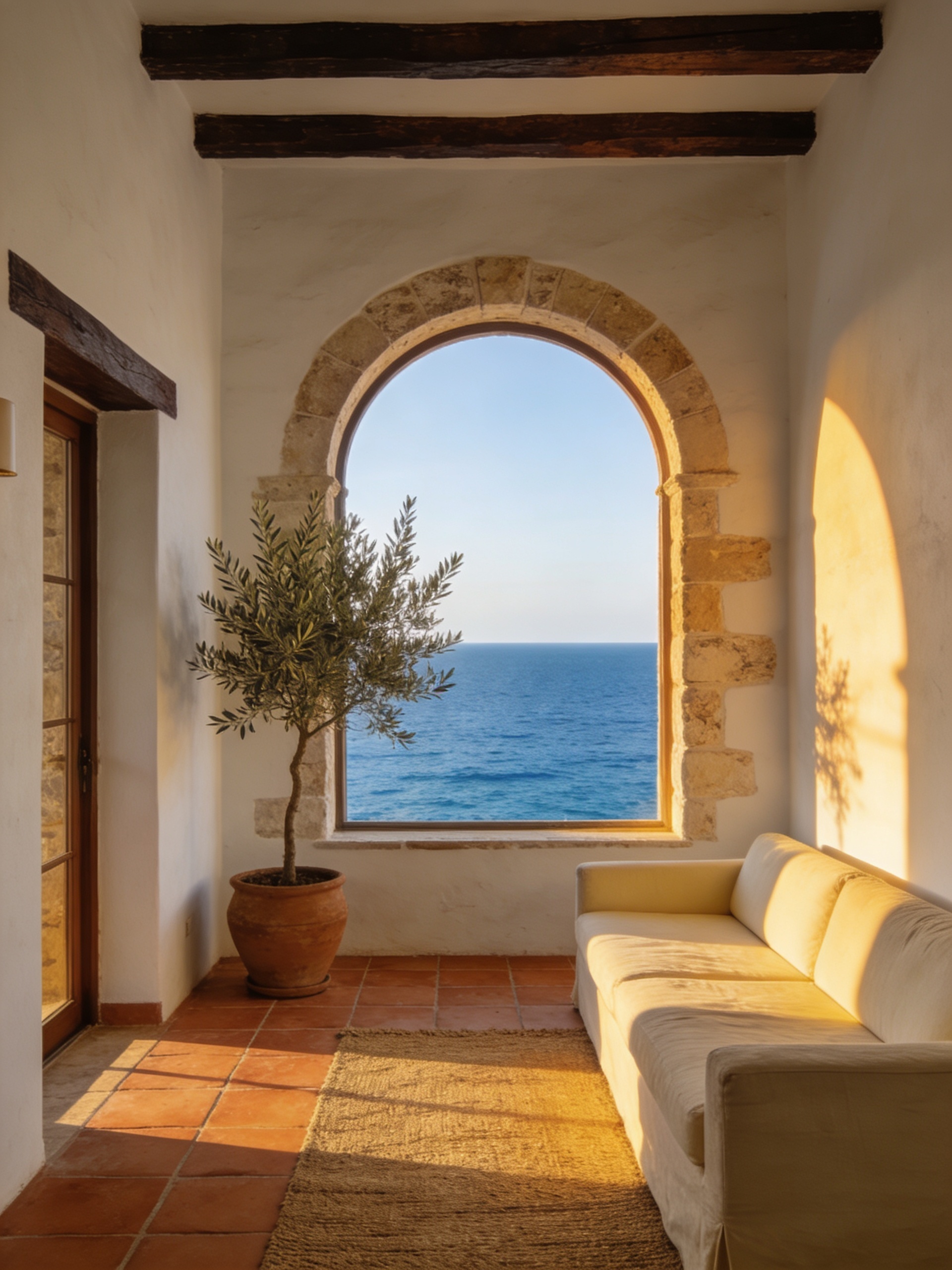
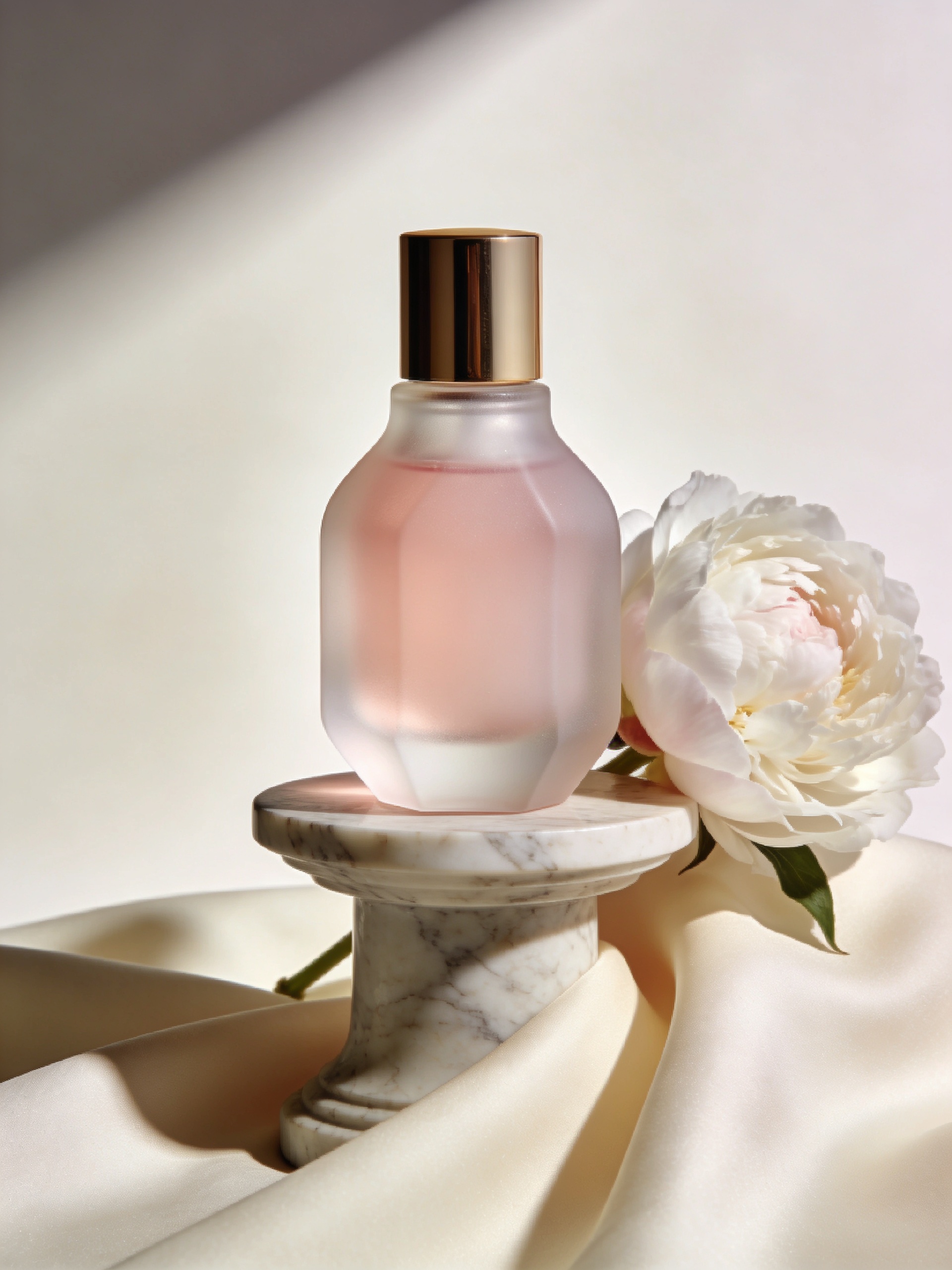
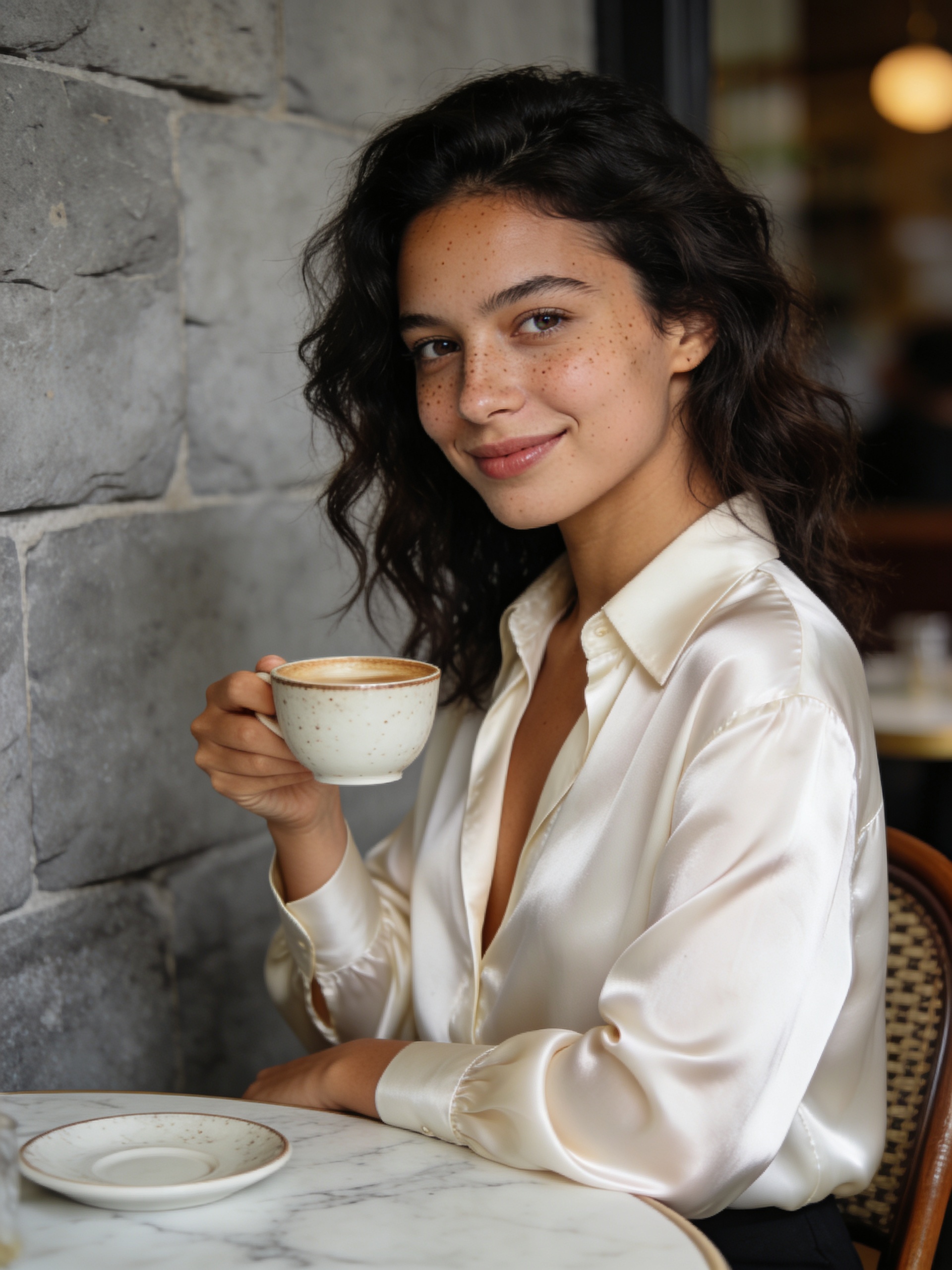
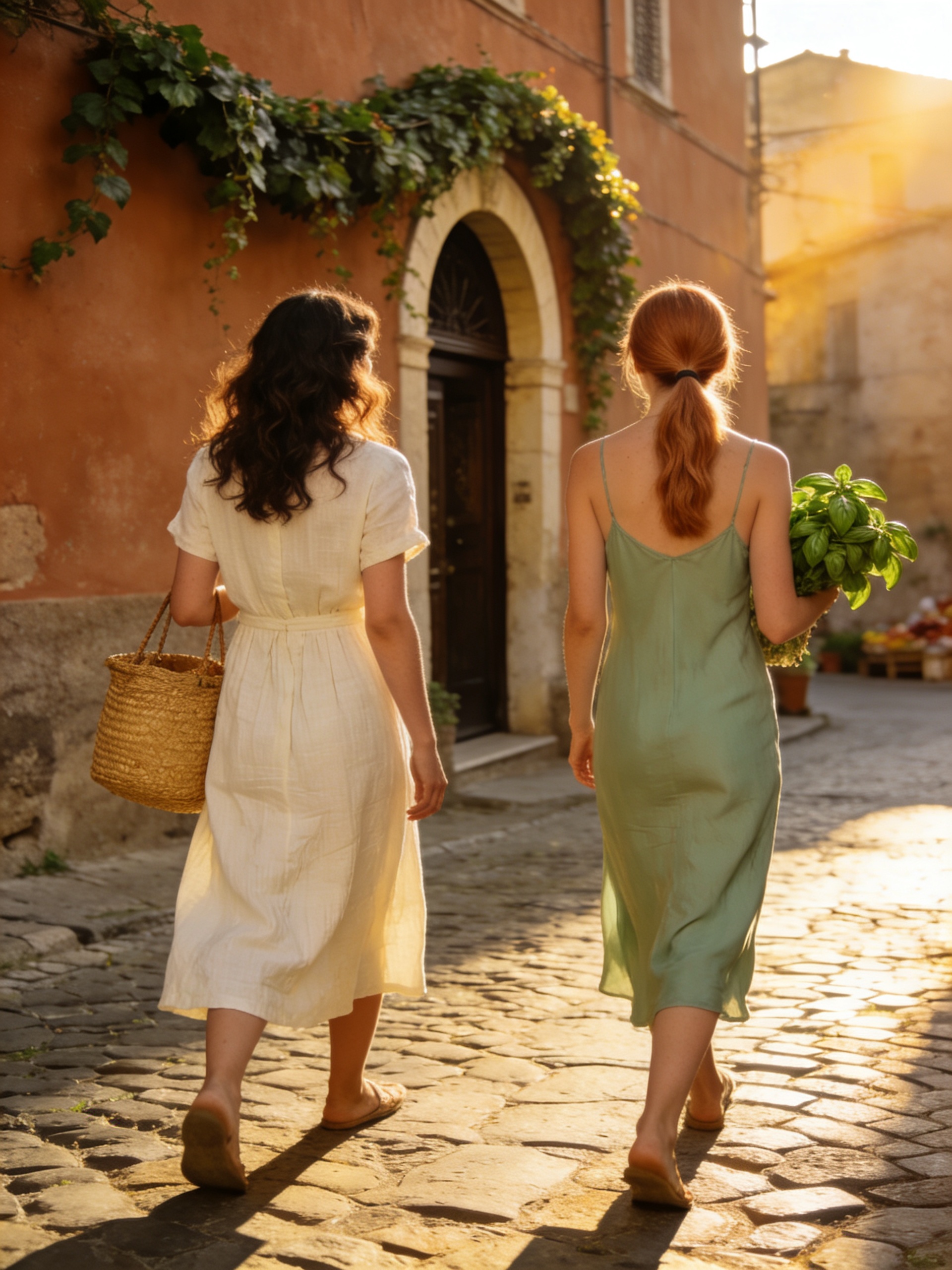
Six prompts showing General's range — note especially how shots #1 and #5 generate the same recognisable character from independent prompts, demonstrating the face-consistency capability.

General vs other ZenCreator models
| Model | Best at | Pick when |
|---|---|---|
| General | Face consistency + largest native output + 6 tools | Multi-shot character series, default photoreal, lookbooks |
| Seedream 5 | Fast cinematic photoreal | Speed + rich cinematic color matter more than face-series consistency |
| WAN 2.7 | Cheap 2K all-rounder | One-off subjects, no series consistency needed |
| Nano Banana 2 | Instruction-following editing | Reference editing; strictly censored |
| Flux Klein | Photoreal NSFW anatomy | Body work where anatomical accuracy is the priority |
| Qwen Image 2.0 | In-image text rendering | Typography-led design |
When NOT to pick General
Three categories where another model fits better:
- Body/anatomy work from scratch — General is strong on faces but does not draw complex anatomy from scratch as cleanly as the specialist. For unrestricted body work, Flux Klein is purpose-trained and renders anatomy with more accuracy. (General works well on body details when given a reference image — combine with Image Editor for that workflow.)
- In-image text driving the design — General handles short text adequately but isn't the specialist. For posters, magazine covers, signage, packaging where typography is the focal point, Qwen Image 2.0 or Nano Banana 2 render text more cleanly.
- Heavy LoRA-driven custom styles — General has no LoRA support. For LoRA stacking workflows, SDXL (largest library) or Flux Klein + LoRA (modern base with picker) are the alternatives.
Get started in 4 steps
- Open any of the six tools where General runs — Text-to-Image, Image Editor, PhotoShoot, FaceGenerator, Carousel, or Collabs.
- Pick General in the model picker (or use one of the higher-level tools where it's the default engine).
- Write your prompt — for multi-shot series, describe the character in detail in the first shot and reference back in subsequent prompts (same person, different scene).
- Pick ratio + batch size, hit Generate. Result returns in 5–10 seconds (sync, no polling).
How to write prompts that land on General
Five tactics calibrated for General's specialties:
1. Lead with a clear character description in the first shot. When starting a multi-shot series, the first prompt establishes the character — describe age range, ethnicity, body type, hair, distinctive features (freckles, eye color), and pose. General locks this character signature for consistency in subsequent shots.
2. Reference back to "the same person" in later shots. For shot 2+ in a series, write The same young woman as shot #1 or paraphrase the character description verbatim. General's face-consistency engine routes off these cues to maintain identity. Mismatched descriptions break the lock.
3. Use the largest native ratio for hero shots. General supports unusually wide ratios — 21:9 at 3024×1296. Use the widest native size for hero shots and large landscape work; don't downscale just because it's an option.
4. Provide a reference image for body details. General doesn't draw complex anatomy from scratch as cleanly as the body specialists. For body-focused work in the Image Editor, attach a reference photo — General will preserve the body details while restyling around them.
5. Stay explicit on lighting and camera even in multi-shot series. Named light direction and camera spec are signal across all shots — repeat them in every prompt of a series to keep visual coherence. Vague lighting on shot 5 breaks the series even if the face is consistent.
What to avoid: changing the character description between series shots (breaks identity), expecting anime/painterly LoRA-style output (General is photoreal, not stylised), assuming body anatomy will be perfect on body-focused prompts without a reference.
Bottom line
General is ZenCreator's default photoreal engine — the dependable workhorse behind six tools across the platform. The killer capability is face consistency: the same person looks like themselves across a series of independent generations, which is what makes multi-shot character work, lookbooks, and AI influencer portfolios possible. Pair it with a reference image when bodies matter, switch to a specialist when you need typography, anatomy precision, or LoRA-driven custom styles. For everything else photoreal, General is the default — and it's the cheapest premium model on the platform.
Available in
General powers six tools on ZenCreator. The two main entry points for direct use:
Questions
What does the "General" name actually mean?
It's our universal photoreal model — the engine that runs across six tools on the platform whenever a tool needs photoreal output and isn't a specialist. The name is plain on purpose: this is the default photoreal generator, not a niche specialist.
What's the maximum resolution?
Up to 4K on standard ratios, with the largest native output sizes on the platform — 3024×1296 for 21:9 widescreen. Real output sizes scale dynamically up to 2K–3K depending on aspect ratio. For specific 4K hero shots, use a 16:9 or 21:9 ratio.
How does face consistency work?
General's training emphasised identity preservation — facial bone structure, eye color, skin tone, expression range are held stable across multiple generations of the same described character. Describe the character in detail in shot 1, reference back to "the same person" in subsequent shots, and the model maintains the lock.
Can I use General for NSFW?
Trusted users get a private deployment with content filters fully disabled — real unrestricted output, not a header trick. Note however that General doesn't draw complex body anatomy from scratch as cleanly as the body specialists. For unrestricted body work, Flux Klein gives sharper anatomy.
What tools run on General underneath?
Text-to-Image, Image Editor, PhotoShoot, FaceGenerator, Carousel, and Collabs. When you use any of these without picking a model explicitly, General is what runs. PhotoShoot and FaceGenerator specifically rely on General's face-consistency capability.
Does General support reference images?
Yes — General supports reference-image editing in the Image Editor flow. Particularly useful when you need body-detail preservation in a body-focused prompt, since General doesn't draw complex anatomy from scratch.
When should I pick General over Seedream 5?
Pick General for multi-shot character series where face consistency matters (lookbooks, narrative photoshoots, AI influencer portfolios). Pick Seedream 5 for fast generic photoreal where each shot stands alone — Seedream has richer cinematic color but doesn't have the same multi-shot identity lock.
Sources
- ZenCreator AI Models Review (internal) — General strengths, weaknesses, and use cases
- ZenCreator platform documentation — General as the underlying engine for PhotoShoot, FaceGenerator, Carousel, Collabs
- Internal benchmark comparisons across General, Seedream 5, WAN 2.7, and Flux Klein — ZenCreator testing, May 2026