Qwen Image 2.0
Qwen Image 2.0 by Alibaba — best-in-class in-image text rendering. Native 2K, sync API in 5–10 seconds, the cheapest paid image model on ZenCreator.
Qwen Image 2.0 is a legacy model in ZenCreator. To find it, open the model menu in Text-to-Image or Image Editor and click Show deprecated models.
Why pick Qwen Image 2.0
What is Qwen Image 2.0?
Qwen Image 2.0 is the platform's best-in-class at rendering legible text inside images — signs, posters, magazine covers, product labels. For everything that lives on the page alongside typography, Qwen is the default choice on ZenCreator.
Two operational characteristics shape the workflow. The sync API returns the result URL in 5–10 seconds with no polling. And prompt_extend is disabled, so prompts are honored literally — no automatic expansion, no creative interpretation. For design briefs that specify exact text content and exact layout, this predictability is the feature.
On ZenCreator, Qwen Image 2.0 is available in Text-to-Image and the Image Editor. Native output is 2K across all aspect ratios (2048×2048 at 1:1, up to 2048×1152 widescreen). Honest framing: the model has Chinese-source NSFW censorship baked into the weights — turning off inspection headers doesn't help, the model refuses nudity. Russian comprehension is mid-tier; prompt in English even when generating Russian-text-in-image content. There's also no LoRA support.
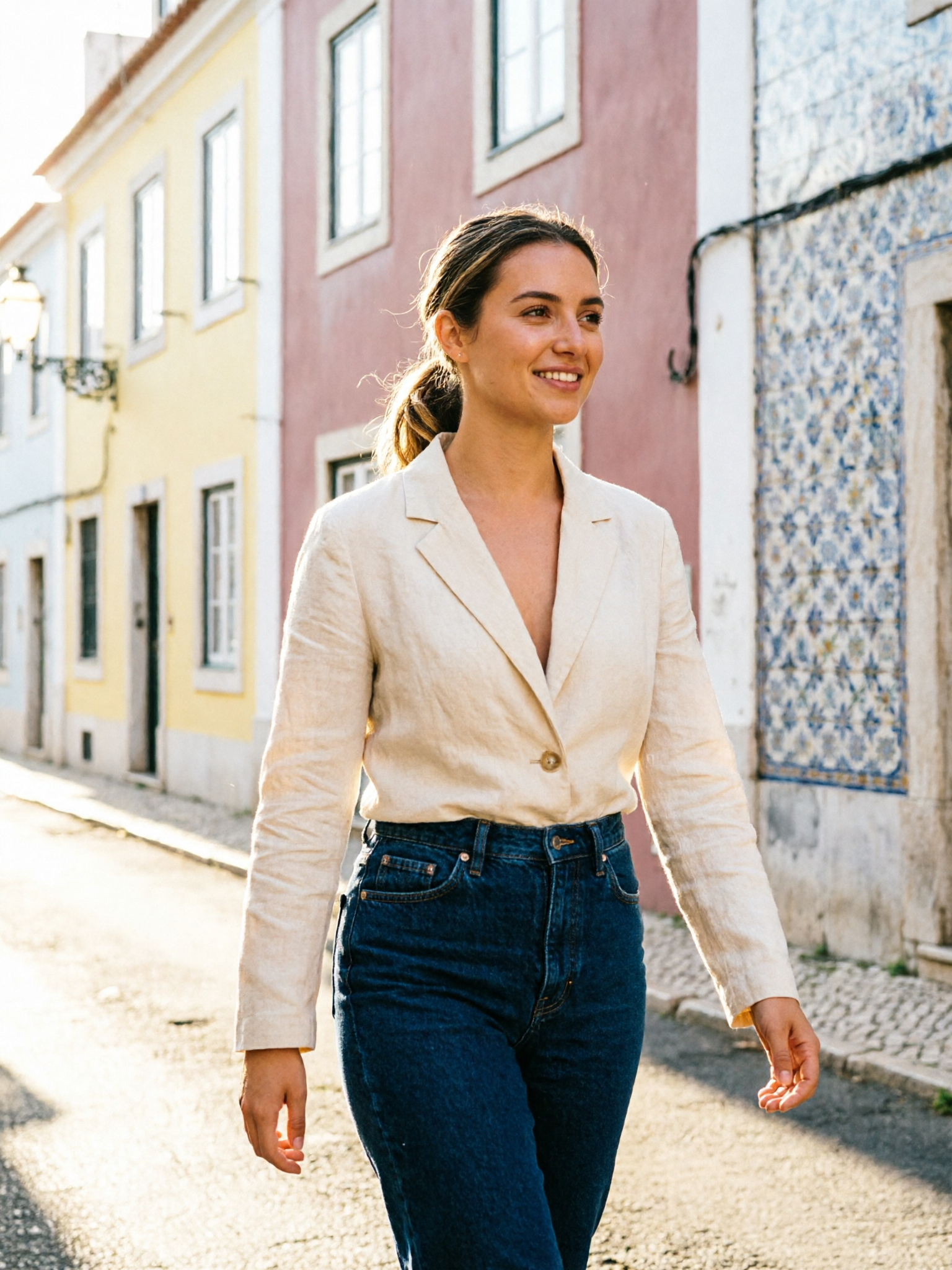
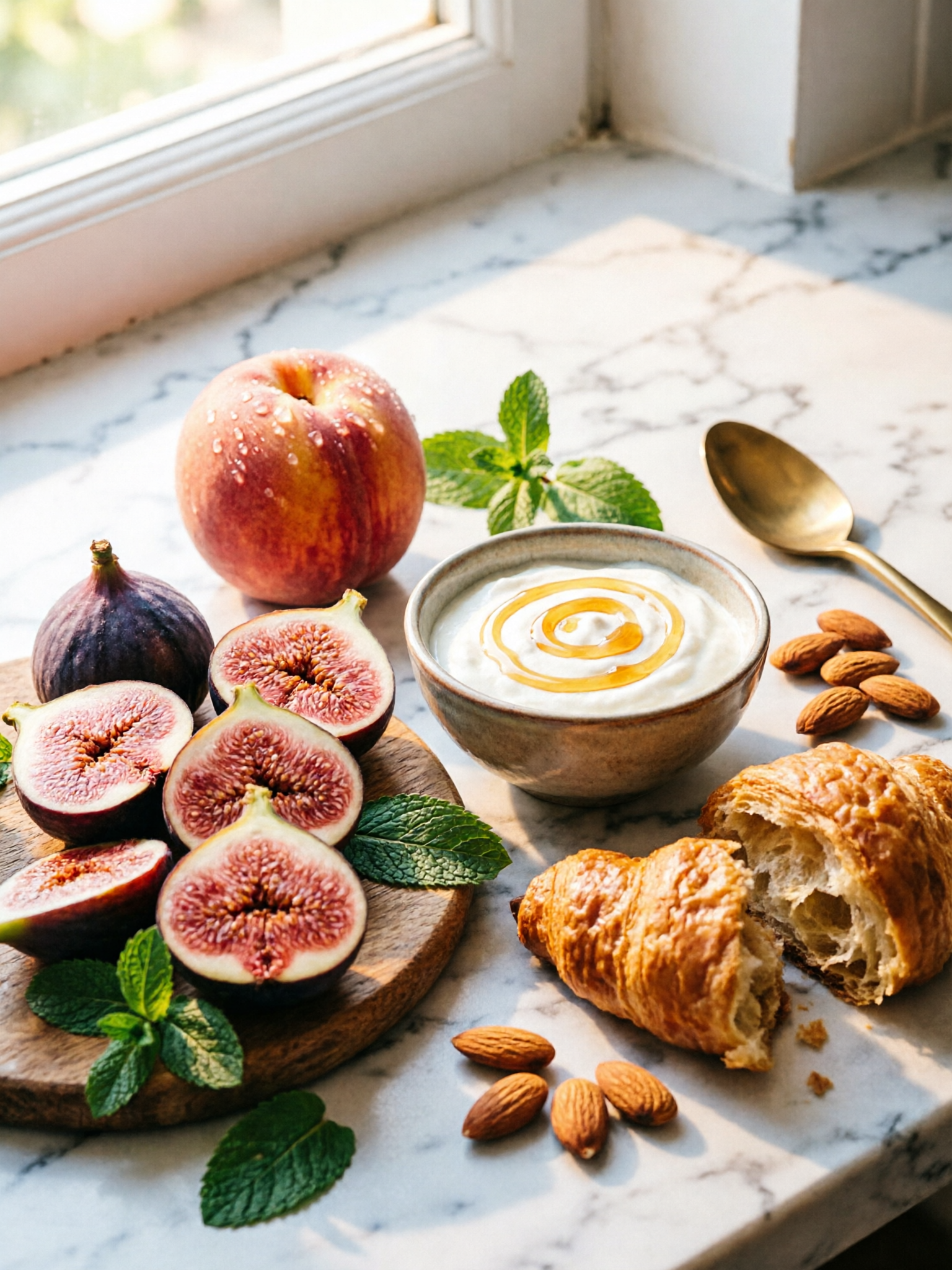
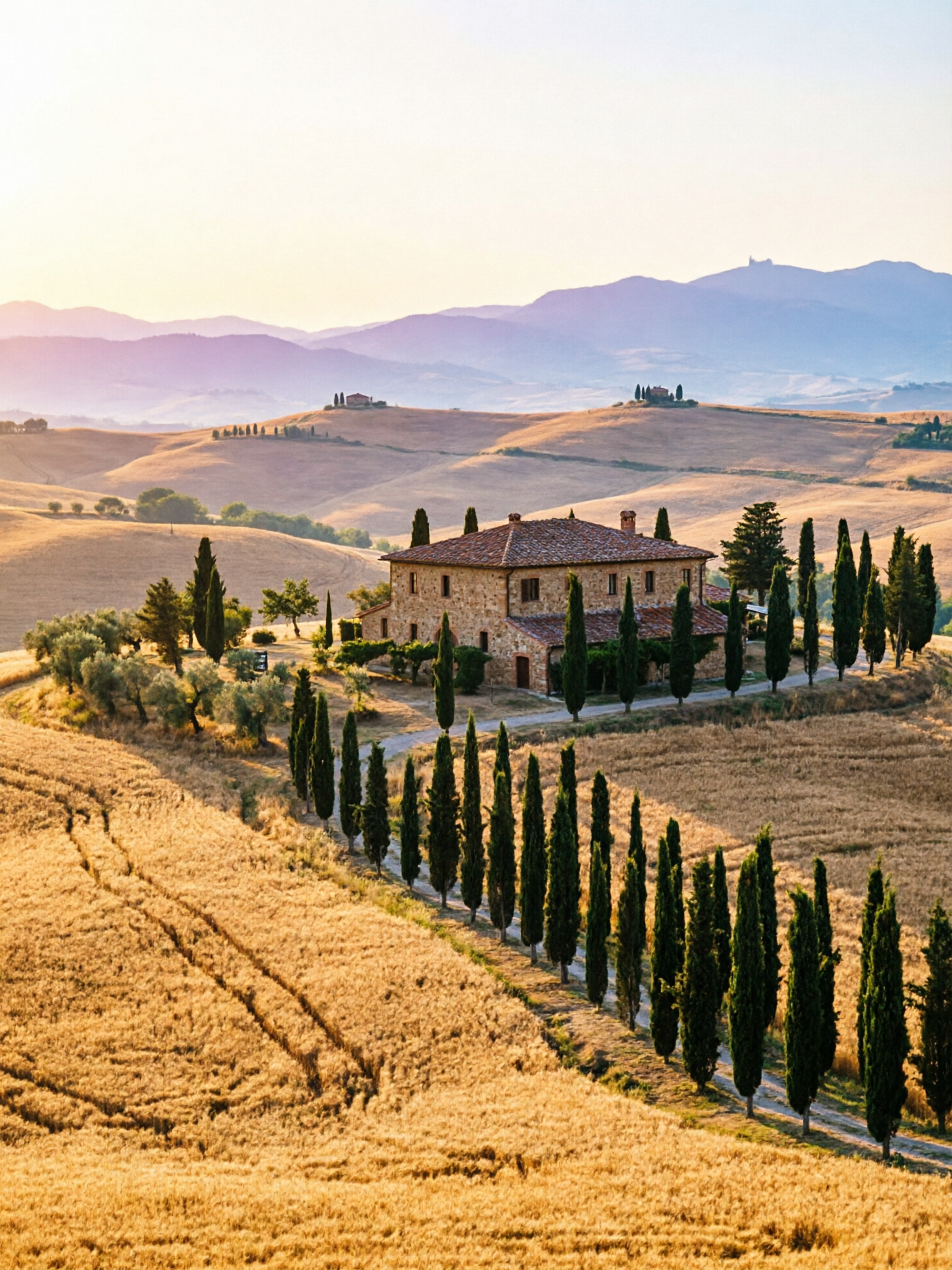
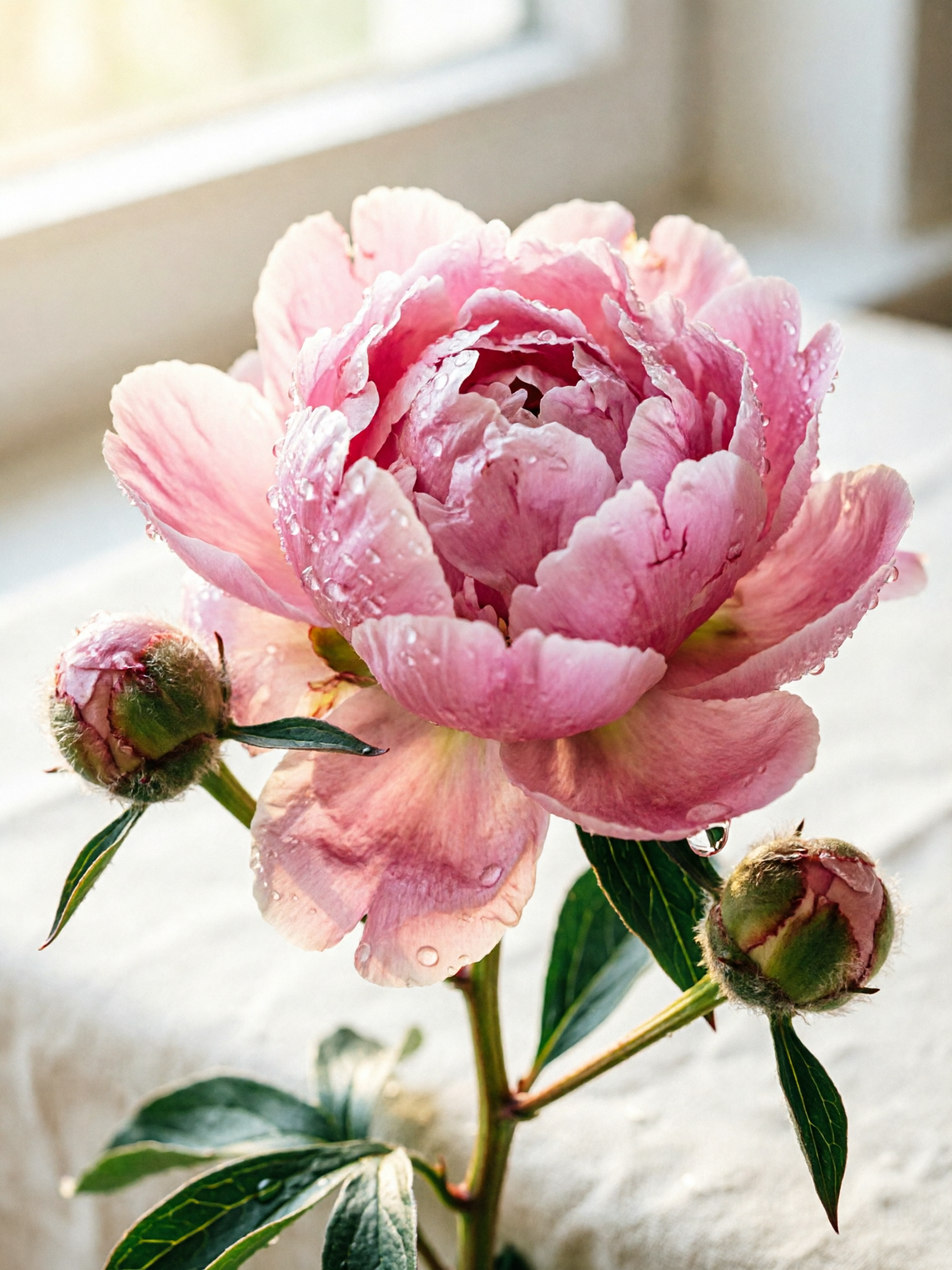
See Qwen Image 2.0 in action
Six prompts, six results. Copy any prompt to start from the same place.


Qwen Image 2.0 vs other ZenCreator models
| Model | Best at | Pick when |
|---|---|---|
| Qwen Image 2.0 | Fast in-image text at lowest cost | Default typography work, high volume iteration |
| Qwen Image 2.0 Pro | Same text + Thinking Mode reasoning | Complex composition + text combined briefs |
| Nano Banana 2 | Instruction-following, reference editing | Editing tasks; censored |
| Seedream 5 | Fast cinematic photoreal | Speed + rich color, text isn't focal |
| WAN 2.7 | Cheap photoreal all-rounder | Subjects without focal text |
| Flux Klein NSFW | Photoreal NSFW anatomy | Mature work — Qwen is censored |
When should you NOT pick Qwen Image 2.0?
Three categories where another model fits better:
- NSFW or edgy content — Qwen has Chinese-source censorship baked into the weights. Inspection-off doesn't help. Switch to Flux Klein NSFW or SDXL NSFW for unrestricted work.
- Complex layouts that base keeps misreading — Qwen Image 2.0 Pro adds Thinking-Mode reasoning for composition-heavy briefs. Same text strength, better layout planning.
- Pure photoreal without typography focus — Seedream 5 and WAN 2.7 render photoreal subjects more richly. Qwen's edge is text inside the image; skip it for subjects where text doesn't matter.
Get started in 4 steps
- Open the Text-to-Image generator (or the Image Editor for reference-based work).
- Pick Qwen Image 2.0 in the model picker.
- Write your prompt — quote in-image text content, name the script for non-Latin glyphs.
- Pick ratio + batch size, hit Generate. Result returns in 5–10 seconds (sync, no polling).
How do you write prompts for Qwen Image 2.0?
Qwen's edge is text + predictable execution. Five tactics:
1. Quote every piece of in-image text. Wrap text content in double quotes — title reading "LITTLE SECRET", bottle label "CHATEAU MERIDIEN". Quoted strings are treated as literal target content. Unquoted text descriptions invite invention.
2. Specify font style with the quote. Add weight, case, and treatment alongside the quote — bold uppercase serif "OLIVA · TUSCAN KITCHEN", script neon "Little Secret" in warm pink glow. Type spec produces tighter execution; vague text descriptions produce vague type.
3. Use layout-zone language. "Upper third", "lower-right corner", "across the top", "central composition". Qwen plans placement from these cues — vague layouts produce average layouts.
4. Write non-Latin scripts in the native characters. For Japanese kanji, Chinese hanzi, Korean hangul, or Cyrillic, write the actual glyphs inside quotes. Qwen handles all of these correctly when written natively.
5. Skip prompt-extension tricks. Qwen has prompt_extend disabled — what you write is what's rendered. Tag-soup syntax (masterpiece, ultra-detailed, 8k) is wasted tokens. Write actual instructions instead.
What to avoid: NSFW or edgy phrasing (refused regardless of inspection settings), Russian prompts (mid-tier comprehension — prompt in English even when generating Russian-text-in-image content), under-specified text content (Qwen will invent text), tag soup.
Bottom line
Qwen Image 2.0 is the default choice for design work where in-image typography drives the brief — wine labels, signage, menus, posters, packaging, book covers. The text renders at design quality on the first pass, the API returns in 5–10 seconds, and the credit cost is the lowest in the platform's paid lineup. For more complex composition layered with typography, step up to Qwen Image 2.0 Pro. For unrestricted or photoreal-without-text work, pick a different model.
Available in
Qwen Image 2.0 powers two image tools on ZenCreator. Pick the entry point that fits your input.
Questions
How fast is generation?
5–10 seconds per image on a sync API — the result returns directly in the response, no polling needed, roughly 2× faster than the Pro variant.
The Pro variant (Qwen Image 2.0 Pro) adds a Thinking-Mode reasoning step before diffusion, which roughly doubles the latency to ~13 seconds in exchange for stronger composition.
Does Qwen Image 2.0 support NSFW content?
No — the model has Chinese-source censorship baked into the weights, so turning off inspection doesn't help and the model refuses nude content outright.
For NSFW work, switch to Flux Klein NSFW for photoreal anatomy or SDXL NSFW for the LoRA-stacked alternative. Both allow inspection to be disabled for trusted users.
What's the difference between Qwen Image 2.0 and Qwen Image 2.0 Pro?
Same model, same training, same 2K output, same text-rendering strength — Pro adds thinking_mode: True, an internal reasoning pass that improves composition on harder briefs.
The trade-off is roughly 2× slower per image and a higher credit cost. Pick base for simple typography work where you're iterating fast; pick Pro when composition gets complex.
Can Qwen Image 2.0 render non-Latin scripts?
Yes — the model handles Latin, Chinese, Japanese, Korean, and Cyrillic glyphs inside images, rendering each script natively without transliteration.
Write the target text in the native script inside quotes — for example, "ラーメン" in Japanese kanji or "СЕВЕР" in Cyrillic. Naming the language explicitly in the surrounding prompt helps as well.
Can I prompt in Russian?
Mid-tier comprehension — prompt in English even when generating Russian-text-in-image content, because Qwen's instruction-following on Russian prose is noticeably weaker than English.
Write the Russian text in quotes inside the English prompt — the model renders the quoted glyphs correctly even when it didn't parse Russian instructions cleanly. This split workflow gives the best results.
Are generated images commercially usable?
Yes — ZenCreator grants commercial usage on Qwen Image 2.0 outputs from paid plans, covering client work, ads, packaging, book covers, and print runs.
The platform does not claim ownership of generations — outputs are yours to use across commercial channels, including brand and editorial design projects.
When should I pick Qwen Image 2.0 over Nano Banana 2?
Pick Qwen when in-image text drives the design — signage, labels, posters, menus — since Qwen renders typography at the strongest fidelity on the platform.
Pick Nano Banana 2 when web grounding for real-world subjects matters (specific places, products) and your content stays clearly SFW. Both excel at instruction-following, but they solve different jobs.
Sources
- Alibaba Tongyi Lab — official Qwen Image release
- Qwen model documentation and technical overview
- ZenCreator AI Models Review (internal) — Qwen Image 2.0 strengths and weaknesses
- Internal benchmark comparisons across Qwen Image 2.0, Pro variant, Seedream 5, and WAN 2.7 — ZenCreator testing, May 2026
Try Qwen Image 2.0
Available on ZenCreator — sign in, open the relevant generator, pick Qwen Image 2.0 from the model list.
Qwen Image 2.0 is developed by Alibaba (Qwen Team). Official page. ZenCreator provides access to Qwen Image 2.0 through its platform.