7 Best AI Headshot Generators in 2026 (Ranked & Tested)
We tested every AI headshot generator in 2026. From identity-locked professional shoots to quick LinkedIn photos — here are the 7 best options.

Getting a professional headshot used to mean booking a photographer, renting a studio, and spending a few hundred dollars for a handful of usable shots. AI headshot generators have changed that — but not all of them are equal. Some produce blurry, generic-looking results. Others change your face between shots. A few are actually good.
We tested the main options in 2026 and ranked them below. For most people who need consistent, high-quality professional headshots, ZenCreator PhotoShoot comes out on top because it solves the biggest problem with AI headshots: face consistency across every output.
Quick answer
The best AI headshot generator in 2026 is ZenCreator PhotoShoot. Its Identity Lock feature preserves your exact face across every shot, and 40+ themed categories cover everything from a corporate lobby look to a creative studio feel. If you need to generate dozens or hundreds of headshots in one session, batch processing handles it without any extra steps.
The other six tools on this list are good for specific situations — fast LinkedIn photos (BetterPic), one-click profiles (HeadshotPro), budget shoots (Aragon AI), editing-first workflows (Fotor), simple interfaces (Canva), or corporate HR batches (Try It On AI).
1. ZenCreator PhotoShoot — Best overall for professional headshots
ZenCreator is an AI content platform built for creators and brands. The PhotoShoot tool is its flagship image feature and it is the most complete solution for professional headshots we tested.
What makes it different:
- Identity Lock — The face in every headshot is the same person. This is the feature most AI headshot tools get wrong. ZenCreator pins your character's identity and carries it through all 40+ categories.
- 40+ themed categories — Professional corporate, studio portrait, outdoor, casual, editorial, and more. You are not limited to one background or one lighting setup.
- Batch processing — Generate 100s of headshots in one session. This matters if you are building a content library or producing headshots for multiple team members.
- 4K Upscaler with face-safe mode — Every headshot can be upscaled to 4K without the face distorting. This is important for print and high-resolution web use.
- Face Generator + Face Swap — Create a unique AI character from scratch or apply any saved face to a new scene. Good for brands that want a consistent AI persona.
ZenCreator is a paid platform. There is no free tier.
Try the templates below to see what the output looks like:
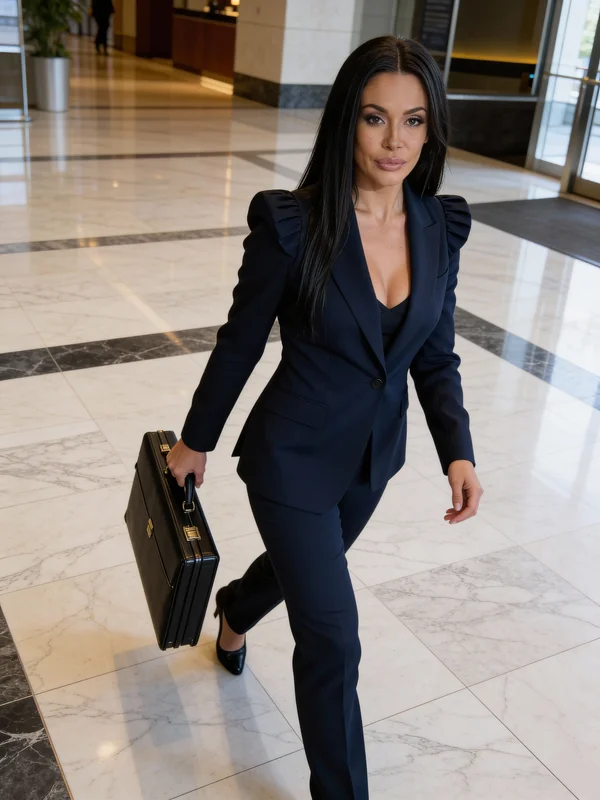 Try this template → · Open PhotoShoot →
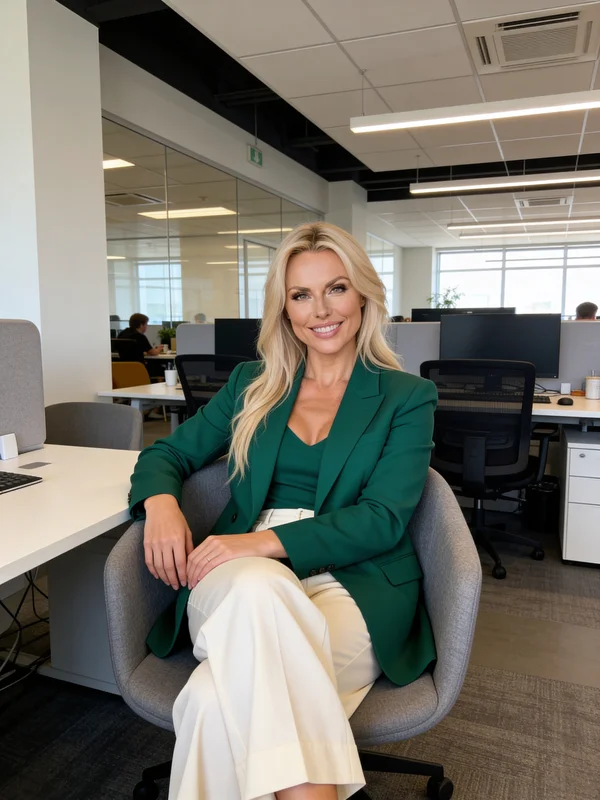 Try this template → · Open PhotoShoot →
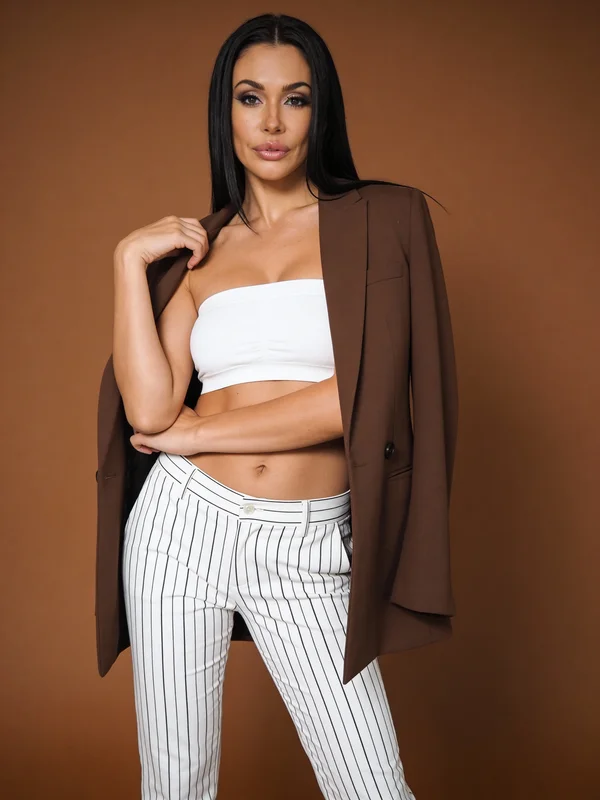 Try this template → · Open PhotoShoot →
Best for: Creators, brands, and professionals who need consistent, high-quality headshots across multiple styles — or anyone building a content library at scale.
Also worth reading: PhotoShoot tool deep dive and how to build a full AI influencer.
2. BetterPic — Fast professional headshots from photos
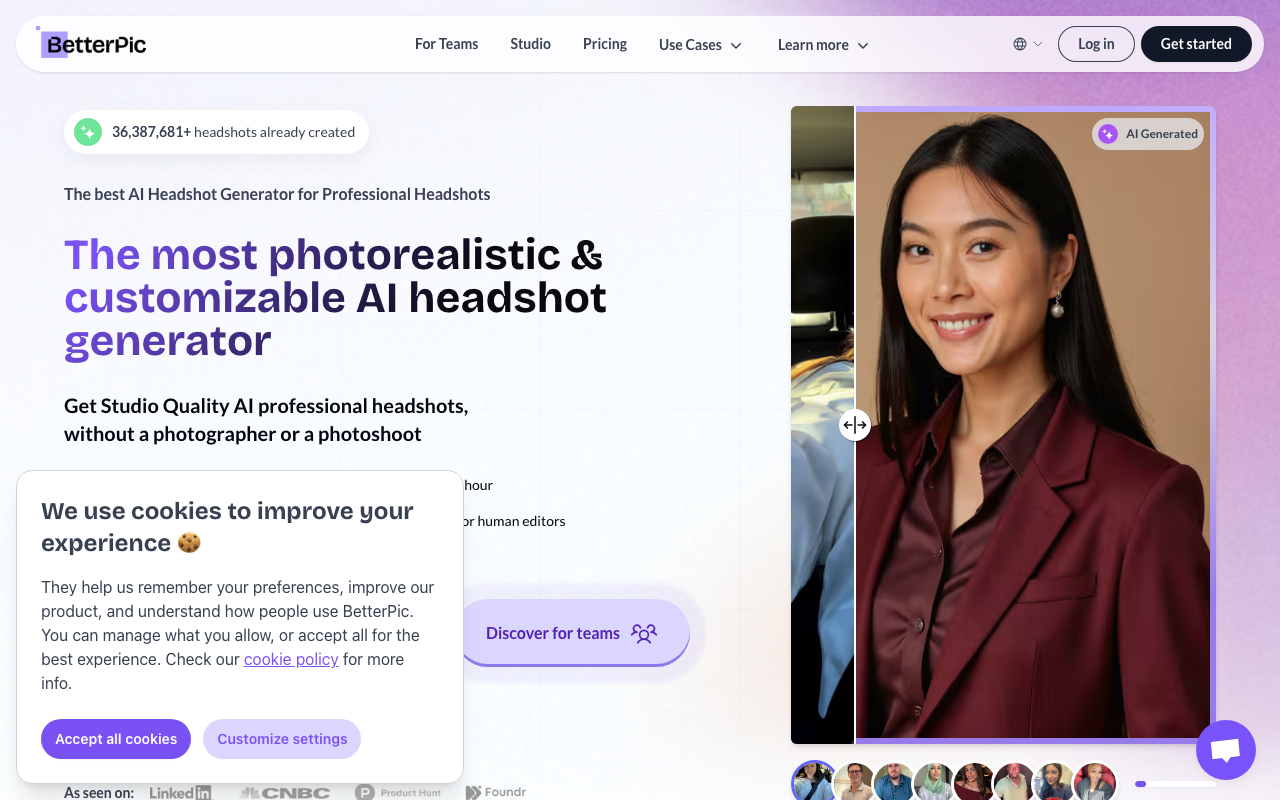
BetterPic is a dedicated AI headshot service. You upload 10–15 selfies, choose a style pack (corporate, LinkedIn, casual), and get 120+ headshots back within about an hour. The output quality is solid for most professional needs.
What it does well:
- Fast turnaround — results in under an hour
- Wide style variety in each pack
- Clean, natural-looking skin tones
Limitations:
- No live generation — you upload photos and wait for a batch
- Limited control over individual shots after the batch is done
- Free tier available with limited outputs
Best for: Professionals who want to upload existing photos and get a large batch of polished results quickly.
3. HeadshotPro — LinkedIn-focused headshots
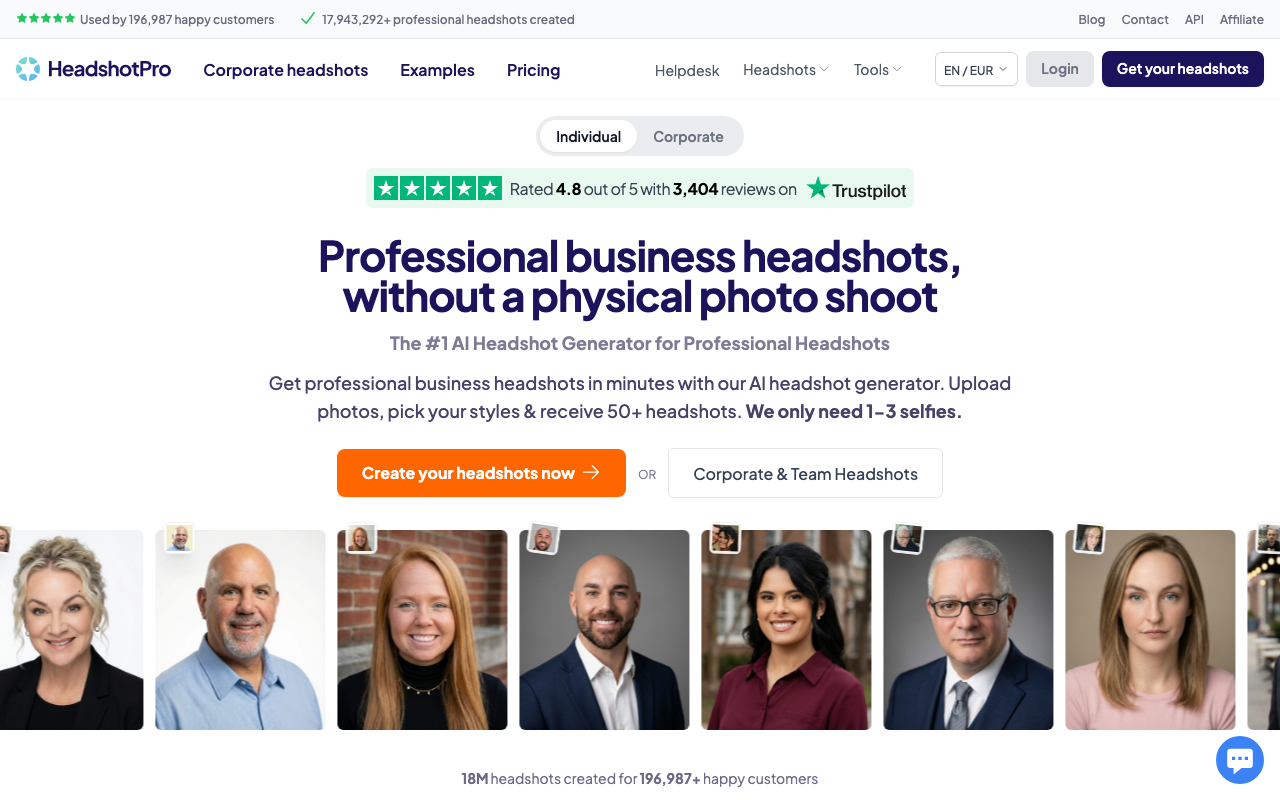
HeadshotPro is designed specifically for LinkedIn and business profiles. The interface is straightforward — upload photos, pick a background and style, get headshots. It leans heavily into the professional LinkedIn aesthetic: clean backgrounds, business attire, neutral expressions.
What it does well:
- Simple workflow with almost no decisions to make
- Results look credible for LinkedIn and email signatures
- Free tier available for basic headshots
Limitations:
- Limited creative range — most outputs look similar
- Not suited for editorial or branding headshots
- Less control over face consistency across styles
Best for: Anyone who just needs a quick, professional LinkedIn profile photo and does not want to spend time learning a new tool.
4. Aragon AI — Budget-friendly option
Aragon AI takes a similar approach to BetterPic — upload selfies, get headshots — but positions itself as a lower-cost option. The output quality is good at the price point. Style variety is moderate compared to higher-end tools.
What it does well:
- Lower price point than most dedicated services
- Fast processing (often under 30 minutes)
- Reasonable quality for casual professional use
- Free trial available
Limitations:
- Output resolution is lower than premium services
- Background consistency can vary between shots
- Less useful for creating multiple distinct styles
Best for: Individuals on a tight budget who need a few decent headshots for job applications or profiles.
5. Fotor AI — Photo editing with AI headshot mode
Fotor is primarily a photo editing tool that added an AI headshot feature. If you already use Fotor for editing, the headshot mode is a convenient add-on. If you do not, it is not a reason to switch from a dedicated service.
What it does well:
- Integrated editing tools — you can retouch AI outputs immediately
- Good background removal and replacement
- Free tier available with limited AI generation credits
Limitations:
- The AI headshot feature is secondary to its editing toolkit
- Fewer style options than dedicated headshot services
- Results vary more widely than specialized tools
Best for: Users who already edit photos in Fotor and want to experiment with AI headshots without switching apps.
6. Canva AI — Simple headshots for non-designers
Canva added AI image generation features including headshot-style outputs. If you already live in Canva for social graphics and presentations, this is the easiest path to a quick headshot. The quality is functional but not as polished as dedicated tools.
What it does well:
- Zero learning curve if you already use Canva
- Good for simple profile photos and team page images
- Free tier available with Canva's standard AI credits
Limitations:
- Not a dedicated headshot tool — it is a general image generator
- Less reliable face consistency than specialized services
- Limited professional styles compared to dedicated tools
Best for: Canva users who need a quick profile image without leaving the platform.
7. Try It On AI — Corporate batch headshots
Try It On AI focuses on corporate use cases — HR teams and companies that need to generate headshots for entire teams at once. The workflow is optimized for batch inputs and consistent styling across many different faces.
What it does well:
- Purpose-built for team and corporate headshots
- Consistent styling across multiple subjects
- Batch upload support for team photos
- Free trial available
Limitations:
- Less creative flexibility for individual use
- Interface is built for HR workflows, not creators
- Output styles lean heavily corporate
Best for: HR teams and companies that need to generate consistent headshots for 10+ team members at once.
Comparison table
| Tool | Identity lock | Batch processing | 4K output | Best use case |
|---|---|---|---|---|
| ZenCreator PhotoShoot | Yes | Yes (100s) | Yes (face-safe) | Professional content at scale |
| BetterPic | Partial | Yes | Limited | Fast batch from selfies |
| HeadshotPro | Partial | No | No | Quick LinkedIn photo |
| Aragon AI | Partial | Yes | No | Budget headshots |
| Fotor AI | No | No | Limited | Editing + headshots |
| Canva AI | No | No | No | Quick in-platform photo |
| Try It On AI | Yes (team) | Yes | No | Corporate team headshots |
Try these PhotoShoot templates
The five templates below are ready to use in ZenCreator PhotoShoot. Click any card to open the generator.
FAQ
What is an AI headshot generator? An AI headshot generator creates professional portrait photos using artificial intelligence instead of a camera and photographer. You provide reference images or a description of the character you want, and the AI generates studio-quality headshots in different styles and backgrounds.
Are AI headshots good enough for LinkedIn? Yes — the best AI headshot generators produce results that look professional and credible on LinkedIn. The key is choosing a tool that keeps the face consistent and uses appropriate business-style backgrounds. ZenCreator PhotoShoot, BetterPic, and HeadshotPro all produce LinkedIn-ready results.
Can I use an AI headshot for a job application? Yes. AI headshots are increasingly common and there is no standard that requires photos to be taken by a human photographer. The same quality rules apply: the photo should be clear, professional-looking, and show your face well. Avoid obviously artificial-looking backgrounds or lighting.
How many photos do I need to upload to get good results? It depends on the tool. BetterPic and Aragon AI ask for 10–15 selfies taken from different angles and in different lighting. ZenCreator PhotoShoot works from a single reference image or a generated face — you do not need a large photo library.
What is Identity Lock and why does it matter? Identity Lock is ZenCreator's feature that pins a specific face identity and carries it through every headshot it generates. Without it, AI generators tend to drift — the person in shot 1 looks slightly different from the person in shot 20. Identity Lock prevents that drift, which is critical if you are generating dozens of headshots for a content library or building a consistent AI persona for a brand.
Is ZenCreator good for creating AI characters who are not real people? Yes — this is actually one of ZenCreator's strongest use cases. The Face Generator creates a brand-new AI character with a unique face that does not belong to any real person. You can then use PhotoShoot to generate professional headshots of that character in any style. Good for AI influencers, brand mascots, and content at scale without using real people's likenesses.
Sources: DataForSEO keyword data (April 2026). AI headshot tool feature comparisons based on published platform documentation and testing. Pricing and feature availability subject to change — verify on each platform's website before purchasing.