Wan 3.0
Wan 3.0 by Alibaba Tongyi Lab generates 30 seconds of continuous 1080p video in one take, with its own soundtrack and no content filter. Coming to ZenCreator.
Zero cuts, a completely static camera, and audio written by the model together with the picture — nothing hand-picked or synced afterwards.
What is Wan 3.0?
Wan 3.0 is Alibaba Tongyi Lab's new video model, built to generate 30 seconds of continuous footage in a single take with native audio and no content filter.
It is the next step in the Wan family that already powers uncensored video on ZenCreator, and the change is duration held at quality. Earlier models produced short fragments that had to be chained together, and a body in motion came apart somewhere in the middle — which is why long close-ups were the shot nobody attempted.
Two things follow from that. The clip no longer has to be assembled from pieces, and it no longer arrives silent: the model writes the soundtrack in the same pass as the picture. Both are covered in detail below.
What changes if you already shoot in Spice mode?
Wan 3.0 does not start from scratch — it continues the workflow you already have and removes the limits that forced the workarounds around it.
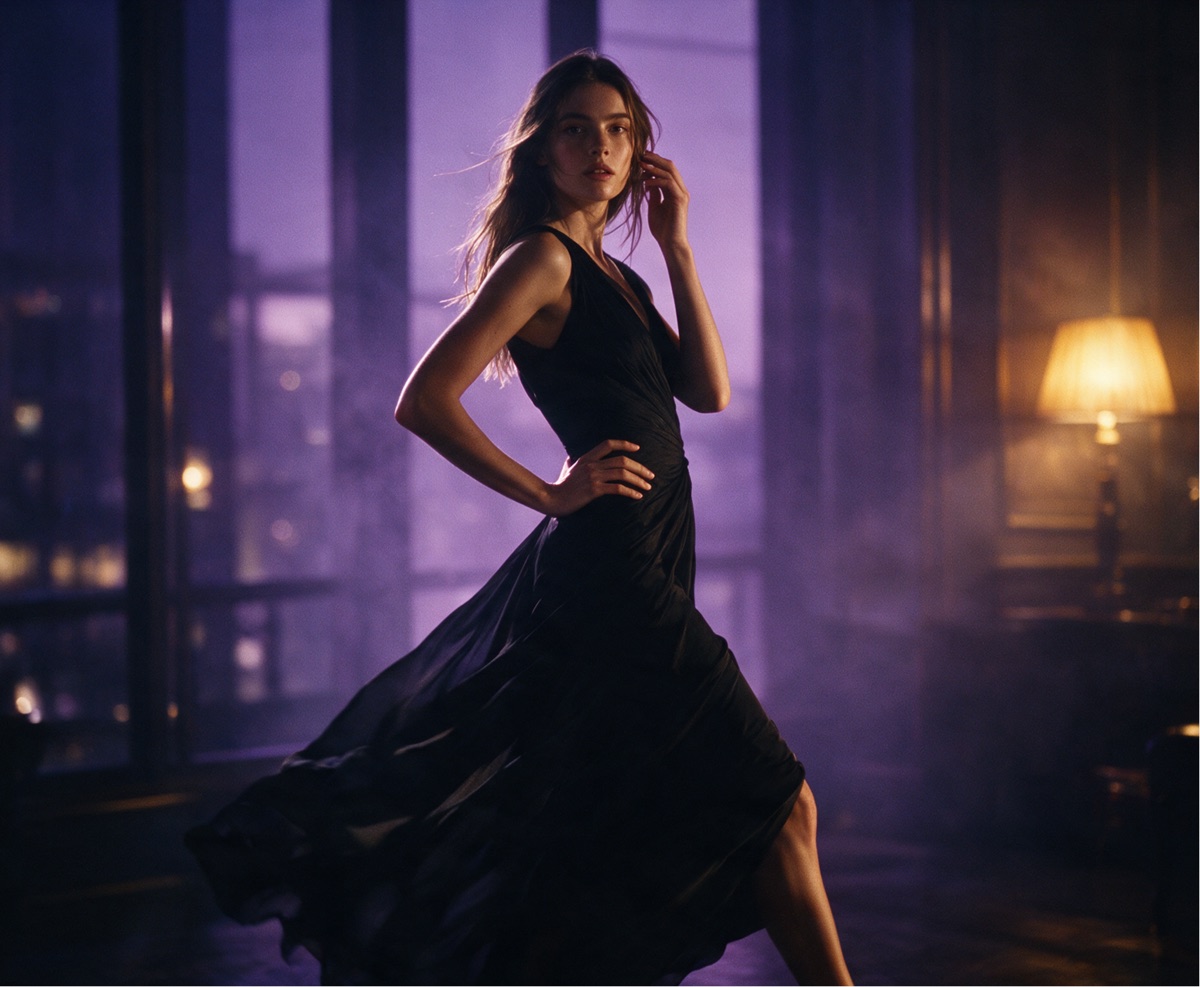
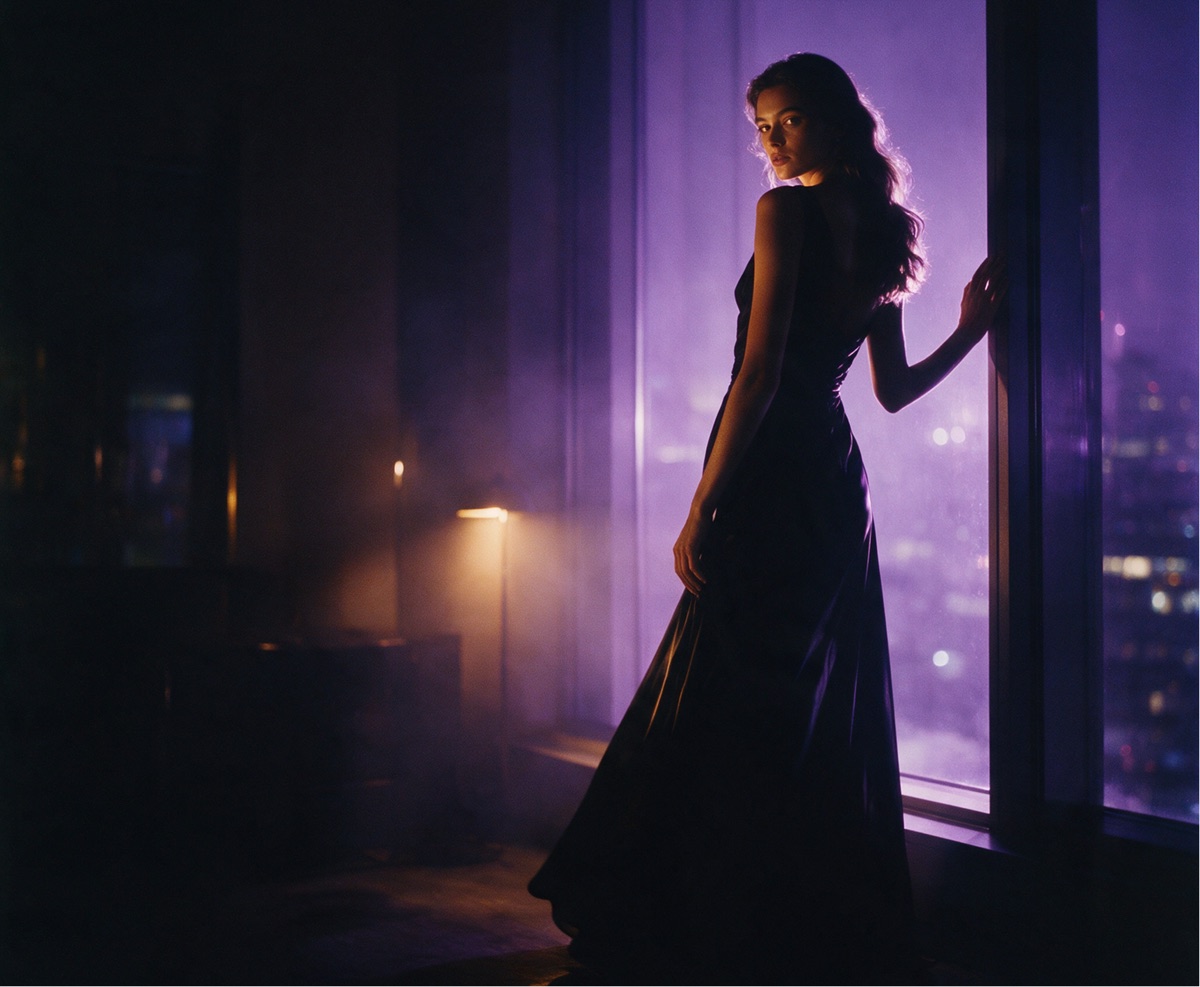

What does Wan 3.0 give you in practice?
Four things change, and each one removes a workaround you are doing today.
Why does 30 seconds in one take matter?
Because a single continuous take removes the two things that give AI video away: the cut, and the slow slide out of shape that follows it.
Chaining five-second fragments means every join is a place where the face shifts, the light jumps or the fabric changes — and editing around that is where the hours go. A continuous take has no joins to hide, and Wan 3.0 pairs it with a completely static camera when you ask for one: the frame stays still and the subject carries the motion, which is the hardest case for any video model and the fastest way to spot a fake.
Duration is set as any whole number of seconds, so a nine-second cutdown for a Reel costs you a number in a field rather than a trip to an editor.
Does Wan 3.0 really come with sound?
Yes — the model writes its own soundtrack for the scene it draws, created alongside the picture rather than matched afterwards.
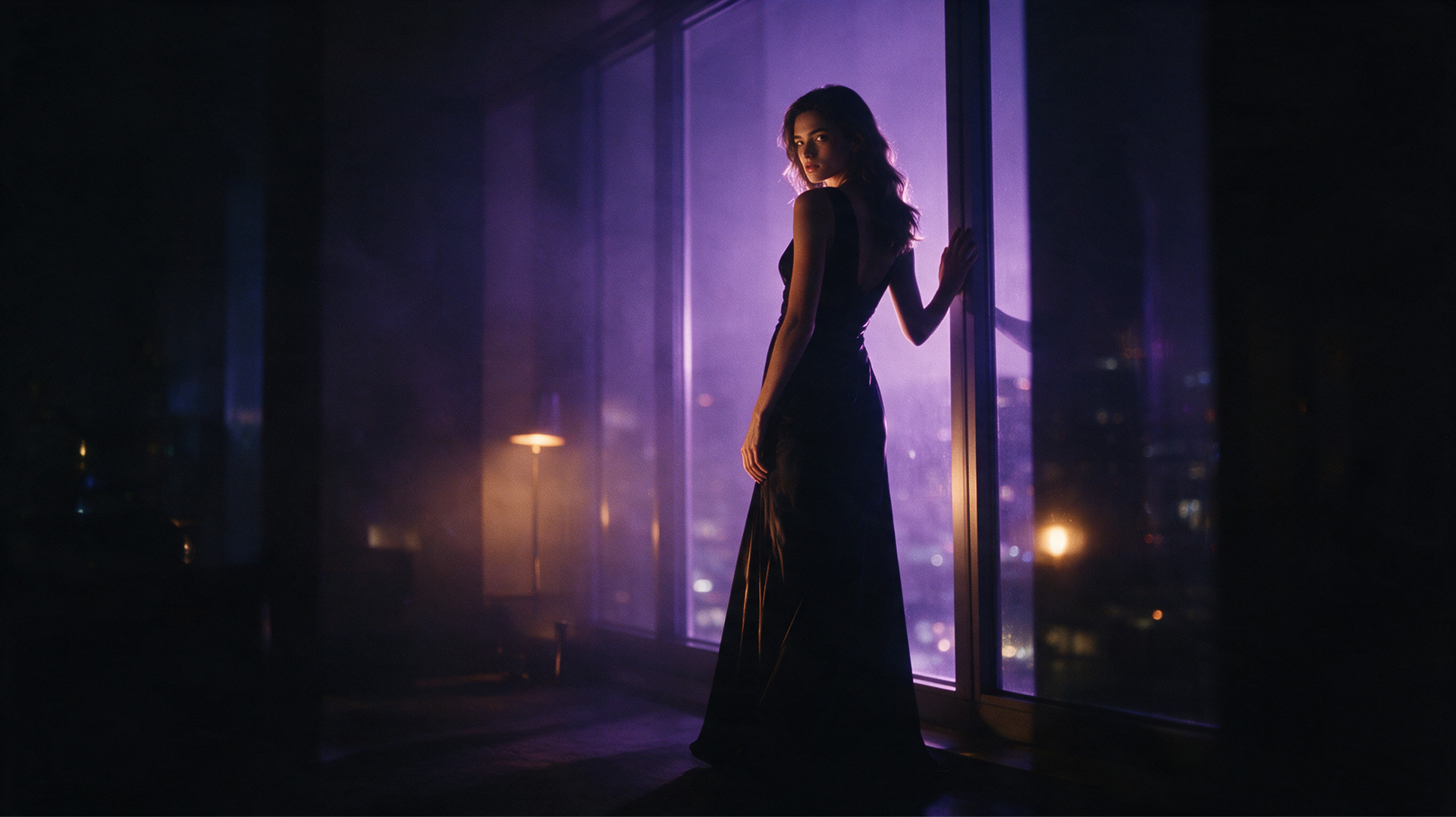
How do you write a prompt for a 30-second take?
Describe one continuous action, not a sequence of shots. A 30-second take is one camera and one subject, so a prompt that reads like a shot list will fight the model. Write what the subject does from the first second to the last, in the order it happens.
Put the camera in the prompt explicitly. State that the camera is static if you want it static. Left unsaid, models tend to invent a slow wander, and that wander is what makes a long take feel unstable.
Spend your characters on the body, not on adjectives. With 5,000 characters available, the useful detail is posture, weight distribution, where the hands are and how they move. That is what the model now holds, and a generic prompt wastes the improvement.
Describe the sound you want. The soundtrack is generated from the same prompt, so naming the sonic environment — rain against a window, a quiet room, an upbeat track — gets you a matching mix instead of a default one.
Use references for identity, prompt text for motion. Up to ten images and five videos can go in together. Let them carry who the character is and what the place looks like, and keep the written prompt for what happens.
When should you still pick another model?
Wan 3.0 is built for long, continuous, uncensored scenes. Some jobs still belong elsewhere.
- Short social cutdowns rendered as cheaply as possible — a five-second clip from Wan 2.7 Spicy does the job without paying for duration you will trim away.
- Precise start-and-end-frame choreography across a series of shots — Kling 2.1 is built around that control.
- Still images rather than motion — use Wan 2.7 in Text-to-Image instead of pulling a frame out of a video.
When will Wan 3.0 be available on ZenCreator?
Wan 3.0 is in closed testing. It will appear next to the other video tools, in the same interface, under the same account, with a shared generation history — nothing new to learn and nothing to migrate.
The feature set and access timeline may still change while testing continues. Everything on this page describes the model as it behaves in closed testing today.
Questions
How long can a Wan 3.0 video be?
Up to 30 seconds in one continuous take, with no cuts and no stitching. Duration is set as any whole number of seconds, so shorter clips are equally straightforward.
Does Wan 3.0 generate sound automatically?
Yes, and it is generated in the same pass as the picture rather than matched to it afterwards. Describing the sonic environment in your prompt is enough to steer it.
Is Wan 3.0 uncensored?
Yes — there is no content filter in front of the model, so explicit scenes are not softened, rewritten or rejected before they reach it.
What resolution does Wan 3.0 output?
1920×1080 at 30 frames per second, with a selectable aspect ratio.
How many reference files can Wan 3.0 take?
Up to ten images, five videos and five audio files in one generation. Alternatively you can supply a first and last frame when a scene needs to run from a defined starting point to a defined end.
How does Wan 3.0 compare to Wan 2.7 Spicy?
Wan 2.7 Spicy tops out at 15 seconds; Wan 3.0 runs a full 30 in one take and holds anatomy through motion instead of drifting. Both generate audio and both run without content filters.
Can I use Wan 3.0 today?
Not yet — it is in closed testing. It arrives on ZenCreator alongside the existing video tools; until then, Wan 2.7 Spicy is the most capable uncensored video model on the platform.
Sources
- Wan (Alibaba Tongyi Lab) — official model site: wan.video
- Wan 3.0 closed-testing announcement and specification, ZenCreator internal, August 2026.
- ZenCreator platform documentation — Video Generator
Try Wan 3.0
Available on ZenCreator — sign in, open the relevant generator, pick Wan 3.0 from the model list.
Wan 3.0 is developed by Alibaba (Tongyi Lab). Official page. ZenCreator provides access to Wan 3.0 through its platform.